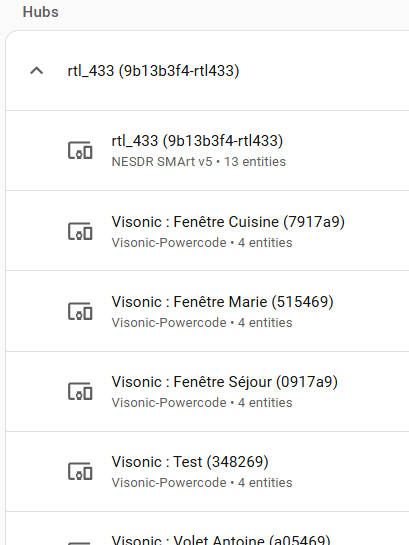
Fooling around…
Does this work with MQTT Explorer?
I can’t get the Rtl_433 to show up.
Thanks.
Also…the .conf file. Where is it now? Been fooling around with frequencies. Couldn’t get it to hop. Thanks.
edit: I’m not that bright. I’ve just read from your notes that MQTT is not used now. I’ve found MQTT Explorer very helpful to see what’s going on. Trying to get info from sensors with varied frequencies and protocols. Anything similar in the new integration?
edit2: I just saw this. I’ve got 3 frequencies so far, and one dongle, lol. Couldn’t get it to work in the old setup. Any tips/hints?
edit3: I’m actually using the Device page as a substitute for MQTT explorer. Still would like to try frequency hopping.
If you turn on debug logging on the integration you’ll see each message there even if the device is not actually added to home assistant.
Otherwise, the config files go in the addon_configs folder and are named based on the usb port or serial number. The addon startup logs tell you the exact file name to create.
Unfortunately home assistant doesn’t have a list or array entity type for a list of numbers like frequencies. Do you think a second text field would be ok? Then each frequency could be space separated.
For now, you can disable managing config on the hub, and then do whatever you want in the config file for frequency hopping.
The Visonic sensors are working great ! (addon + intégration)
But if I don’t configure the add-on, it doesn’t work. I thought I understood that you could manage that through the integration.
frequency 868.95M
sample_rate 250k

# Filtrage du protocole Visonic
protocol 151

# Sorties
output http:0.0.0.0:8433
I have 2 (out of 12) sensors that aren’t transmitting data, and others that behave erratically (by comparison, all of them are transmitting data to the Visonic control panel)