Sentinel YT: Apple TV YouTube Guardian (MQTT Discovery + SponsorBlock + optional Gemini)
Tags: mqtt, docker, youtube, media-player, automation, dashboard, sponsorblock, parental-control
Hi all,
I’m sharing a project I built for family-safe YouTube on Apple TV (and other tv's and players):
Sentinel YT
GitHub: https://github.com/joeblack2k/sentinel-yt
Container: ghcr.io/joeblack2k/sentinel-yt:latest
What it does
- Discovers/pairs YouTube Lounge sessions
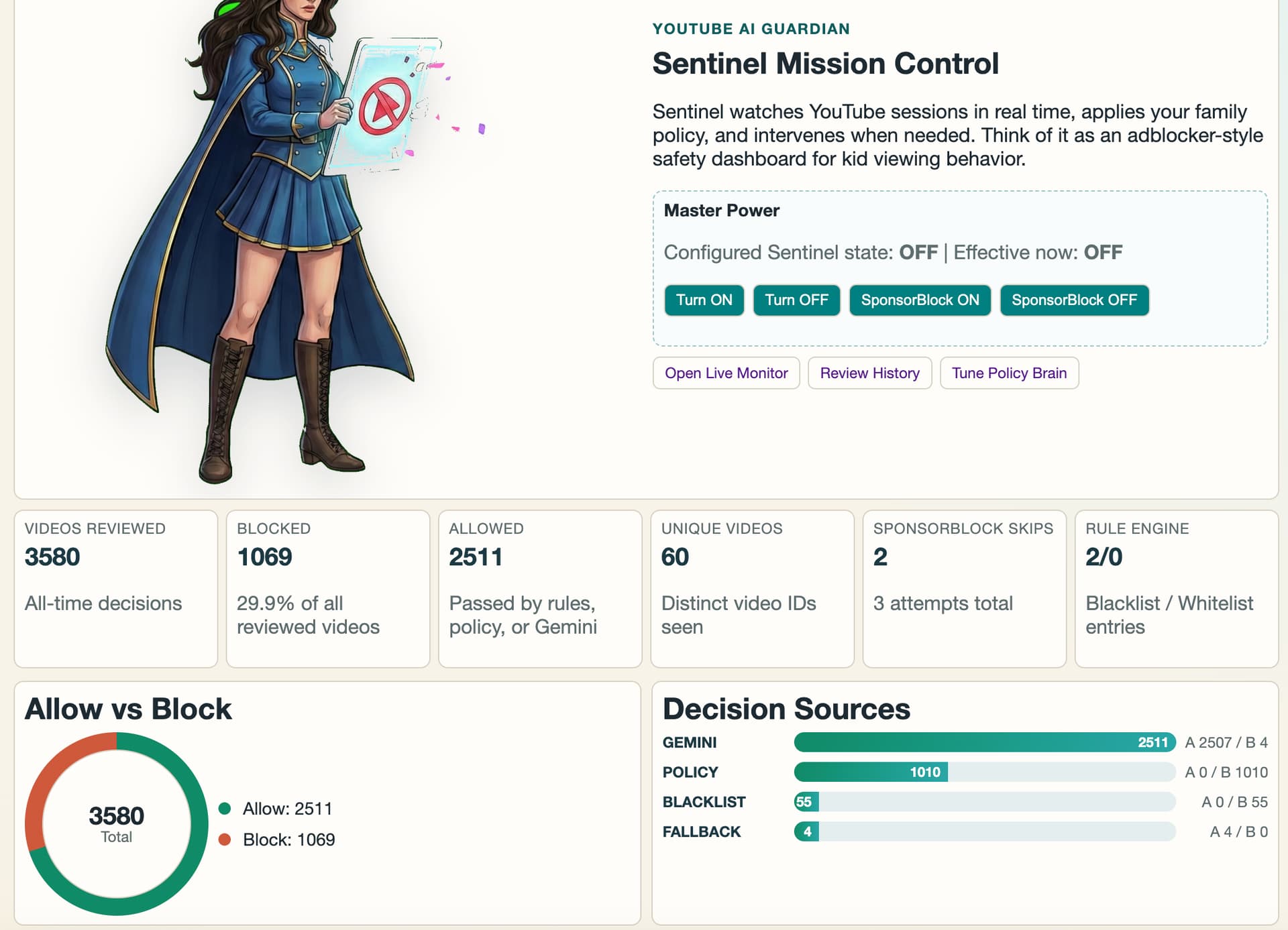
- Monitors current videos in real time
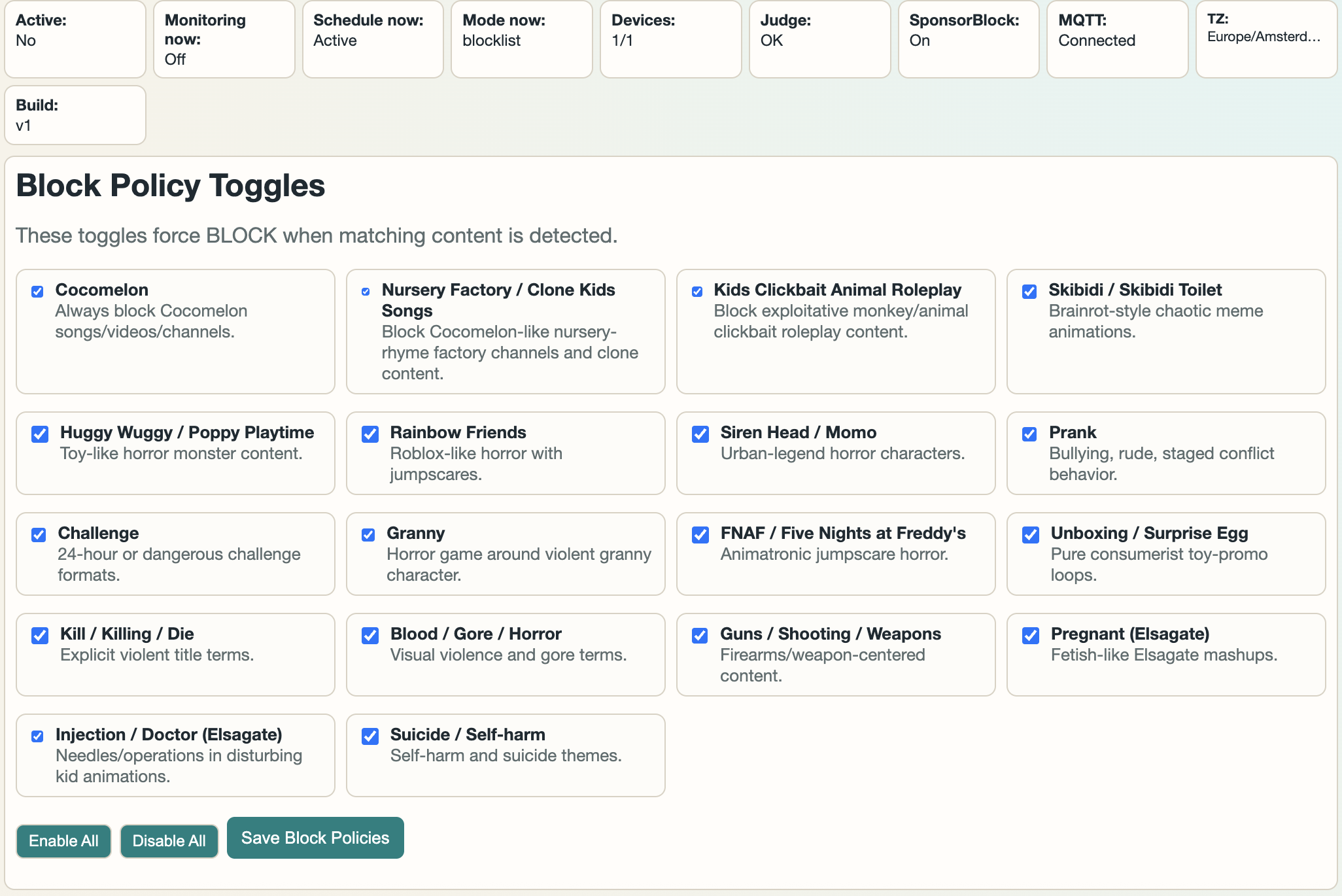
- Applies block/allow rules first (fast/local)
- Optional Gemini analysis (can be disabled)
- SponsorBlock support (separate on/off and schedule)
- Web dashboard with history, rules, devices, settings
- Home Assistant integration via MQTT Discovery + webhooks
Home Assistant integration
Sentinel auto-publishes MQTT entities (via discovery), including:
- Switches: Sentinel active, SponsorBlock active
- Sensors: blocked today, allowed today, reviewed today, totals, db size, schedule mode, etc.
- Command topics:
sentinel/command/active/setsentinel/command/sponsorblock_active/setsentinel/command/remote_release_minutes/set
Payload examples:
ON/OFFfor switches15for temporary release minutes
Quick Docker example
services:
  sentinel:
    image: ghcr.io/joeblack2k/sentinel-yt:latest
    container_name: sentinel-yt
    restart: unless-stopped
    network_mode: host
    environment:
      SENTINEL_PORT: 8090
      SENTINEL_DB_PATH: /data/sentinel.db
      GEMINI_API_KEY: ""
      GEMINI_MODEL: gemini-2.0-flash
      TZ: Europe/Amsterdam
    volumes:
      - ./data:/data
Notes
- Works LAN-local (no cloud auth layer in v1)
- If Gemini fails (auth/quota), Sentinel can run fail-open while local rules still work
- Built for practical parent control workflows (blacklist/allowlist + review history)
If people are interested, I can post:
- A full HA package example (dashboard + automations)
- Recommended starter blocklists/allowlists
- A short setup video/walkthrough
Would love feedback from HA users running Apple TV + YouTube households.
\