I’m measuring outside temperature with BME280. The problem is that in the afternoon sun shines on it, so it shows quite a few degrees too much. Now i mounted another sensor at the back of my house where sun shines before noon, but not in the afternoon. So, i’d like to get lowest value of two, and i mean lowest CURRENT state of two (basically show first one before noon and second one in the afternoon).
MIN/MAX template is not correct one, since it’ shows min/max in a certain interval, while i want just see lowest currrent temperature in my lovelace.
(yes, i know, i should build a proper weather house… but it’s not that easy…)
How to do it? I guess it could be done with “if - else” in yaml?
Yeah, i tried this, but for some reason it doesn’t work. I entered both temperature entites, but it disregards second one for some reason…
Is that function more like statistics or does it calculates current values?
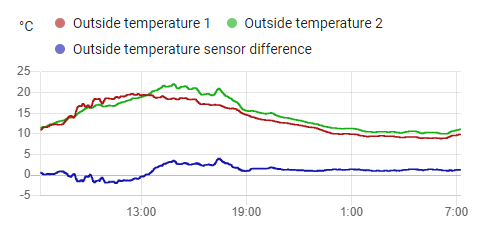
I have two template sensors to do this exact job: one to be used as the “actual” outside temperature, one to show the difference for interest. These are using the new template configuration:
@Hellis81 , @Troon Many thanks to both of you. Both solutions work like a charm! I knew that it requires a specialist to do it…
This language and all those synaxes etc… are still confusing to me. I’m used to simple Bascom and this is totally different. I hope that i’ll learn it some day… I’ll have to find a good web page for learning…
It’s a combination of experience, good documentation and playing in Developer Tools / Template.
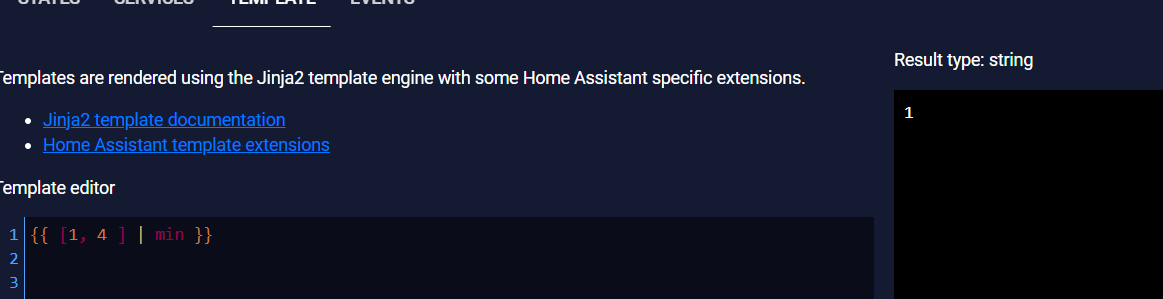
In the templating language, lists are defined like this: {{ [1, 2, 3] }}. The min filter works on a list, so this would give 4: {{ [7, 4, 9, 11]|min }}.
A sensor’s state is always a string, even if it looks like a number — "4" is not the same as 4. To run min on states, they need converting to numbers first, which is what the float filter does (or int, if you want an integer result).
My template is just a combination of these two rules — it is a list of the two float-converted states passed to the min filter. It looks difficult on a single line, but break it down and it’s not so scary:
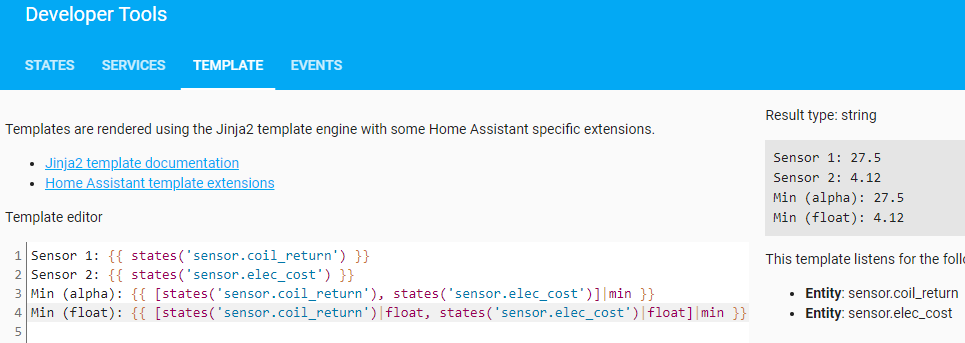
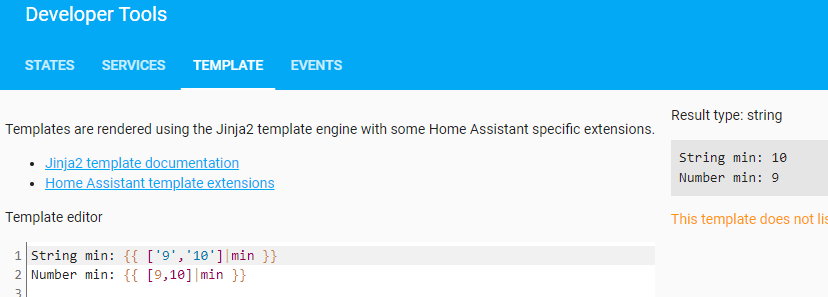
Note that @Hellis81’s example doesn’t include the float conversion, so whilst it will appear to work when the two sensors have the same magnitude, note that "9" is bigger than "10" in the same way that "z" is alphanumerically “greater” than "apple".
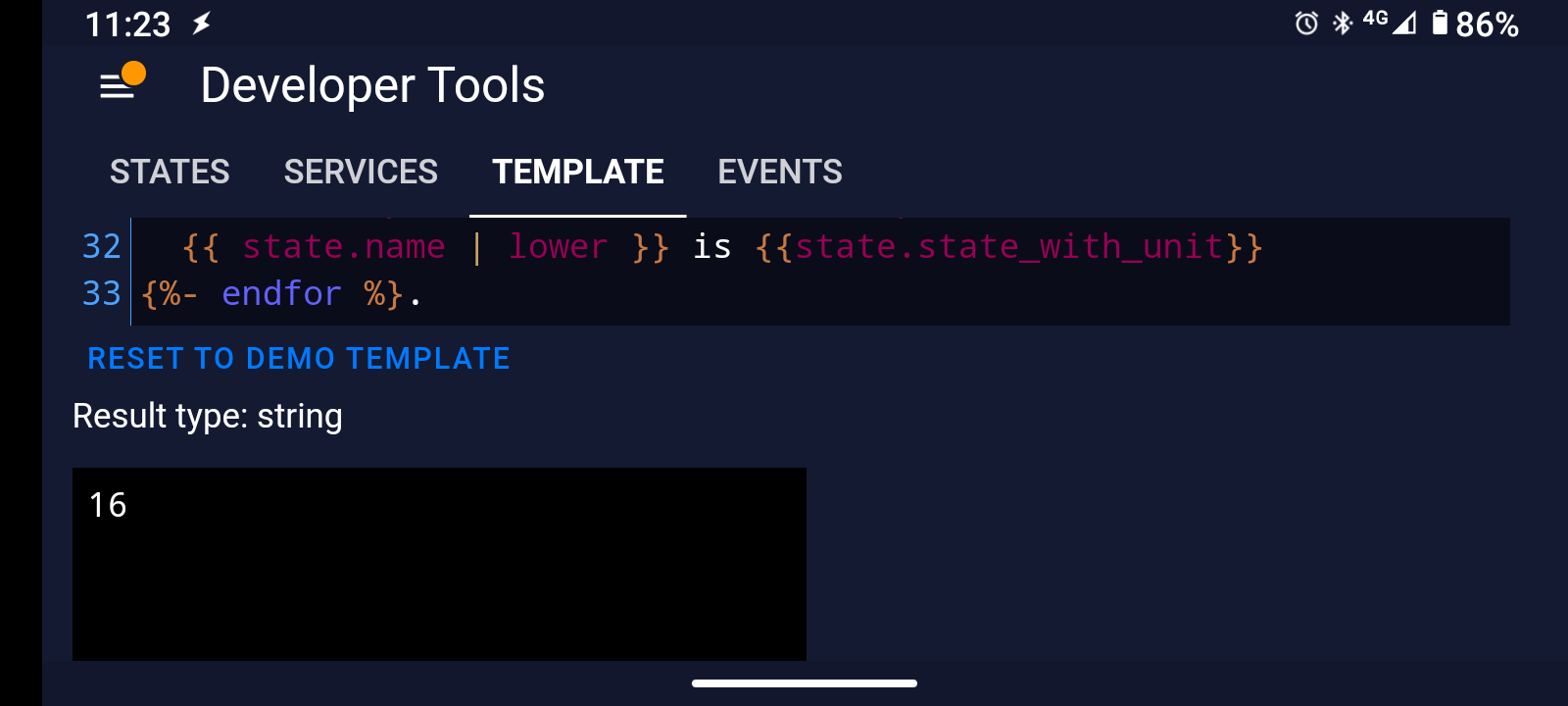
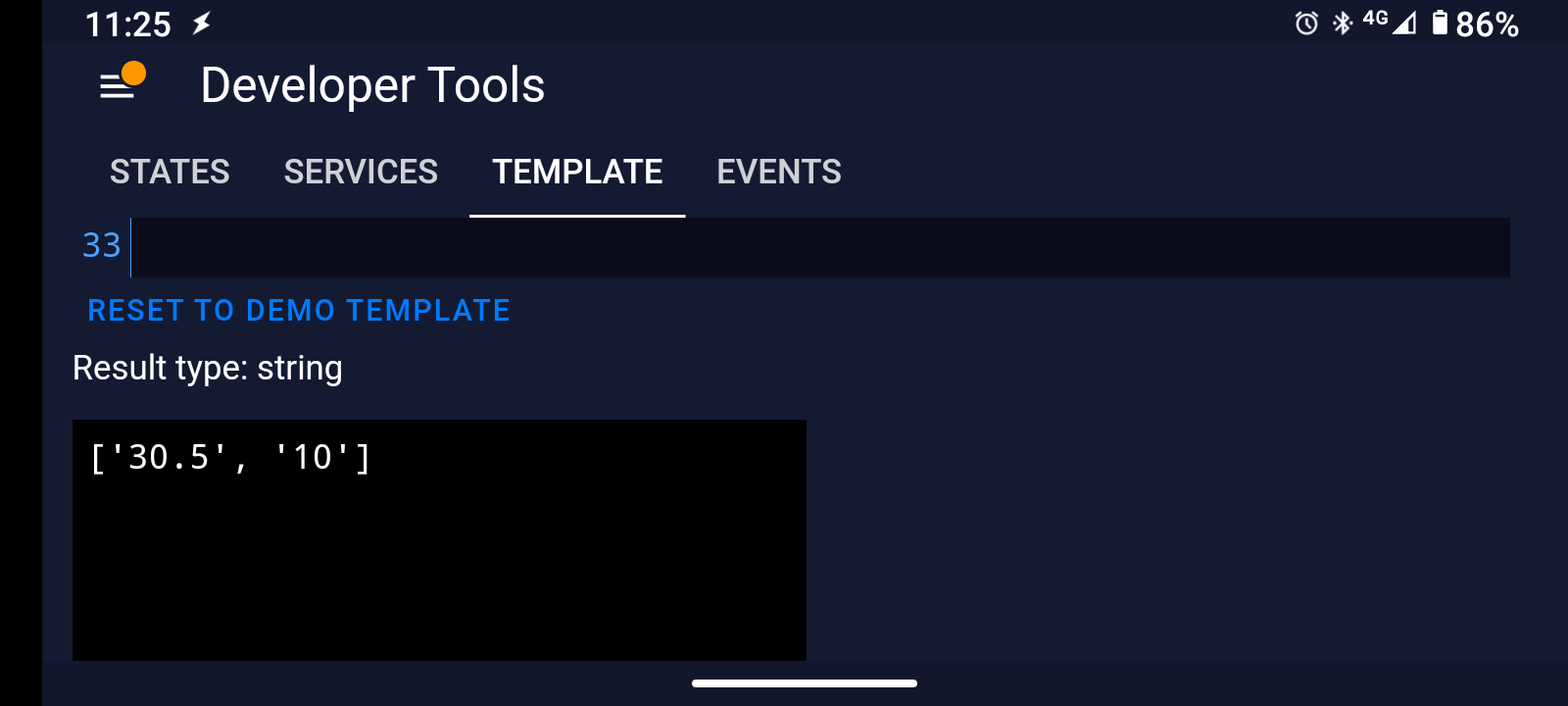
Here are two of my sensors to show the problem — "27.5" is alphanumerically smaller than "4.12", but 4.12 is numerically smaller than 27.5:
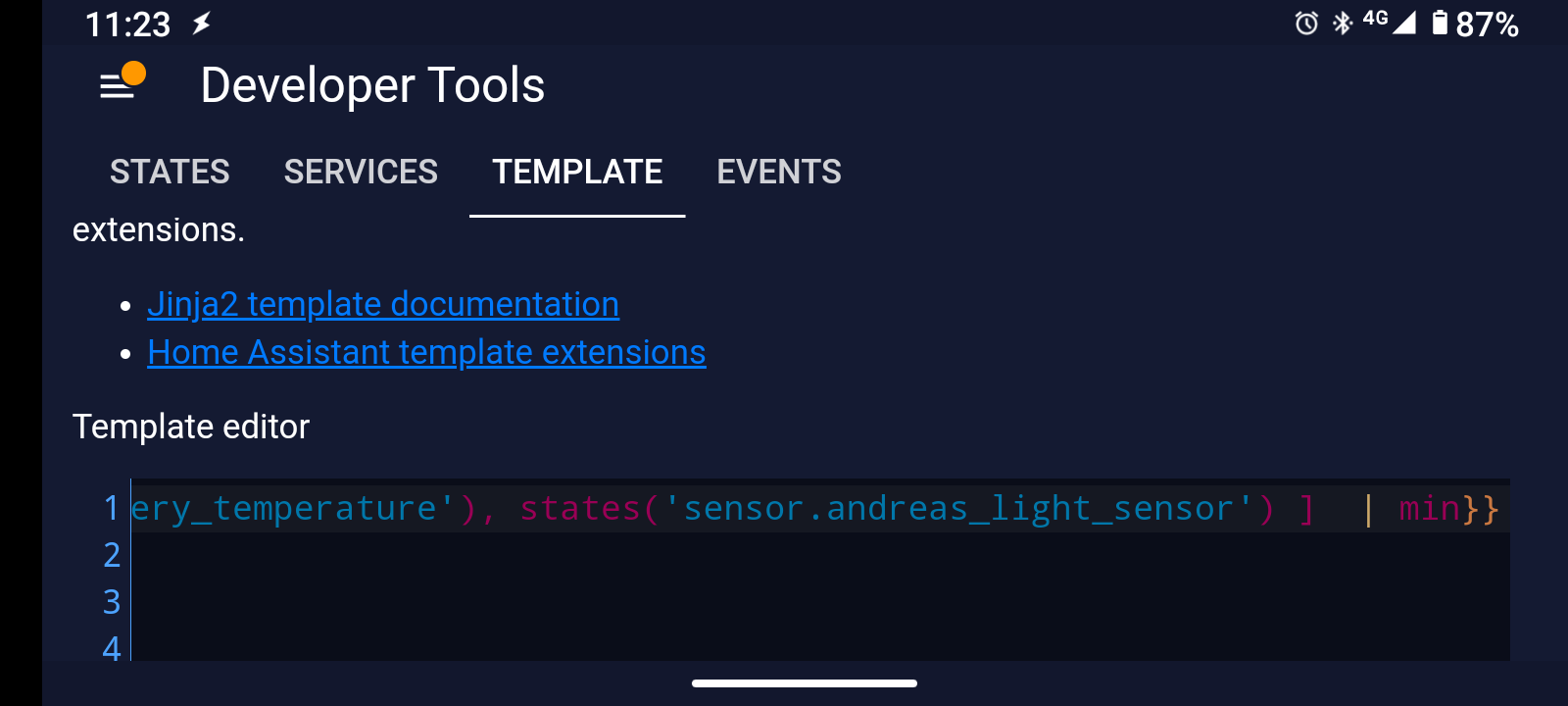
I have tried: see my screenshot from my big post above. What does {{ ['9','10']|min }} give you?
Like I say, the min of two strings will appear to work when the values are of the same order of magnitude or happen to be correctly sorted, so 27 and 31 will work, as will 2.7 and 31 — but 270 and 31 won’t give the right answer if you min the string values.
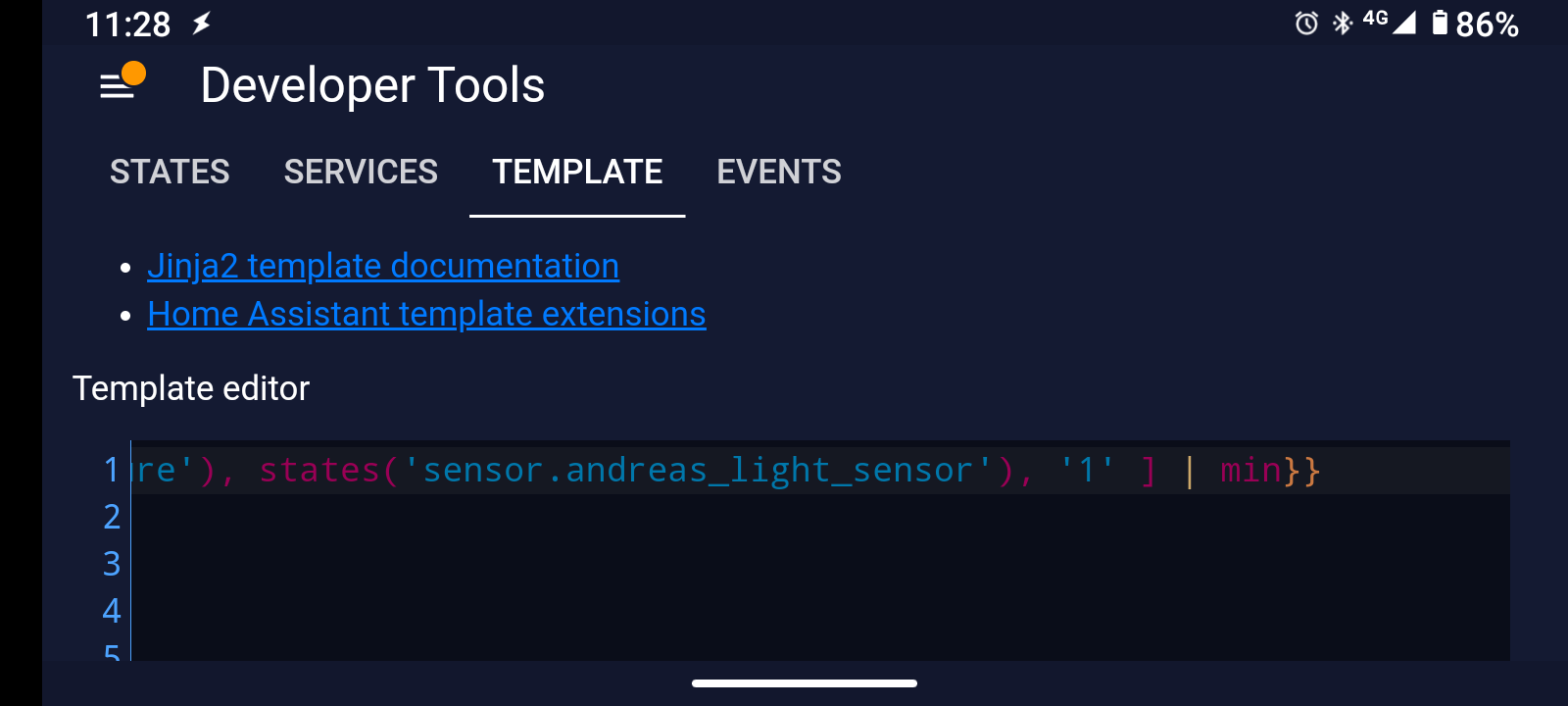
Well, i can confirm that i’ve had wrong reading an hour or two ago, when sun changed and my other sensor started to show lower temp, so result should change to other sensor. @Hellis81’s example still showed higher value, while @Troon’s correctly changed and showed correct value. I was on my phone then and i couldn’t write, otherwise i’d post a screenshot.
Now i added |float and both expamles are ok. I guess that it’s something connected with decimal values.
I remember that i did have same problems when i calculated min and max temperature - i made and sql from temperature entity values, i didn’t like statistics sensor, since it shows min/max for last 24 hours, while i want min/max from midnight until this moment.
Nope, it has something to do with how values are handled. A number is something different than a string. With setting the float filter, you are typecasting (or type converting) the string to a number format, in this case float. That’s why it works.
It would also work with int, as this is a number format as well, but without decimals.
 With setting the