Hi,
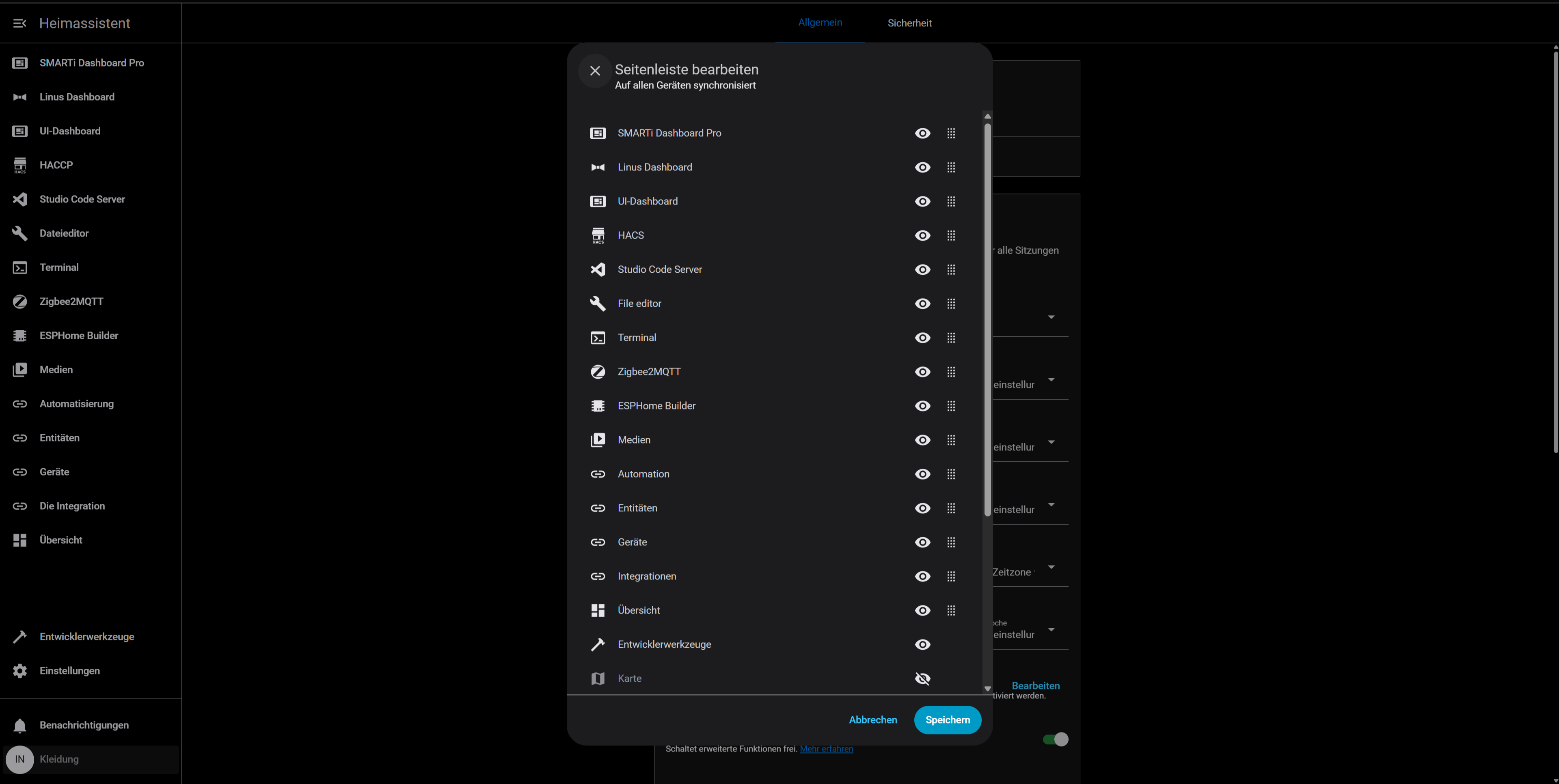
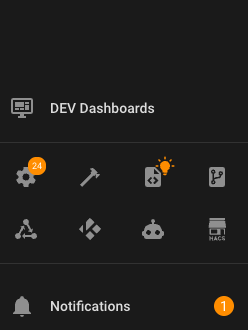
I can’t access the configuration menu. Nothing happens when I hold down the profile button. I’ve already tried clearing the cache. I’m using Google Chrome and Ha OS is running on Proxmox as a VM.
I dont know what i do wrong!
Hi,
I can’t access the configuration menu. Nothing happens when I hold down the profile button. I’ve already tried clearing the cache. I’m using Google Chrome and Ha OS is running on Proxmox as a VM.
I dont know what i do wrong!
Hi @uwecash, try press hold the title at the top of the sidebar, just like you would with the default. A window should pop up with a button to open the organizer dialog.
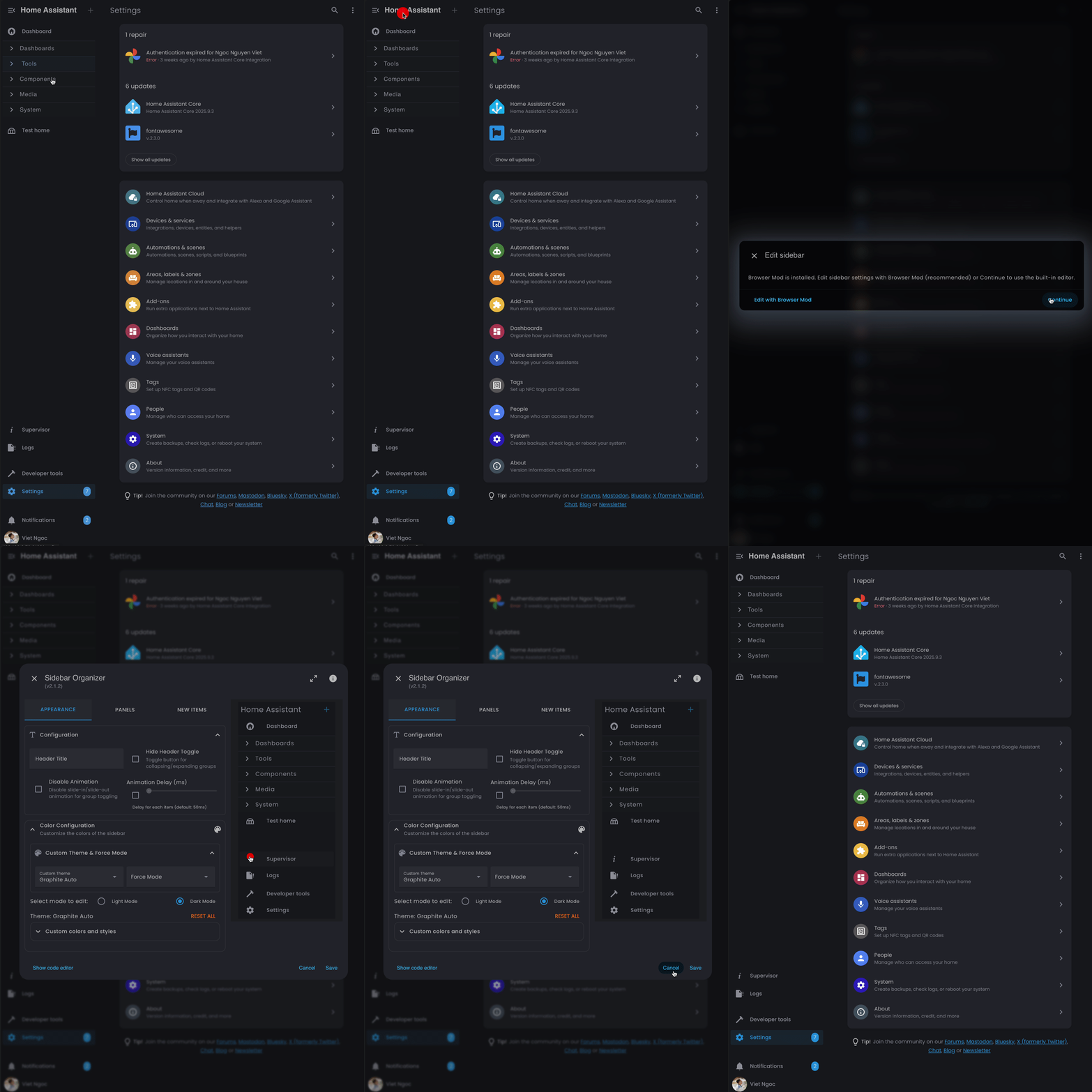
Hi, I have the same issue like @uwecash. Default menu appears, but no Sidebar organizer from the profile button. I use HA version 2025.9.4
This is the best integration for me. Thank you so much.
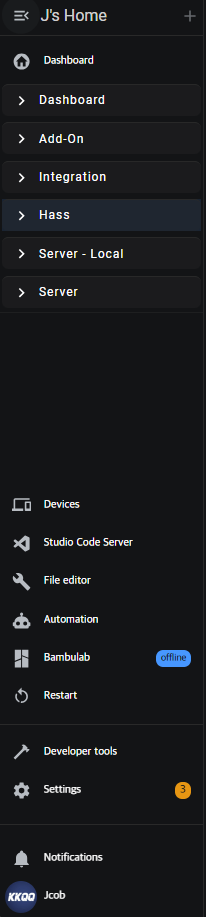
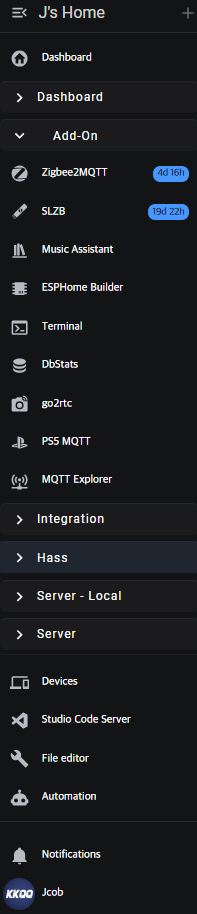
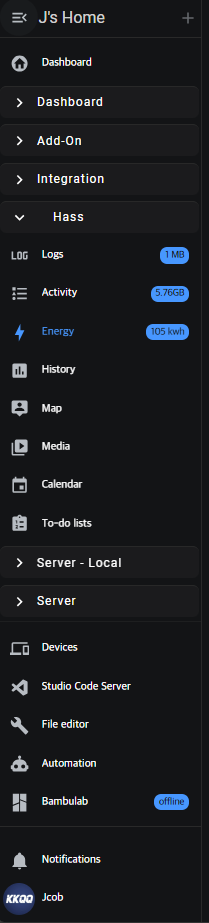
The default sidebar was ugly, hard to organize, and hard to find things in.
Even though I knew sidebar was convenient, I didn’t use it—once you put a lot in the sidebar, it’s hard to find anything.
But this integration is the best! It’s amazing!
Thank you for developing it.
Howdy, I have the same issue as @S3bastian and @uwecash. All I get is the default menu if I click on the Sidebar Title. I get nothing if I click on the Profile item. I’m using HA 2025.12.3. Thanks.
You need to click and hold on profile, long click. Not a single click
Got it. Thanks. Eventually it’s working! Yeah! Now somewhere I missed how to keep the changes persistent through a full system restart…
Bringing back the issue of the configuration popup appearing and then instantly disappearing. Neither method (Admin or Title long click) works in Chrome or Edge, but it does work in Comet. The changes I make using the Comet browser do not appear in Chrome or Edge, but do appear to work in Comet. I’m at a loss to figure out the cause for this, but I am definitely not the only person experiencing it.
I don’t understand one thing, the plugin is working on Edge but not on chrome, brave, firefox and HA android app (i tested all). Any explanation for this issue?
Maybe it is insulted that you used Edge? scnr
I can only say that for me it works on Chrome, Brave and the Android companion app without issue. Did not try on firefox

Hi @exo I need more information, any errors in the console? Otherwise, I won’t be able to tell you why it’s not working… 
@kami8607 For testing You use all possibilities…
@VietNgoc after the HA update and a couple of restarts, it started working. Thanks for a very useful plugin!
 Important notice for Sidebar Organizer users
In the upcoming HA 2026.2.x release, internal changes to the sidebar will significantly impact how sidebar-organizer works. As a result, the plugin’s functionality may be limited or broken until it can be adapted to the new architecture.
If you rely on sidebar-organizer, it’s strongly recommended to hold off on updating to Home Assistant 2026.2.x until compatibility is confirmed. 
 Upcoming Home Assistant Compatibility
Compatibility support for the upcoming Home Assistant release has already been prepared and is ready internally. 
The updated version of sidebar-organizer will be released in parallel with the Home Assistant update, once it becomes publicly available.
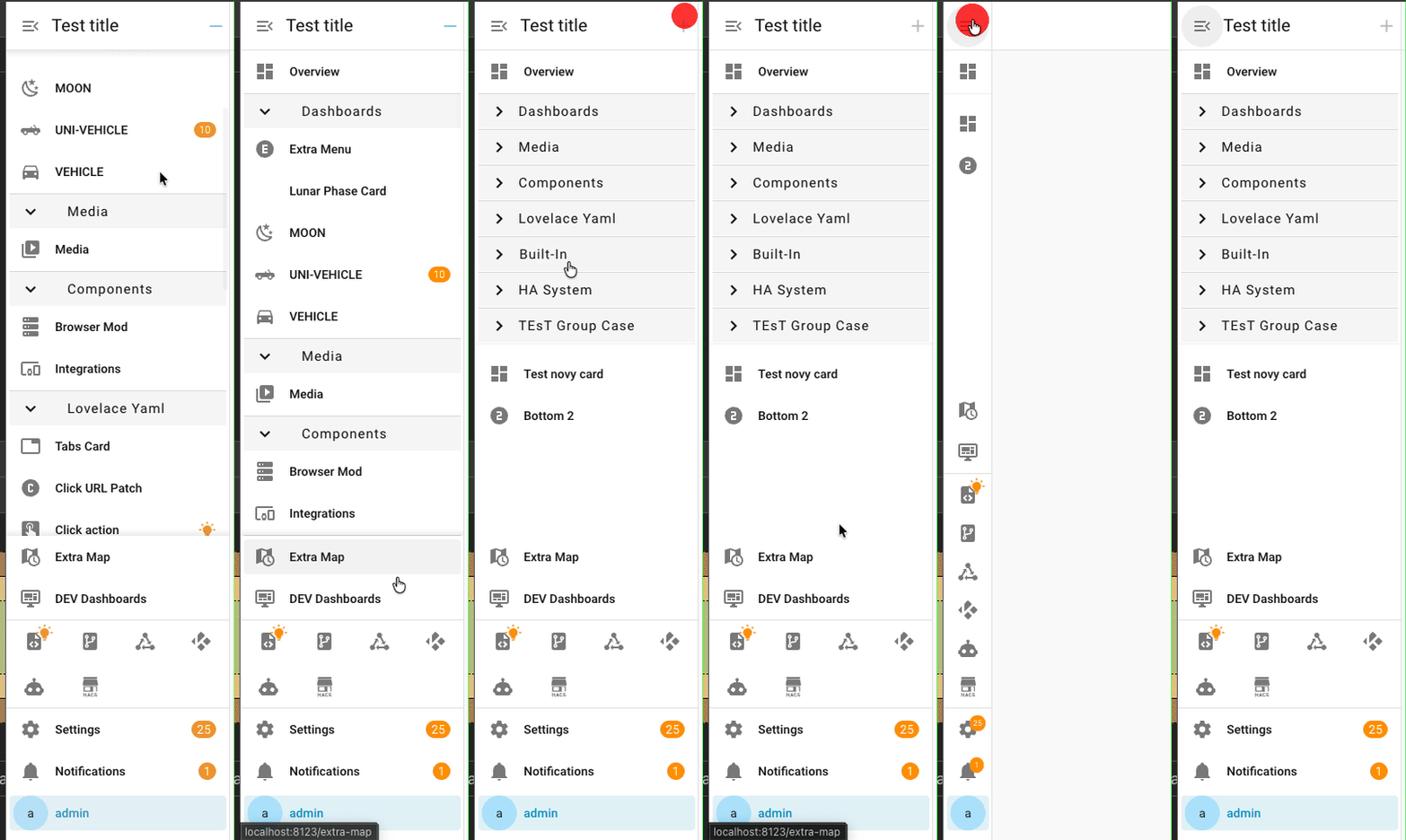
 Plugin Update Notice
This release is specifically intended for Home Assistant 2026.2.0 and newer.
Support for upcoming Home Assistant changes has already been prepared and is fully integrated in this version.
Important Configuration ChangeAfter updating, you must update the hashtag in your configuration.yaml to the new one required by this release.
Keeping the old hashtag will prevent the plugin from loading correctly.
Please double-check your configuration after upgrading to ensure everything continues to work as expected.
Thanks for using Sidebar Organizer and enjoy the new release! 
BREAKING CHANGESHello,
Thank you for developing this!
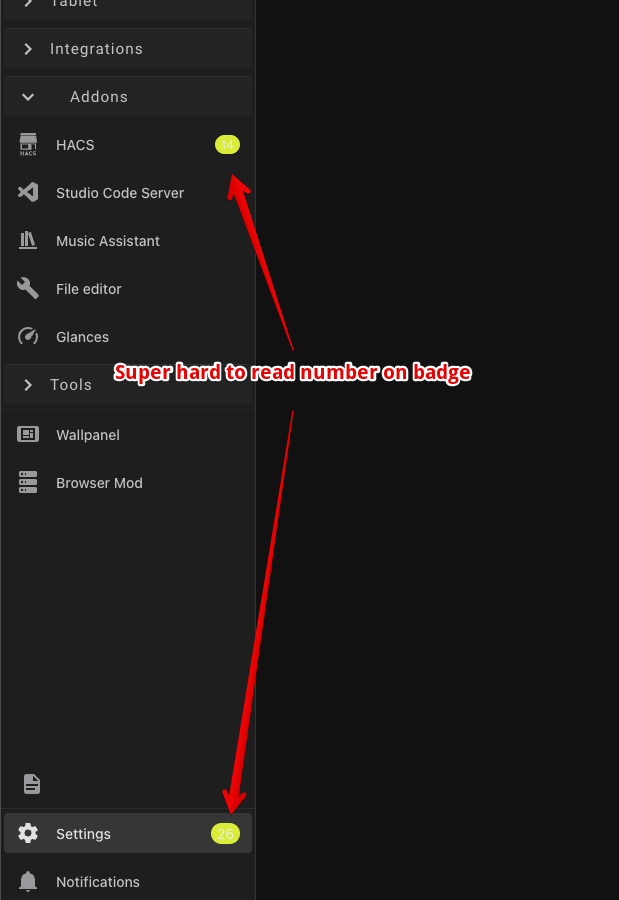
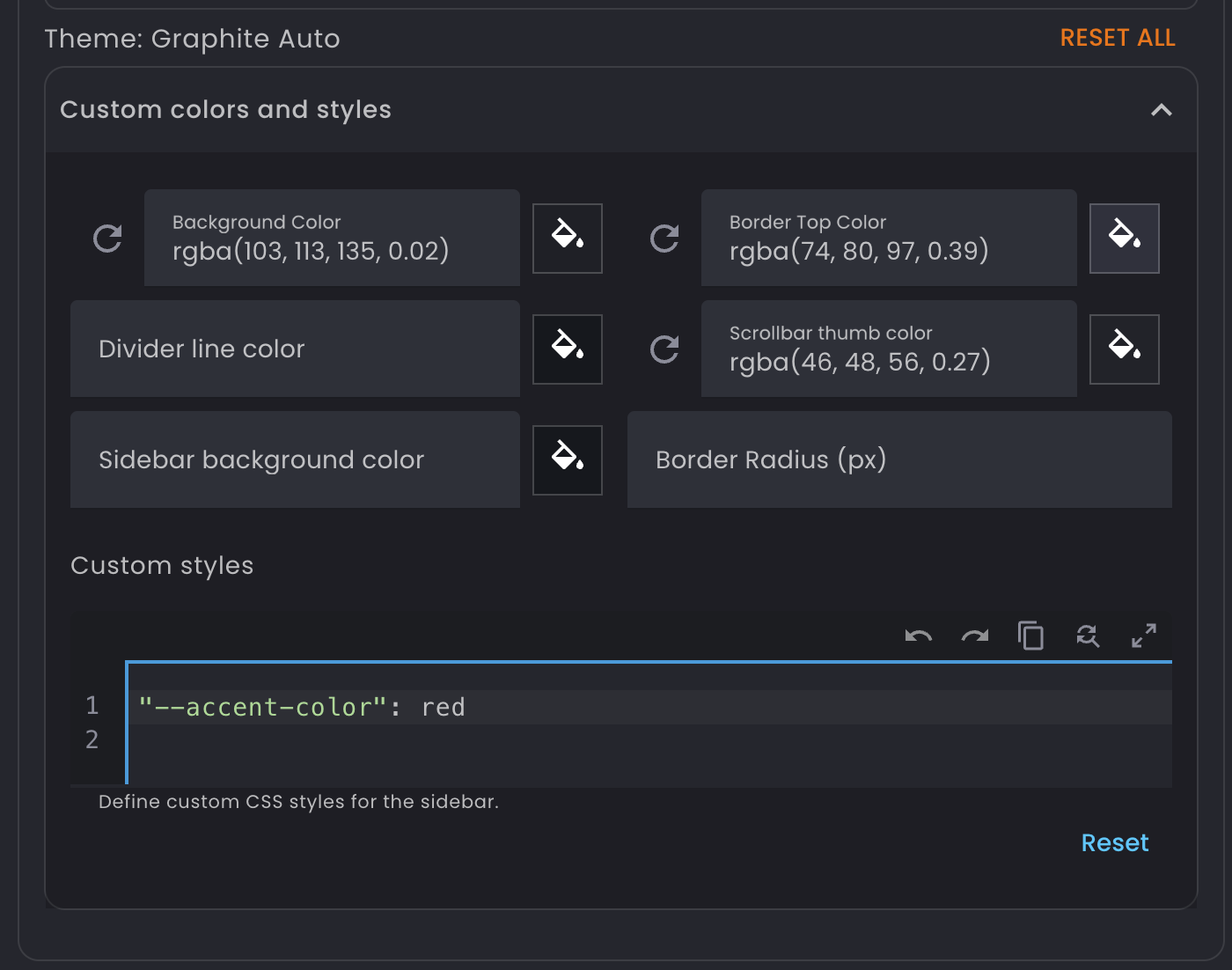
Could you please help me with the right code to change notification badge text colour?
I have tested lot of different approaches, one of them worked for a while (until i upgraded version) and now I cant figure out how to make it work again 
Just starting using this, and it works but seems like the changes are only applied to each specific browser. Also, clearing cache and data resets everything to the defaults. Pretty sure it’s not supposed to work this way but not sure where my issue is.