The config can be stored as YAML code and used on multiple devices: GitHub - ngocjohn/sidebar-organizer: 🗄️ Home Assistant custom plugin designed to give you full control over the layout and organization of the sidebar.
1 Like
It seems to add a duplicate “overview” tab that I can’t get rid of or do anything with. If I do add it to hidden items or a specific group the code refers to it as “lovelace”, which home assistant rejects. I tried removing, reinstalling, and starting over but as soon as I hide anything it pops right back up on the sidebar. The regular Overview tab which the code refers to as “home” will hide away as it’s supposed to.
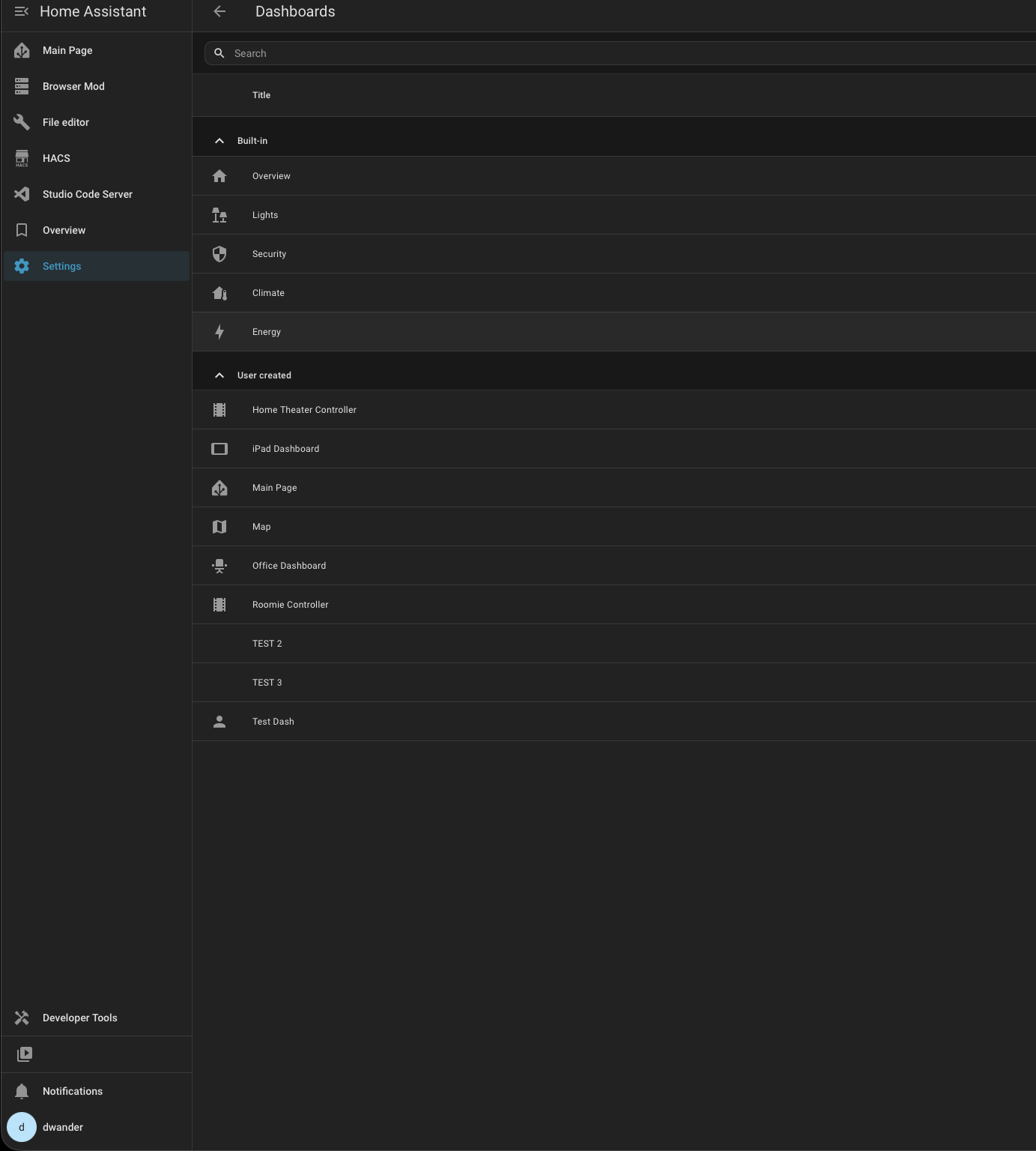
Hi, try latest beta
1 Like
I installed through HACS this plugin, but having the resources in YAML mode i don’t know which hacstag adding as the entry is not automatically added.
How to know which hacstag i must add?
Hey !, Mauricio , Don’t you ever read manuals/docs or release-notes ?
There is an url 2 post above yours, to the Repos, With install instruction, same as in HACS
Yes I read the docs about it. So the hacstag is 123456789? It seems really strange to me. But if its so, ok i’ll follow the docs.
And in future update how to know the new hacstag?
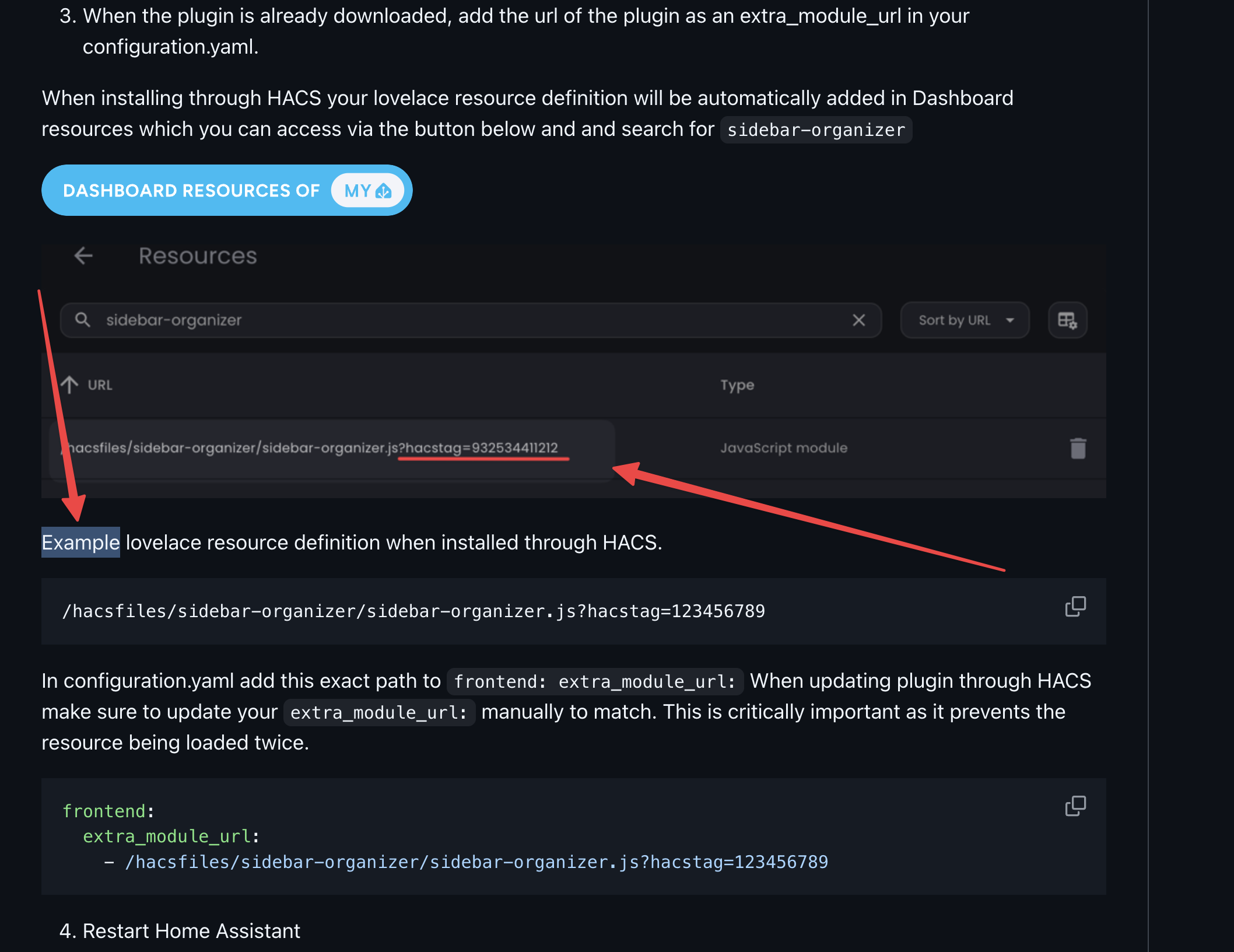
oh sorry… I didn’t read it carefully. In that case, if you don’t have any URL paths for the sidebar organizer in lovelace resources, just enter a simple URL without a hacstag. so…
frontend:
  extra_module_url:
    - /hacsfiles/sidebar-organizer/sidebar-organizer.js
But, I’m not sure… let me check, then I’ll let you know.
Ok, thanks, you completely understood my problem. Just let me know…
Actually, installing via hacs is just easier for version control. And since you are using yaml mode, I think it would be better if you do a manual installation. So follow the release and download the plugin, then add the url to the configuration.yaml file.
Because I have a function in the plugin to compare versions while loading resources from config method and lovelace, I’m afraid there will be a conflict and the plugin won’t work properly.
3.0.1 (2026-02-12)
 Plugin is now in hacs default
and some mirror fixes…
Bug Fixes
- default-panel: change default_panel ‘lovelace’ to ‘home’ (#65) (59684bb), closes #63
- dialog-component: fix dialog component loader (#67) (4e878ef), closes #64
Friends, as you probably know, in the last HA release there were fundamental changes in the sidebar structure. With which the plugin had to adapt.
I welcome any new developments, but I wasn’t very excited about these changes. I’m not happy with the direction the frontend development took and the way it was released into production. I’m only speaking from the perspective of a regular user and purely my subjective opinion.
This project was created just for my own use, where I wanted to have a better overview in organizing sidebar items. But over time I also wanted to share it with the community. I have no development knowledge, These skills are then acquired with progress through development. I take it as a hobby in my free time.
I wanted to share with you that in the future, where there will definitely be other fundamental changes. At which point it may happen that with my skills I will no longer be able to adapt the plugin. Of course, up until now I’ve tried my best and I could be satisfied with the result.
I’m just curious about your opinion on how you perceive these changes and why we have to use a third-party resource, like this plugin or something else. I’m already scratching my head at what they’ll come up with in the future. 🫨🫨🫨
2 Likes
3.0.2 (2026-02-20)
Bug Fixes
- download: update download method for companion app integration (#79) (7571f2e)
- sidebar: add method to handle sidebar DOM updates during Home Assistant state changes (#76) (d3c2833), closes #73
If you find this plugin helpful, please consider giving the repository a  on GitHub or Buy me a coffee
Show off what your sidebar looks like. 
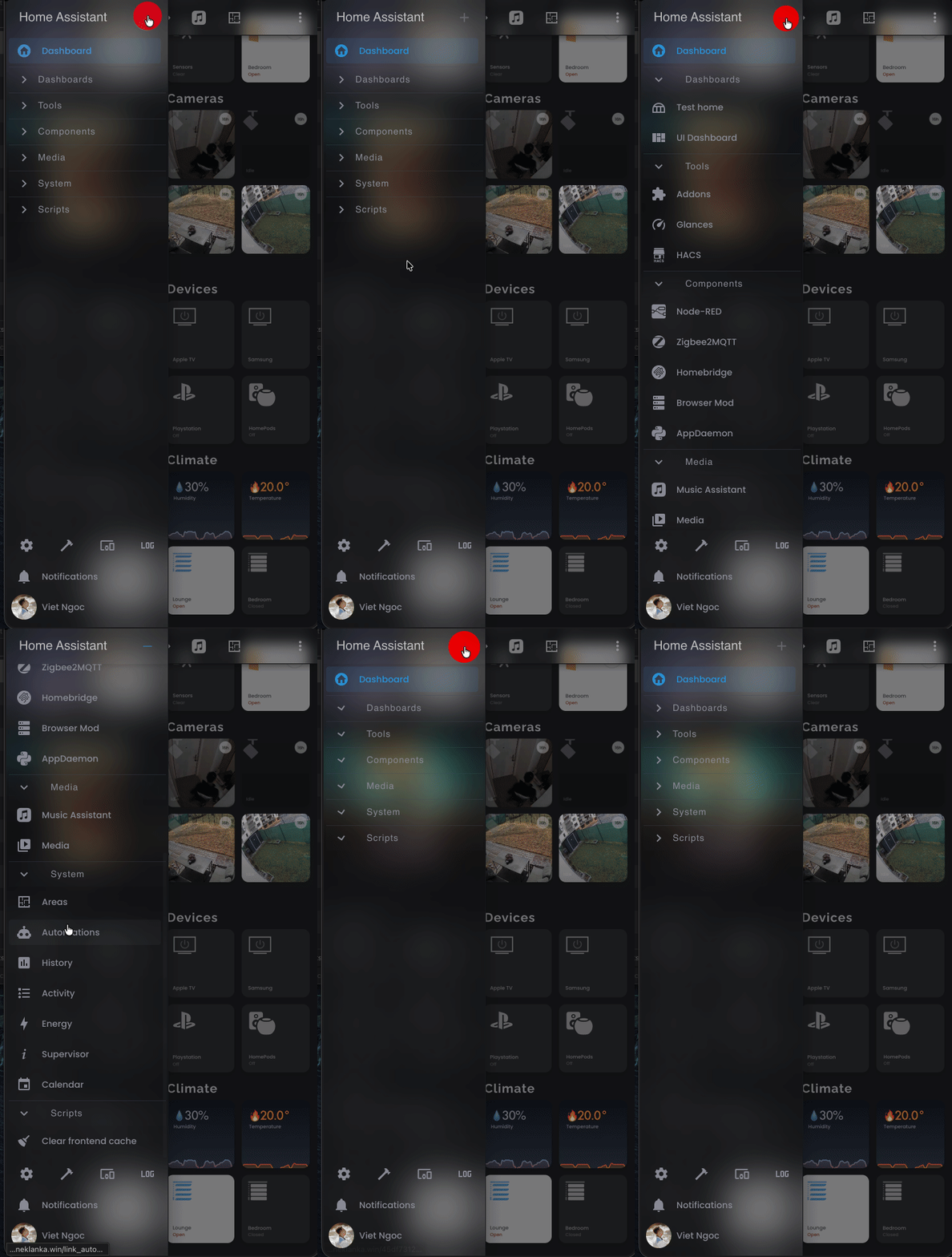
Can you share the code to get this design look please ?
Thanks
Well, this isn’t directly set up in the plugin. But it can be modified in themes. It’s a little more complicated… add this var to the theme youre using
mdc-theme-surface: '#0000'
Add this style to the plugin sidebar, in custom_styles section.
backdrop-filter: blur(1em)