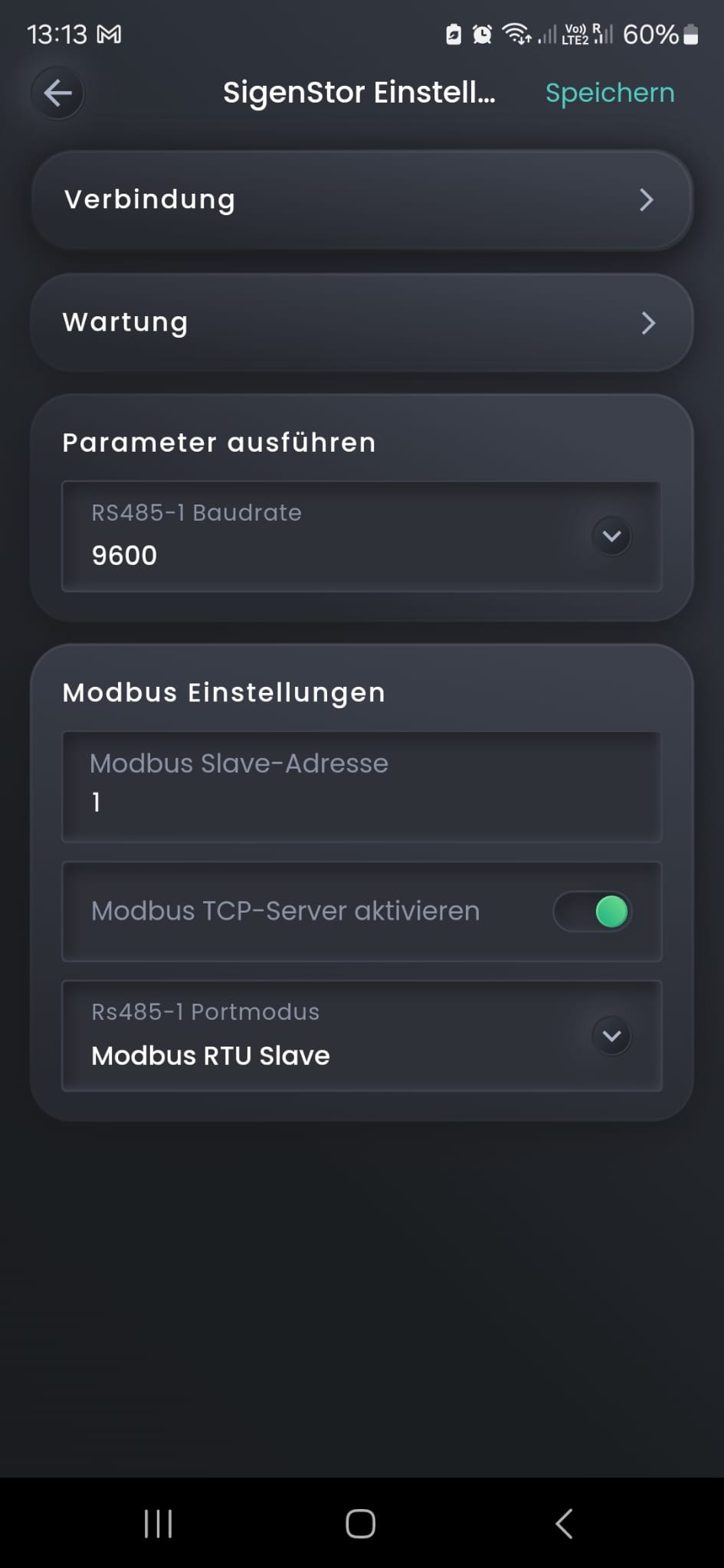
Hi, I have been using this integration since my last message back in October and it has been working flawlessly even when the app itself was down. I was only using it for monitoring and statystics.
Now I have a question. I started wondering what would happen if Sig went bust and servers where shutdown. Would the integration keep working for as long as the system is connected to the network?
Also, is there a way to control which EMS mode it is operating in? For example can I switch from max profit to max self use and vice versa using HA integration? Or is sigen_ems_working_mode only for monitoring and cannot be switched?
Hello,
I’m thinking to buy sigenstore battery.
Will be sigenstore of Huawei inverter+ battery.
There is already an EMS included by sigenstore but how does this work with an EV?
The problem with most systems is when the EV is charged at Night , the battery is drained out and need to be refilled. I think it’s better to use first from the grid and when we are sure there wil be enough battery, Maybe use 1 or 2 kWh of the battery to charge.
Is this already standard included in their own EMS?
Otherwise I would like the do this automation in Home Assistant.
I installed the HA integration from Git Hub but its not working. The homeassistant log showed connection attempt to the sigen ip address was unsuccessful. I also get timeout pinging the address.
Latest Sigen Firmware update on 14th feb 2025 has broken my Homeassistant to some degree. The battery level monitor isn’t working on the graphing function. Most annoyingly it set the EMS function to enabled and maximize profits. This mean’t that for three days, until I worked out what was going on, the Mode would switch to EMS at random points in the day. This is not a function switch that was accessible within the Sigen App (I think its a administrator function only available to the installer) so I needed to find the switch in the Homeassistant integration in order to switch EMS off permanently - which in turn meant that the Mode selector stays on AI Self consumption. This may all be an interaction between the Sigen Firmware and the Integration which wouldn’t impact people just using the APP.
Seems that whenever there is a Firmware update you can expect to see these sorts of breakages. As it is the Integration needs tweaking to restore all functionality and thats beyond my pay grade.
@michaellynch, like you I’m trying to figure out curtailment. How has this been working for you. If you’re willing, can you share the way you set up your charge/discharge/consumption schedule?
Have you managed to move the curtailment logic to HA? Or are you still running in the MySigen app?
Are you using any guiding information, say from something like EMHASS, to help set your schedule?
Have you moved forward in regards this? I only installed the following in late October 2022:
2 x Huawei M1 6kW inverters 3ph
DTSU-666H meter
DataLogger-3000A (disabled as doesn’t work with HA integration, only sDongle)
38 x Huawei 600W optimisers
38 x Trina Vertex S+ 415W panels (One string of 19 into inverter 1, with a string of 8 and 11 joined to make it another string of 19 plugged into inverter 2).
Given the price and long delay in LUNA S1 batteries being release for my region (and you can’t get an S0 now and add an additional S1 later), looking at if it would be better to remove the Huawei inverters / DTSU meter and replace with a SigEnergy 20kW or 25kW 3ph inverter, with 2 x 8kWh batteries and Gateway?
Didn’t realise at the time that Huawei optimisers ONLY work with Huawei / won’t even start up without a Huawei inverter connected… so looks like all the optimisers would need to be removed and the MC4 connectors on the panels all repatched between each other.
I’ve integrated my sigenergy with HA and have noticed even though I don’t at this moment want HA to control what it does when I reboot my router HA then changes the Sigenergy app to EMS mode from the saved TOU mode… help me work out why as far as I can see EMS is disabled… thanks
With that being said, I do have Homeassistant setup with this integration into modbus server. It reads amber pricing and will change the mode from self consume to discharge when pricing goes above a threshold and the battery is X% SOC. Turns off when prices drop or bat SOC falls below X%
I’ve installed the integration successfully but have no idea how to control the inverter modes via modbus. Is anyone able to provide me with some pointers?
I have a persistent issue with the HA integration which others are having as it is reported on the github page. At random intervals the system changes the mode of the inverter away from AI (1) to EMS(7). The developer suggests that what is happening is that when HA polls the inverter via modbus there is no communication and so it “guesses” what state the inverter should be in (it just always guesses EMS(7)). This is happening sometime multiple times a day and is rendering the integration virtually useless as its impacting the ability of my solar system to run efficiently. It requires me to check the mode in the sigen app multiple times a day.
Has anyone else experienced this and if so have they worked out a cludge to make this more stable. If the conclusion is that it needs a LAN cable connection for stability then the integration will have to go. Has anyone developed a monitoring automation to automatically correct this glitz after it happens - I found the entity sensor which monitors the work mode of the inverter - but cannot work out how to switch the work mode from HA.