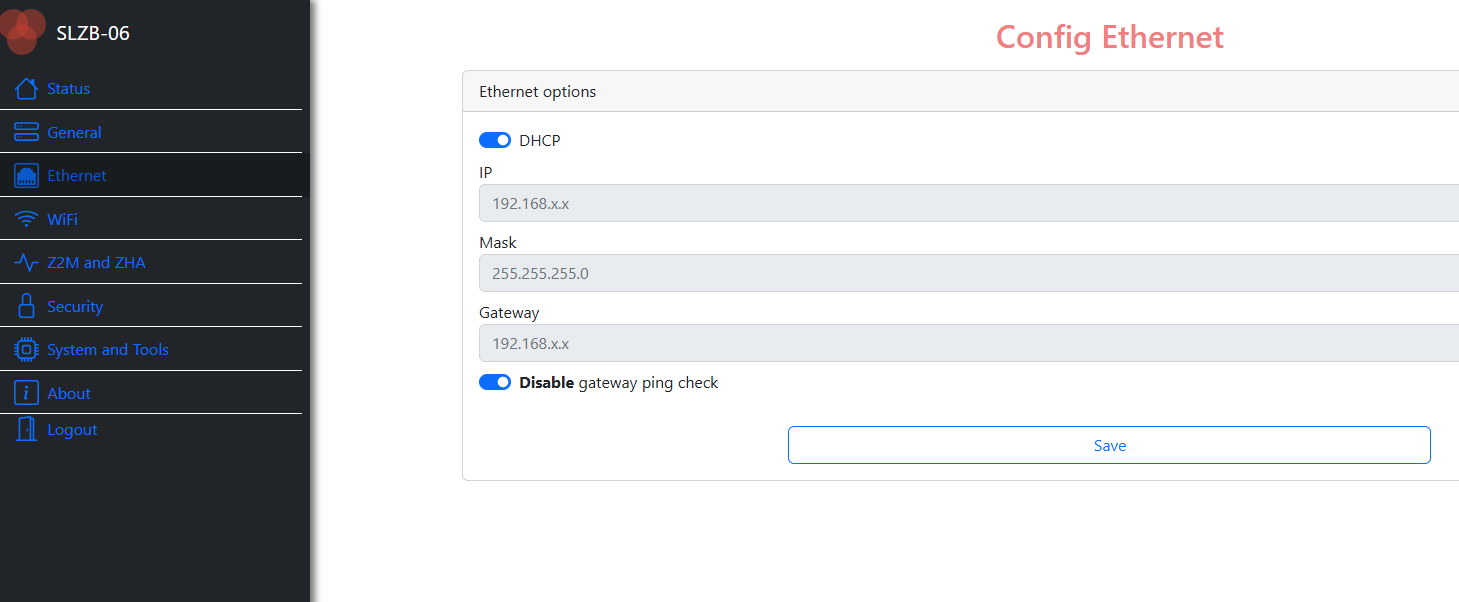
I own an SLZB-06 device with current firmware version: v2.9.4. It is configured with PoE, LAN and Z2M/ZHA.
I am not sure after which update or when this happened, but today I saw that there was an open Wifi AP being broadcasted by SLZB. This allowed anyone within the range connect to it and open the dashboard.
I never enabled hotspot on the device.
I connected to that open hotspot, and was able to load the SLZB-06 dashboard (I didn’t have dashboard auth password - now I do) and was able to load the dashboard.
Then and there, I checked, and “Ethernet to Wi-Fi bridge” was disabled, despite being connected to it. Again, I never enabled this feature before.
After soft reboot, the hotspot disappeared and stayed disabled in the dashboard.
I need some answer here please. This is scary, as it gives direct access to my home network.
Did you update the firmware on it recently? There were a few reports lately that after a firmware update, the SLZB reverted to USB mode. Maybe the same bug which caused this also caused it to start broadcasting the AP.
I don’t own one of these, so this is pure speculation on my part.
Z2M & ZHA are 2 different zigbee integrations. You can’t possibly be running both on a device with a single zigbee radio. I know there was some kind of hacky way to do it (this one), but it’s absolutely not recommended.
Same issue with a SLZB-MR3. I know it’s recent because I was on my available wifis maybe 2 weeks ago and it wasn’t broadcasting. Now the Wi-Fi AP is turned on and I can’t turn it off for the life of me.
I have authentication on, so it’s not just open dashboard, but I don’t want it to broadcast wifi. It’s connected via ethernet (PoE), no reason to have it on.
 Bug Fixes
 Resolved issue with random Wi-Fi access point creation