[Show & Tell] Smart Thermostat Knob — ESPHome round rotary knob for climate, lights & covers (CrowPanel ESP32-S3)
A round rotary smart display that controls your thermostat, lights, and covers straight from Home Assistant — no phone, no app, just a knob you turn and press. It’s fully open-source ESPHome firmware built for Elecrow’s CrowPanel ESP32-S3 rotary displays, with an optional HACS integration so you never have to hand-write YAML to configure it.
I wanted something that felt like a real Nest-style thermostat on the wall, but that could also drive my lights and rollershutters without switching apps — so I built this over the last while and I’m finally happy enough with it to share.
What it does
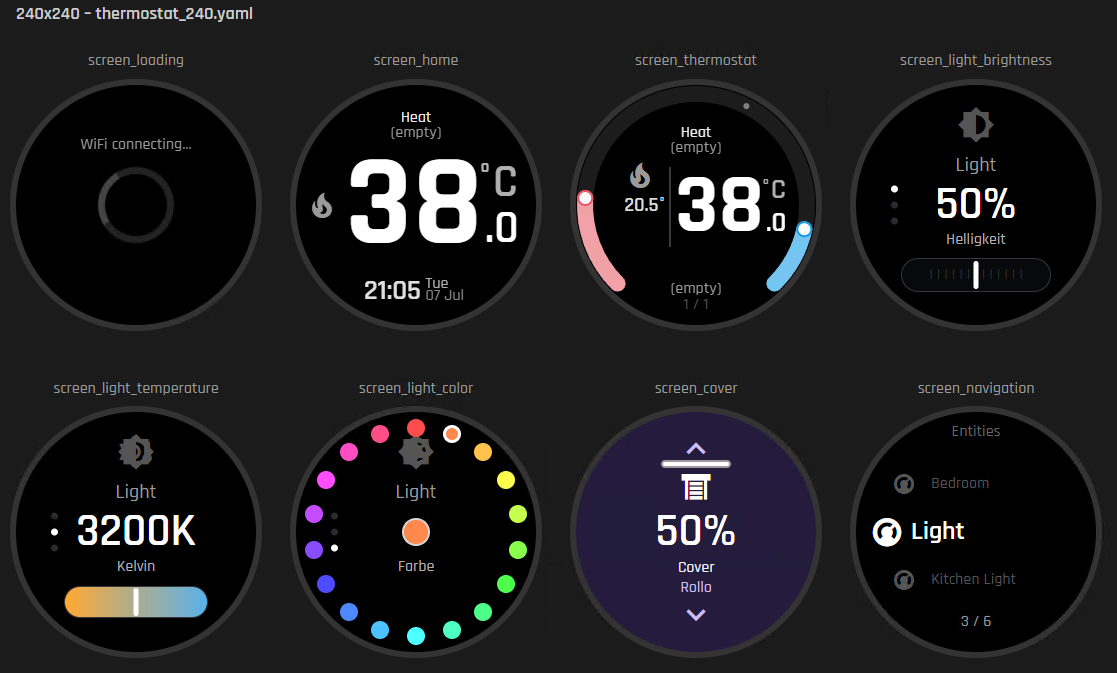
- Thermostat: current + target temperature, HVAC mode, presets, single- or dual-setpoint climate entities (TRV + AC combos included). It’s tuned to work well with Better Thermostat — I run Better Thermostat myself and this is exactly what I built it against.
- Lights: brightness, color temperature, and full color, each with its own screen.
- Covers: position control, stop, and a one-swipe full open/close — including covers that only support open/close/stop (no
set_position). - One shared entity overview screen to jump between every configured thermostat, light, or cover.
- Rotary encoder + touch for input, live Home Assistant connection status on-screen.
- Flash it straight from your browser and set up Wi-Fi right there too (Improv Wi-Fi, no ESPHome install needed) — more on that below.
No Home Assistant automation YAML required — the firmware talks to HA directly over the native ESPHome API.
Screens
Video walkthrough
240x240 board in action:
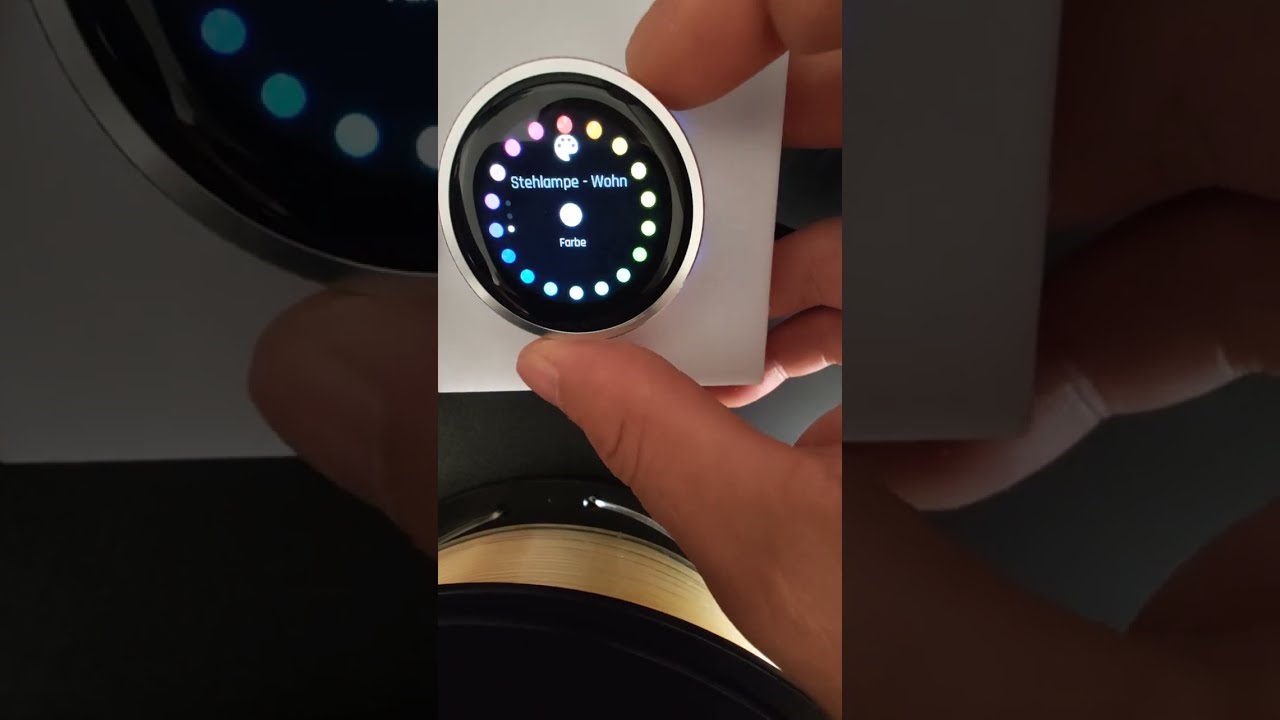
(480x480 walkthrough coming soon)
Hardware
Two board sizes are supported, same firmware feature set on both:
- Elecrow CrowPanel 1.28" HMI ESP32-S3 rotary display, 240x240
- Elecrow CrowPanel 2.1" HMI ESP32-S3 rotary display, 480x480
Both have a built-in rotary encoder with push button and a touch panel.
Getting started — three ways
1. Flash from the browser (easiest, no software install)
smart-knob.vexur-software.com flashes either board directly over USB using ESP Web Tools, then walks you through Wi-Fi setup with Improv right in the browser.
2. Build and flash it yourself with ESPHome
Clone the firmware repo, copy secrets.yaml.example to secrets.yaml, and:
esphome run thermostat_240.yaml --device COM5
esphome run thermostat_480.yaml --device COM6
Full instructions: SETUP.md.
3. Point it at Home Assistant
Install the companion Smart Thermostat Knob integration via HACS (custom repository) — it’s a config-flow UI that lets you pick your climate/light/cover entities with native entity selectors, no JSON or entity IDs to type. Or skip it entirely and hand-write one Template sensor; both produce the same interface.

Links
- Firmware: GitHub - Jastreb07/elecrow-crowpanel-esphome-thermostat: ESPHome-based smart thermostat knob and climate controller for the Elecrow ESP32-S3 240x240-1.28" and 480x480-2.1" round CrowPanel rotary touch display, integrated with Home Assistant. · GitHub
- Home Assistant integration (HACS): GitHub - Jastreb07/elecrow-crowpanel-esphome-thermostat-integration · GitHub
- Web flasher: https://smart-knob.vexur-software.com
Both repos are MIT-licensed.
What’s next
- Fan control screen
- Media player screen (volume, play/pause, track skip)
- Per-page idle timeout / screen-saver customization
- More on-device languages
Feedback welcome
This is very much a living project — I’d love to hear what you think, what’s confusing, and what you’d want to control with it next. Bug reports and feature requests are welcome on either GitHub repo, and I’ll happily answer questions here too.