Hello Sofabaton users!
Back in November, I shared a small, fully local X1S integration here. It has grown quite a bit since then, even changed its name, and the original thread no longer gives a useful picture of what it does. So here’s a fresh introduction.
The Sofabaton X integration supports the X1, X1S and X2. It connects Home Assistant directly to your hub over your local network, with automatic discovery and support for multiple hubs. The integration has no cloud dependency, and MQTT is optional on X2.
You can control your equipment from Home Assistant, make your physical remote trigger Home Assistant actions, and edit and back up your hub configuration through the included dashboard cards.
Available in HACS: search for “Sofabaton X”.
Installation and documentation · Latest release
Control your equipment from Home Assistant
Start and switch activities, turn everything off, or send individual device commands from dashboards, scripts and automations.
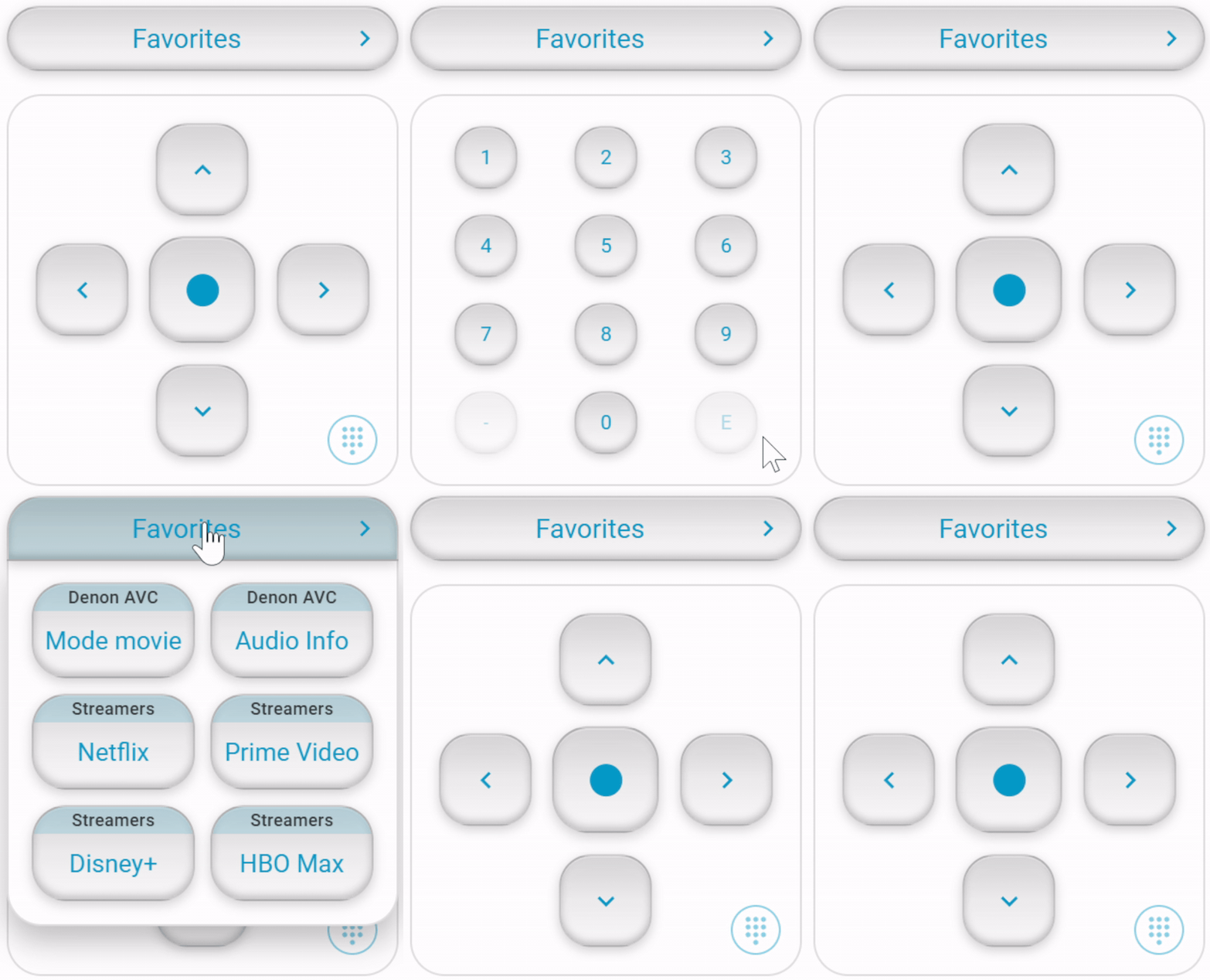
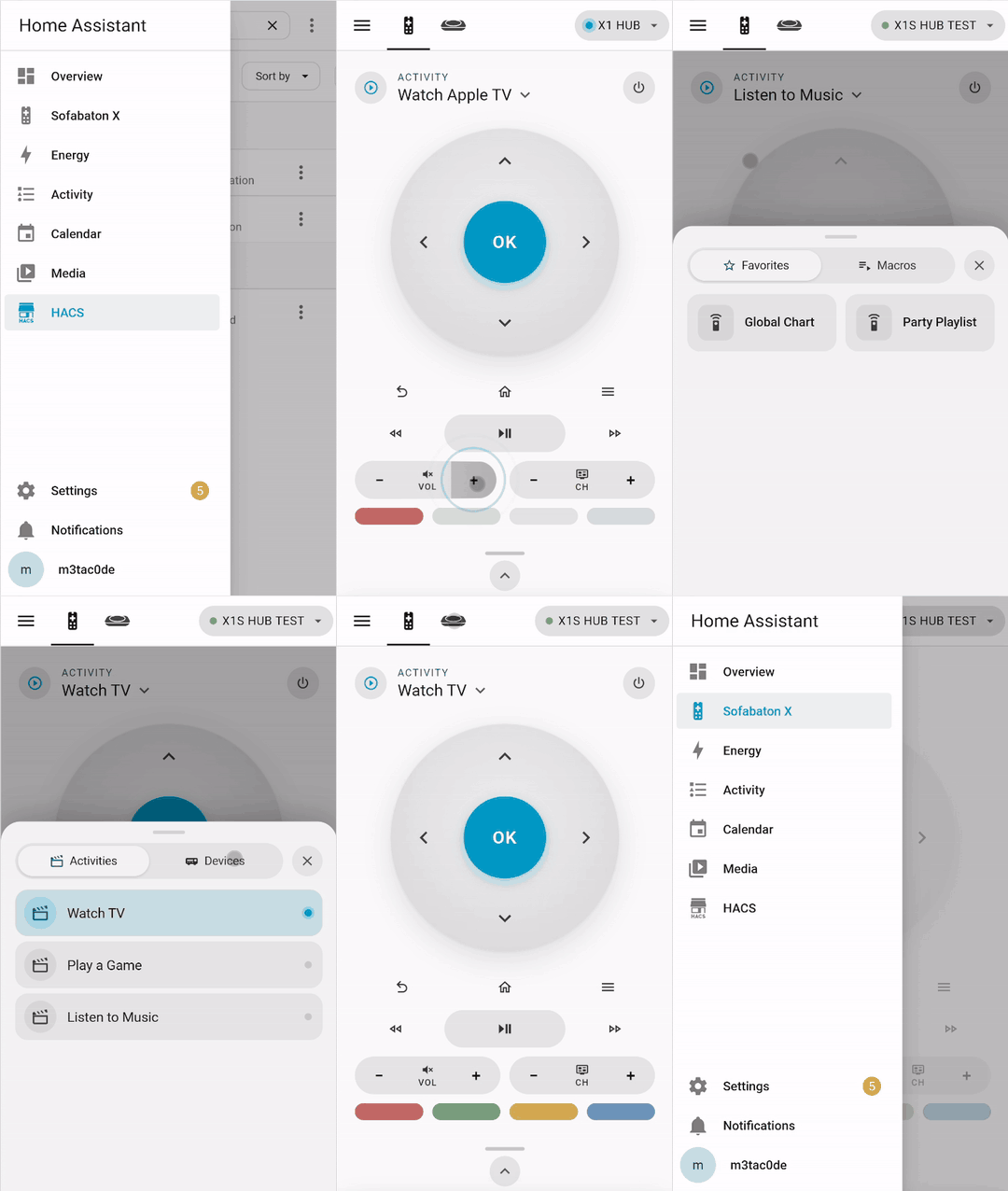
The included Sofabaton Virtual Remote gives you an on-screen remote with activity controls, favorites, macros and hold-to-repeat buttons. Its Device mode lets you control an individual device independently of the current activity, with a searchable command list.
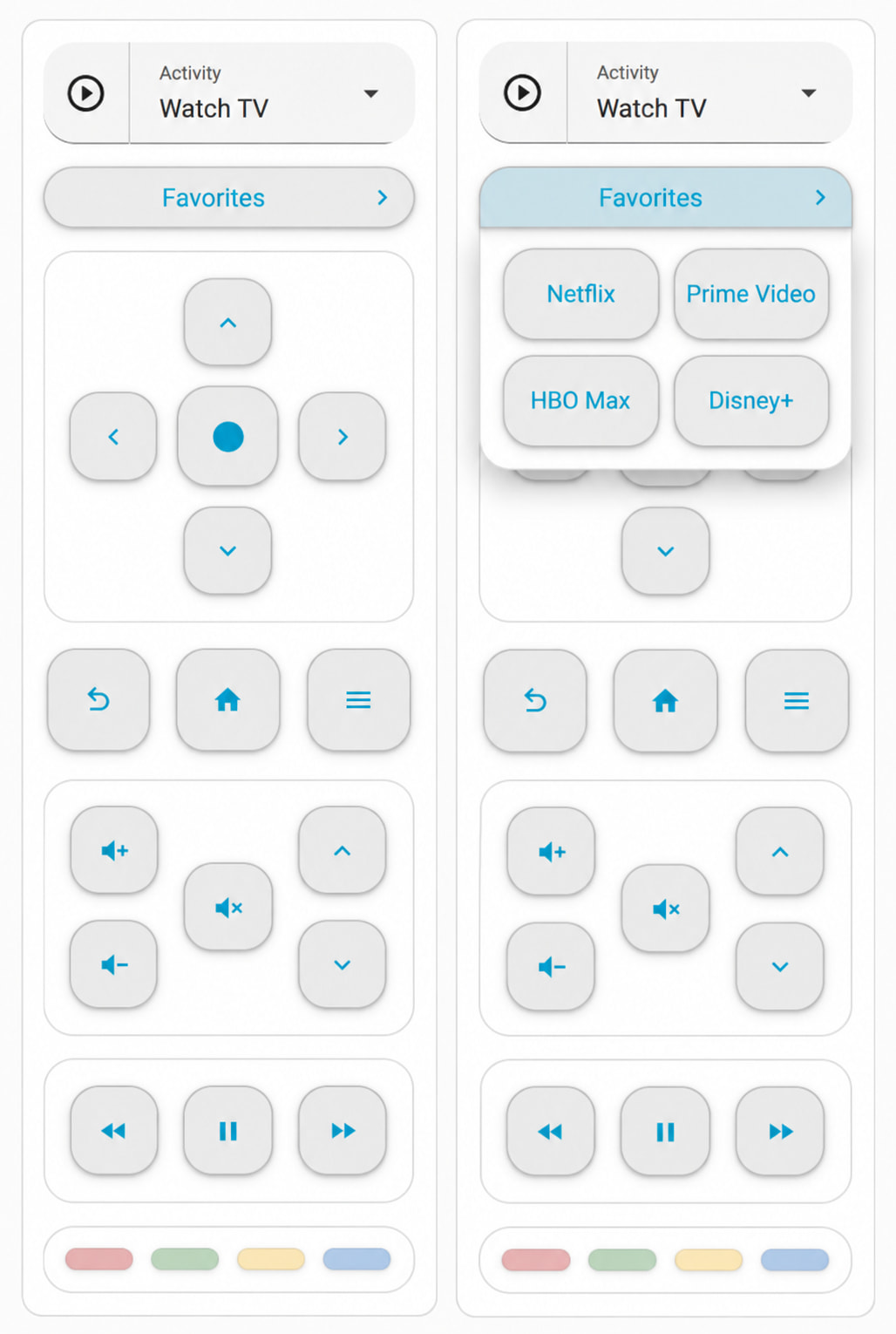
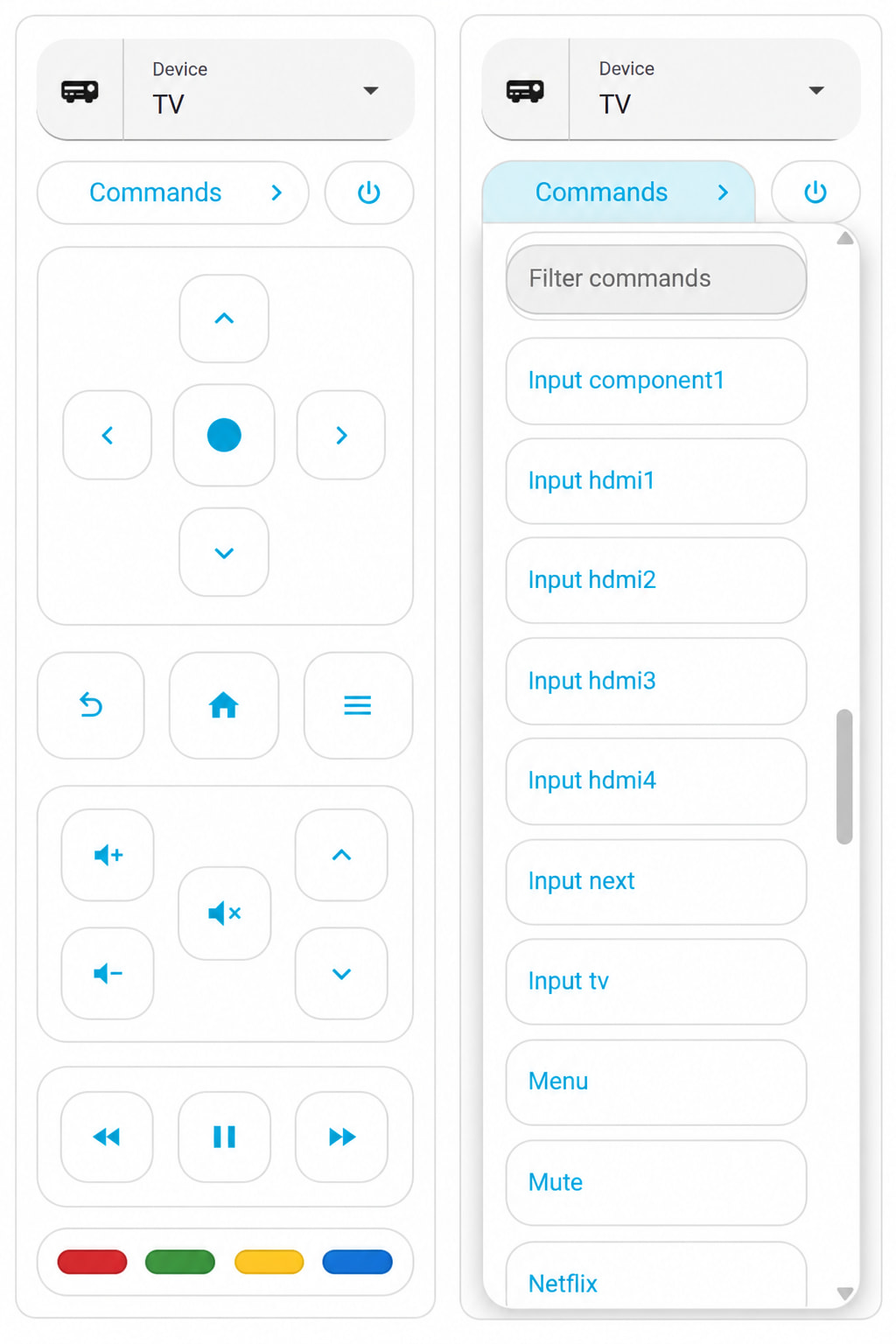
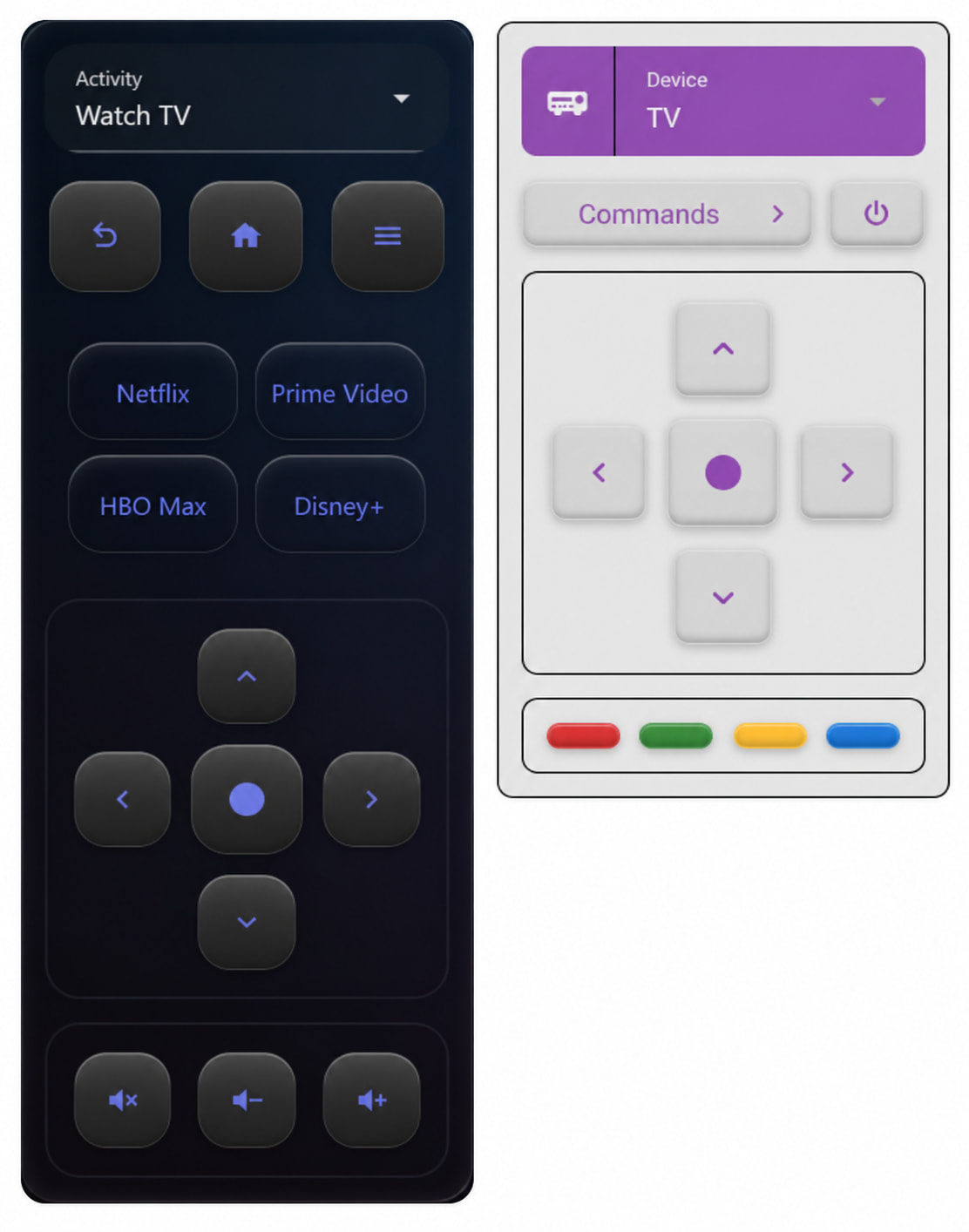
You can also use the integration’s entities and actions in your own cards and automations.
Use your physical remote with Home Assistant
A few examples of what you can set up:
- Start your movie activity and have Home Assistant dim the lights.
- Assign a remote button to a scene, light or script.
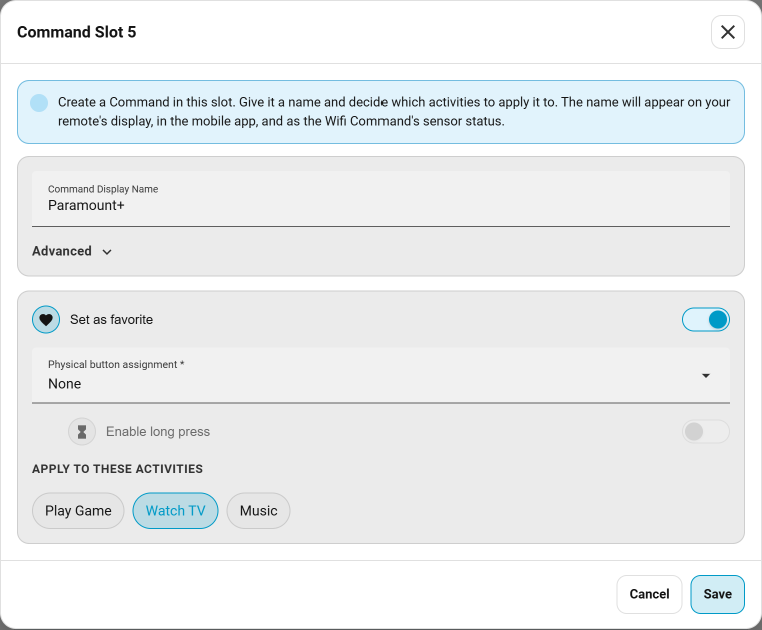
- Put a Home Assistant action into an activity shortcut or macro.
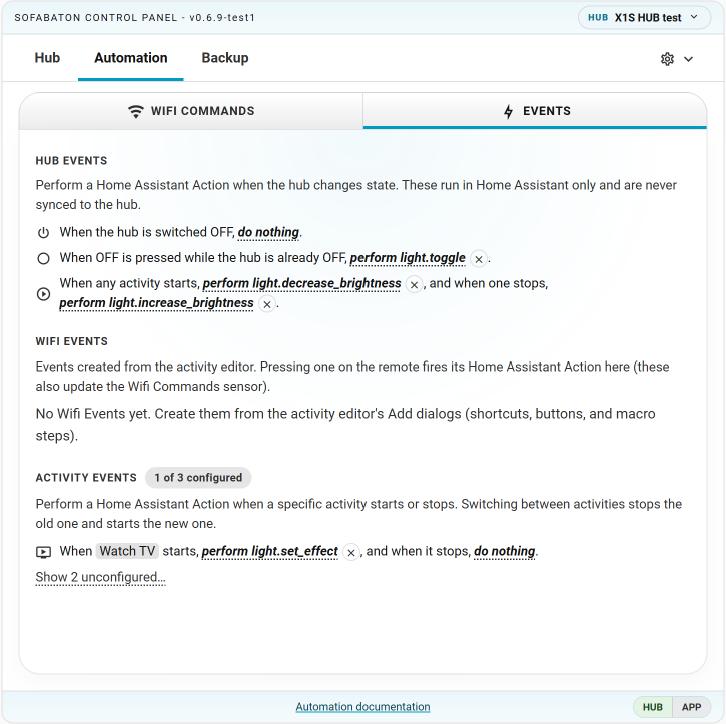
- Run an action when an activity stops, or when you press Off while the hub is already off.
The Control Panel lets you configure these connections using Wifi Commands and Events, and attach Home Assistant actions to them.
Edit your hub from Home Assistant
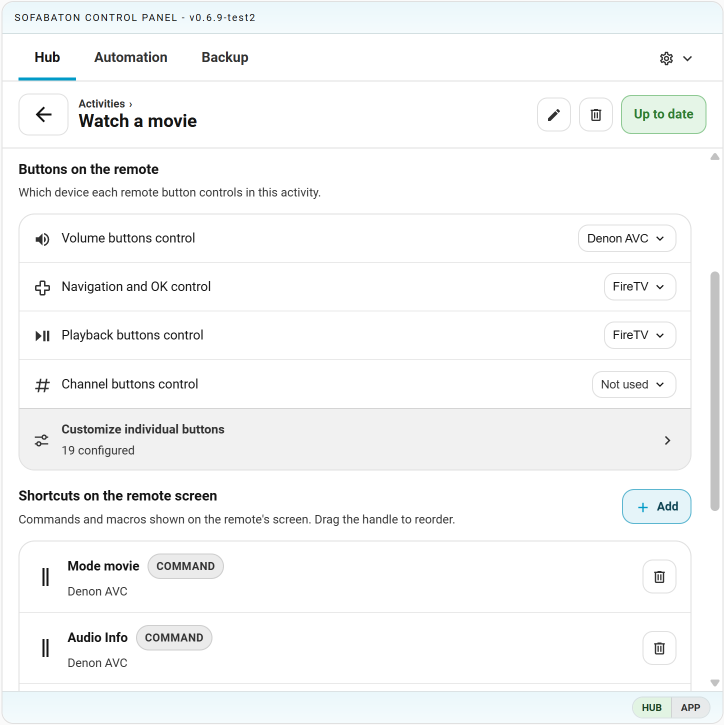
The included Sofabaton Control Panel is also a hub configuration editor.
You can add and edit devices and activities, change button assignments, arrange shortcuts, build macros, and adjust inputs and power sequences. Review your changes, then synchronize them to the hub.
Back up your setup
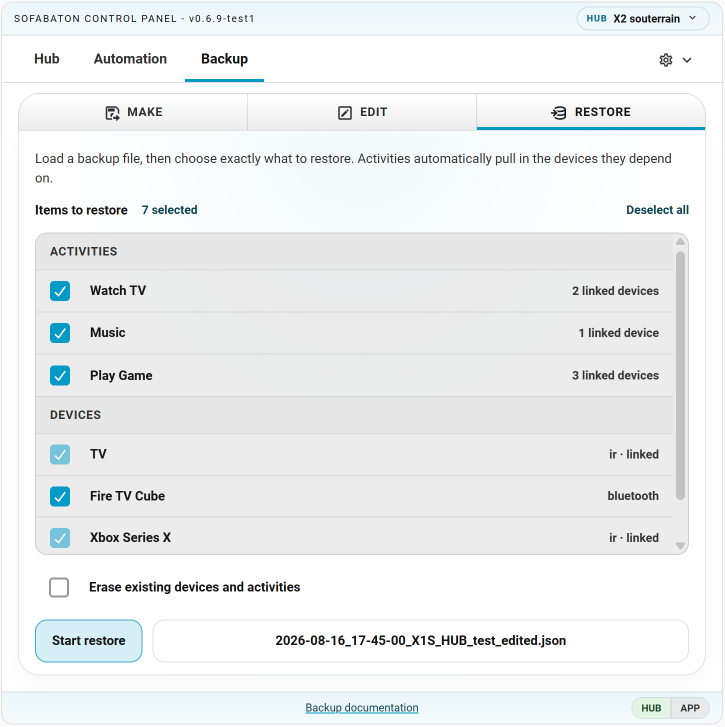
Create local backups of your whole hub or selected devices, and restore the content you need.
You can also transfer configurations to a supported newer hub model: X1 backups can be restored to X1S or X2, and X1S backups to X2.
Learn, import and reuse infrared commands
You can learn IR commands from another remote, import Pronto Hex codes and other hex code formats, test them, and save them as commands on your hub for use in activities, macros and the physical remote.
On Home Assistant versions supporting the infrared platform (2026.4+), the hub can also act as an infrared emitter for compatible integrations. Commands sent through that emitter can be captured and saved as native hub commands.
Getting started
You’ll need Home Assistant 2026.1 or newer and an X1, X1S or X2 hub.
- Fully close the Sofabaton app during initial setup.
- Find Sofabaton X in HACS, download it and restart Home Assistant. Both dashboard cards are included.
- Add your discovered hub under Settings → Devices & services, or add it manually by IP address.
The official Sofabaton app can continue working through the integration’s local proxy. While the app is connected, Home Assistant’s controls that write to the hub are temporarily unavailable. Close the app to return control to Home Assistant.
For separate VLANs, containers or discovery trouble, see the networking guide.
This is an unofficial community project, unaffiliated with Sofabaton.
Thank you for using this integration. It’s made with input from a lot of people. For bugs, support and suggestions, GitHub issues are the easiest place for me to follow up. Replying here works too.
Stay well.