Here is my situation:
My Pi4 won’t boot correctly any more. I don’t have any access to the UI (except for the spinner and Logo) nor can I connect via SSH (connection refused).
Interestingly my automations and Zigbee still work. (Edit note: I previously stated that the were broken after some reboots but using the exact same USB port for the dongle fixed it)
Even safe-mode has no access but the UI now has the safe-mode informational pop-up.
Connecting a monitor shows the CLI. Commands are working.
Is there anything I can try before going through the process of restoring a backup?
And even if I have to restore how do I find the reason for the fault so it wont happen again?
Some additional information in case anything is relevant:
There are 6 partitions detected by debian on the hassio-ssd
A different Pi (same Pi4 4GB) behaves identically
Im running Homeassistant OS 18.1 and Homeassistant Core 2026.7.2
One more find, even though I don’t know if related:
The size of the backup file more than doubled when updating from 2026.7.1 to 2026.7.2, going from 551 MB to 1,12GB.
One more update:
I found a browser tab with a cashed session that still works, through all the reboots. Is there anything useful I can do with it?
One thing Ill do right now is backup all Apps
Turns out a broken Configuration was the reason for the issue.
I had an empty entities list in the recorder config.
I still think that safe-mode should have worked to access the web ui and see the warning and log that points to the issue. I understand that safe-mode tries to start all native integrations but there should be a fail safe in case a misconfiguration happend for one of them. Even better, a way to fall back to a working configuration or safe-mode when hassio detects a major fault that prevents normal operation. This would point the user to the right solution without difficult debugging. Just my opinion though.
TLDR: Check your config before rebooting after modifying anything
It doesn’t. Safe mode simply disables custom integrations (and Apps, unless I’m mistaken).
That is called restoring a backup (which you keep on a separate device).
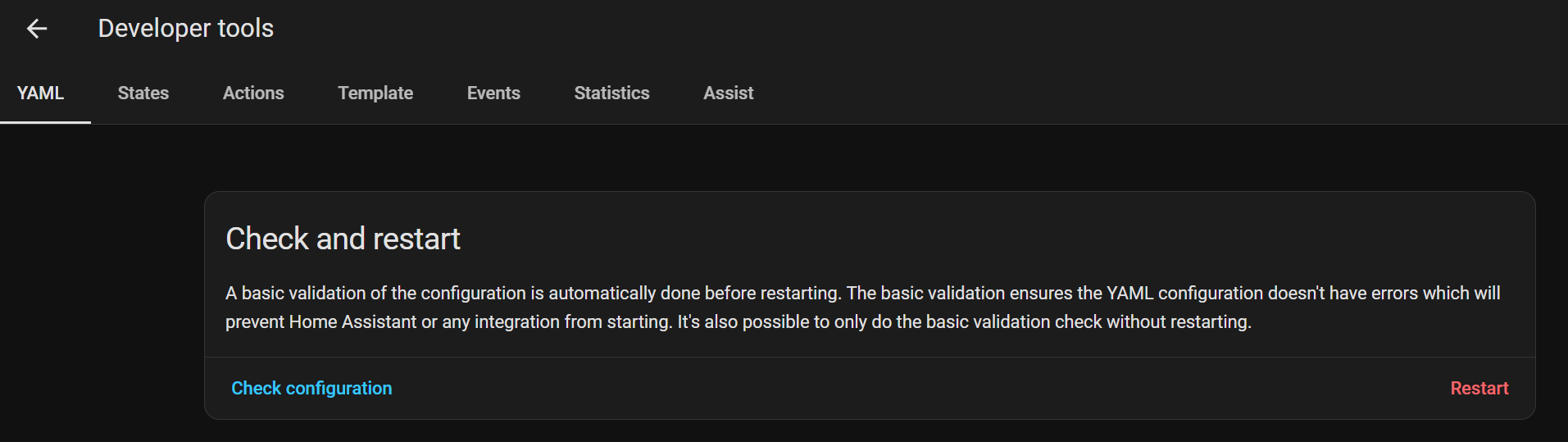
The right solution is to press the check configuration before restarting, especially if you’ve just done some changes. That’s why it’s right there next to the restart menu
You are defending bad/old design decisions that need updating in my opinion.
Why shouldn’t safe mode skip broken configurations? Skipping apps is one thing but it could be extended. If the user uses recorder: !include recorder.yaml (the relevant example for this case) it could even skip that part of the config only. (I dont know if the yaml parser could do that, but it would be neat)
Why restore a backup when there is only a one line mistake in a config. I think of backups as a last resort in case of major broken stuff and in case of hardware defects or data corruption.
Yes its there and I usually check beforehand, But i missed it once. It could run automatically and block a restart if it fails.
Where did you Edit/Save this ( wrong configured yaml-config ) ?, how/where did you restart HA ?