Hi! I created this simple automation that allow the user to integrate all the 16 automation in a single file. The only requirements is that you have to manually select the action trigger that start the reading, and then all kind of automation is supported by the device.
It’s the new SNZB-01M, but if the other one use the same sensor entity as trigger (wich you can find it here: SONOFF SNZB-01M control via MQTT | Zigbee2MQTT) i think it could be retrocompatible
Hello guys,
i have the same probleme with my configuration ! impossible to have the action button in MQTT, but it was ok into Z2M !?
Can you help me ? please
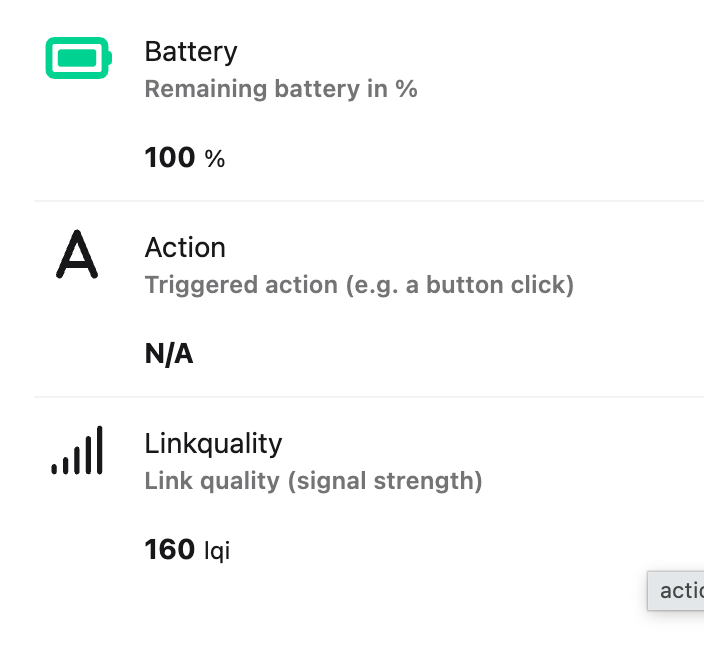
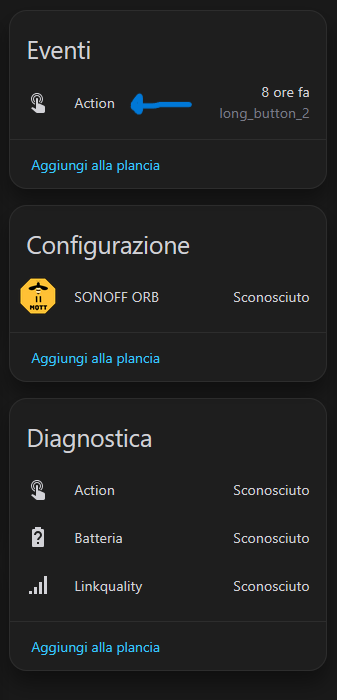
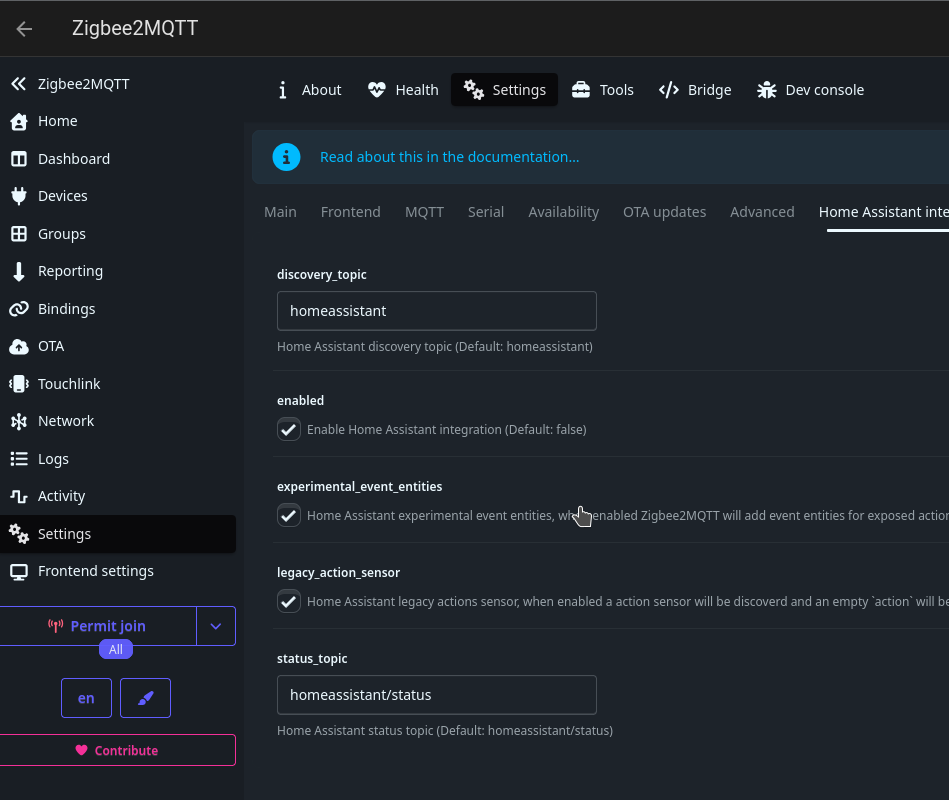
As the previous post is explaining, you need to have the experimental event button flagged in your zigbee2mqtt (even if it’s not so experimental anymore…), otherwhise you can’t see the action button inside of home assistant.
I didn’ know why it was disabled, it’s used in many other kind of devices now. Basically now, devices exposes action as event, so every time you press a button it only update one single field with the correc tvalue, as it was much more easier to use button like this one.
Hi,
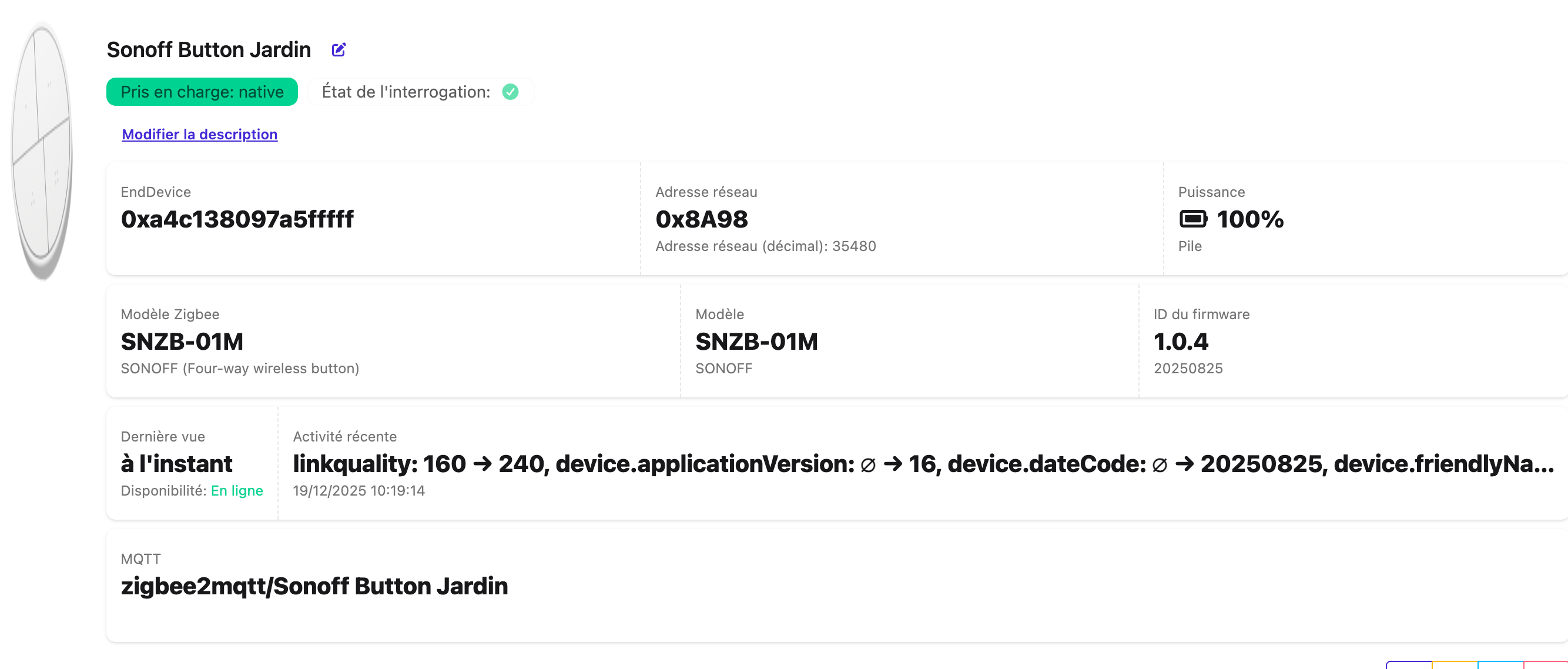
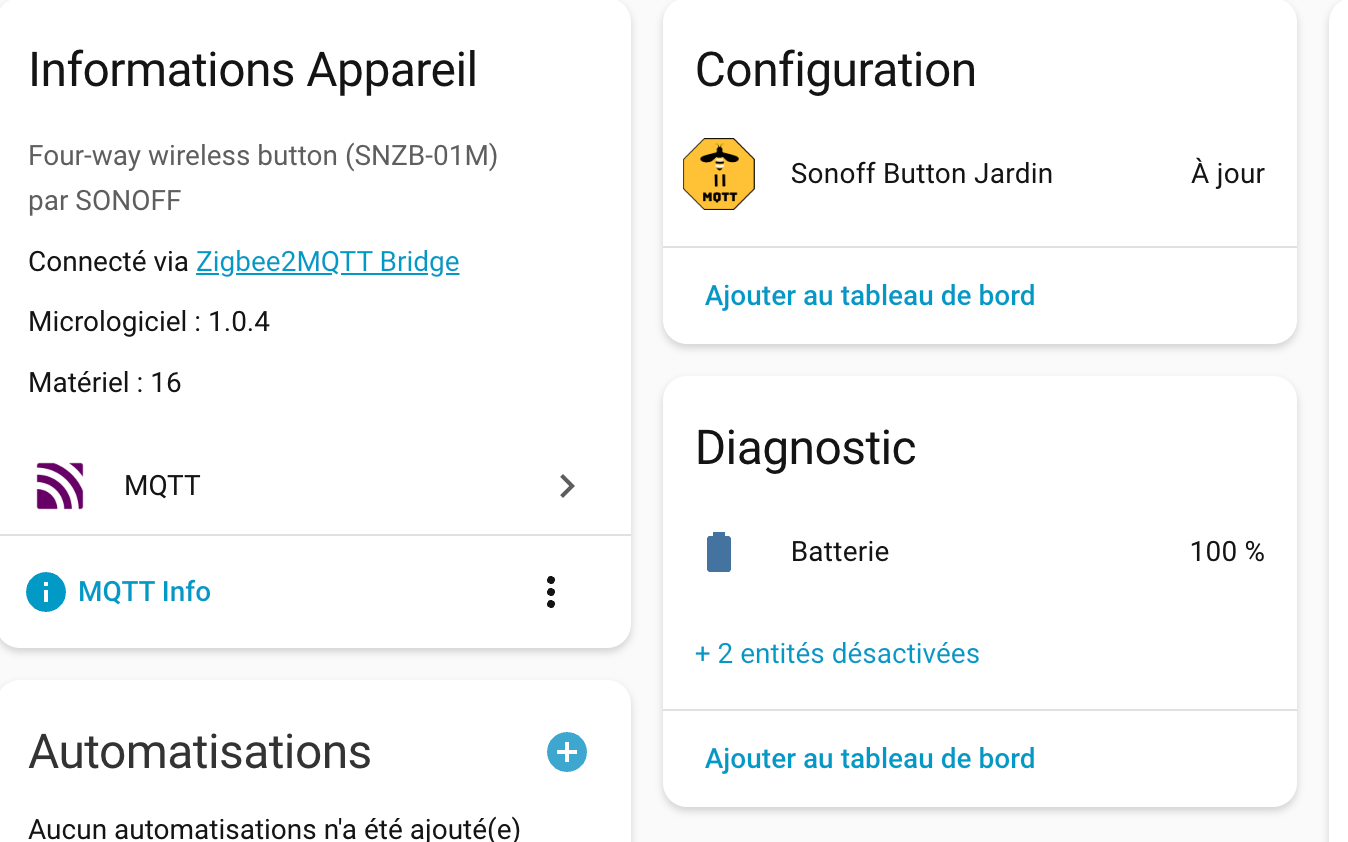
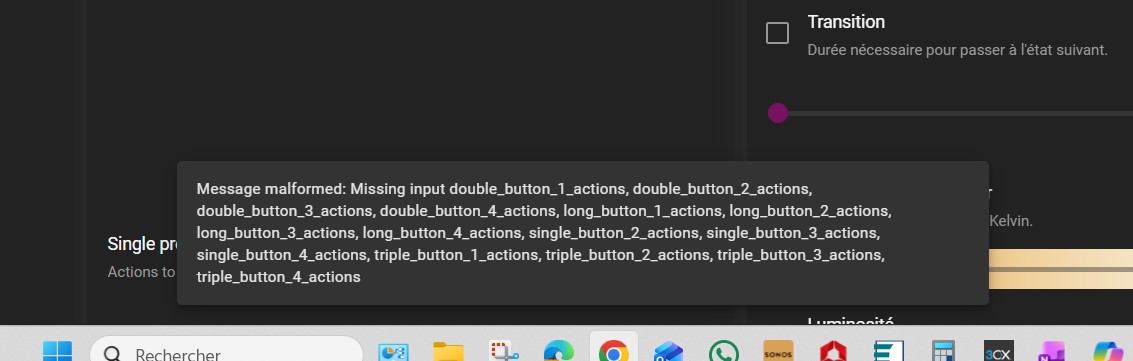
Thanks for your work, but, your blueprint does’t work properly on Z2M with ORB firmware 1.0.4.
We have a message: mesage malformed … (cf capture) …
Note this worked before I updated
I recently updated Home Assistant to Core2026.4.4 and OS17.2. The blueprint seems to be doing something wrong or Home Assistant isn’t. When I push a button that should trigger an automation, it sees the button was pushed The Activity log for the orb shows the following:
SONOFF SNZB-01M (office) Attribute Updated event was fired with arguments: {'attribute_id': 0, 'attribute_name': 'on_off', 'attribute_value': 0, 'value': 0}
I have a button on a dashboard that fires the same automation, and it is working fine.
If I go into the automation that the blueprint created, I can manually click “Run Action,” and it triggers the automation.
Could be how the entity is managed by Zha. The blueprint was made to connect via zigbee2mqtt, so maybe Zha have different attributes and it give this kind of error. I forgot to mention on the main post.
That part that sucks is it worked until the recent update. any suggestion on what I could do. these are really cool and it has been nice having them around the house.