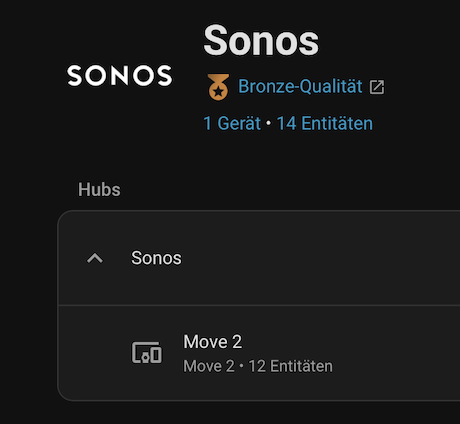
when the Sonos Move 2 is used outside of its charging base, it goes into standby mode after 30 minutes.
After that, it can only be “woken up” by the Sonos IOS app (or push the button on the move 2 itself.) I can no longer access the device via Home Assistant.
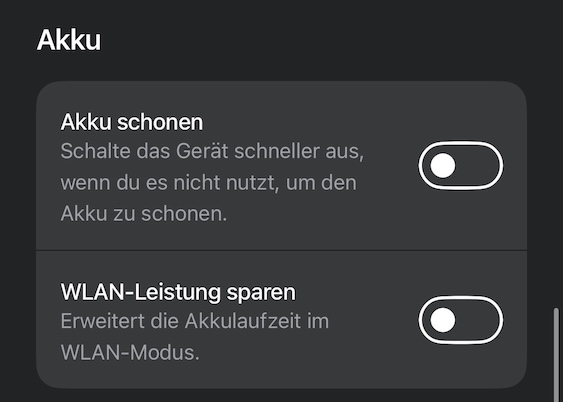
The “Save Battery” and “Save Wi-Fi Power” options are already disabled.
Is there an option to wake the Move 2 directly via Home Assistant?
im using the official ha Sonos integration
Wake on LAN over WiFi requires that the network gear also support it.
The network gear needs to accept a loosely held connection with only a little communication now and then.
If the network gear does not support this, then the connection is will be seen as dead and it will be closed, which means the device will not get the WOL packet.