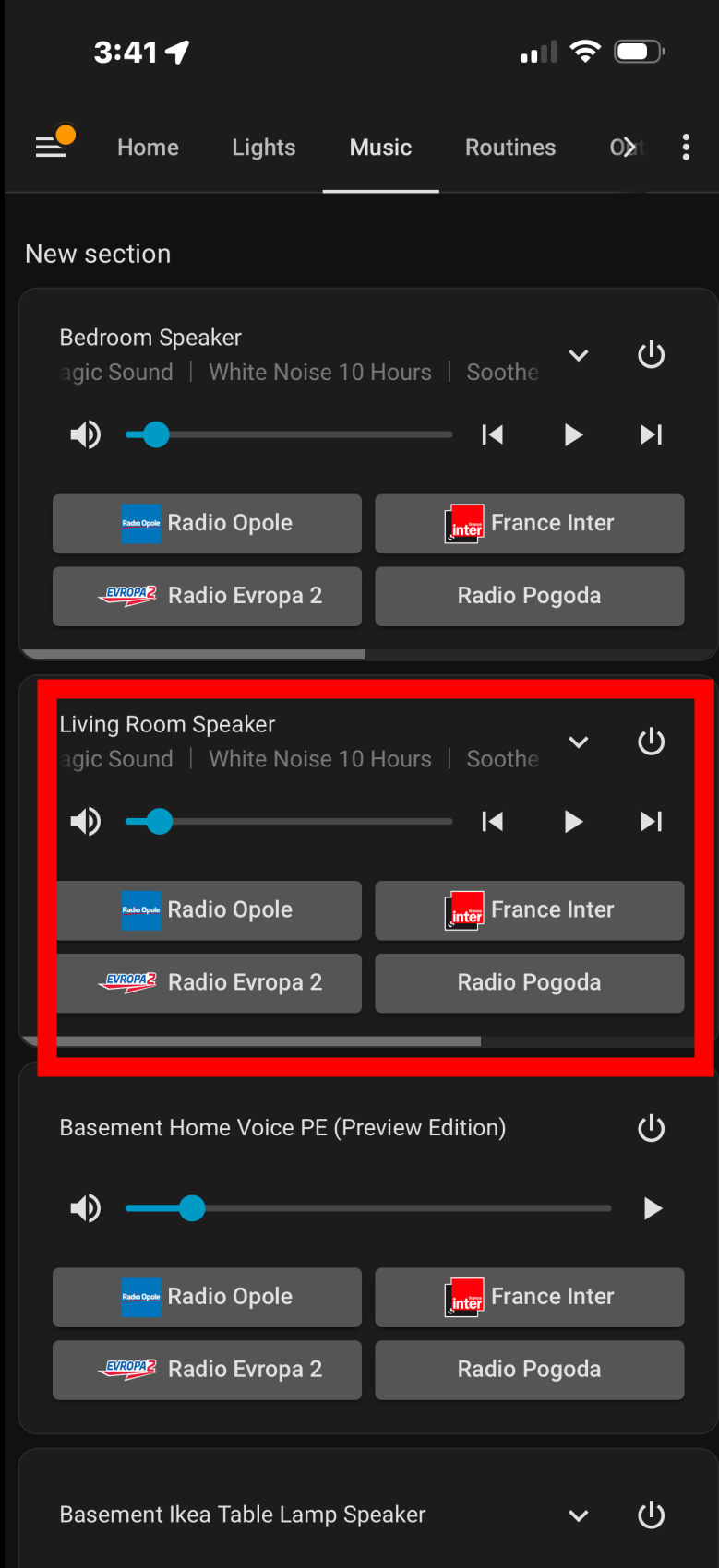
I have a strange case where one of my speakers the volume randomly will increase to very loud in the range of 75% to 100%. I tried checking the history but I’m not sure how to determine who/what changes the volume.
A few nights ago the volume went up to 100% at 3:41AM! The screenshot below shows a lower volume because I lowered it before taking a screenshot.
The times are random, and this happens almost every day.
I have 3 Ikea sonos spakers and one HA Voice PE. This only affects the Living room speaker.
Any help or guidance on how to diagnose this would be helpful.
I haven’t figured out why I’ve had a similar experience with my various speakers (HomePod, Sonos One), so I set the volume before the TTS operation wherever I’ve used a TTS operation.
I offer that while awaiting your receipt from a more experienced user.
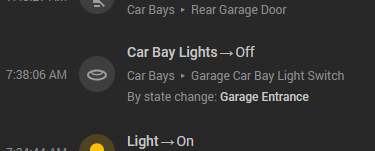
go to your activities tab and use that device in the target selector on the sidebar. That page will show you what happened. If there is no context (the 3rd line in the activity is blank), then the volume changed from outside HA.
Hi, @petro
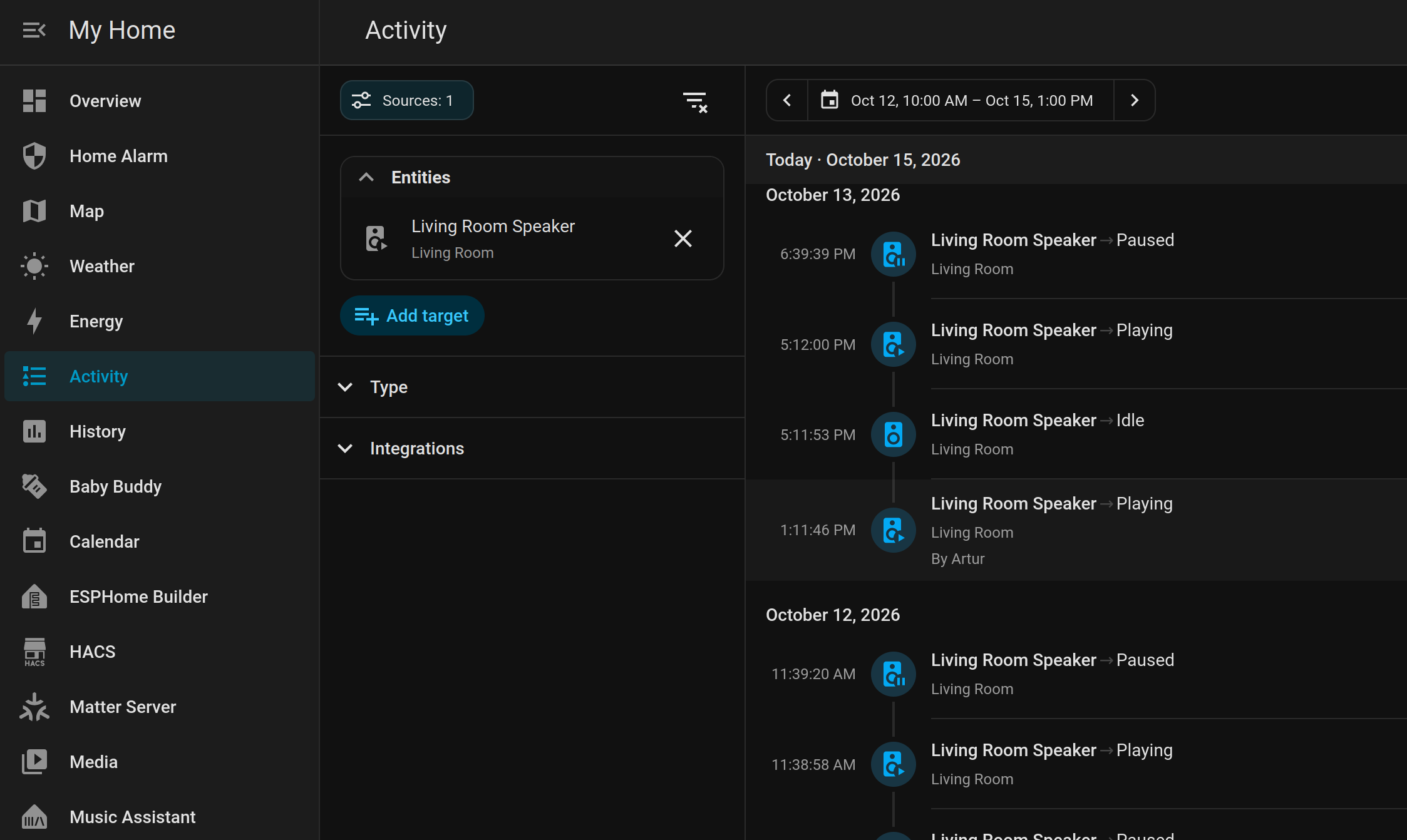
Thank you for the screenshots. So on my end this is how it looks. When you say 3rd I don’t see it however when I click on an activity there is a third box that says “What happened”.
It only shows if something played, paused or went idle. The tricky part is that the volume changes and is there a way to see what/who changed the volume?