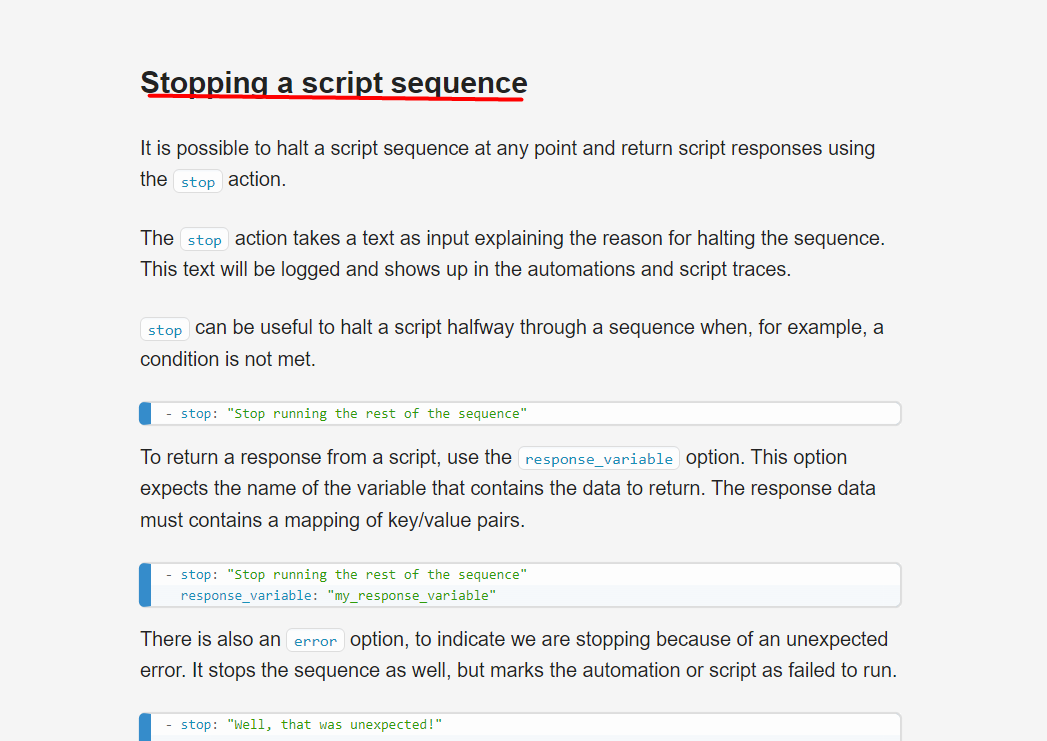
When editing automations in the UI, there is an option named stop which generates the following YAML:
  - stop: ""
    error: true
But there doesn’t seem to be any documentation anywhere for this function. What exactly does it do?
When editing automations in the UI, there is an option named stop which generates the following YAML:
- stop: ""
error: true
But there doesn’t seem to be any documentation anywhere for this function. What exactly does it do?
It stops the actions.
Actions are just script sequences. If you ever need to look up the syntax for actions, check the script syntax page: https://www.home-assistant.io/docs/scripts#stopping-a-script-sequence
Many thanks for your info and link.
It never occurred to me to look under Scripts. And to search for the word Stop under Docs, certainly didn’t work (as expected).
I’m not using it as part of a script, but as part of an animation. I do understand that ‘Stop’ means ‘Stop’, but I tried to understand exactly the options proved as well as whether it stops only the ongoing action, or the whole automation.
I guess the only way to find out, is by trial’n’error.