Hi there,
I installed the Home Assistant plugin from the Marketplace Stream Deck by Christoph Giesche.
Windows 11 Pro (10.0.26200 Build 26200),
Stream Deck XL (7.3.1 (22604)) USB-connection
Entered the server URL correctly
Entered the access token correctly AND
SAVE AND CONNECT successfully - no error message appears
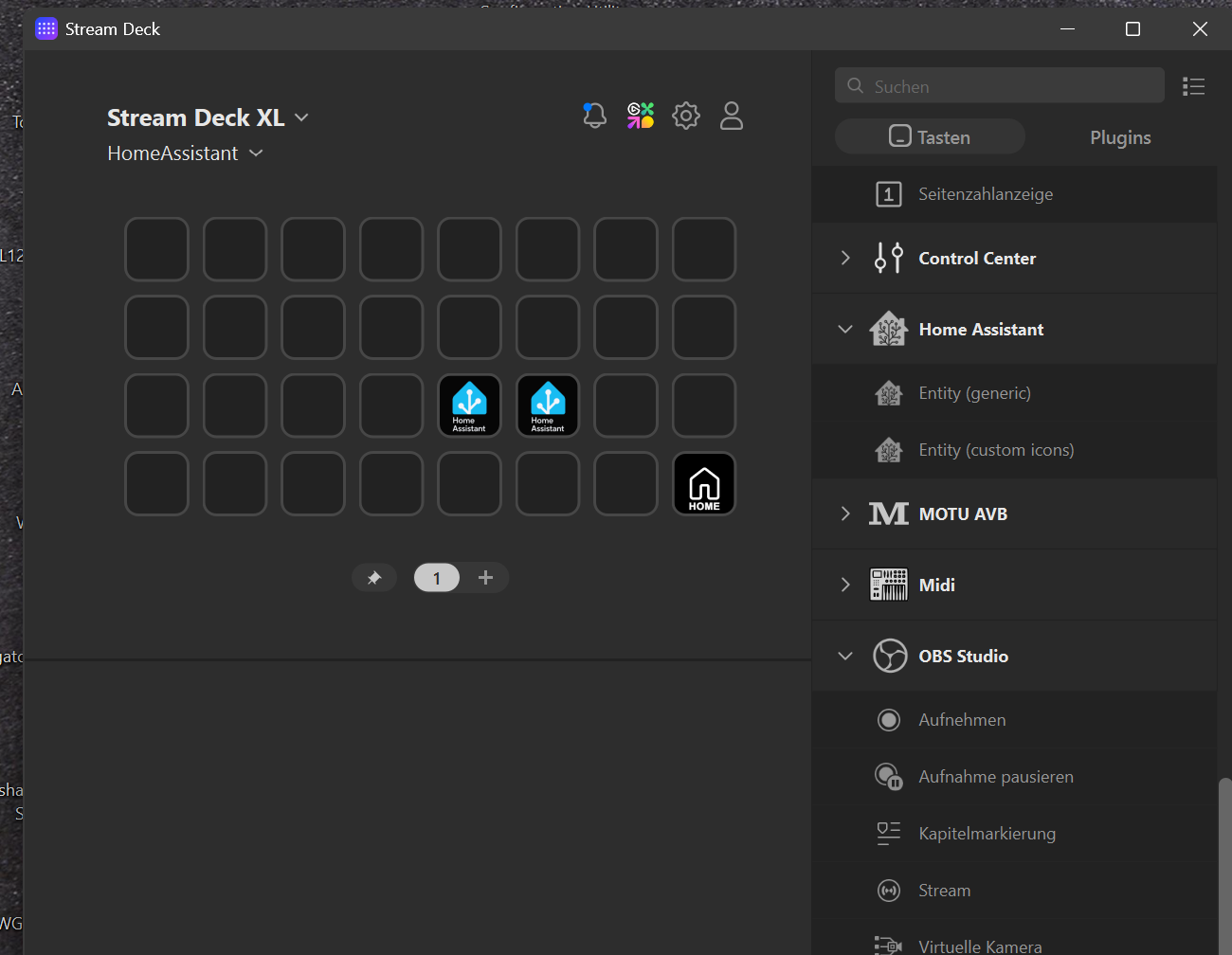
I can see my entities
I select an entity, for example, a smart plug, under Keypad Appearance
Short Press >> switch, Service >> toggle
Entity >> smart plug
SAVE CONFIGURATION
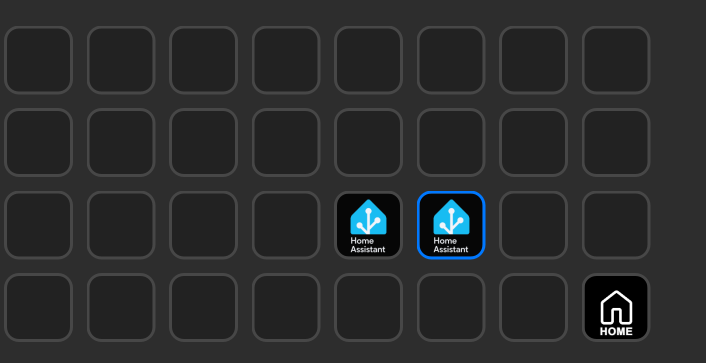
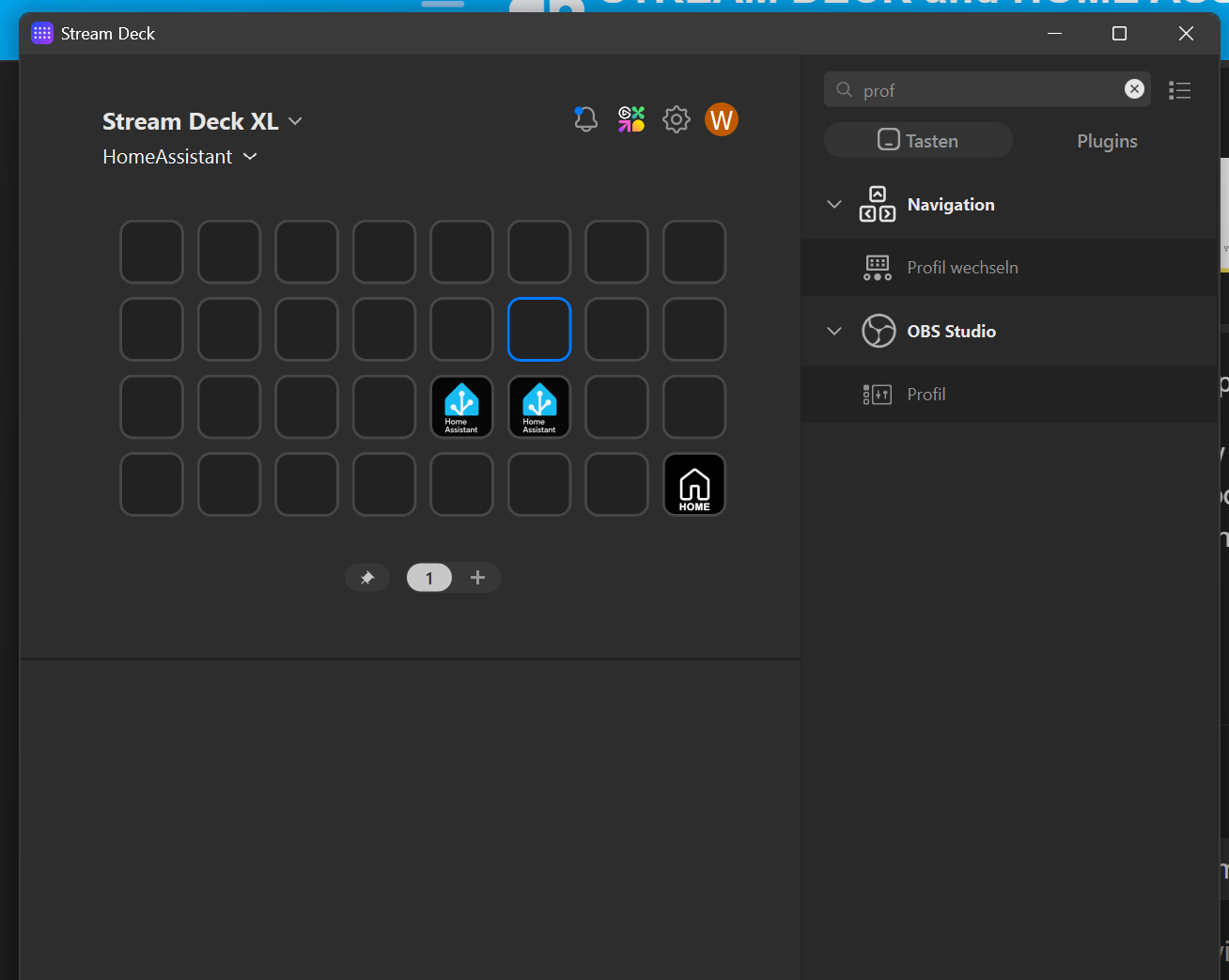
Only a standard Home Assistant icon appears on the Stream Deck
The button does nothing.
After restarting my Windows PC and accessing the Home Assistant profile on the Stream Deck, the icon is visually present, but the parameter fields are empty - as if I hadn’t entered anything.
I’m at a loss - what’s the problem?
If not, I’d read up on open tickets and discussions to see if anyone else has ran into it.
I used this a few years ago and recall it working fine but I’ve switched over to bitfocus (docker) and the elgato poe network adapter so I can place my stream deck about anywhere. Have been really happy with it so far.
Sorry, I don’t have the elgato software installed anymore to test. Since it’s specifically an issue with that software and the HA plugin (not HA itself) I would create a ticket/discussion on that repo.
You could do some other test with other plugins to see if you can narrow it down to just that one having a problem vs your elgato software install as a whole.
Edit: I see you restarted and it’s behaving better. I would still recommend that repo or maybe an elgato support forum to start with. Unless someone here comes along that is also using it.