I spent several hours getting through the steps in this YouTube guide but I had to use another guide to set up Duck DNS and NGINX.
That NGINX guide added a port forwarding configuration with a 8123 WAN port that worked locally but did not work when trying to add it into Tesla API account. I had to switch it to port 443. So the URL can be used without a port?
Everything seems to be working including the step to show Public key when going to the new Duck DNS URL. It only works when I use my cell phone and disabling Wi-Fi so it doesn’t work when trying to open on my local network and I believe this may be the issue but I’m not sure.
When configuring the Tesla fleet integration I get to the link account to Home assistant page after logging into my Tesla account but when I click the link account button on my desktop I just get an error message saying the site can’t be reached. When I try the same on my cell phone it has a message about the connection being lost and has me log into my Tesla account over and over again.
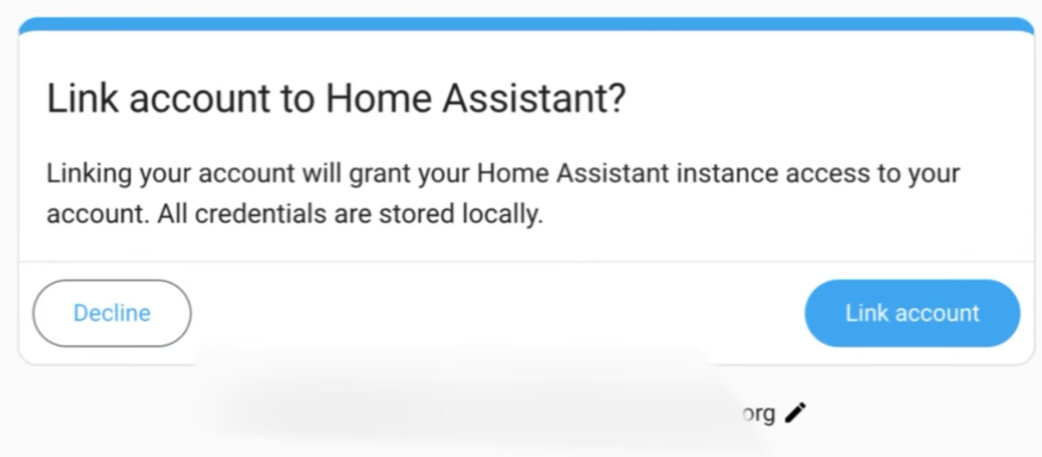
I feel like I’m so close but I just don’t know what the issue is. The YouTube guide even mentions you might not be able to access it on your local network but not to worry you can test it on your cell phone and that does appear to be the case for me but I’m not sure if that’s the reason the link to account fails.