When I don’t use any templating in the template switch turn_on service, the switch does what it’s supposed to. However the moment I add templating to the turn_on service, I get errors in the log and the switch doesn’t work. I can’t figure out what I’m doing wrong. Looked at various examples and postings online, but everything I find is from years ago and not syntactically correct. Is templating not allowed in a template switch’s turn_on service?
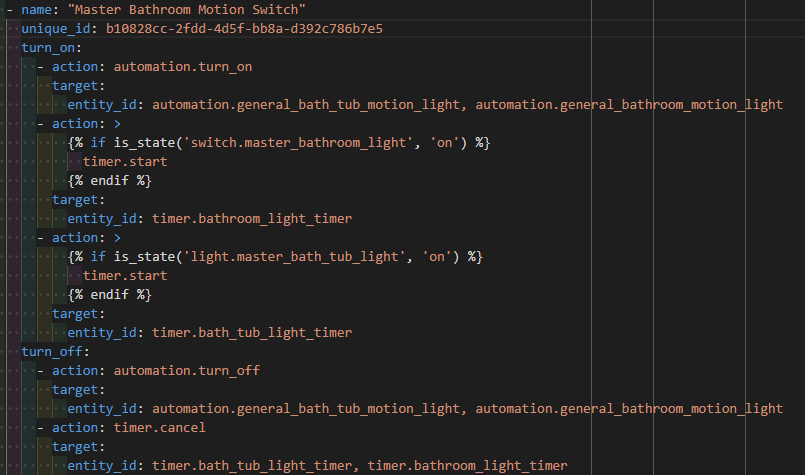
Please don’t share pictures of text. Share the text correctly formatted for the forum with the </> button.
Your templated actions don’t have a value if the lights are any state but “on”…
I would use YAML script syntax controls like If/Then actions and/or move the whole action sequence to a Script and call the script as the turn_on action.
Right, sorry. I’m so used to forums that have a code button rather than preformatted text.
- name: "Master Bathroom Motion Switch"
      unique_id: b10828cc-2fdd-4d5f-bb8a-d392c786b7e5
      turn_on:
        - action: automation.turn_on
          target:
            entity_id: automation.general_bath_tub_motion_light, automation.general_bathroom_motion_light
        - action: >
            {% if is_state('switch.master_bathroom_light', 'on') %}
              timer.start
            {% endif %}
          target:
            entity_id: timer.bathroom_light_timer
        - action: >
            {% if is_state('light.master_bath_tub_light', 'on') %}
              timer.start
            {% endif %}
          target:
            entity_id: timer.bath_tub_light_timer
      turn_off:
        - action: automation.turn_off
          target:
            entity_id: automation.general_bath_tub_motion_light, automation.general_bathroom_motion_light
        - action: timer.cancel
          target:
            entity_id: timer.bath_tub_light_timer, timer.bathroom_light_timer
To me, it feels counterintuitive to create a whole script based on a simple template switch’s ability to conditionally perform an action for it’s on event. Seems like more work to have to track down the automation or script solely for the ‘turn_on’ service when viewing the config of a template switch. This is just my opinion and the reason I was asking if this is even allowed in a template switch’s configuration.
When the light is off this resolves to a target with a null action, which is invalid:
        - action: >
            {% if is_state('switch.master_bathroom_light', 'on') %}
              timer.start
            {% endif %}
          target:
            entity_id: timer.bathroom_light_timer
resloves to:
        - action: >
          target:
            entity_id: timer.bathroom_light_timer
You can have an empty turn_on block if the conditions aren’t what you need but you can’t have “half” an action config.
You need to provide an else case or do it a different way. In fact you don’t even need templates.
(As suggested by Drew above.)
      turn_on:
        - action: automation.turn_on
          target:
            entity_id: automation.general_bath_tub_motion_light, automation.general_bathroom_motion_light
        - if:
            - condition: state
              entity_id: switch.master_bathroom_light
              state: 'on'
          then:
            - action: timer.start
              target:
                entity_id: timer.bathroom_light_timer
Do the same for your other conditional actions.
1 Like
@Didgeridrew @tom_l
Using the YAML script syntax worked perfectly for it. Appreciate the help very much  I was unsure if I could use the script syntaxing in the template switch’s config.
Another way to do it might be to template the targets instead of the action:
      turn_on:
        - action: automation.turn_on
          target:
            entity_id: automation.general_bath_tub_motion_light, automation.general_bathroom_motion_light
        - action: timer.start
          target:
            entity_id: |
              {% set a = ['timer.bathroom_light_timer'] if is_state('switch.master_bathroom_light', 'on') else []%}
              {% set b = ['timer.bath_tub_light_timer'] if is_state('light.master_bath_tub_light', 'on') else []%}
              {{ a + b }}
You still might get a warning in your logs if both are off when the Template switch is turned on, but it wouldn’t be as problematic as a null value for action.
1 Like
Definitely another way to achieve the same result, but the script syntax that you and Tom pointed out seemed like more simpler logic. Especially when quickly scanning through yaml to analyze things.
Yep. The turn_on/off blocks can contain any valid script/automation syntax.
@tom_l @Didgeridrew You guys made my day!!! 
1 Like