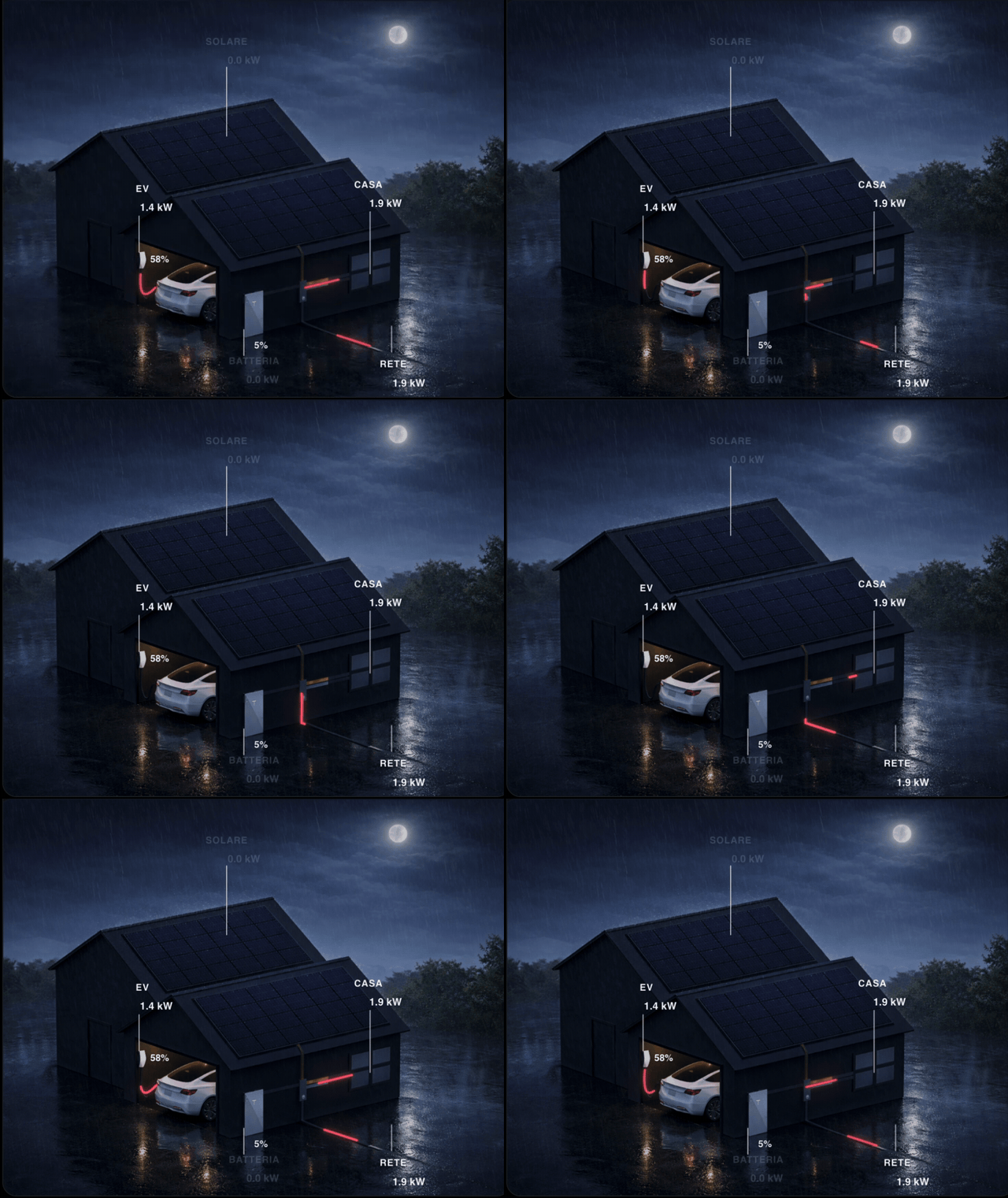
I’d like to share Tesla Style Energy Flow, a custom Lovelace card for Home Assistant focused on presenting energy flows in a more visual and cinematic way.
The idea was simple: instead of a standard diagram, I wanted something that felt more like a scene, while still keeping the important information readable at a glance.
What it does
Tesla Style Energy Flow shows:
solar production
grid import/export
home load
battery charge/discharge
EV charging
battery and EV percentages
It also supports:
dynamic day/night backgrounds
weather-based scene switching
different layouts for idle vs charging states
per-scene positioning for labels and guides
configurable thresholds
multilingual UI
Home Assistant config editor support
Main goal
This card is not meant to replace every energy card.
It is meant for users who want an energy flow card that feels more visual, styled, and immersive, while still being practical enough for daily use.
HACS / Installation
It can be installed as a custom repository in HACS.
Hi, thanks for building this card. It’s by far the nicest-looking Tesla-style energy flow card I have found and I have started using it with my Powerwall setup. As I was setting it up, I had a few ideas that could be really helpful and take it closer to the Tesla App.
Label for the battery: I can set a label for the EV, Heat Pump as well as Roof Array and I would really appreciate it if you could add a label for the battery as well. In the Tesla app the Powerwall shows as “Powerwall · Nx” (N units), and I would like the card to show that too. Right now I get that text by patching the card’s code and I expect a card update would wipe the patch.
Less dimming of idle grid, battery and solar: When these are not moving any power, they dim a lot. In the night scenes they become hard to read on a phone (I am using an iPhone). Could there be an option to dim them less or even not at all (a dimming percentage would work)? A faint dark backing behind the text would also work. At the moment I force this with CSS overrides.
Tap actions on each part of the scene: I would like to be able to tap the solar, battery, grid, home or car area and open a pop-up (like a Bubble Card pop-up). I got this working by laying invisible buttons over the picture and positioning them manually (in a few passes). Built-in tap actions on each part would be really cool.