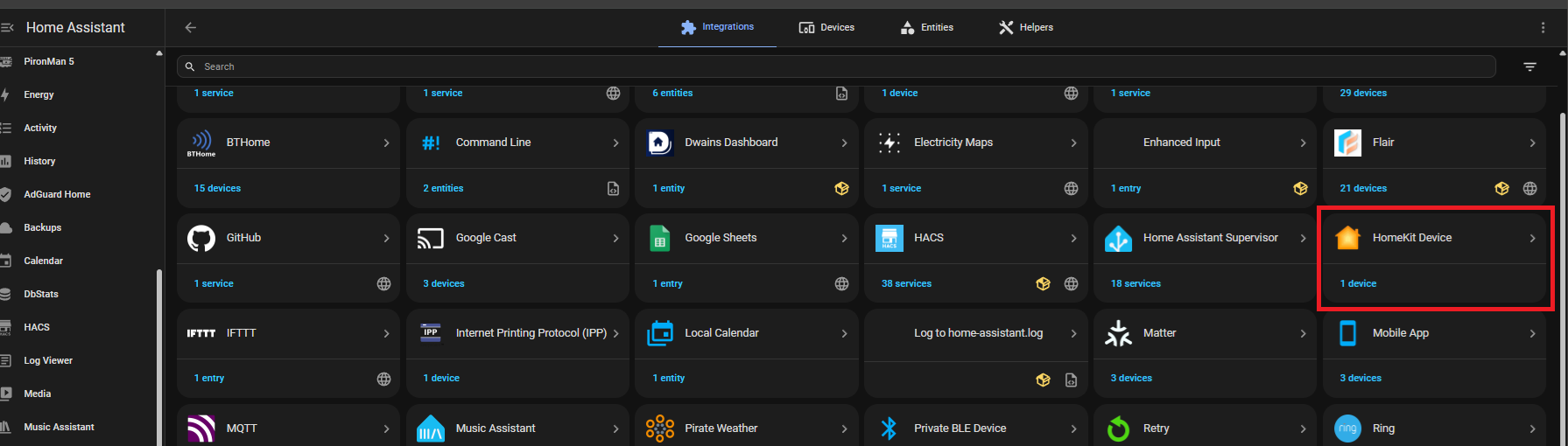
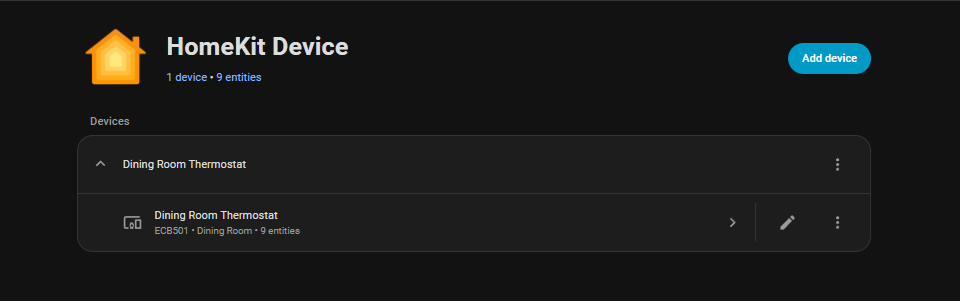
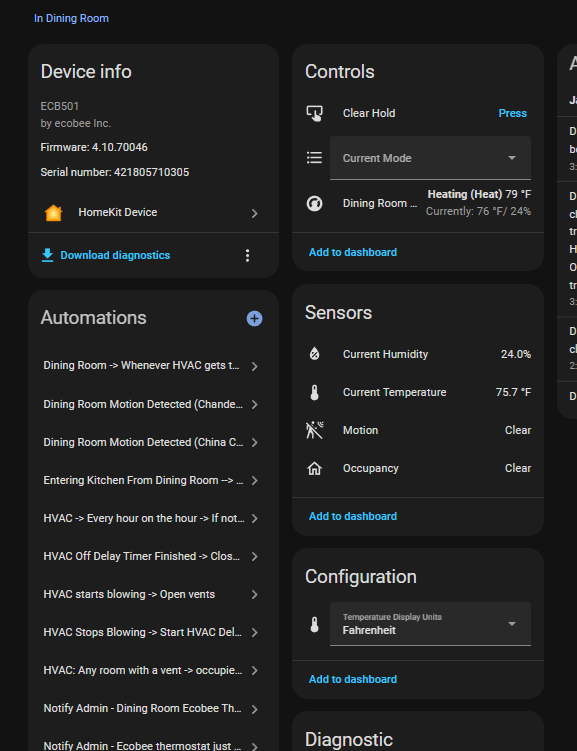
Ok… its a free, standarly supported home assistant integration, and standalone… I don’t own any apple homekit anything outside of this integration in HA for connecting to my ecobee
But I don’t have any Apple devices to use as a bridge.
Regardless, I think my Ecobee is on it’s last legs. I want to replace it with something that is directly controlled by HA and that will not “phone home”
Why? I have the Ecobee Thermostat Enhanced and it is completely local with the HomeKit Integration that you just add into HA. Like the other responder, that is all I use for that integration -
The replies here is because it is sort of a XY problem.
The root cause is the cloud dependency, but the OP went for what he see as the solution, not knowing that there maybe is a just as good a solution that is way cheaper.
The replies is not that he wrong, but that he have missed a possible solution.
I’ll also note that I did give an answer. I recommend the Honeywell ZWave T6 Pro if they can find it somewhere. They are rock solid devices and fully local.
I wasn’t even looking for a new thermostat—but after reading this, I’m switching to Ecobee. Mainly because it can run locally via HomeKit, as others mentioned.
What’s everyone using for temperature sensors with Ecobee?
@R055 My ecobee thermostat came with an ecobee remote temp, motion and occupancy sensor. It works with ecobee’s built in functions to “split the difference” of temps between sensor and main unit which keeps the house’s temp more balanced.
It also doubles as occupancy sensor for HA… It turns the master bedroom suite lights off after 30 minutes of no motion detected. I also use the main unit’s occupancy sensor to change my house status to “away” mode after x hours for functions I have for that.
I have yolink temp/humidity sensors that I use for ventilation purposes, but I find it better to configure the ecobee and its provided sensor and not have my programming ‘interfere’ with is handling of the HVAC outside of operating the HVAC fan for supporting ventiliaton and detected air quality problems
I’m currently using Nest for ducted heating and it’s been working well over the past couple of years, but I’m gradually moving everything to local control so ecobee is looking like a good option.
Just wondering — when using it with Home Assistant, can you easily switch which sensors are used (like choosing a specific room to control the temperature), or is it mostly the default “split the difference” behaviour?
My wife really likes how we can pick which room drives the heating and have it turn on/off based on that, so I wouldn’t want to lose that functionality.
I’m not 100% sure about the ecobee’s capability there. It’s design is based on you telling it what you want and then not really fiddling with settings regularly other then temp if you want to…
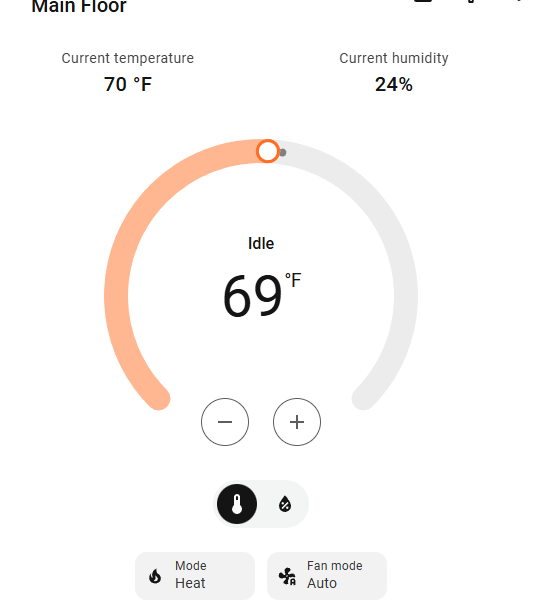
It can do things like use the lack of occupancy sensed to let some areas stay cooler, but that can be turned off. However the ecobee apps is written to be easy to use, so she could simply turn the heat up/down based what she wanted. The HA dashboard thermostat widget is fairly simple as well.
My experience with averaging on both ecobee and ventstar color touch thermostats is that house “feels” better and requests or efforts to change the temperature are fewer.