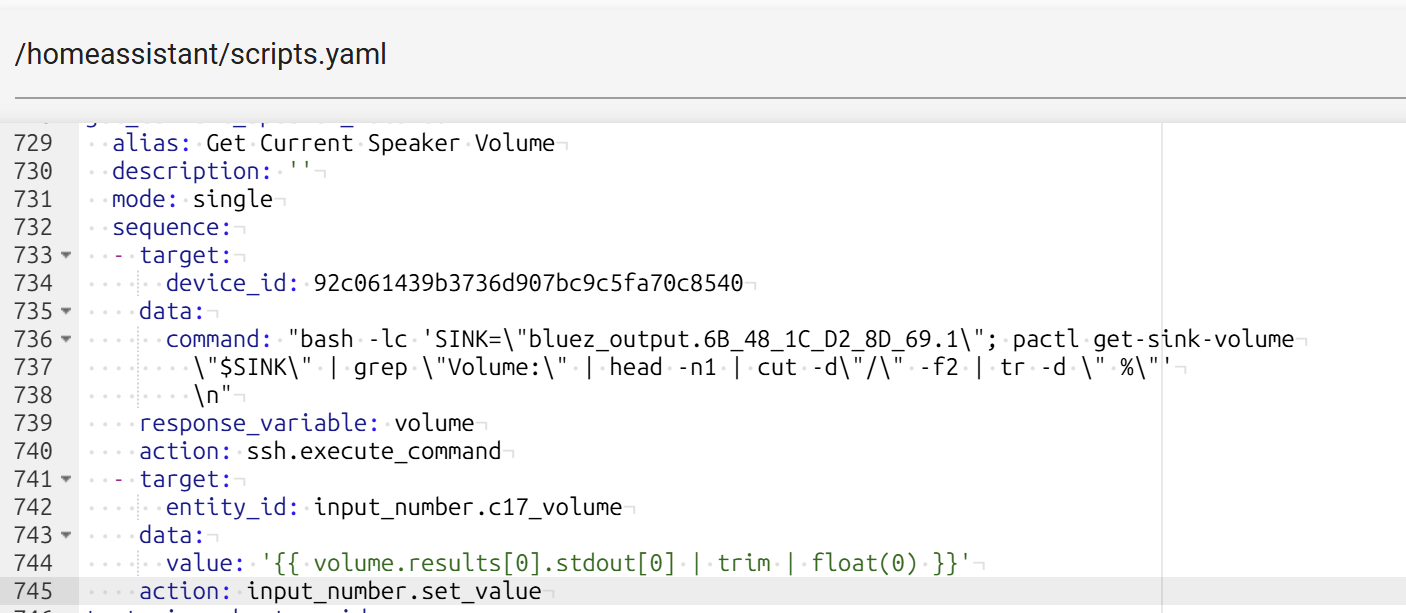
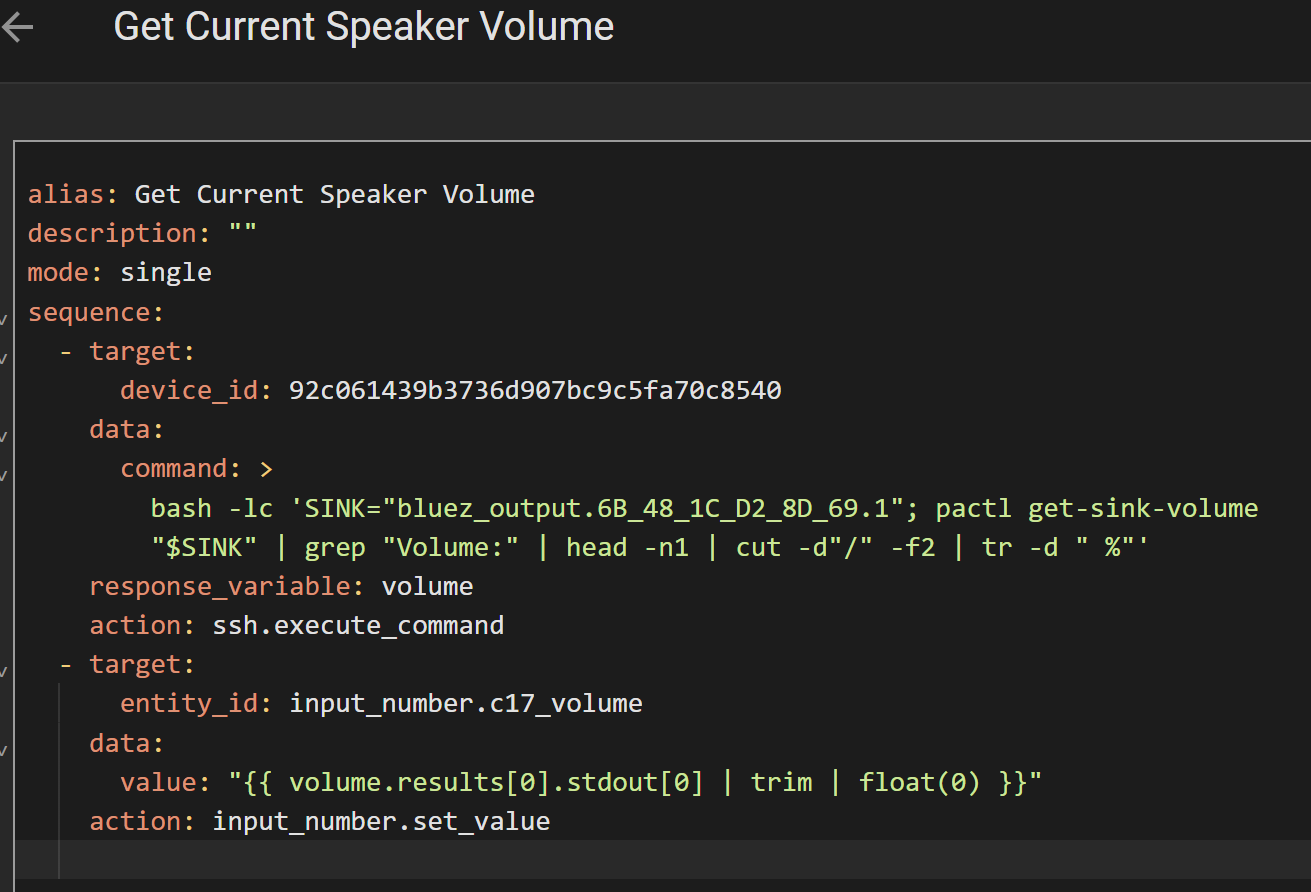
I have number of scripts now and all are showing this error. However, all of them are stored in scripts.yaml when I checked. If I choose “migrate”, I get error 500. I am not able to edit them or create copies of them.
This error started showing up after some recent update. I do not remember which one it is. Is there a way to get around this bug?
Since he shows a screenshot of file editor, he is using HA OS. In their renaming frenzy, /config is now /homeassistant, unless you use the samba add-on, there you still see /config
Make sure you do not have multiple script: sections in your configuration.yaml and included files.
Also make sure that scripts: points to the right path.
It was moved, but a symlink was created from the old path to the new one, which means users now find the same files in two different folder paths.
Especially Windows users that are not used tob ymlinks gets confused then.
Perhaps it helps someone else, I (well actually Claude) found the problem in my case, I used !secret in one of my scripts, and this causes ALL scripts to become no longer editable via the UI!