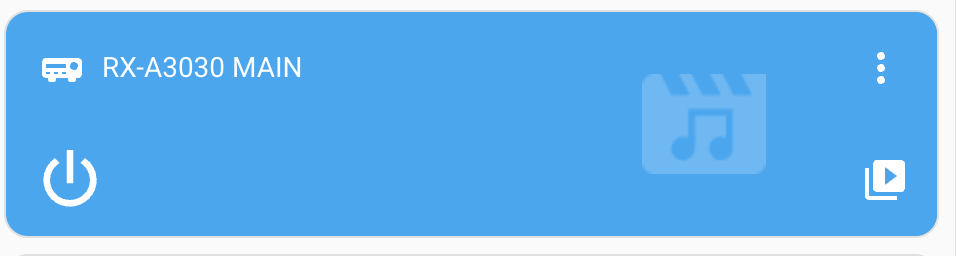
I try to create a card with a device in a tile.
type: tile
entity: media_player.rx_a3030_main
tap_action:
  action: call-service
  service: remote.toggle
  target:
    device_id: d624607945ddee4028b6a1093fec8820
icon_tap_action:
  action: toggle
name: Versterker
Is there a way to turn this around?
something like:
{% if states('media_player.rx_a3030_main') in ['on', 'idle', 'playing', 'paused', 'unavailable'] %}
            on
          {% else %}
            off
Edwin_D
July 20, 2024, 4:43pm
2
Inactive and lit up should indicate powered on but not playing music, afaik. So if the amp was on, that would be both right, and corresponding to your own pseudocode. So was the media player entity saying power is on or off?
It is a problem with the plugin for my amp.
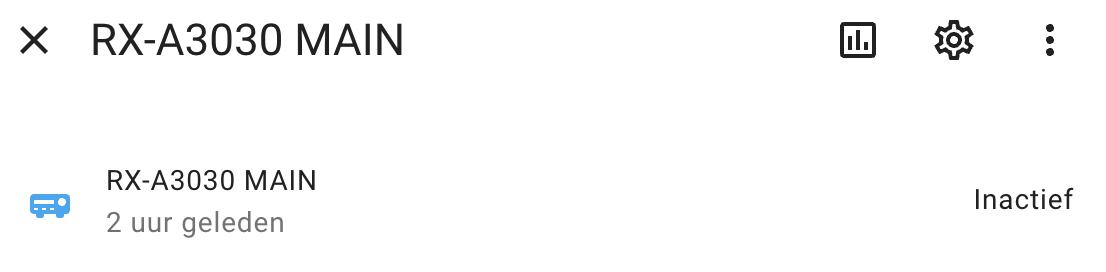
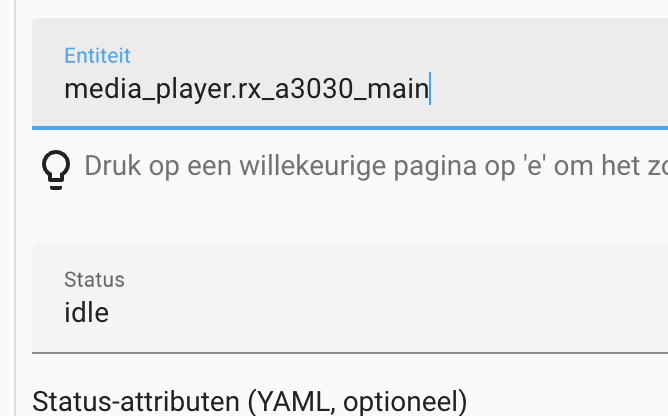
currently the status is idle while playing
The creator of the plugin says the following:
In my opinion Idle, Playing, Paused and On are all variants of On, but is not how Home Assistant treats it.
Thats why i would like to reverse it. because, when it is turned off, the status becomes “active”
Edwin_D
July 20, 2024, 7:52pm
4
I don’t get it. The way I read it, the plugin author does not say off is a variant of on. It says active is on, not off. So nowhere does the author say off should be active.
This is what my receiver shows for off:
and on:
So HA is not forcing to do anything strange.
No, as you can see on my image, the status is idle. and HA will present it as “inactive”
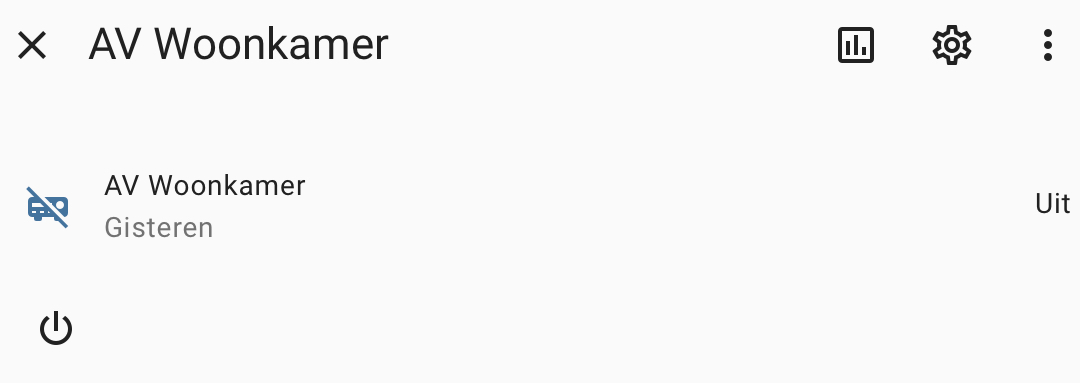
and it will present it as “off” (uit in dutch) when it is turned off.
Inactive is not off. It is On but presented as Inactive.
I managed to get it working by creating a “switch” in the configuration yaml.
switch:
  - platform: template
    switches:
      versterker:
        friendly_name: "Versterker"
        value_template: >
          {% if is_state('media_player.rx_a3030_main', 'inactive') or
                is_state('media_player.rx_a3030_main', 'on') or
                is_state('media_player.rx_a3030_main', 'idle') or
                is_state('media_player.rx_a3030_main', 'playing') or
                is_state('media_player.rx_a3030_main', 'paused') %}
            true
          {% else %}
            false
          {% endif %}
        turn_on:
          service: media_player.turn_on
          target:
            entity_id: media_player.rx_a3030_main
        turn_off:
          service: media_player.turn_off
          target:
            entity_id: media_player.rx_a3030_main
And used it in the tile.
type: tile
entity: switch.versterker
tap_action:
  action: toggle
icon_tap_action:
  action: toggle
name: Versterker
hide_state: false
icon: mdi:audio-video
color: blue