TLDR: everything has to be on the same, non-isolated network
I started this with a clean install of HASSOS on a RPI 3 using the Raspberry Pi Imager Home Assistant image installed on 9 April 25. Nothing TP-Link was detected on the initial boot of Home Assistant .
I ran python-kasa and same deal, nothing found with discovery.
The HS105 is running in a Guest network on the Deco M5 and the RPI 3 is on the main network. I enabled “Allow Local Access” and the devices responded to ping! Ran python-kasa again, nothing found. Nothing discovered in Home Assistant.
Finally, I removed the device in the Kasa app forcing a factory reset. I then joined the device to the same main network (not Guest) that the RPI is on. Before I got back to my screen, Home Assistant discovered the device and was ready to add it.
I really hope to find a way to isolate these on my network and stop outbound traffic. I’m pretty sure with DHCP static mappings, Firewall Groups, Firewall Aliases and some rules I can get that done. At least for now, it’s working.
This worked for me with my HS103 plugs. I couldn’t figure out why python-kasa worked just fine with getting the first plug to join my wifi network, but it couldn’t seem to detect any of my other HS103s. Once I unplugged the first working HS103, I was then able to use python-kasa to configure the second one as well. Thank you thank you! I never would have figured that out on my own.
Thank you! This helped a lot. After enabling Third party access, I was struggling and then I see your point of devices not being visible automatically. To make home assistant see the devices on my guest network (ATT router), I had to enable local LAN access to the guest network so that they can be seen in the main network. Home assistant was able to pick it up right after it. Thank you so much!
I’m having quite a time fixing this issue.
I have a complete TP-Link Omada network at home. I also have many Kasa devices (8x HS103, 1x KP125M, 1x KP401, 3x HS200, 8x HS220, 1x HS210, maybe more). I’ve setup a bunch of VLANs on my Omada network and I’ve set all the IoT devices on VLAN 50. I’ve also created ACL rules so that my main PC (on VLAN 1) and my phone (on VLAN 10) can find these devices. I have Home Assistant running as a VM on my server on VLAN 1, and the VM has its own IP. From within HAOS, I’m able to ping every single device on the network - all the rules seem to be working just fine. I’ve also got mDNS turned on so that broadcasting from VLAN 50 can travel to VLANs 1 and 10.
HOWEVER, Home Assistant TP-Link Smarthome integration is seeing 2 devices, my KP125M and the KP401 outside.
I thought there was an issue within my network, but now that I can ping all the devices very fast, I should be able to detect all these devices. I turned on the Third Party access from my app… but that doesn’t seem to be doing much. Nothing has changed inside Home Assistant.
Could this be a password thing breaking the integration? So far I have no answer, and I’ve setup many Reddit posts to figure this out, but none have been successful. Anyone?
Same situation here. I tried having light on an IOT VLAN, which isn’t even blocked off yet. Can ping IP/hostname no problem from HA. But can’t add integration.
EDIT: Got it working. I used the HASS SSH addon and added both vlans in the network configuration. Then I tagged the HA port on the managed switch.
I was able to add the bulb no problem.
EDIT2: After having other issues w/ having HASS on 2 VLANs. I moved HASS to the same VLAN as the TPLink bulbs. Back to original issue. Sigh.
EDIT3: Then it just discovered the bulb and added it no problem.
Basicamente tenia dos redes locales. La primera me la generaba el ROUTER suministrado por el proveedor de internet en donde los dispositivos (Pc, tablet ,etc,etc) estaban en el rango de direcciones IP 192.168.1.1 a 192.168.1.254 y la segunda red local me la generaba una RED MESH (Deco BE3600 TP-LINK) y estaban en direcciones IP en el rango desde 192.168.68.1 a 192.168.68.254
Los dispositivos TAPO ESTABAN EN LA SEGUNDA RED. Tenian direcciones IP 192.168.68.xx y HomeAssistant estaba en la direccion fija(yo lo puse ahi) 192.168.1.253
Por tanto NO SE PODIAN VER . Cuando me di cuenta, ANULE EL USO DE LA PRIMERA RED excepto darle Internet (via Ethernet) al DISPOSITIVO PRINCIPAL de la RED MESH. Recargue HomeAssistant que paso de ejecutarse como 192.168.1.254:8123 a ejecutarse como 192.168.68.81:8123
En cuanto entre en AÑADIR INTEGRACION, seleccione TP-LINK y deje el HOST en blanco y al momento tenia una lista de todo mis dispoitivos TAPO
QUE CONTENTO ESTOY!!! LLevaba 20 dias peleandome con el HA y al final gane!!!
Following up fruizf’s post (thank you btw).
If the device your Home Assistant is running on is connected to more than 1 network (e.g. plugged into ethernet and on a wifi, or has a 2nd wifi dongle), then there is a setting in Settings/Stystem/Network called Network Adapter that tells HA which to use for plugins like Tapo. Make sure it’s set to the network the Tapo devices are on.
Mine weirdly also decided to change ip even though it had a fixed address from my dhcp.
I also first thought it was a network issue because i moved some zigbee around.
Tried connecting to new IP and get the same error
We really need a list with all those companies killing local control and avoid them in general
Edit: It didn’t accept the login, but with reloading it decided to pretend nothing happened
Got my TP Link devices working again, on separate VLAN with new IPs. It was actually quite simple, after some frustrating hours trying a few other things (including a side quest down a “Matter & IPv6” rabbit hole).
HA on VLAN 50
TP Link devices on VLAN 100
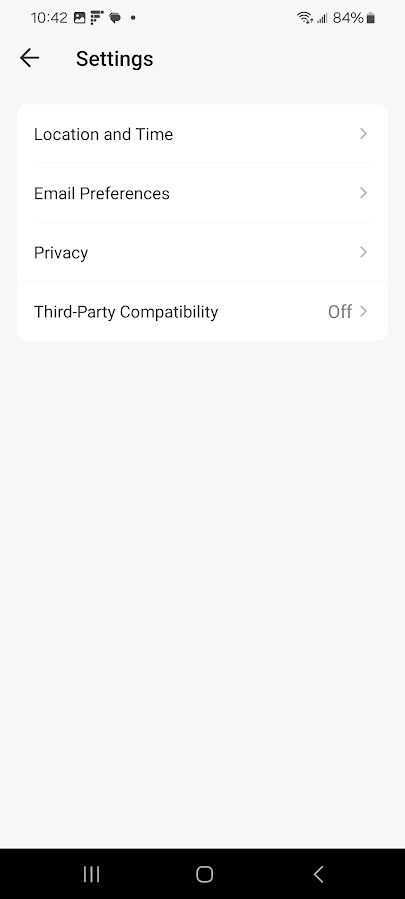
Pre-step: Enable or reenable third party services in the Kasa app — despite having HA working with these devices yesterday, that setting was someone off for me.
Change device network by soft resetting to keep configs
1.1. KL135: off > on > off > on > off > on > wait for blinks > add “new” device in Kasa app > keep settings / don’t erase when prompted
1.2 KP125M: on > hold power button for ~5s > when changes orange to blue release > add “new” device in app > …
All devices should be on new wifi, and working in Kasa app
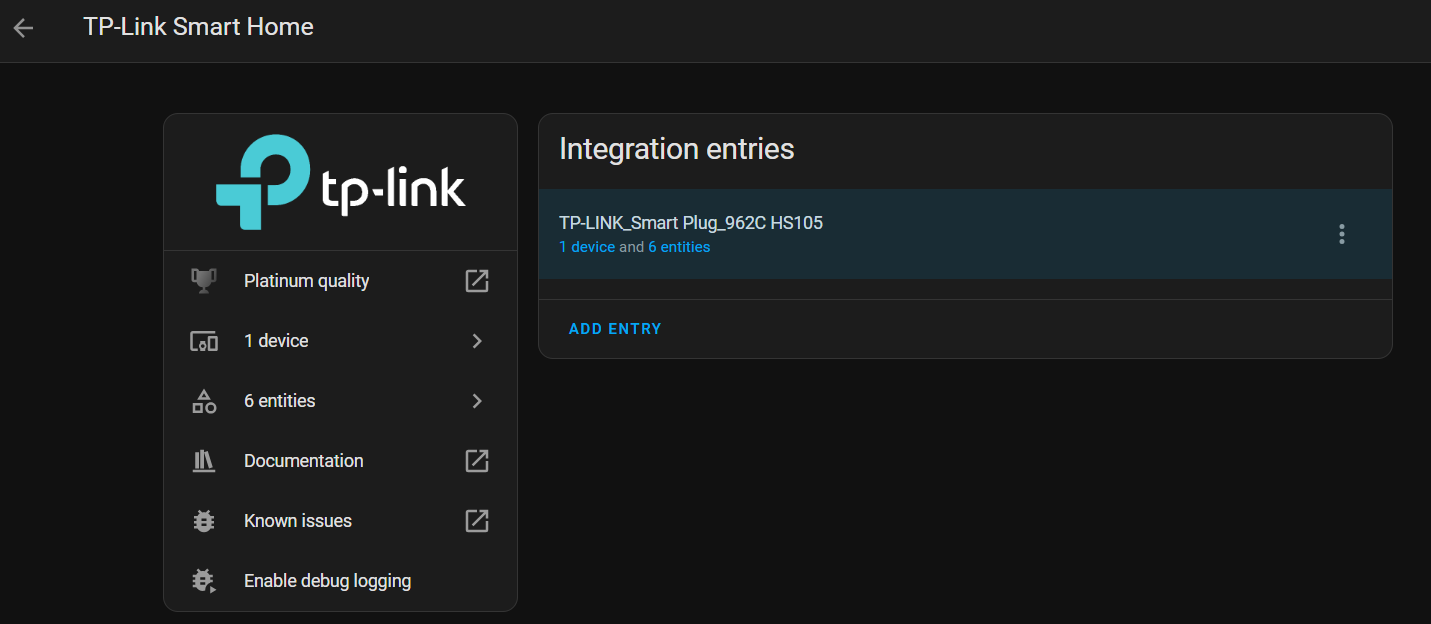
Home Assistant > Devices & services > “TP-Link Smart Home”
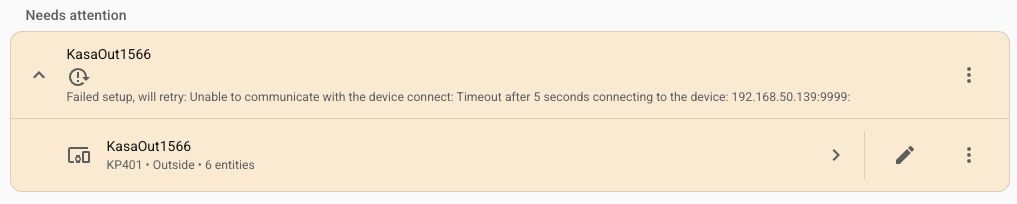
3.1 You should see you list of devices with warnings, devices will try to reconnect and fail, attempts to reconfigure and set a new IP will fail.
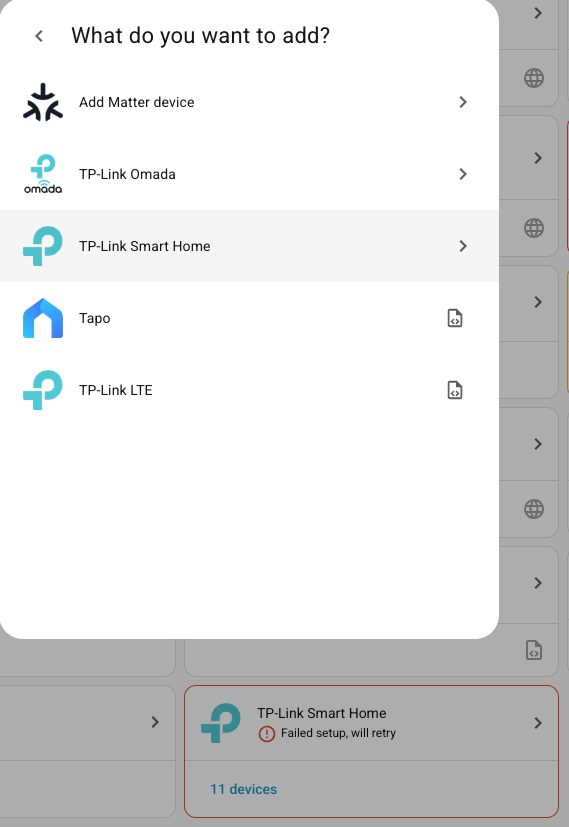
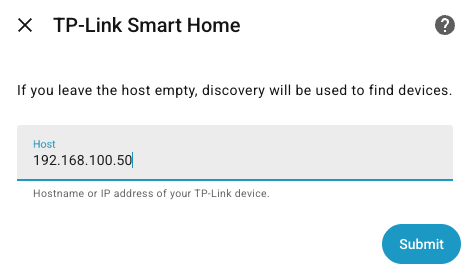
Go back to Home Assistant > Devices & services > Add integration > TP-Link > “TP-Link Smart Home”
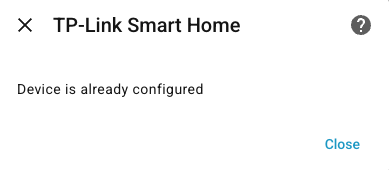
4.1 Note: Leave your existing TP Link integration alone
Eeek same - and annoyingly I didn’t know that as well as breaking a lot of automation, when you remove a Device in HA it nukes the History Stats for that device.
Not good.
I had two P110 plugs do this, I suspect it was something to do with the fact they were on a 5Ghz network maybe and not my 2.4Ghz but HA refused to see them, repeatedly. Until I indeed like others here, reset the plugs fully - 10 second long press, and added them back.
Annoyingly it was the only plug that has history stat stuff, and another that doesn’t - but if any other plug went down I’d have shrugged and reset it, but tried and tried to resurrect this one with no avail cos I need the dehumidifier to run! It’s not like the others where I don’t really care if HA sees it…they are more used with Alexa. Only if Alexa was better at integration, I’d have them connected to one thing.
I did wonder if this was all Zigbee interference, but then again the affected plugs weren’t all near the sensors I’ve just got. I have noticed some strange stuff with wifi disconnects, but can’t see how to move channels on my router.
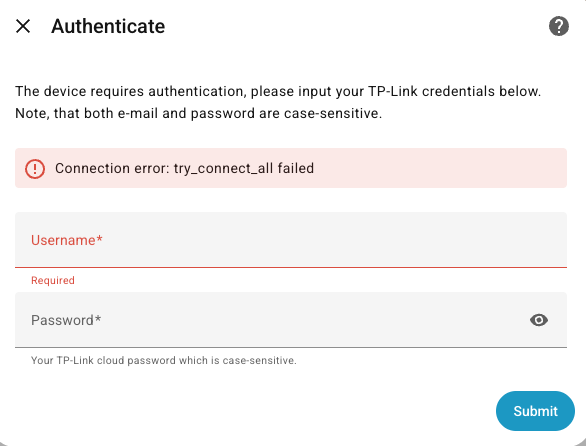
If they do this again I will be asking for suggestions for more reliable plug switches, because these have been great with Alexa but nothing but a pain with HA - random disconnects, etc. This is the first time they’ve just refused to be seen - I got the ‘try connect all failed’ AND the TPAP error even if I put the IP in, and then they weren’t seen on any search unless I put the IP in and repeatedly disabled and re-enabled the Third Party setting in the app.
Happening again - thinking of getting a different brand for my smartplugs, it’s annoying. I wish Tapo just made plugs that just work - unlike their other stuff, it does not.
I found a solution to this problem with my Tapo.
After some research, I solved it by editing the IP address of the Tapo device directly in config/.storage/core.config_entries .
You have to find an old IP of your Tapo device and maually change it to new one. Then press Cntrl S and restart the HA. And that’s it!
Ooh I’ll try that next time. I fixed mine by repeated toggling ‘Third Party Compatibility’ setting in the app - again - annoyingly it did it as I was chatting to Tapo support.
Oddly - P105 plugs are fine, they seem to not do this - it seems to be an issue with P100 and P110 ones, maybe older stock cos I’ve had mine nearly 2 years now.
I actually bought a Signify WiZ plug for the one plug that is make or break and can’t go bye bye. That has worked fine, as WiZ devices seem to stay paired.
It’s a bit severe saying ‘switch your plugs’ but tbh unless it’s ad-hoc unimportant stuff, it’s the way forward cos the Tapo bulbs work great, the LED strip sometimes get lost by both the Tapo app and HA, my Tapo Camera is usually solid…but some of their plugs have major issues with re-pairing and complaining about signal and just dropping off the network even though it’s a few meters from the router! (yes even tried them with dedicated 2.4Ghz network - no difference) so I won’t depend on them now.

 .
.