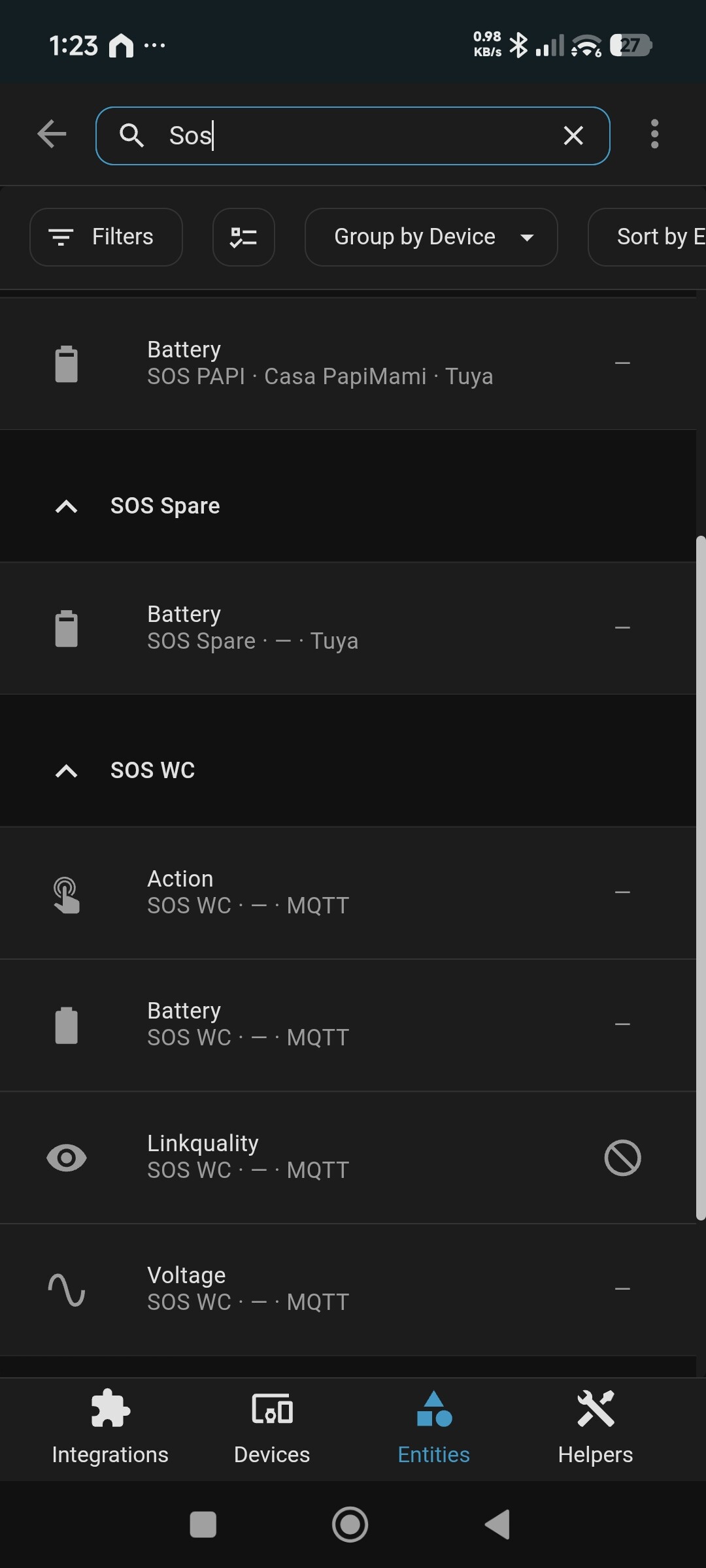
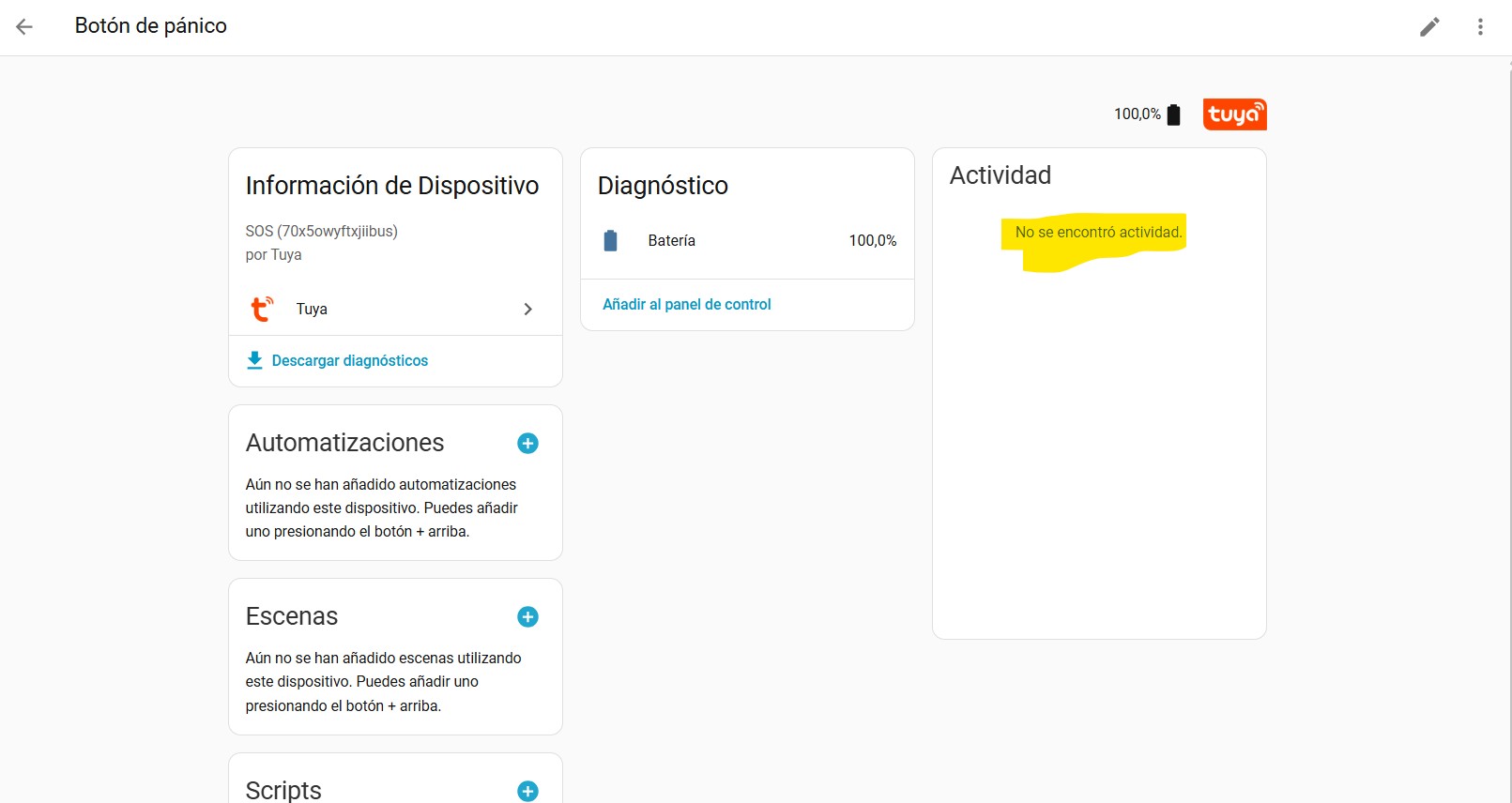
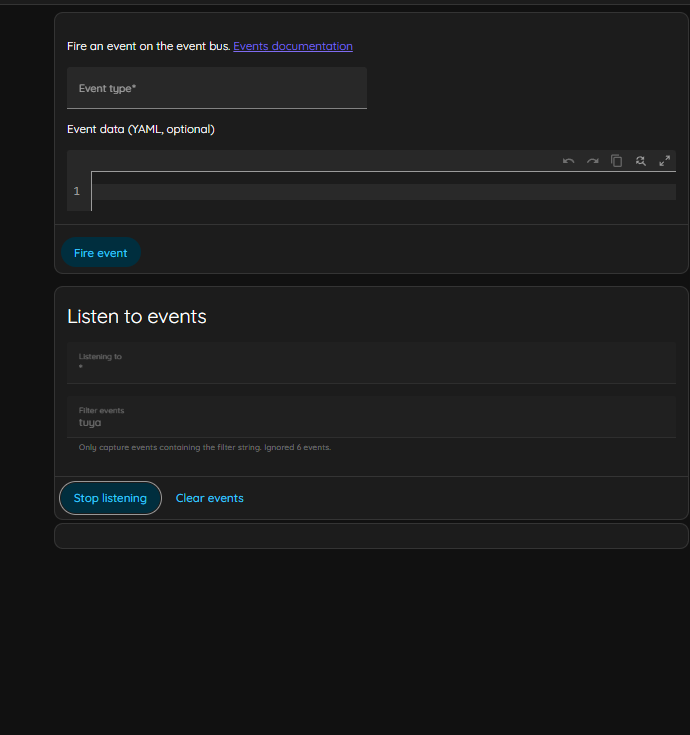
Bought a couple of SOS buttons that i have integrated with the TUYA APP and with HA via the TUYA integration. The buttons show up in HA but the only entity is the Battery:
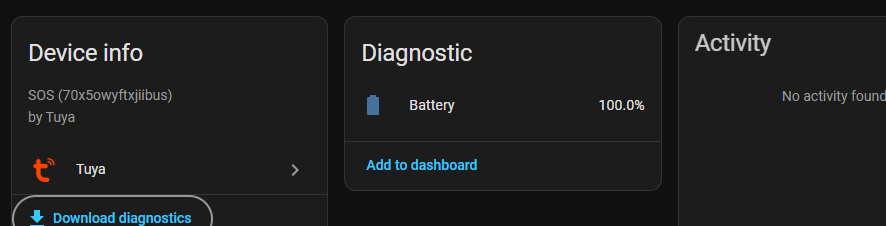
Anyone has any idea? The buttons work very well, and battery is one of the entities that should be monitored, but where is the Emergency entity?
I am running latest Tuya and HA software with HAOS.
Any help, tips or advice is very much appreciated !!
For reference - Diagnostics:
 "mqtt_connected": true,
    "disabled_by": null,
    "disabled_polling": false,
    "id": "bf23528f77955de176ztte",
    "name": "SOS MAMI",
    "category": "sos",
    "product_id": "70x5owyftxjiibus",
    "product_name": "SOS",
    "online": true,
    "sub": false,
    "time_zone": "+00:00",
    "active_time": "2026-01-27T15:36:41+00:00",
    "create_time": "2026-01-27T15:36:41+00:00",
    "update_time": "2026-01-27T15:36:41+00:00",
    "function": {},
    "status_range": {
      "battery_percentage": {
        "type": "Integer",
        "value": "{\"unit\":\"%\",\"min\":0,\"max\":100,\"scale\":0,\"step\":1}"
      }
    },
    "status": {
      "battery_percentage": 100
    },
    "home_assistant": {
      "name": "SOS MAMI",
      "name_by_user": null,
      "disabled": false,
      "disabled_by": null,
      "entities": [
        {
          "disabled": false,
          "disabled_by": null,
          "entity_category": "diagnostic",
          "device_class": null,
          "original_device_class": "battery",
          "icon": null,
          "original_icon": null,
          "unit_of_measurement": "%",
          "state": {
            "entity_id": "sensor.sos_mami_battery",
            "state": "100.0",
            "attributes": {
              "state_class": "measurement",
              "unit_of_measurement": "%",
              "device_class": "battery",
              "friendly_name": "SOS MAMI Battery"
            },
            "last_changed": "2026-01-27T16:16:31.328432+00:00",
            "last_reported": "2026-01-27T16:16:31.328432+00:00",
            "last_updated": "2026-01-27T16:16:31.328432+00:00"
          }
        }
      ]
    },
    "set_up": true,
    "support_local": true,
    "local_strategy": {
      "3": {
        "value_convert": "default",
        "status_code": "battery_percentage",
        "config_item": {
          "statusFormat": "{\"battery_percentage\":\"$\"}",
          "valueDesc": "{\"unit\":\"%\",\"min\":0,\"max\":100,\"scale\":0,\"step\":1}",
          "valueType": "Integer",
          "enumMappingMap": {},
          "pid": "70x5owyftxjiibus"
        }
      }
    },
    "warnings": null
  },
  "issues": []
}