Uber Eats Order Tracker


Custom Home Assistant integration to track live Uber Eats orders, including entities for stage, status, driver name, ETA, restaurant name, lat/long, cross street, and history.
Features
- Monitors active orders with real-time updates every 15 seconds.
- Entities for order details, driver location (lat/long), cross street (using free OSM), and history.
- Supports multiple accounts with unique names.
- Time zone selection for accurate API calls.
- Defaults to home address for location when no order.
Installation
HACS (Recommended)
- Open HACS in Home Assistant.
- Go to “Integrations” > 3 dots > “Custom repositories”.
- Add repo:
https://github.com/zodyking/uber-eats-order-tracker - Category: Integration.
- Click “Add” > Search for “Uber Eats Order Tracker” > Install.
Or use this button:

- Restart Home Assistant.
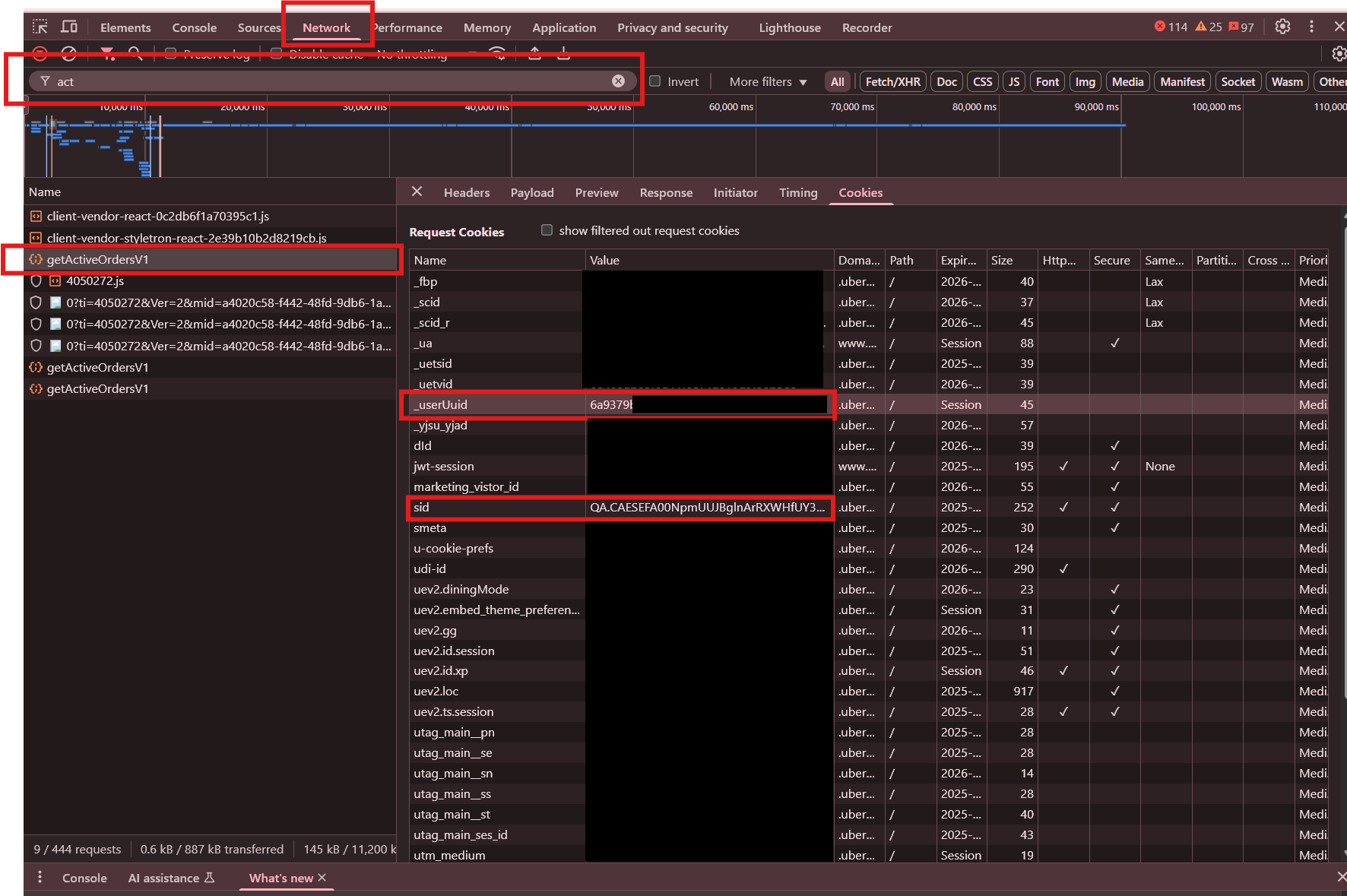
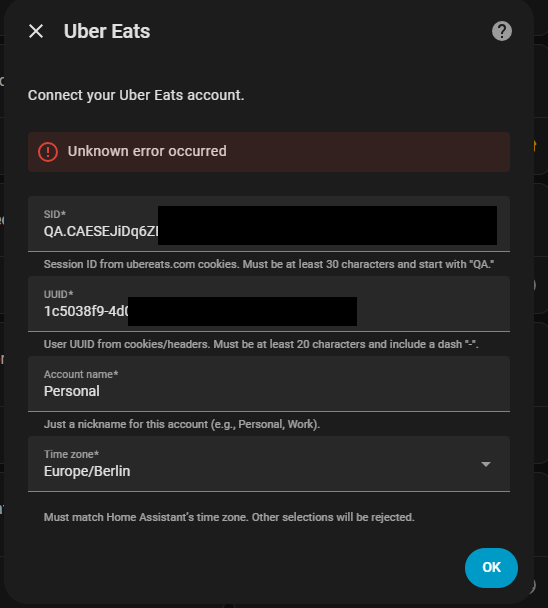
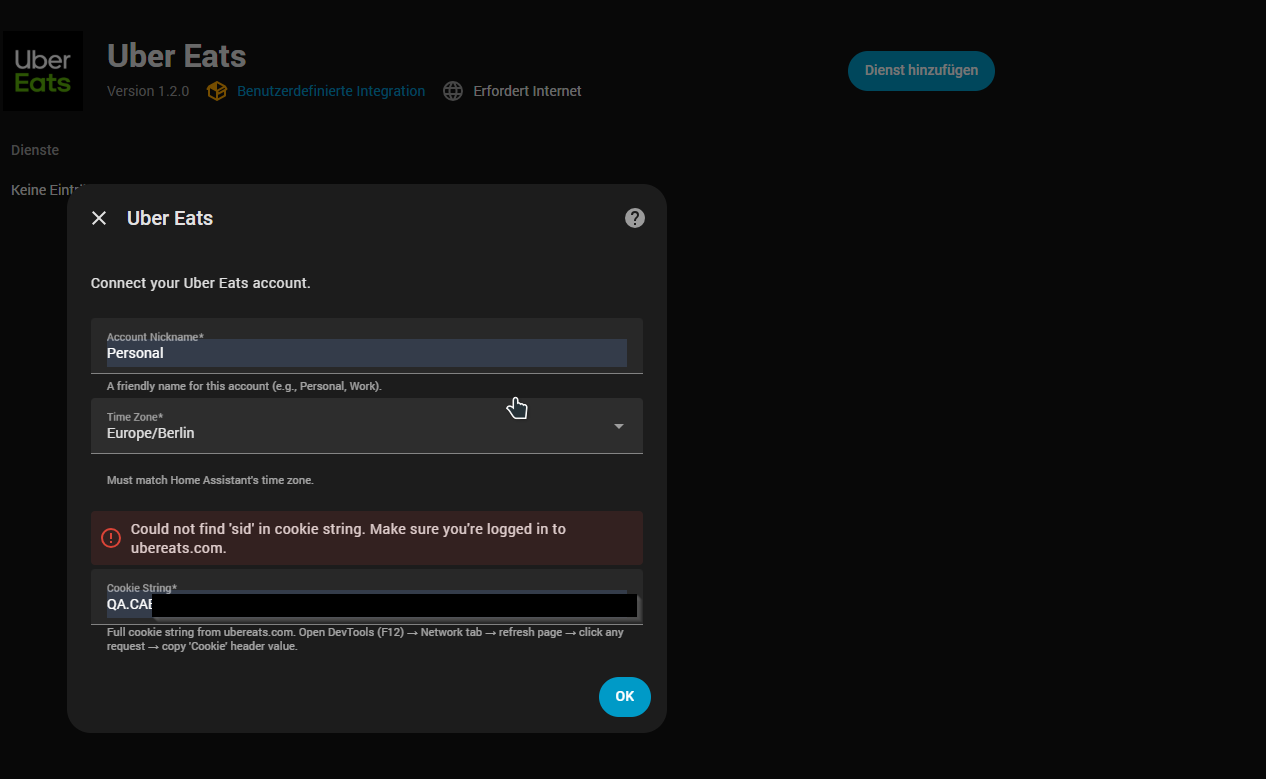
- Configure via Settings > Devices & Services > Add Integration > Uber Eats.
More Details
Entities
(will update post soon with full list)
Testing
1. Place an Uber Eats order.
2. Entities update automatically.
Updated to test api call on setup so if it fails to setup then you have incorrect credentials, you no longer need to place an order to test it 
Notes
- Unofficial integration; may violate Uber ToS.
- Driver location (lat/long/cross street) requires active delivery.
- For issues, open a GitHub issue.
Developed by zodyking.
Automations with Blueprint
Do not use the old blue print it will no longer work with version 1.4.3 rather use the built in tts settings in the intergration panel
Latest Update
v1.4.3
## Release Notes

### Card & UI

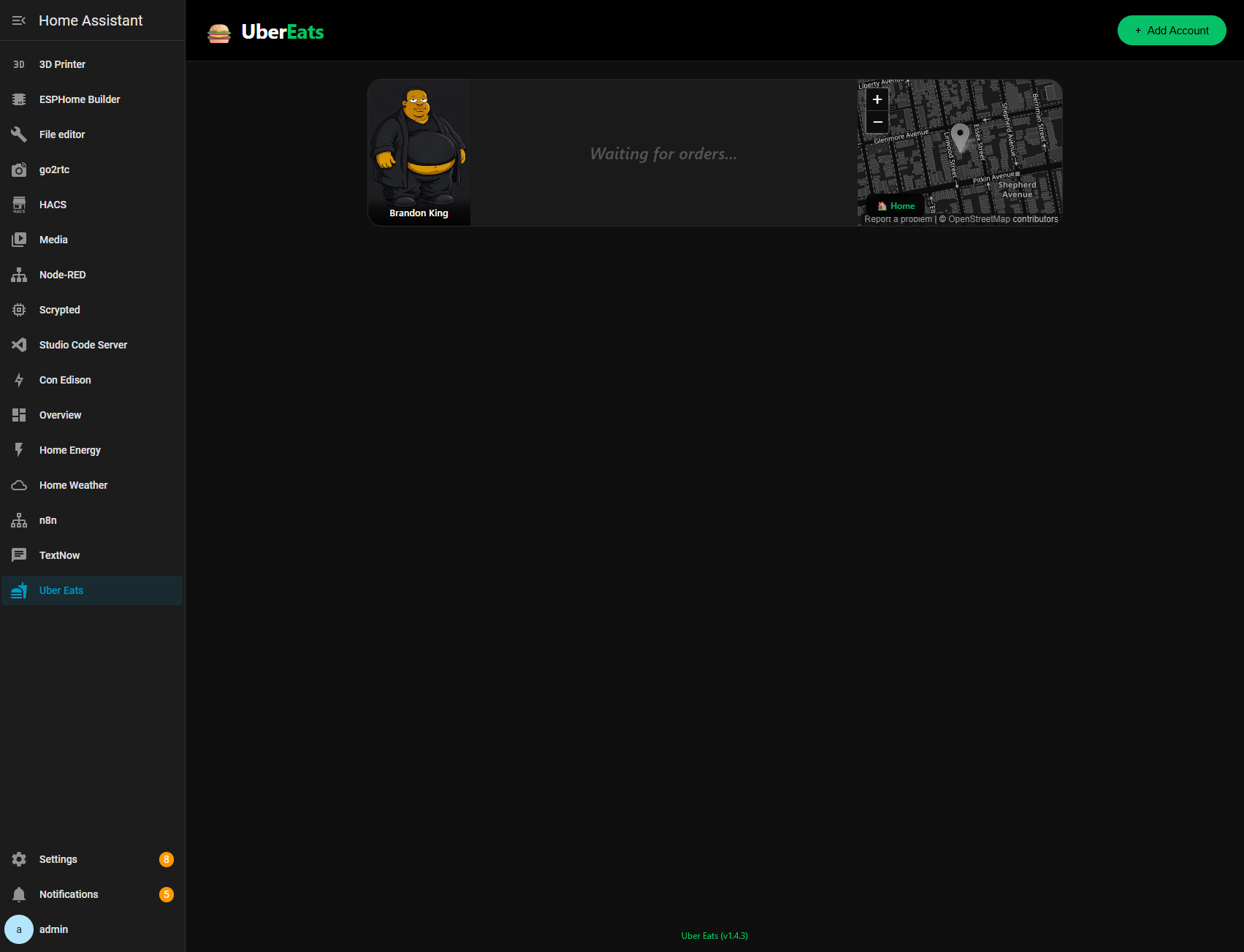
* Implemented 3-column card layout: account picture (left), info (center), map (right)
* Updated account profile picture to a larger rounded-square on the left, with full account name overlaid
* Updated driver picture to a square (not circle) with driver name overlaid below
* Moved map to the right side of the card
* Removed “newer data” field from the main card
* Removed “NO ORDER” badge
* Improved no-order state: “Waiting for orders” text is centered and enlarged when there is no order
* Loaded all account and driver profile pictures from API (`getUserV1`) and order `pictureUrl` data
* Documented card layout in `Agent-Files/card.md`

### Multi-order tracking

* Added per-order cards: one full card per active order when multiple orders exist
* Added no-order view: single “no order” card when account has no active orders
* Added per-order sensor attributes (for example: `order1_driver_name`, `order2_driver_name`, etc.)
* Updated sensor main value to comma-separated values when multiple orders exist
* Updated sensor state behavior:

  * State shows `No active order` or the order count (`1`, `2`, ...)
  * Detailed order data stored in attributes
* Updated coordinator:

  * Parses `orders` array
  * Added `_parse_single_order` helper
  * Preserves backward-compatible flat fields from the first order
* Updated WebSocket payload to include `orders` array and `orders_count` for the frontend

### Media players & TTS

* Refactored media player dropdown: cache, language, and options moved into each media player sub-card
* Moved TTS engine selector into each media player card
* Added per-player test button in each media player card

  * Default message: `uber eats`
  * Removed text field
* Added per-player TTS settings via `tts_media_player_settings`:

  * `tts_entity_id`, `cache`, `language`, `options`
* Added multi-order TTS support using per-player settings
* Fixed toggle overflow issue (toggle knob appearing outside track when active)

### Account details & data

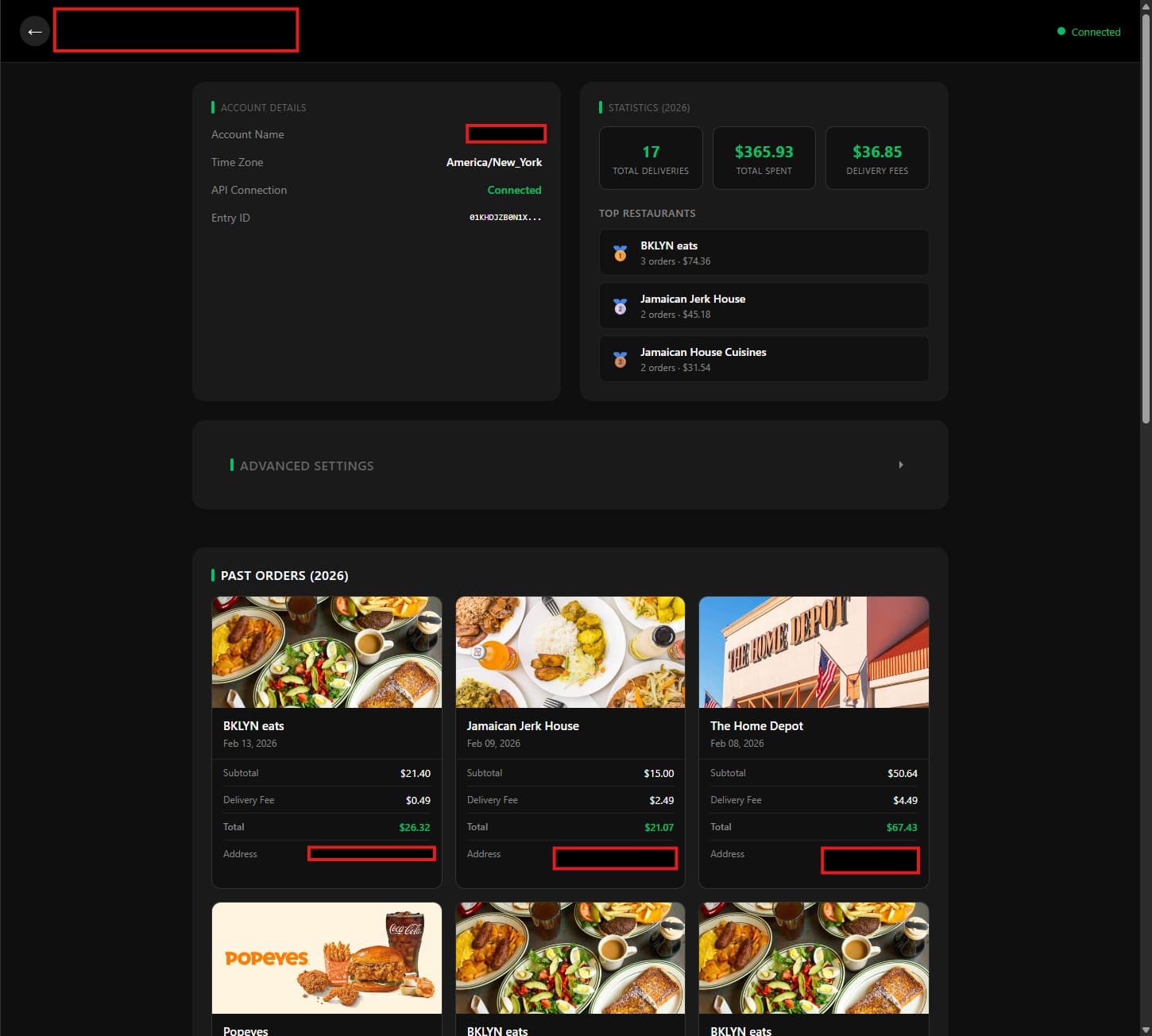
* Added statistics and past orders loading via `getPastOrders` API (Python used for calculations)
* Added per-account stats and past orders caching:

  * Instant load from cache
  * Background refresh
* Removed rating field from past order cards

### Config & user profile

* Updated config flow to use `firstName + lastName` from `getUserV1` instead of `nickname`
* Improved auth error handling: shows `Error wrong credentials` when `getUserV1` fails
* Added user profile polling: `getUserV1` polled on each update to refresh account name and profile picture when changed

### Addresses

* Cleaned restaurant address formatting by removing empty fields (prevents double commas)

  * Example: `2592 Atlantic Ave, , NY 11207` → `2592 Atlantic Ave, NY 11207`

### Device tracker & sensors

* Renamed device tracker:

  * `{account} Uber Eats Driver` → `{account} Uber Eats Order Tracker`
* Added sensor mock data documentation: `Agent-Files/sensor-mock-data.md` with mock states and attributes for all sensors