Transform your dashboards with drag-and-drop simplicity - no YAML required!
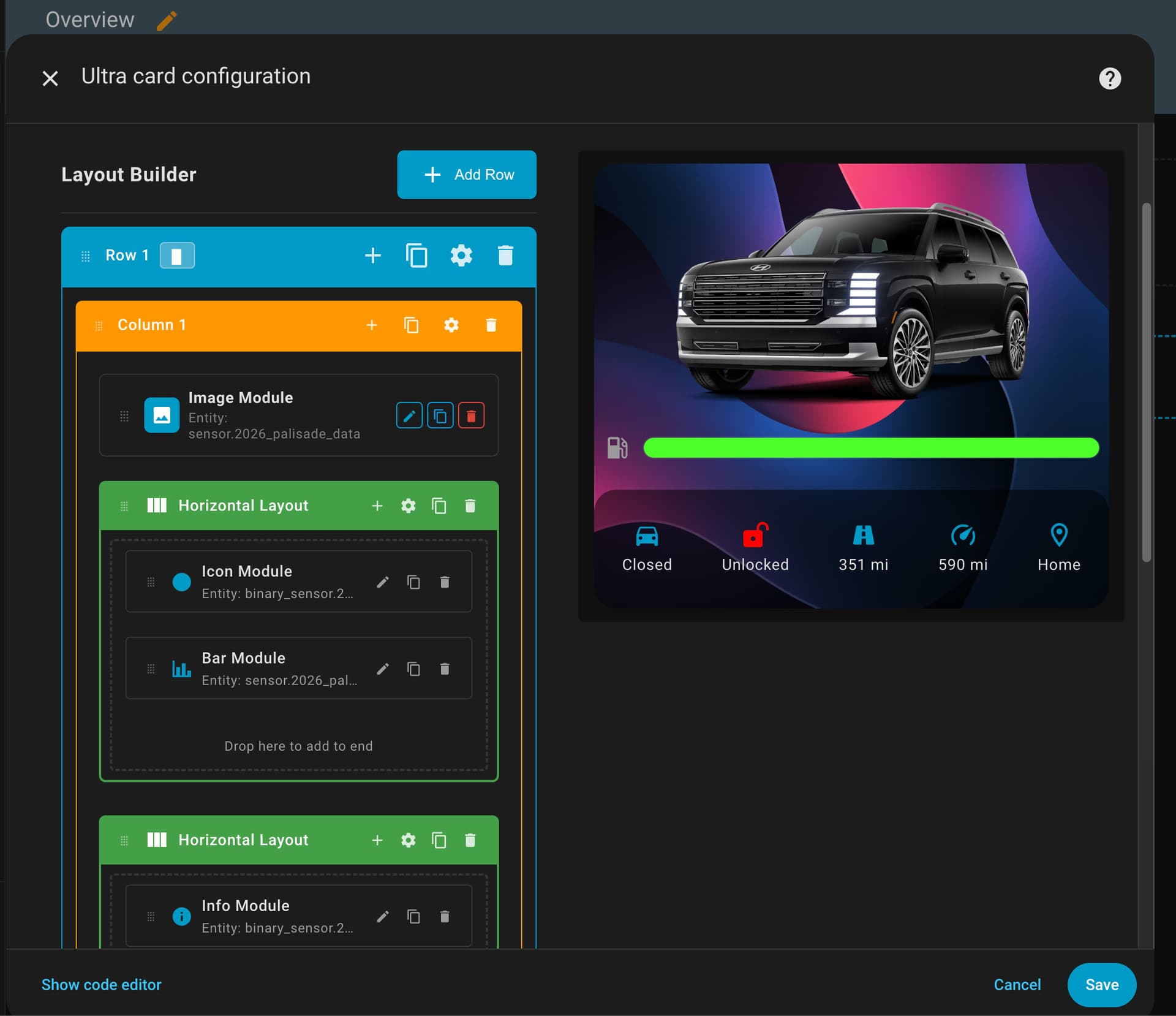
What is Ultra Card?
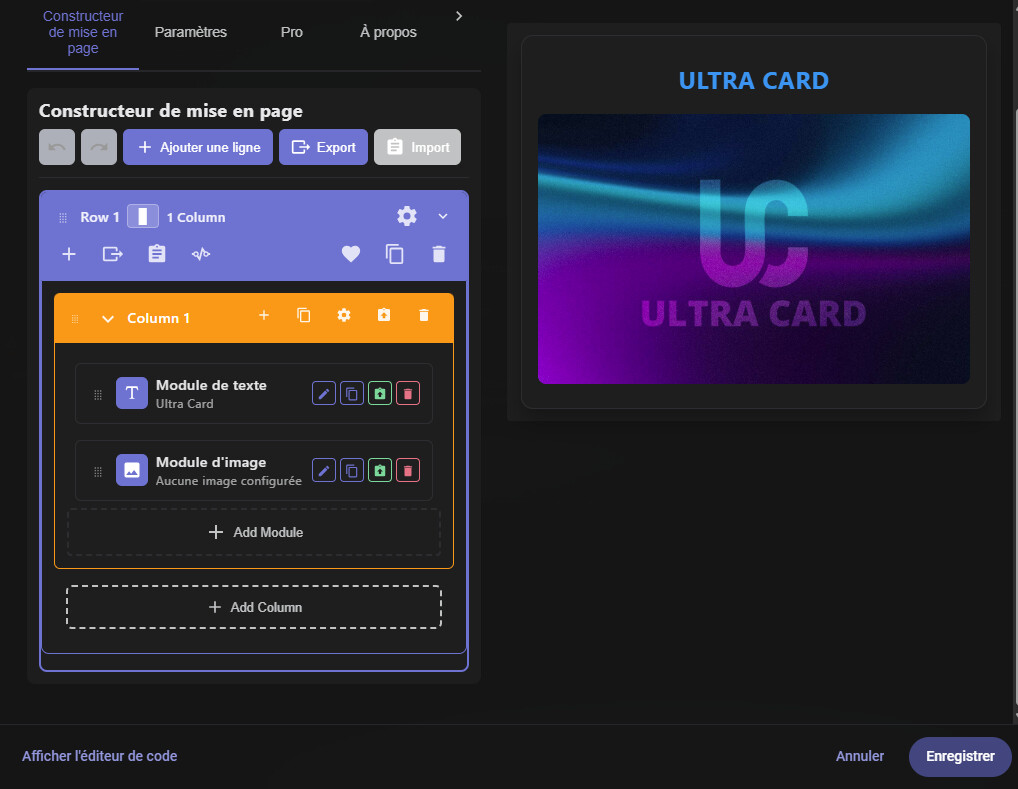
Ultra Card is a revolutionary modular card builder that brings visual dashboard creation to Home Assistant. Instead of wrestling with YAML configurations, you can now build stunning, professional dashboards using an intuitive drag-and-drop interface.
 Key Features That Set Ultra Card Apart
Visual Editor First
-
Zero YAML Required: Build entire cards through the UI editor
-
Real-time Preview: See changes instantly as you design
-
Drag & Drop Layout: Arrange modules exactly where you want them
-
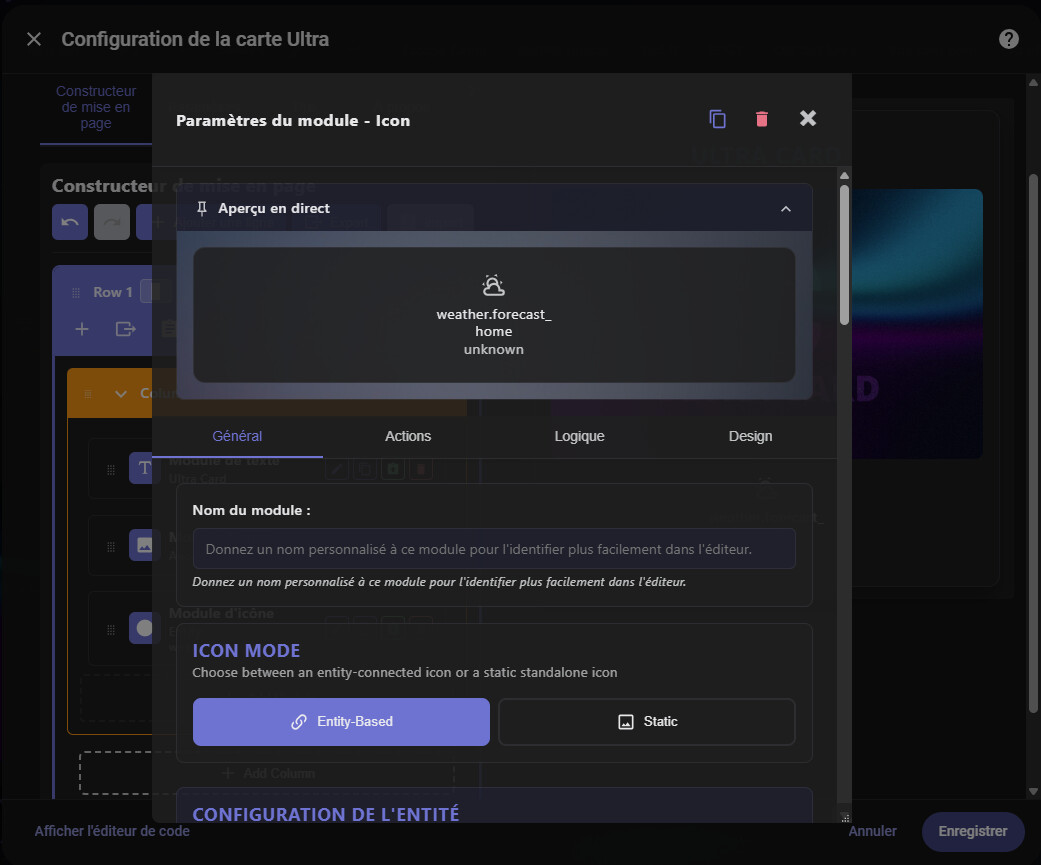
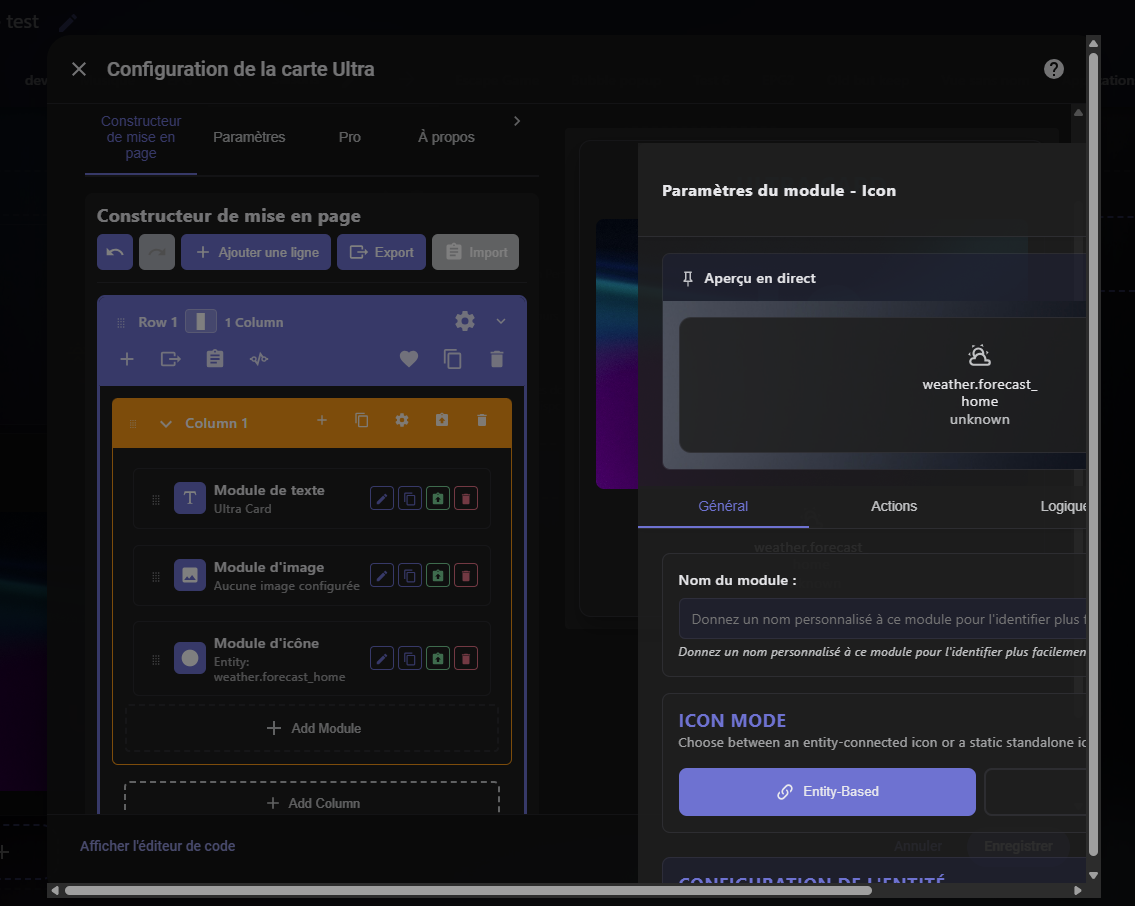
4-Tab Module System: General, Actions, Logic, and Design tabs for complete control
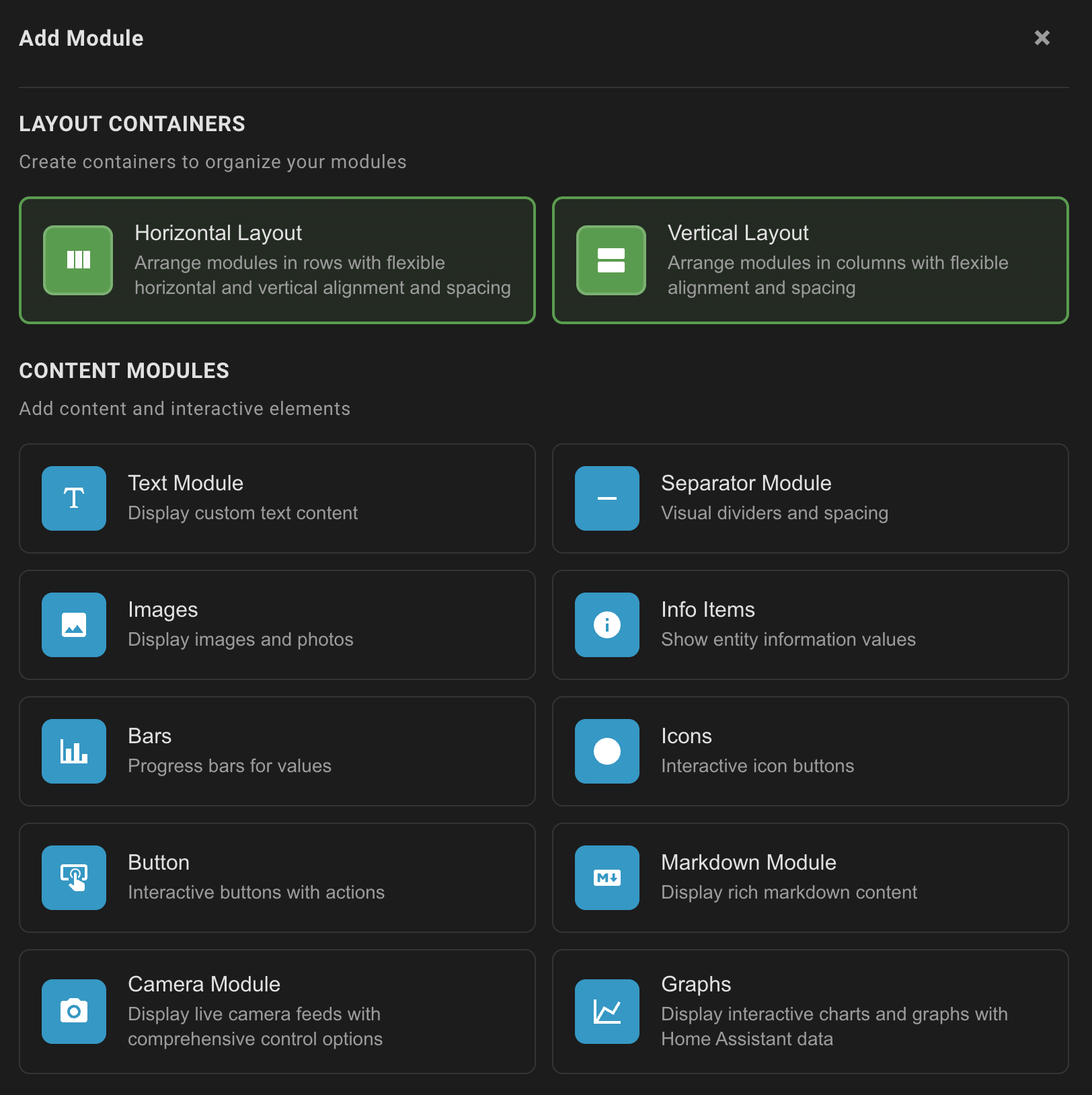
12 Powerful Module Types
-
 Text - Dynamic content with template support
 -
 Image - Smart image display with conditional logic
 -
 Icon - Interactive icons with animations
 -
 Bar - Progress bars with gradients and multiple styles
 -
 Info - Entity information display
 -
 Button - Custom action buttons
 -
 Dropdown - Interactive selectors (NEW in Beta)
 -
 Separator - Visual dividers (horizontal/vertical)
 -
 Markdown - Rich text formatting
 -
 Camera - Live camera feeds
 -
 Graphs - Data visualization
 -
↔️ Layout - Horizontal and vertical containers
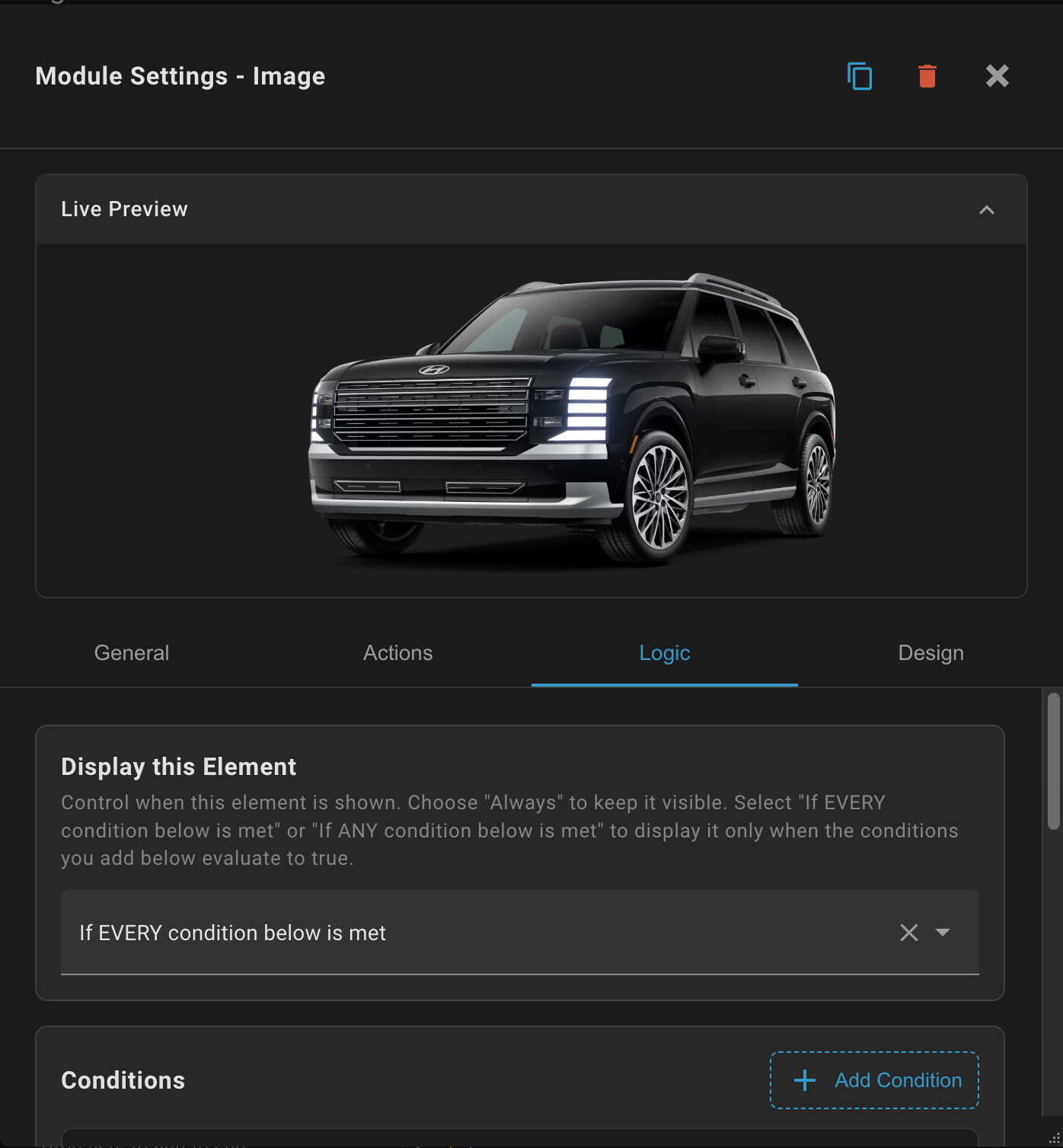
Advanced Logic System
-
Conditional Display: Show/hide elements based on entity states, time, or custom templates
-
Template Integration: Full Jinja2 template support for dynamic content
-
Smart State Detection: Automatically handles common inactive states
-
Time-based Logic: Schedule when elements appear
Professional Design Controls
-
Typography System: Font sizes, weights, colors, and alignment
-
Animation Engine: Icons, bars, hover effects, and transitions
-
Color Management: Theme-aware colors with custom picker
-
Responsive Layout: Mobile-optimized with flexible spacing
-
Theme Integration: Seamless light/dark mode support
 Global Reach
Ultra Card speaks your language with support for 14 languages:
 English •
  German •
  French •
  Spanish •
  Italian •
  Dutch •
  Norwegian •
  Danish •
  Czech •
  Polish •
  Swedish
 What Makes Ultra Card Special?
For Beginners: No YAML knowledge needed - the visual editor guides you through every step.
For Power Users: Full template support, conditional logic, and advanced animations give you unlimited customization.
For Everyone: Drag-and-drop simplicity meets professional-grade features.
 Easy Installation
HACS (Recommended)
Ultra Card is available in HACS default repositories:

Manual Installation
-
Download
ultra-card.jsfrom the latest release -
Place in your
config/wwwfolder -
Add as a resource in Dashboard settings
Quick Start Guide
-
Install Ultra Card via HACS
-
Add Card - Find “Custom: Ultra Card” when adding a new card
-
Build Layout - Use the Layout Builder tab to drag and drop modules
-
Configure Modules - Click any module to access its 4-tab editor
-
Enjoy - Your custom card is ready!
Real-World Examples
Climate Control Dashboard: Combine temperature bars, humidity info, and control buttons with conditional logic to show different layouts for heating vs cooling seasons.
Security Panel: Mix camera feeds, sensor states, and action buttons with time-based visibility rules.
Energy Monitoring: Create dynamic progress bars for solar production, battery levels, and consumption with gradient colors that change based on values.
Media Center: Build custom media controls with album art, progress bars, and interactive buttons that adapt to different players.
 Community & Support
-
Discord: Join our Discord for help and inspiration
-
GitHub: WJDDesigns/Ultra-Card
-
Documentation: Comprehensive guides for every module
-
Active Development: Regular updates and new features
 Why I Built Ultra Card
As a developer frustrated with the complexity of dashboard creation in Home Assistant, I wanted to democratize custom card building. Ultra Card bridges the gap between simple built-in cards and complex YAML configurations, giving everyone the power to create professional dashboards visually.
The modular architecture means Ultra Card grows with your needs - start simple and add complexity as you learn. The visual editor removes the intimidation factor while still providing the depth power users demand.
 Try It Today!
Ready to revolutionize your Home Assistant dashboards? Install Ultra Card and discover how intuitive dashboard building can be. Whether you’re creating your first custom card or you’re a seasoned Home Assistant veteran, Ultra Card will change how you think about dashboard design.
 Install from HACS |
  View Documentation |
  Join Discord
Built with  for the Home Assistant community
Created by WJD Designs
Tags: custom-card dashboard visual-editor modular drag-and-drop no-yaml ui frontend lovelace builder typescript responsive animations templates


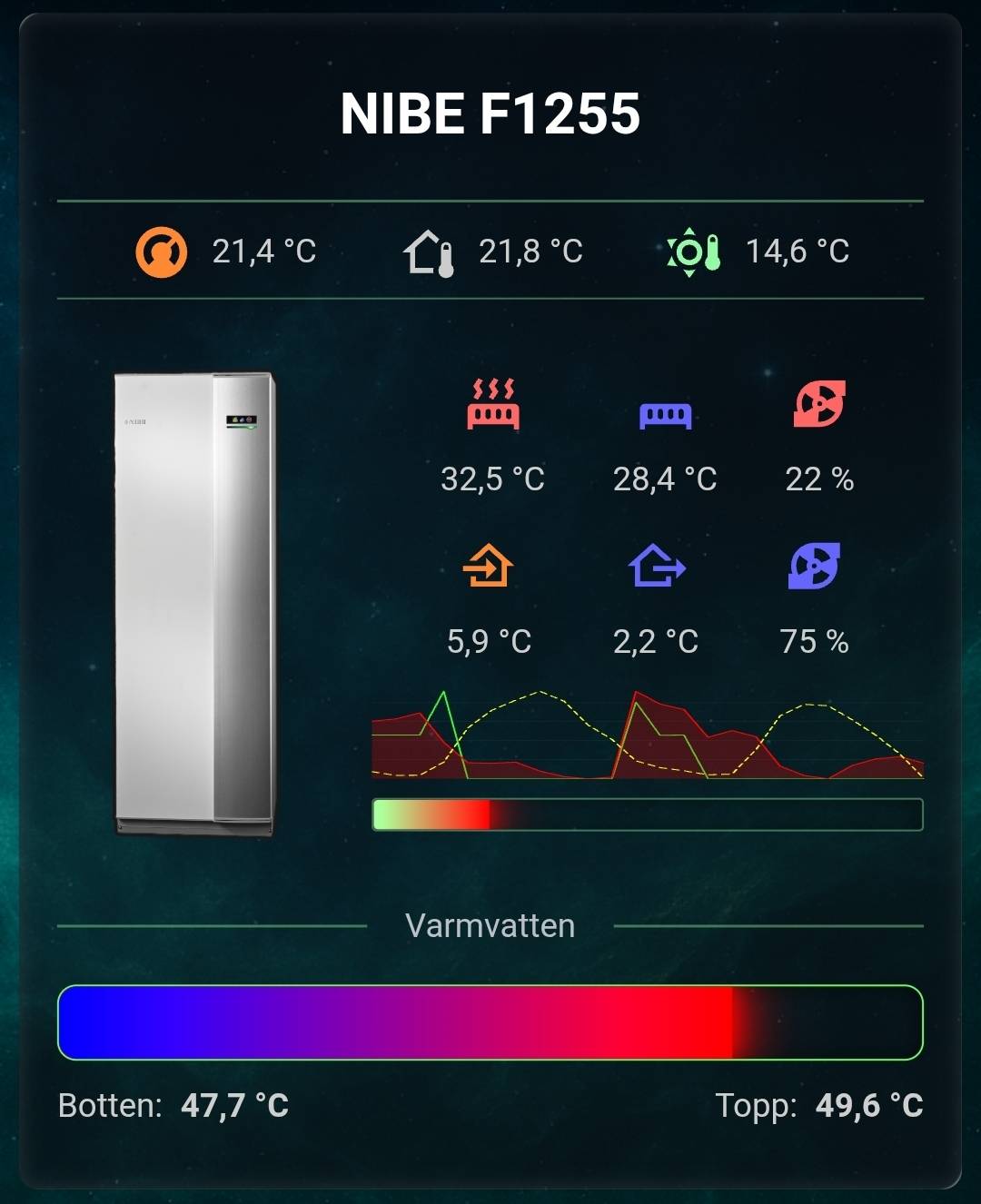
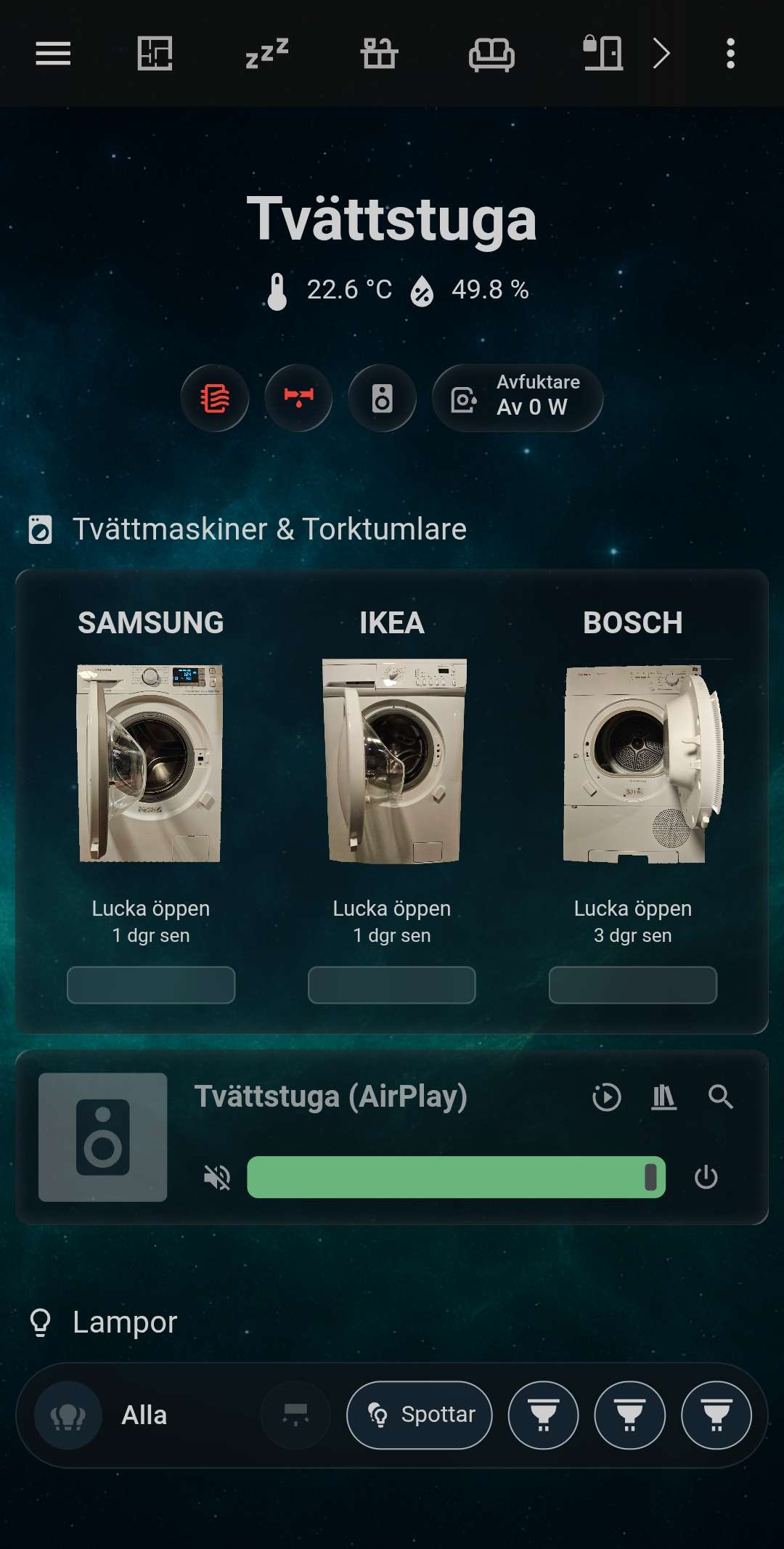
 looking forward to using this card.