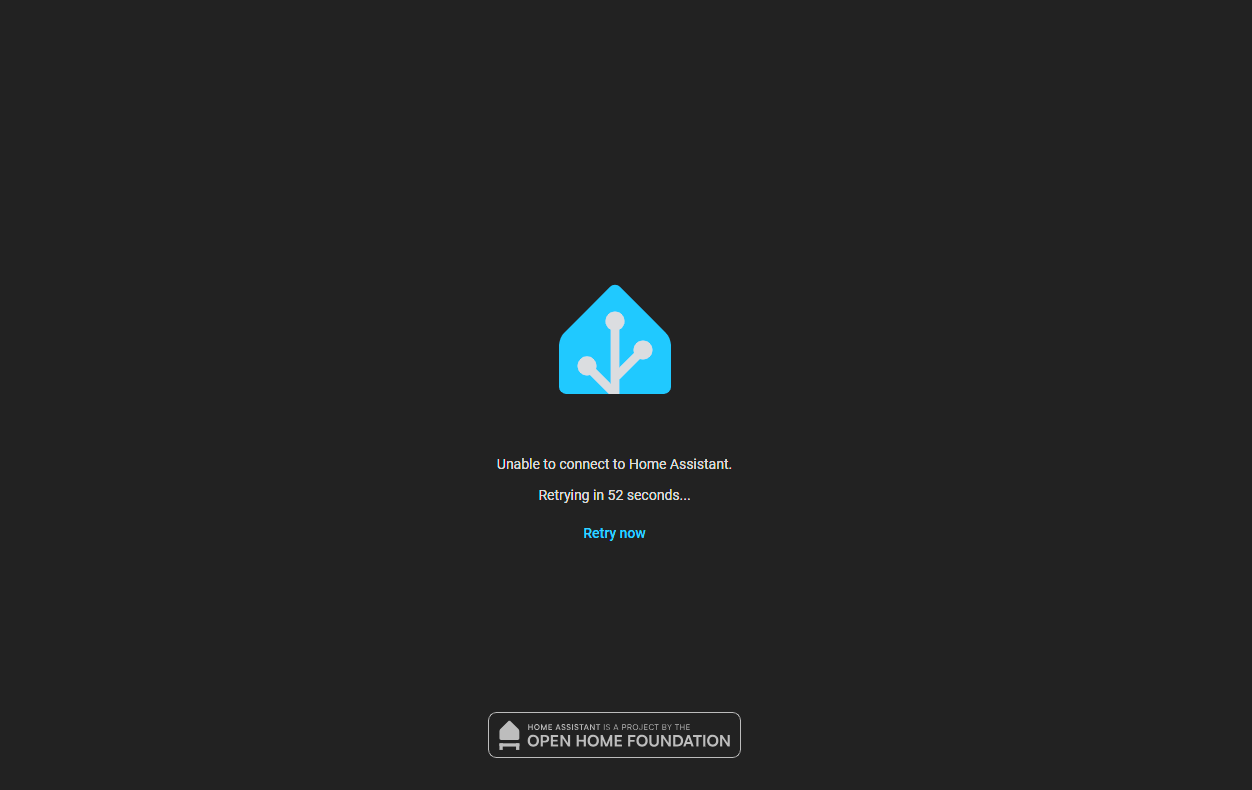
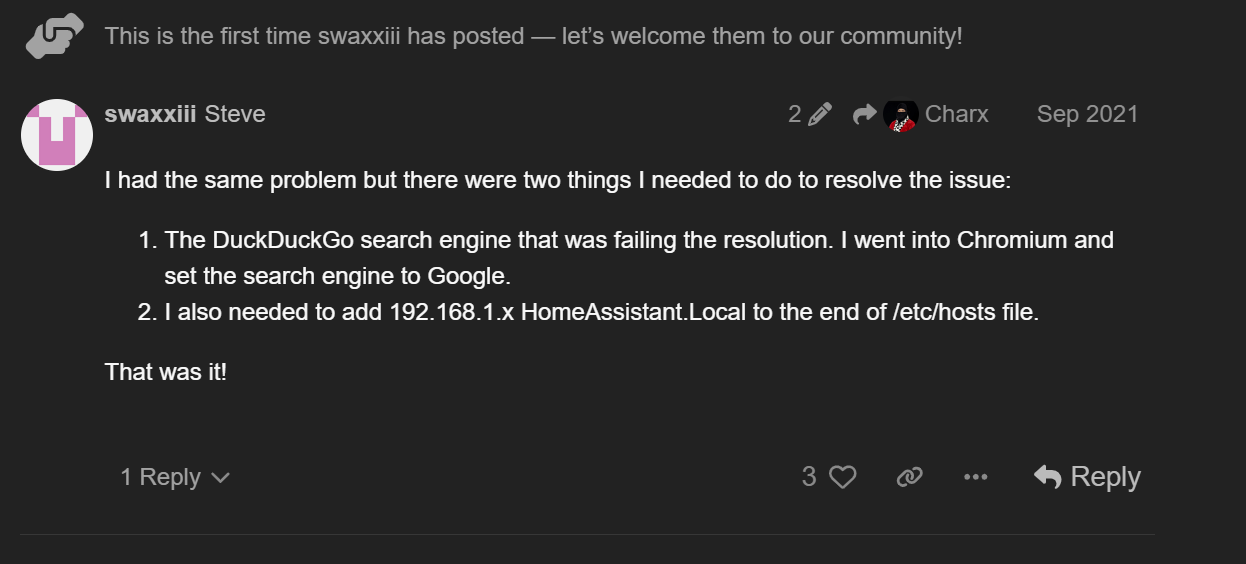
I am running Home Assistant OS in a VM on my Proxmox server. However, I am unable to access it using http://homeassistant.local:8123.
I don’t believe it is an issue with mDNS routing itself, as I can navigate to my TrueNAS server using http://truenas/ and http://truenas.local/, also pinging TrueNAS using the host name works and resolves to the correct IP, while trying to ping the HA hostname “homeassistant” just returns Ping request could not find host homeassistant. Please check the name and try again.
I primarily access HA using https://ha.mydomain.net via Nginx, so while it doesn’t affect me too bad usually, it is annoying and it I would prefer if I have this as a fallback option.
If you need any logs, please let me know. I haven’t included any at the moment, as I wouldn’t know where to start.
then also check your router see what ip its using there.
Be sure your on the same network as your home assistant i hvae multiple networks in my home and sometimes forget. And like you i access HA via my domain but via cloudflared integration not nginx.
just investigate and narrow down the issue. but ideally when you do drastic changes be sure to save backup frequently there are a huge save i had a similar issue happen and could not fix it had to restore from backup lost nothing but an hour of my time.
Yep, the IP addresses all check out and match in HA and my router. I am definitely on the same network as HA, and I can access it using it’s IP address. As I was looking in the network settings, saw that the home assistant url was set to a nabu casa cloud one, from my trial of it. I was trying to remove it, and I don’t know exactly what I did, but I could access homeassistant.local:8123 and was able to ping the homeassistant hostname. Then, it stopped working again.
Okay, did that and restarted HA. At first after the restart it was working, I could access HA using http://homeassistant.local:8123 and I could ping homeassistant from my PC, however now it isn’t working again.
hmm, this is a tricky one, but now lets further narrow it down, i suspect it has to do with the setup of your custom domain something was done incorrectcly. The fact it works at startup then fails means its an intergration of some sort that when it starts its messing things up is my guess. Which is most likely your custom domain
Yeah this is very weird. I clicked Reset configuration in the Configure network interfaces section, this set the network configuration to automatic, HA was then assigned an IP address of 172.39.83.250 via DHCP on my router.
I could then access HA using homeassistant.local:8123. I tried changing the configuration to static, and setting the IP to 172.39.83.100 (the original static IP), and it didn’t work again.
Changing it back, to automatic now has broken it again.
I was also able to ping homeassistant, and it replied with the automatic DHCP IP address. This also now doesn’t work again.
The DHCP range is 172.29.83.200 to 172.29.83.254 (as I use everything from .100 to .199 for my Proxmox LXCs and VMs). It sets the DNS servers as 172.29.83.104 (my Pi-hole instance) and 172.29.83.1 (my router).
It isn’t in use by anything else, as The DHCP range is 172.29.83.200 to 172.29.83.254. I use use everything from 172.29.83.100 to 172.29.83.199 for Proxmox LXCs and VMs.
This makes it easier to manage IPs, as the host segment is just the VM ID (i.e., Home Assistant is VM 100, so it’s IP is 172.29.83.100).
I am using sperate downstream router for my homelab stuff (including my client devices), in order to keep it isolated from the rest of my home’s network.
That’s fine, but notice that you are now saying 172.29.83.x not 172.39.83.x
The reserved range is 172.16.0.0-172.32.255.255 - so 172.39 would fall outside that. It doesn’t mean you can’t use it, just that you shouldn’t.
Do you set the VM’s / LXC’s via DHCP reservation or assign the address statically? Do you rely on ‘Host settings’ for LXC’s DNS?
Since your Nginx proxy is working I am guessing it is forwarding to http://172.29.83.100:8123 - can you confirm your browser works by going to this?
Also, confirm that you are using ‘ping homeassistant.local’ and not just ‘homeassistant’. Using just ‘homeassistant’ will use DNS and would depend on how your hosts are registered in the DNS. Using ‘homeassistant.local’ should use mDNS but you should check your network settings to ensure you haven’t used ‘.local’ as a network suffix.