I’m trying to add the Google Nest integration. The first time I was going through the flow, I accidentally missed the step for enabling permissions for pub/sub so the test message sent to topic failed.
Now, even though I delete the Application Credentials, I can’t get to that point in the flow without getting an error.
Steps to reproduce
- Delete
Google nestentry from Application Credentials (/config/application_credentials) - Switch to Integrations tab (
/integrations/dashboard) and click Add integration - Select Google > Google Nest
- Enter name, client ID, and client secret, then click Add
- Enter cloud console project ID, then click Submit
- Enter device access project ID, then click Submit
Expected behavior
Get prompted to link Google account
Actual behavior
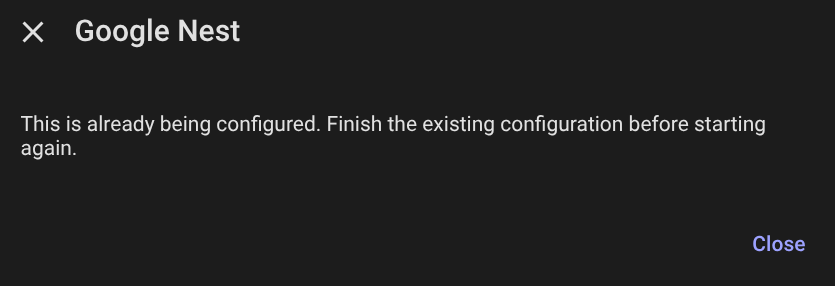
Once I close out, there is no Nest entry in Integrations, just the newly added Application Credential. I’ve gone through this loop a couple times and don’t know what I’m missing.