Hello I am unable to change my profile picture. When I click save changes the whole page reloads and everything is gone.
I don’t think it’s my ad blockers because the home assistant forum has nothing.
Hello I am unable to change my profile picture. When I click save changes the whole page reloads and everything is gone.
I don’t think it’s my ad blockers because the home assistant forum has nothing.
Maybe the first 2 links here would help.
Also try another browser.
As a brand new user I’m not certain what permissions you have, so that is also a good possibility why this is the case.
Just tried firefox and other random images still the same issue.
There is a maximum file size upload limit of 4 MB.
everything else updates except my pfp
edit: I have a another variant that is 256x256 and extremely low quality and that also doesn’t work
Try reducing it to 400x400 pixels before uploading.
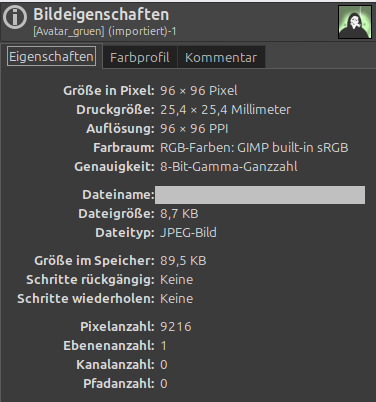
That doesn’t change anything either.  I happened to try changing my profile picture here yesterday, too; it’s only 96 x 96 pixels and just 8.7 KB in size.
The image appears to upload, but then it still doesn’t display. There seems to be an issue with the forum software or settings right now.
Ok I’ll let the admins know.
I can’t find anything that would have changed this, everything regarding avatars remains as it was before. Lemme flag it further. 
Hi MissyQ
Just to add: As previously mentioned, the profile picture seems to upload successfully, but it doesn’t actually display. Instead, only that image is shown.

You can see that further up here with the user Candice, too. It could be, for example, that there is an issue accessing the profile pictures uploaded by users, and the forum software simply displays this “default profile picture” instead.
I guess just screenshot the image zoomed out so it’s under 100x100 and very low quality. Maybe it doesn’t like how the image was encoded in the editor (pixlr) or it’s the ultra low quality pfps.
edit: both the admin and mod PFP is under 100x100. I just realized as I had an older forum account which logs in with Github and noticed that the profile picture blanked. It was 1000x1000.
youtube cut off the last few seconds, the pfp should show up.
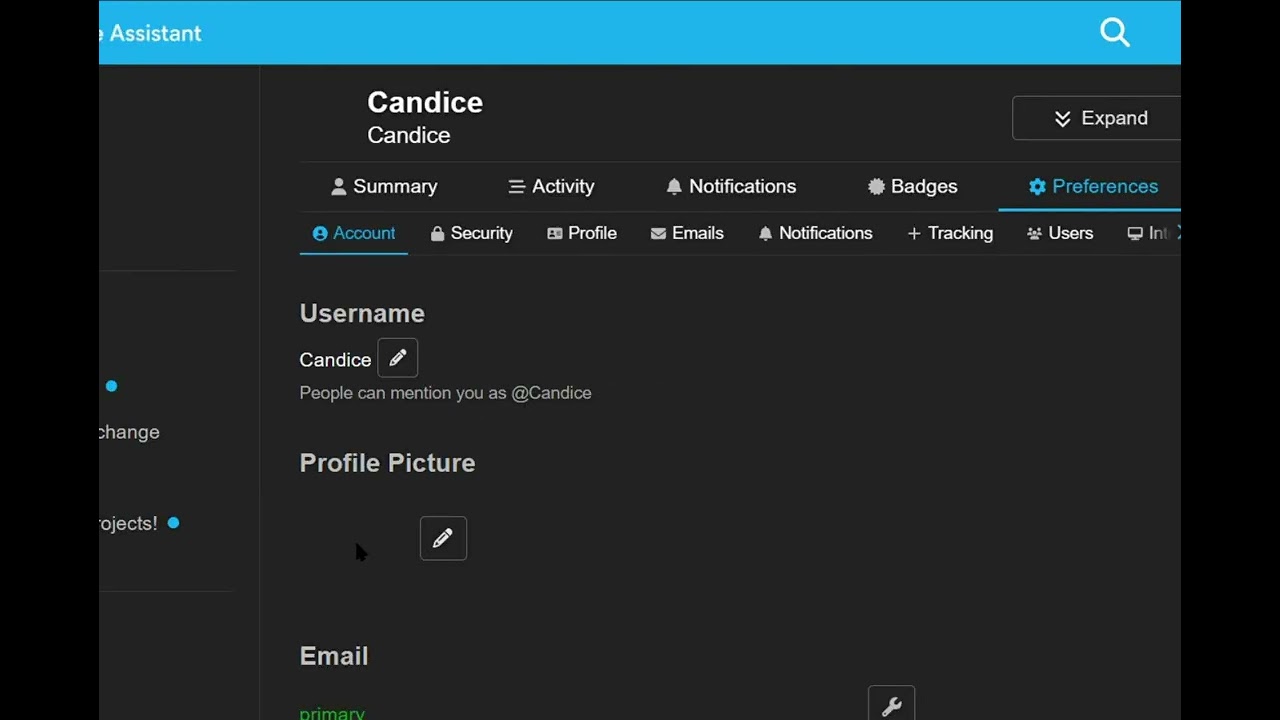
I’m not sure exactly who your post is addressed to. If it’s meant for me: you can see the format in my screenshot above, and I use that same profile picture on various (Discourse) forums without any issues.
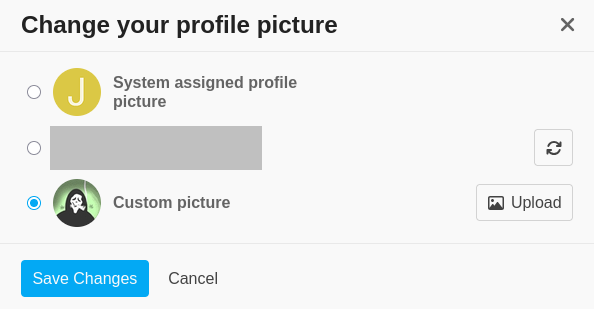
As previously mentioned, the profile picture appears to upload and can be saved,
but - for whatever reason - the forum software doesn’t actually use it; instead, only that other image
is displayed.
Ultimately, though, it doesn’t really matter to me whether I have a profile picture here or which one I use. 
You can’t see my picture either, because I removed it and had it replaced with the system image.

Marcos went through and disabled a plugin for animated avatars that could have been the culprit. @jim_os can you try uploading your profile picture again and see if it works now?
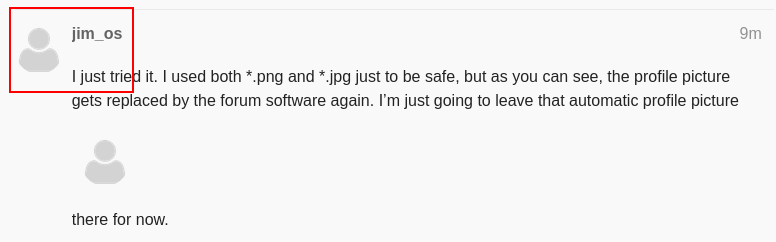
I just tried it. I used both *.png and *.jpg just to be safe, but as you can see, the profile picture gets replaced by the forum software again. I’m just going to leave that automatic profile picture
there for now.
By the way: I can easily upload the profile picture here in the post, of course.

Cleaning your glasses?

I’ve just accessed this post using three different browsers (Firefox, Chromium, Waterfox), and all three continue to show the system-generated profile picture rather than the one I uploaded. Clearing the browser cache makes no difference either.
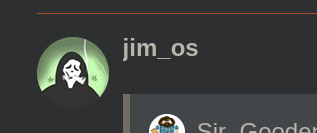
Could you please take another screenshot - either of this post or a previous one of mine - that shows a different profile picture appearing on your end? Thanks.