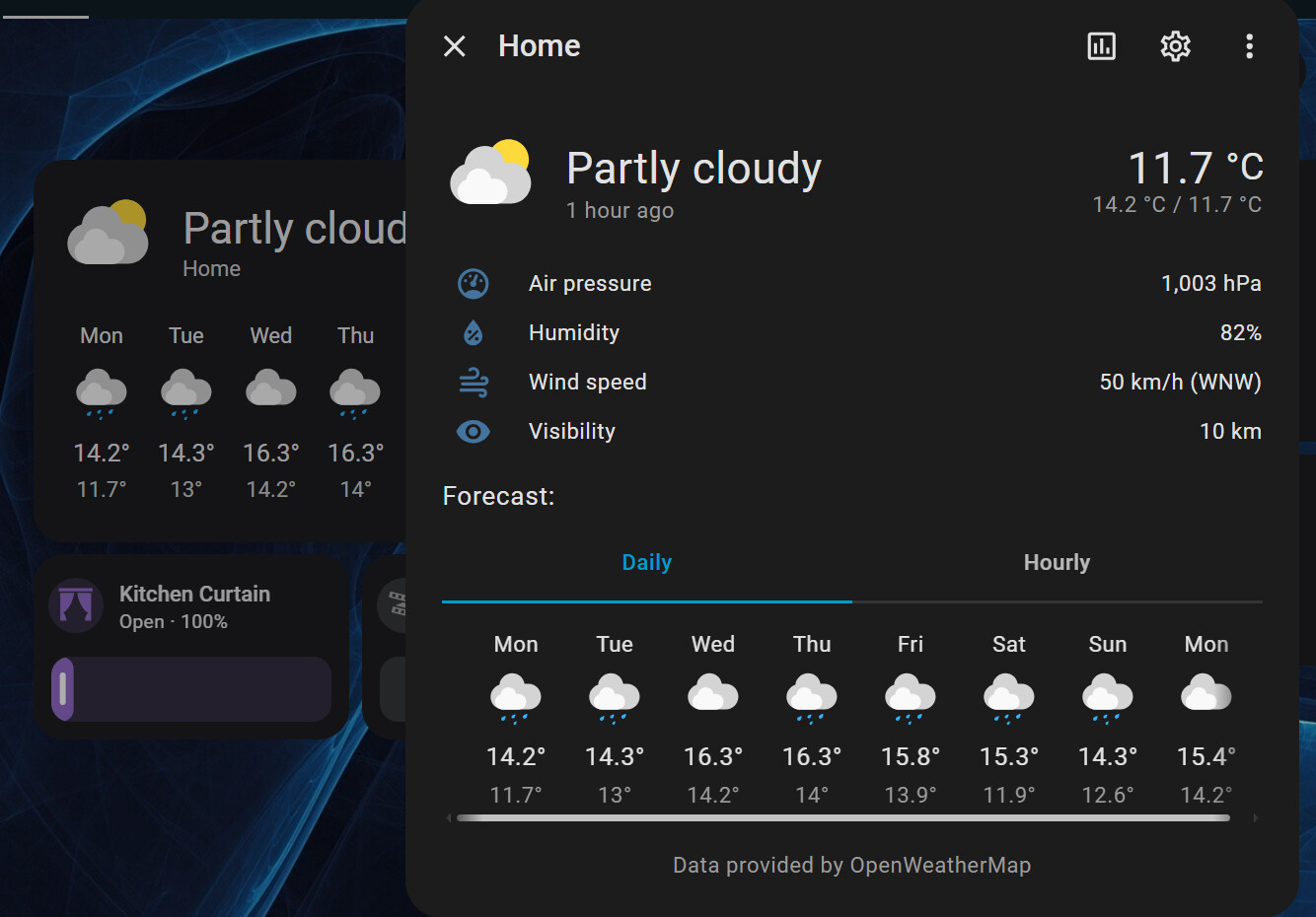
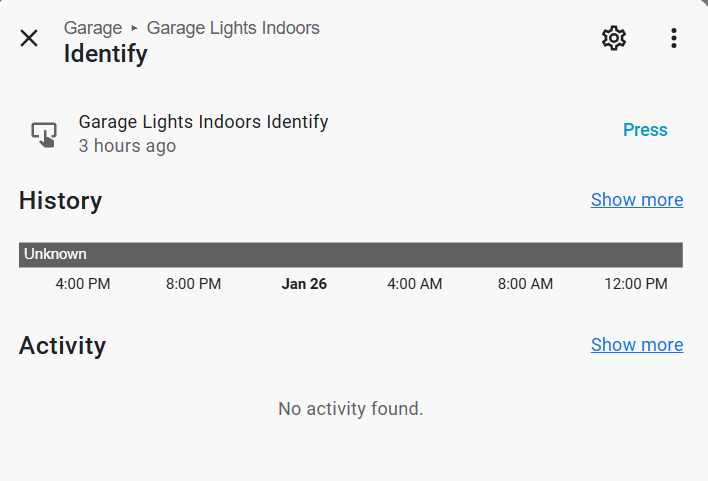
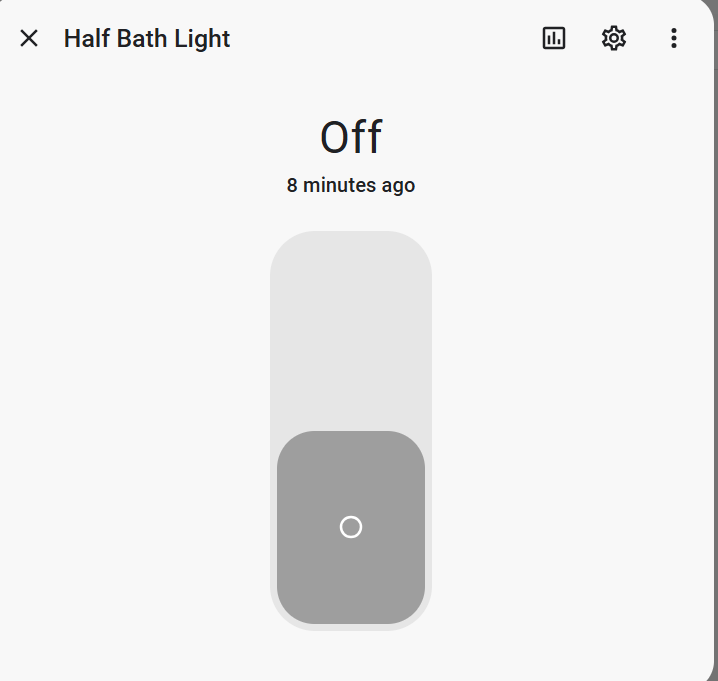
I installed the Entity Notes integration and after rebooting, I’m unable to find anywhere to enter a note. I unchecked both “Hide Buttons” options and still don’t see any field to enter a note. When I follow the usage notes shown below, I don’t see a “more info” option anywhere. I’ve checked several of the supported entities. Can anyone tell me where I can find this “more info” option?
-Thanks
Usage
Click on any entity to open its “more info” dialog
Here are a few of my entities when I simply click on them. If this is the “More info” then I have no notes. Not sure why, it appears to be configured correctly.
Standard question when something misbehaves in the frontend: have you cleared your browser cache?
EDIT: Taken directly from the Configuration section of that custom integration (just added bold for emphasis):
“When you change any of these options, please reload the integration. HA only registes these settings on integration load / reload. You’ll likely also need to clear browser cache to see the changes take effect too. So much caching!”
 Notes” section