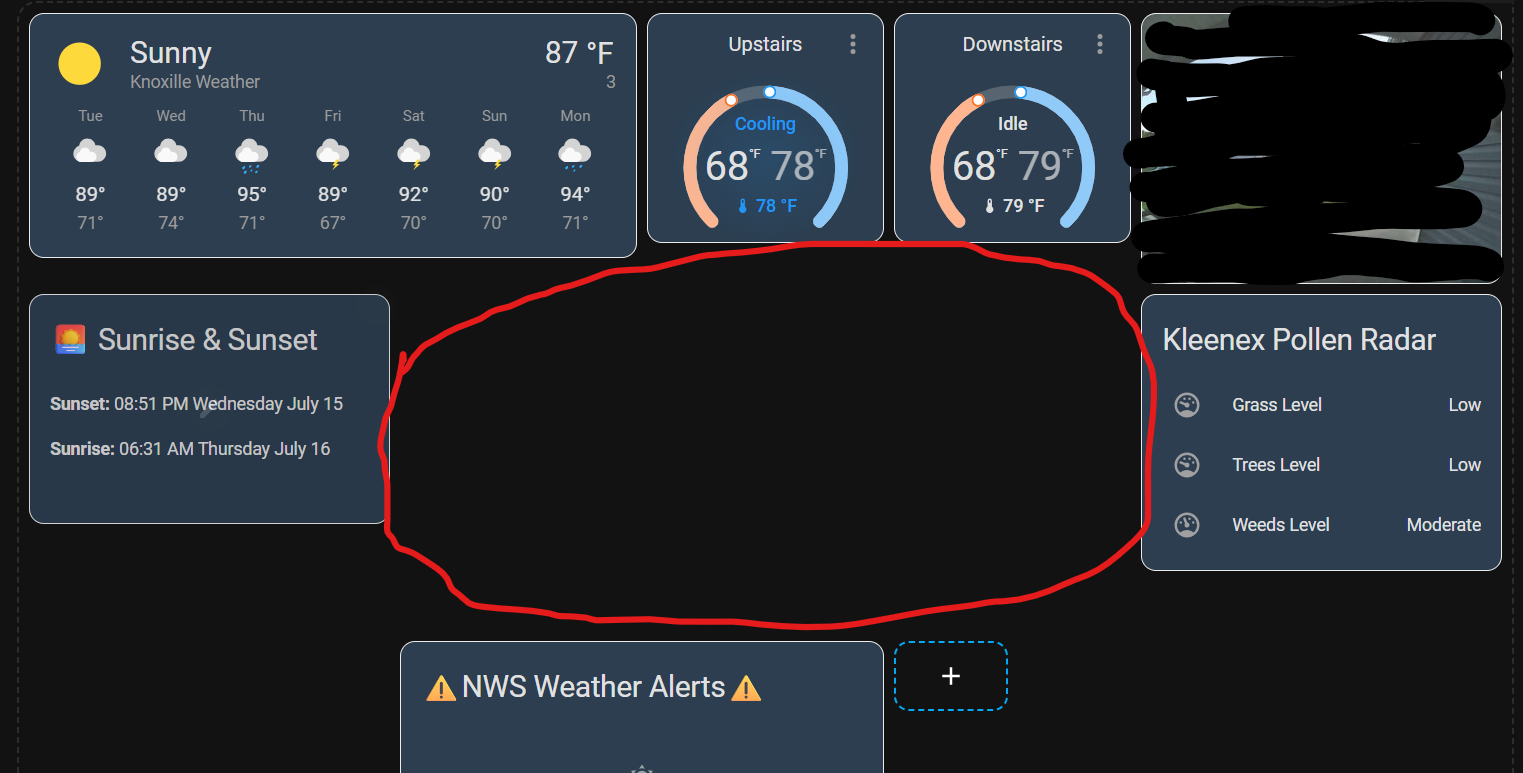
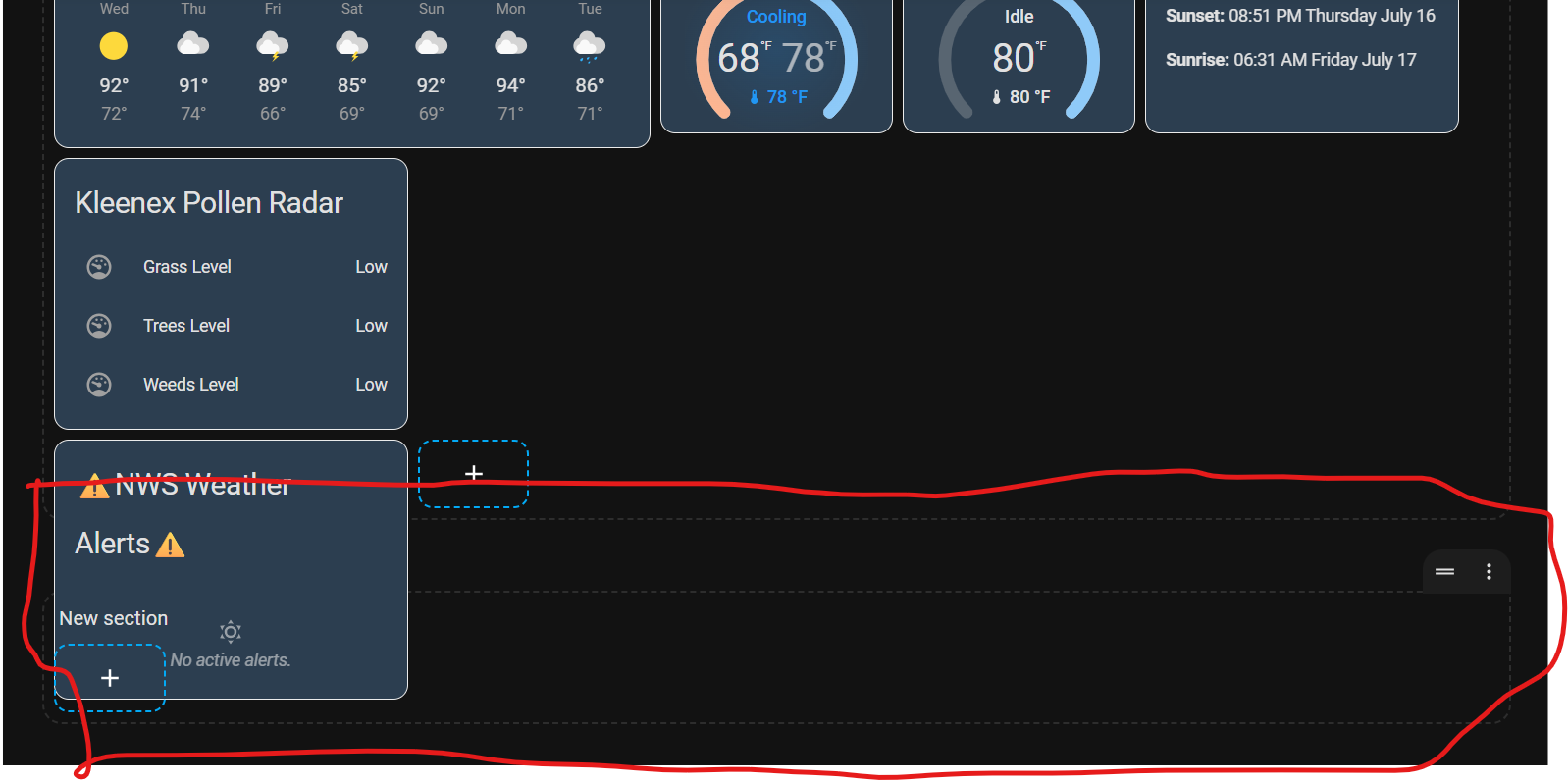
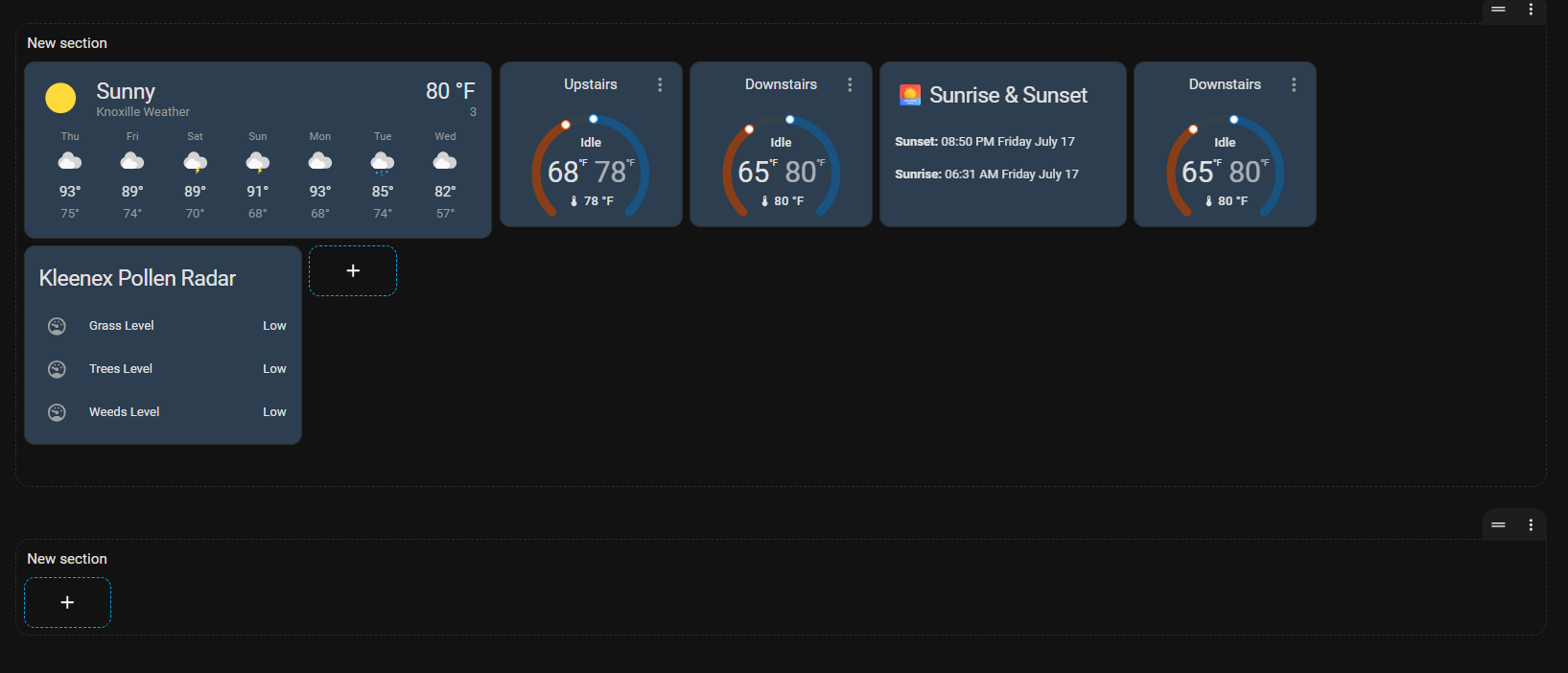
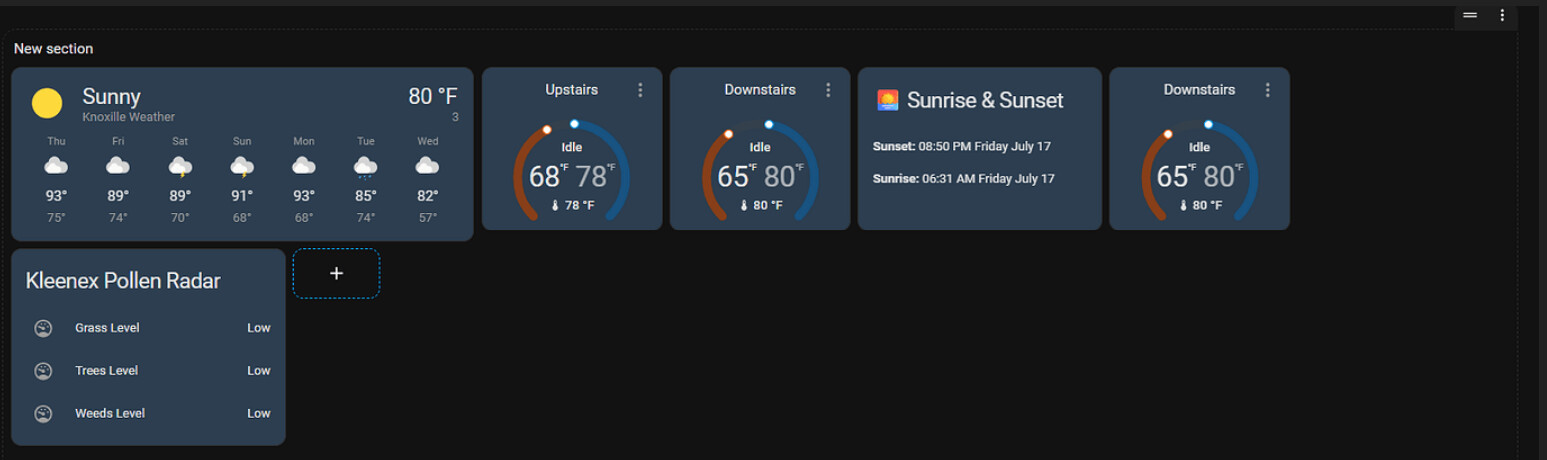
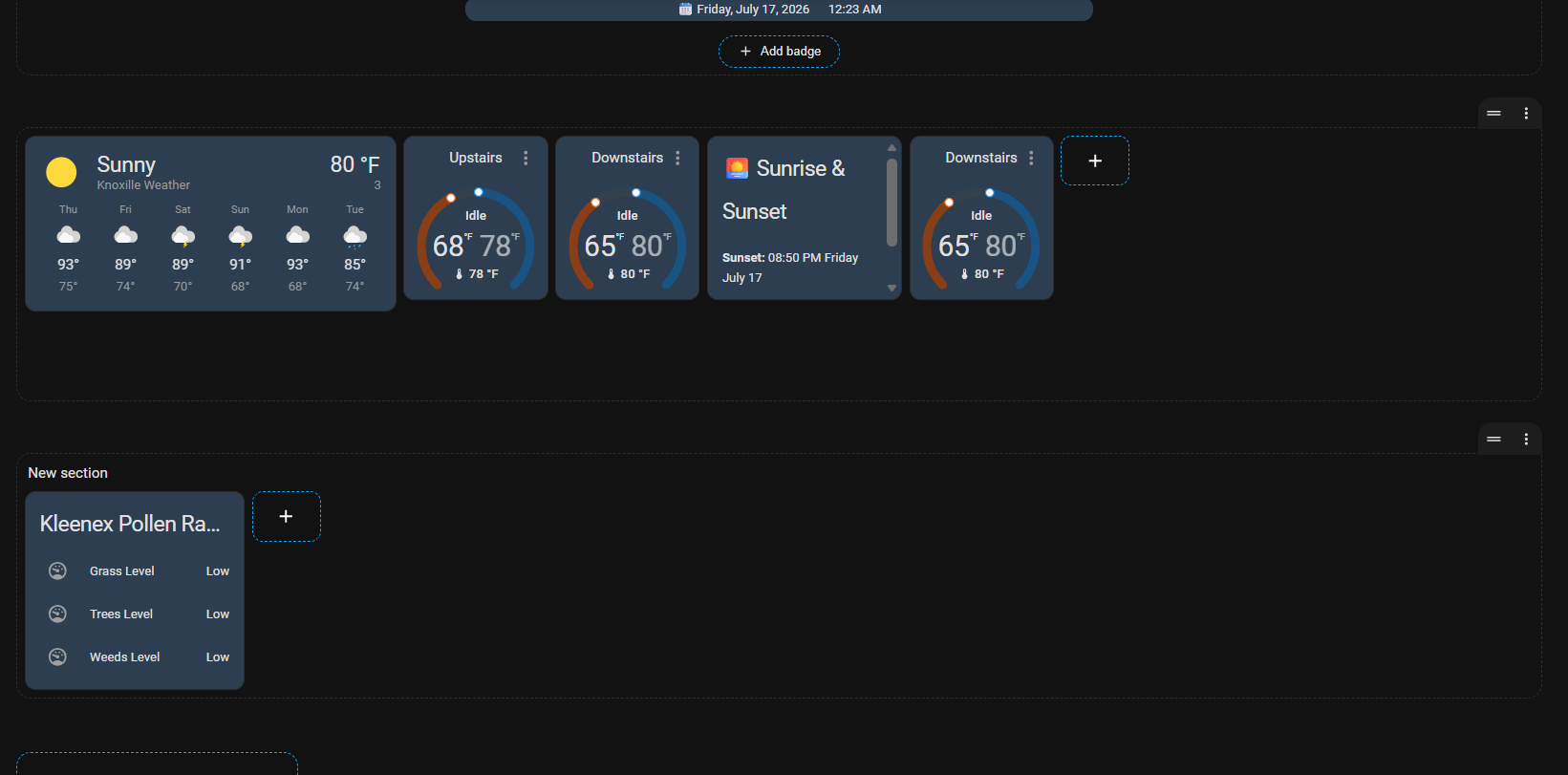
The dashboard below is of type “Sections”. I am unable to put ANYTHNG within the red circle. I can’t place a card there, or a section. I’ve tried drag & drop and pasting items, nothing will go there. What do I have to do in order to place a card in that red circle area?
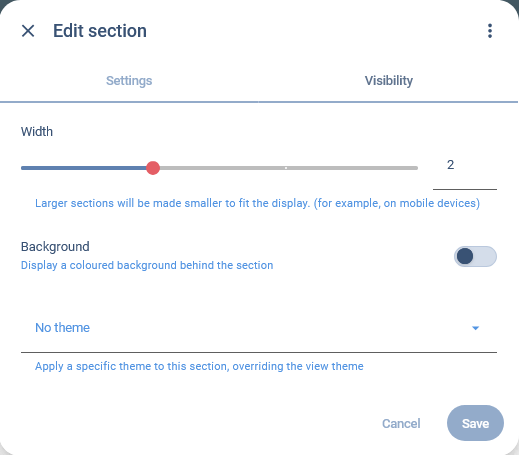
Extend the section that contains the Sunrise Sunset card across two or more columns (click the three dots icon top right of the section, not the card the section). Put your new card beside the sunset card.
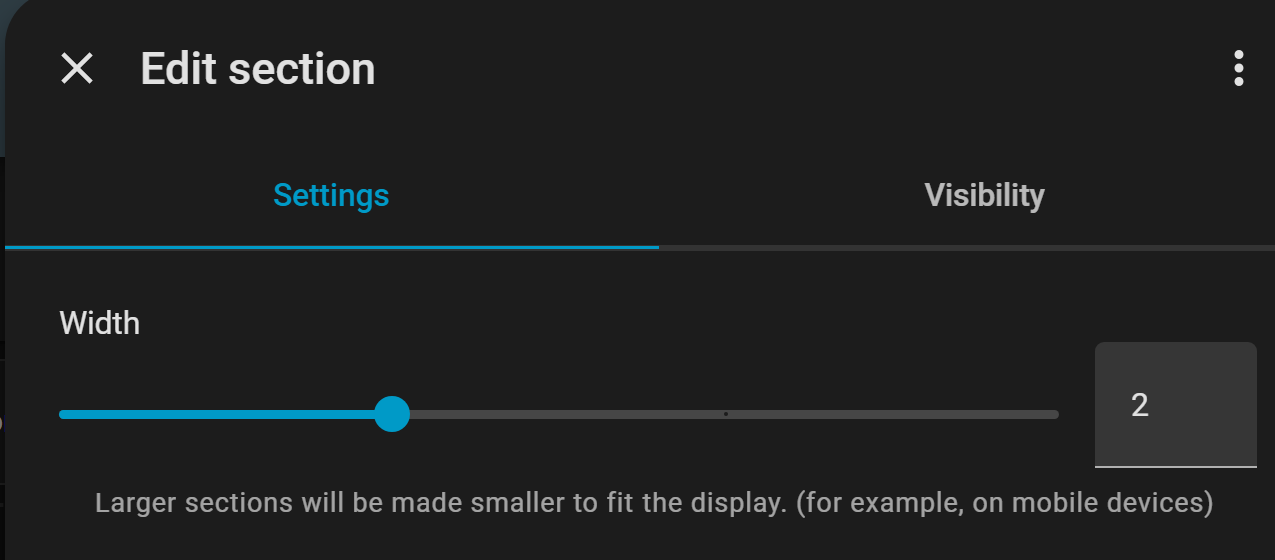
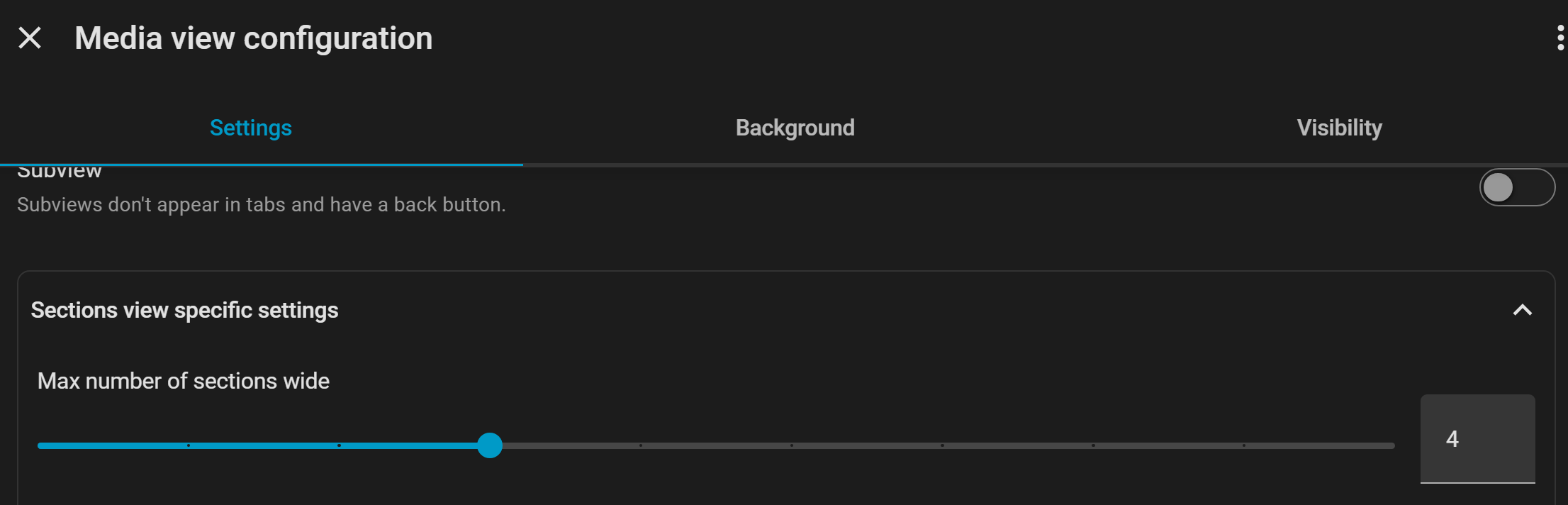
I created a new sections view and increased the top section width from 2 to 4. Same exact problem. I have this gap in the middle I cannot place anything in the area circled in red.
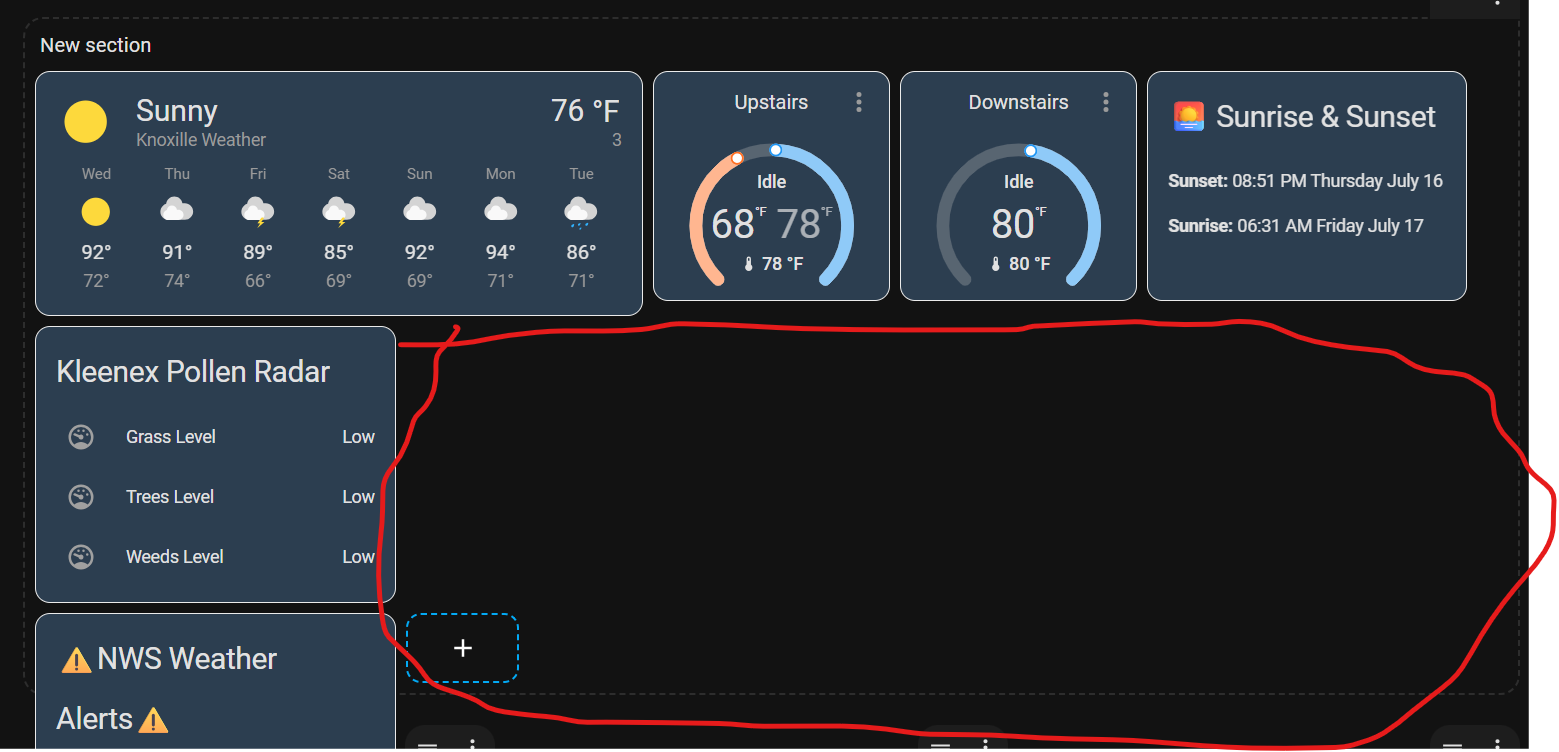
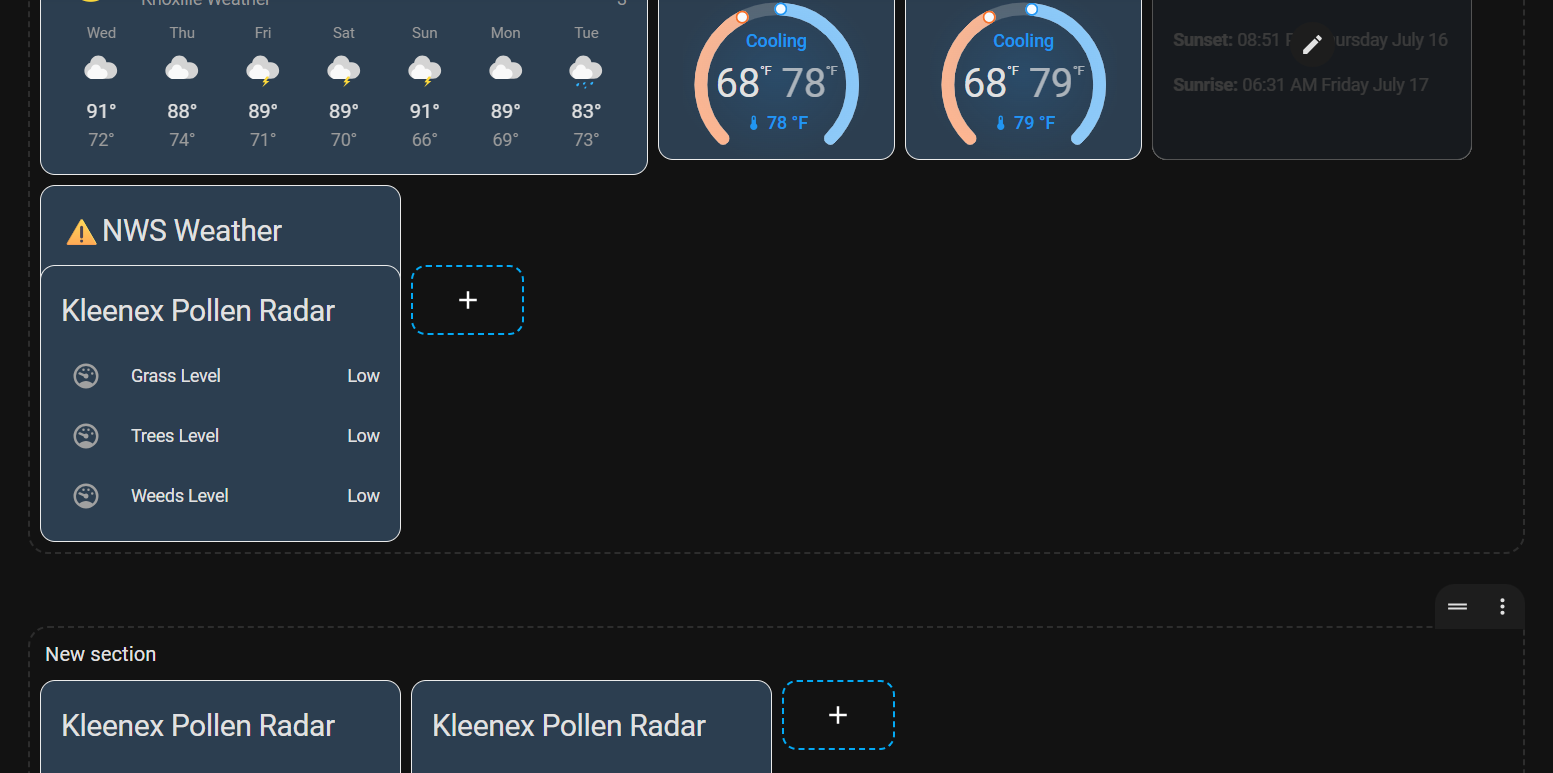
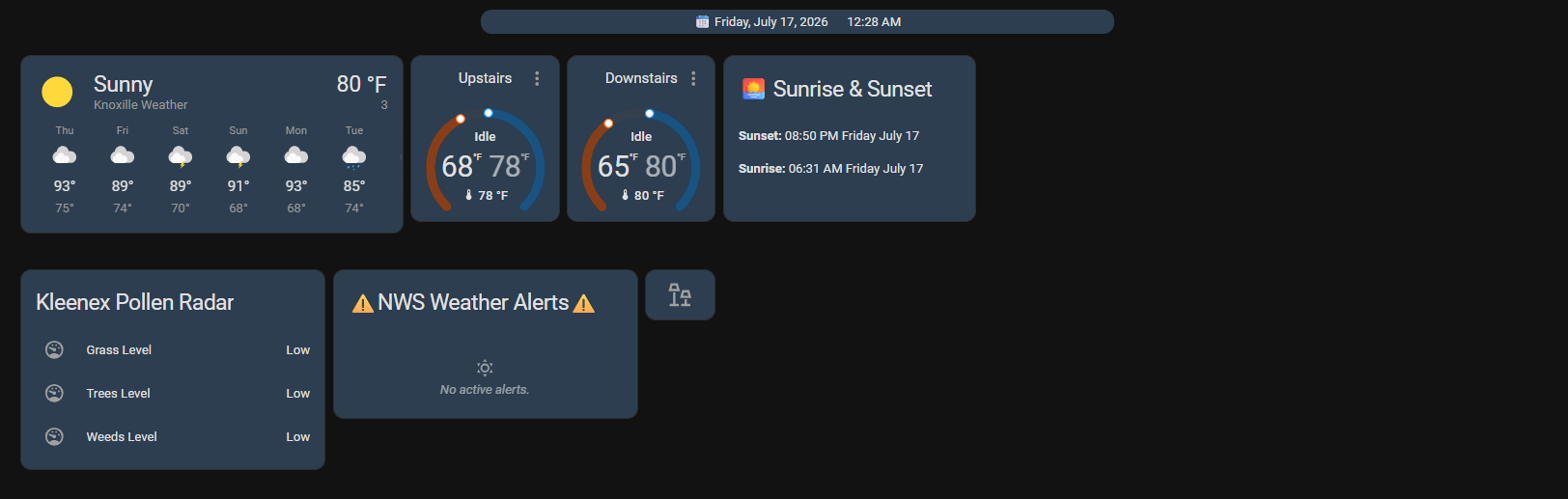
I did that and it was added to the lower section no problem. But when I try and paste the Kleenex card to the same row, you can see it overlaps the NWS Weather card. I have this section set to a width of 4 also.
Looks like it’s your 1st weather-card which messes up things for you ( beside you also use other cards of various width )
i.e is the 2 Gauge in one and same section ? (so you actually only have 3 Columns in first row)
PS: If you want to see what’s happening when creating/styling a Section-view , then start with giving each section a header-name, now you …and we can’t actually see what you are doing ( And we also don’t know the specs of your Monitors width )
Could be so,but more like the 1st wide weather-card or/and his viewport is to narrow to handle 4 sections, with the cards he is using(throwing 1 section below, hint no more to add there)
(that is if he also actually have both gauges in same section)
Best way to figure it out, as is now, is if @zBernie post the yaml, from raw-edit mode
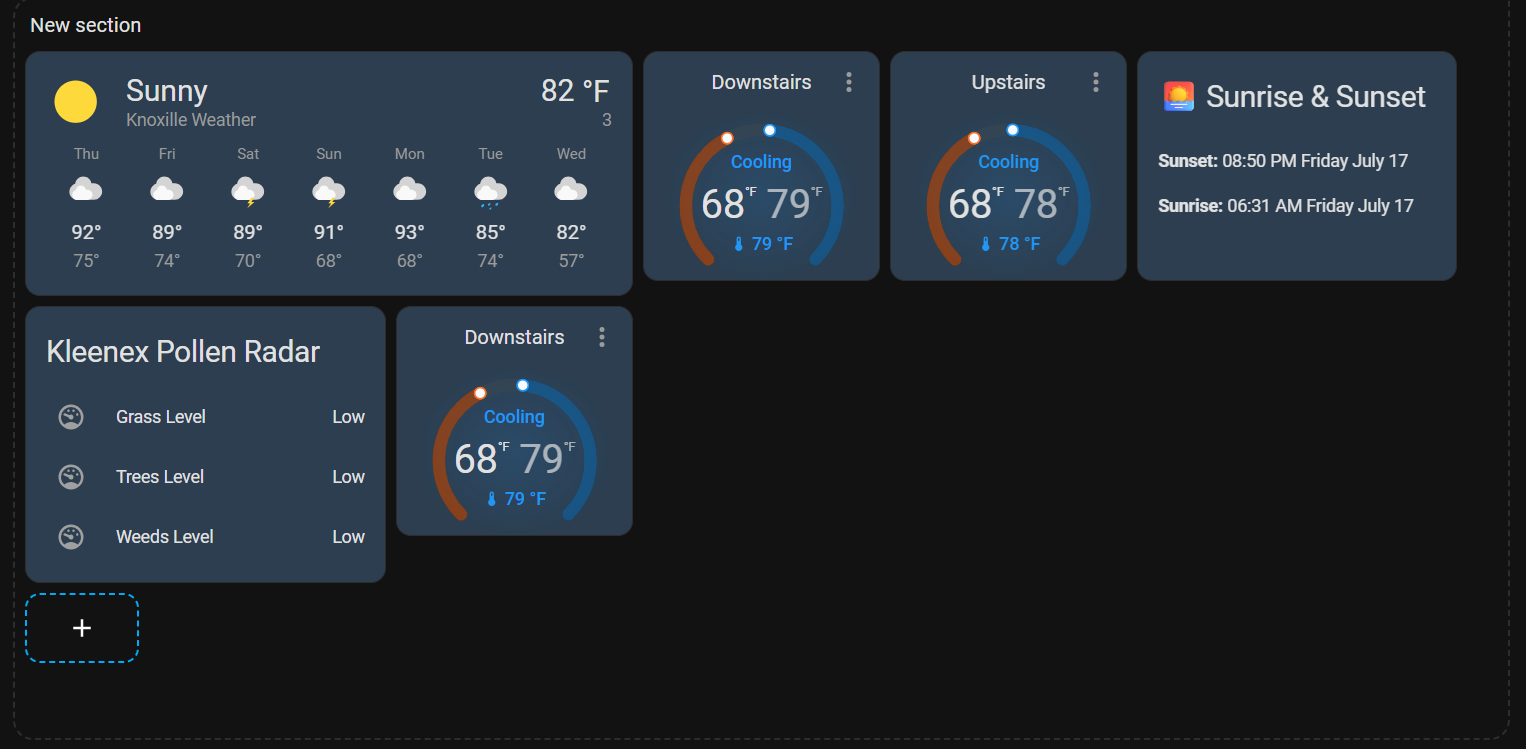
I’m using a 24" monitor. But I’m trying to create a dashboard for an 11" tablet. I tried deleting the weather card, and I can fit one more small card in the middle area as shown. But anything else is placed beneath the Kleenex card.