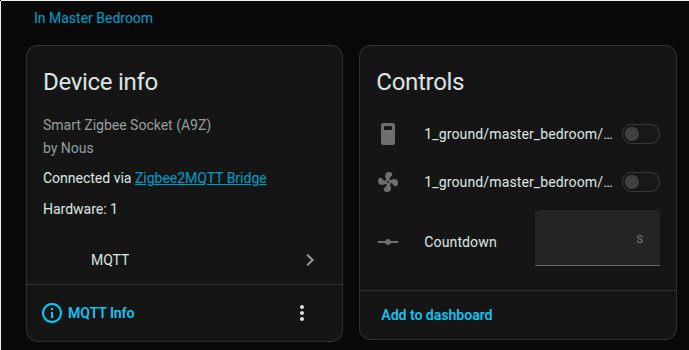
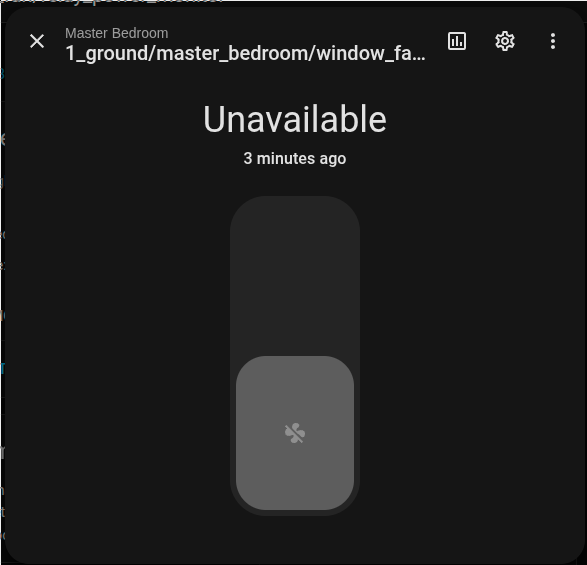
So in the process of doing some cleanup and reconfiguration of some devices, I have a zigbee socket that is controlling a window fan. When I go to settings > devices & Services > MQTT and open the fan device I noticed that it was still set for a switch devie instead of a fan device. I clicked on the switch devices in controls and hit the gear icon, I selected to show as afan instead of a switch. I got a message that it was basicaly going to make the switch entity invisible which it did. I then had the switch and fan entities. I decided to go to the switch entity and disable it. When I did that, the fan entity became unavailable and I lost the ability to control it. I opened the disabled entity and re-enabled it, but the fan entity is still showing unavailable. How can I get this working again?
You can't disable it, it is still needed. The process you followed clearly stated
Leave it invisible.
If you restarted HA it may not come back.
If you cannot find another way you probably have to delete it and reinstall it.
Using the exact same entity_id is important to try to recover it.
Thanks for your response. I figured this out this morning. Something I didn't realize that I have seen before which was the actual issue with this is that when I restarted HA after making the changes is that Z2M didn't automatically start when HA did the restart. I figured it out when I tried to turn on one of my other zigbee devices.. I wish I knew why that sometimes happens. Not good if it happens after HA recovers from a power outage.