Longtime Unifi user. I have UDM Pro. Last time I tried to use Unifi in HA it gave me way more info that I needed so I got rid of it. What I am looking for is information regarding my equipment (ap, switches). Ideally I’d like to be able to query Unifi to let me know if I have firmware updates. But that is second phase. I don’t want to manage my Unifi with HA, just get information. I assume then I don’t want the add-on and integration will give me information on all my equipment?
I have the UniFi Integrations installed (Network and Protect). It allows for a number of entities for monitoring of the devices, such as temperatures, up-to-date markers, CPU and memory utilizations, uptimes, etc.
If you have a UDM Pro the controller should be integrated in your hardware, so you don’t need the UniFi Controller add-on. This is for people (like me) who just have a bunch of APs from UniFi and need a software to manage them.
If you want the data from the controller in Home Assistant and do firmware updates you need the UniFi Network Integration:
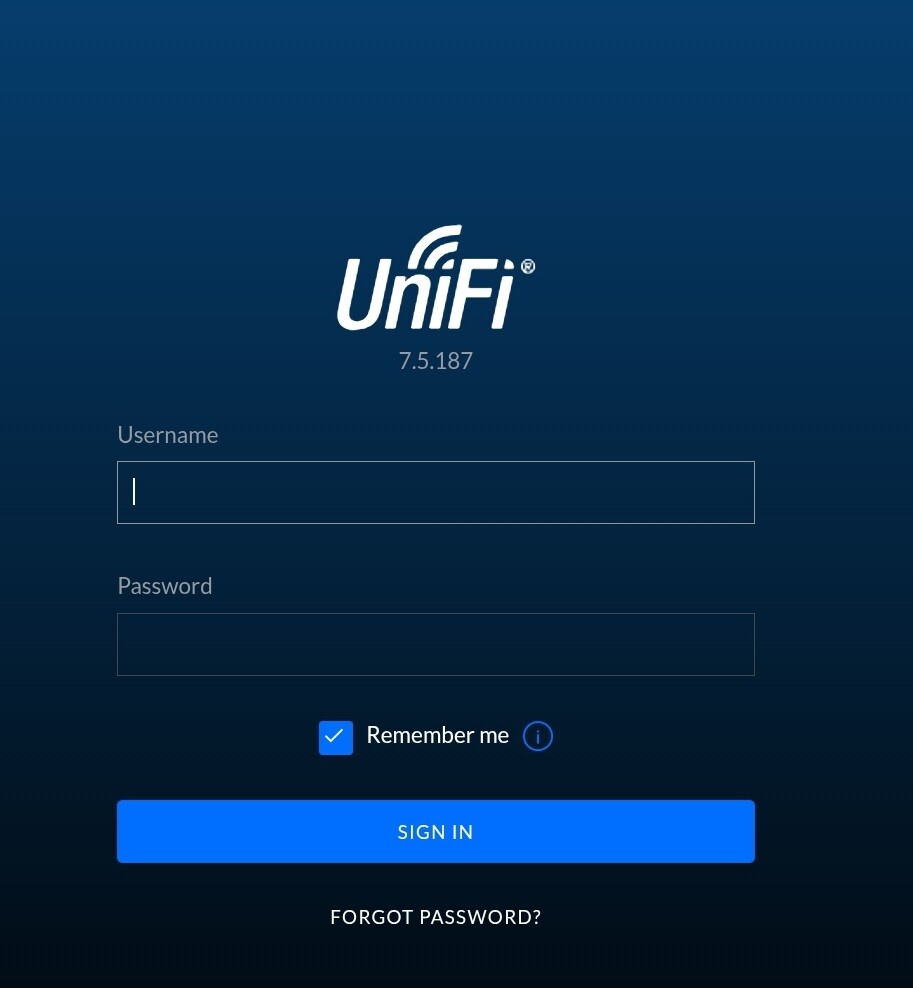
I’ve just got myself a Unifi POE Switch Lite-16. My first Unifi device in our network. It’s not conected yet, but I’ve created a Unifi Controller in a Proxmox VM and am having a look at integrating it into Home Assistant. When I login to the UI from the Unifi Controller’s IP address, it shows me this login screen.
I struggled for a few hours yesterday trying to get this to work, so I figured I’d share my experience here for future reference, for myself and others.
My setup is like so:
I have a USW Pro 24 PoE switch
I have HA installed on a Raspberry Pi
I do not have separate hardware to act as a controller for the UniFi switch
What I had to do to get this to work was first install the “UniFi Network Application” add-on and configure it (github repository for the add-on here). This is what acts as the UniFi controller without having to have any extra hardware, since it runs directly on the Raspberry Pi.
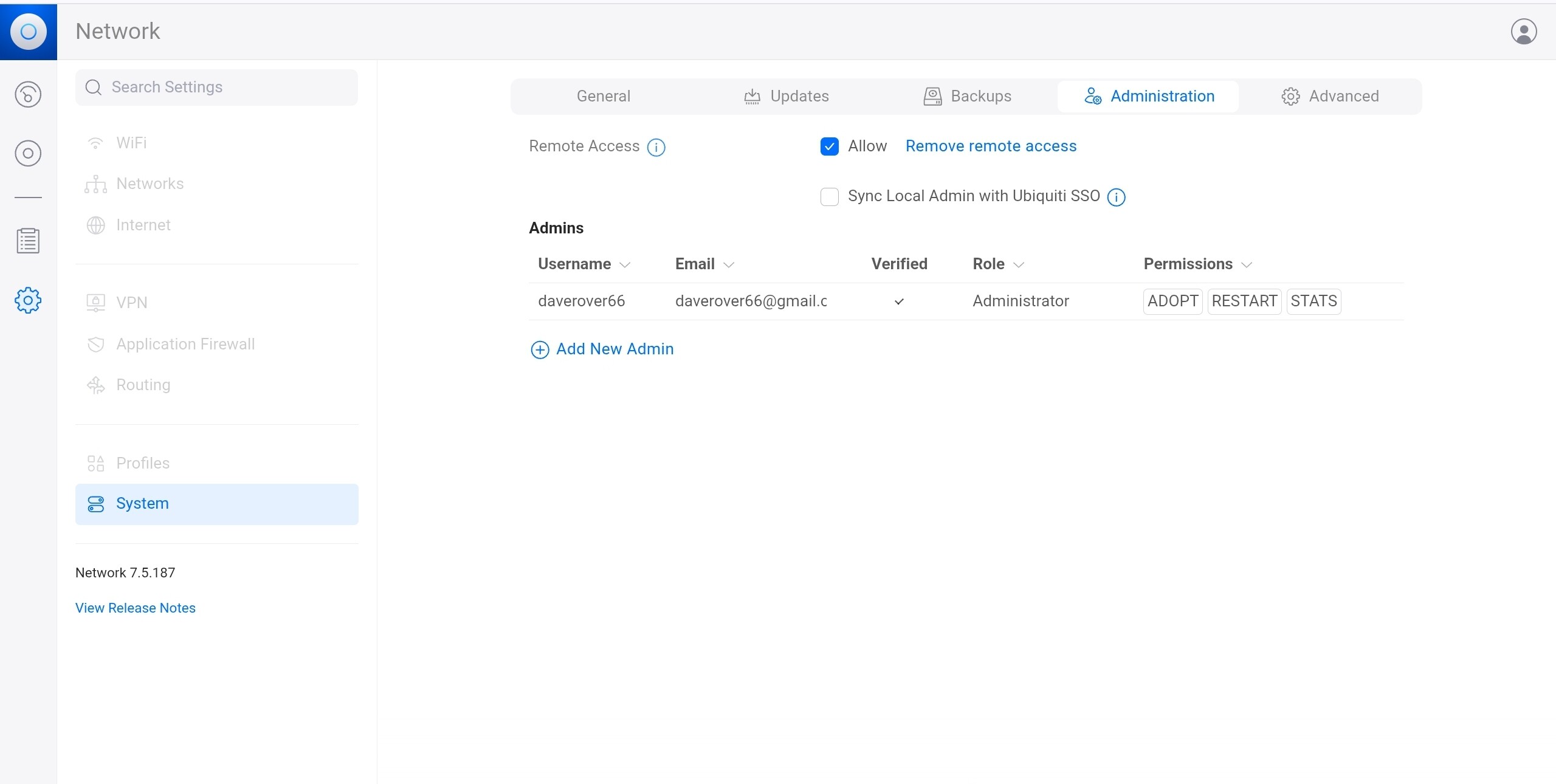
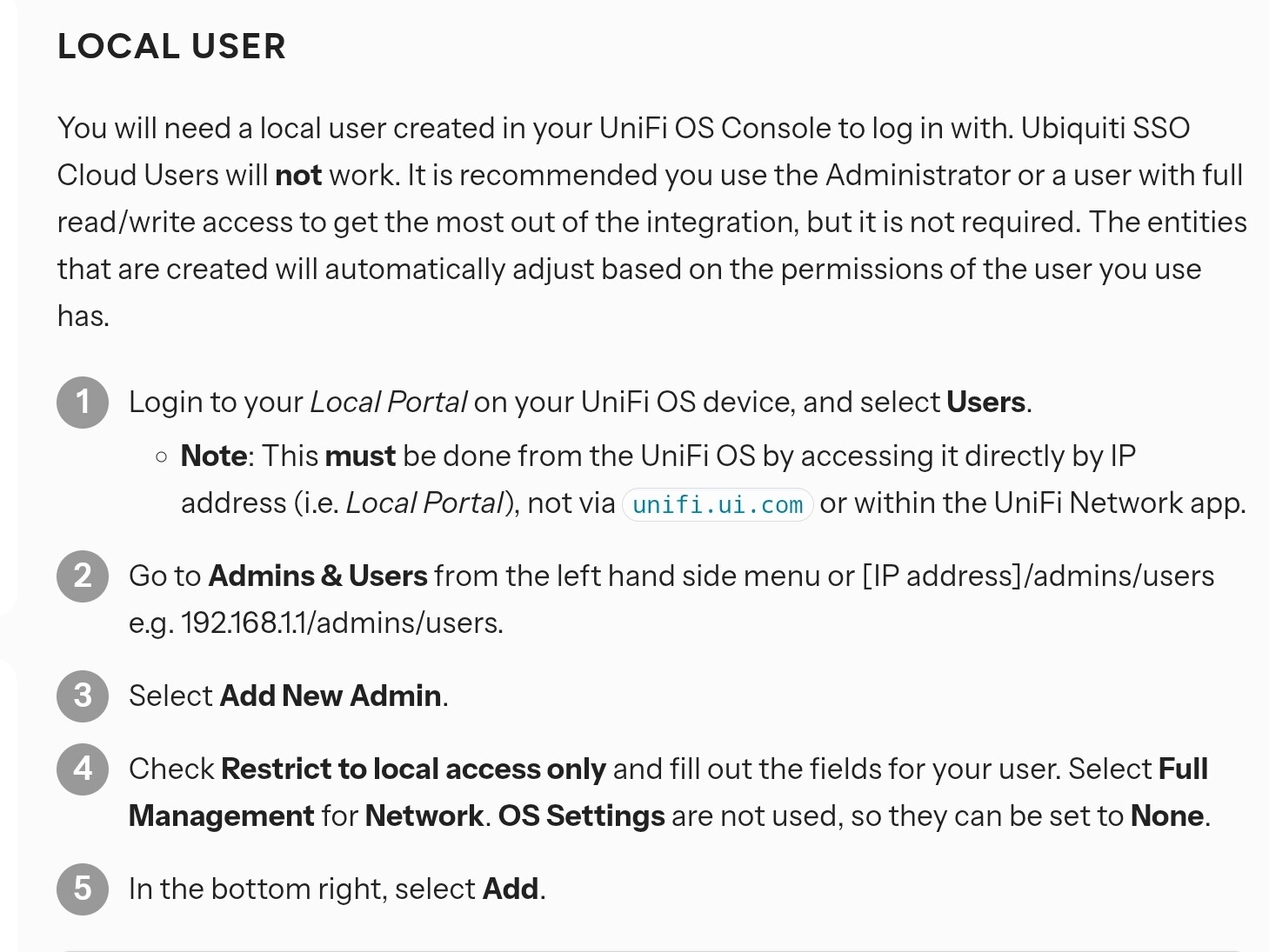
Then I had to configure one of these goddamn “local admin users” that you need to get the UniFi Network HA integration to work. Just like P6Dave in this thread, I could not find the way to setup a local admin user, and in fact the option to switch the UI to “legacy” mode wasn’t present in my case, so that route was not an option.
What I did was to first create a user disabling the “Remote Access” checkbox. As role, I picked “Site Administrator”. I did not click “Set Admin Password” here (password is set in the next step). For some reason when you click “Invite” the email address that I typed there didn’t recieve any email, but the admin user is created successfully anyways, so that’s that. See section (1) of the attached screenshot at the end for this step.
After that, I set up a password as indicated in the section (2) of the screenshot.
For what I could gather, this is the equivalent of creating one of those legacy “local admin” users.
After that, when you add the “UniFi Network” integration in HA, you’ll see section (3) of the screenshot (“Set up UniFi Network”), where I typed the following:
For Host, the IP address where I run HA locally.
For Port, 8443. This can be seen in the URL of the UniFi add-on (which can also be configured in the Configuration section of the add-on).
For Username, I type whatever user I created in the previous step.
For Password, I type whatever password I assigned to the user in the previous step.
After that, the UniFi integration could correctly connect to the UniFi controller and my switch and all its entities (PoE ports, etc.) showed up in HA.