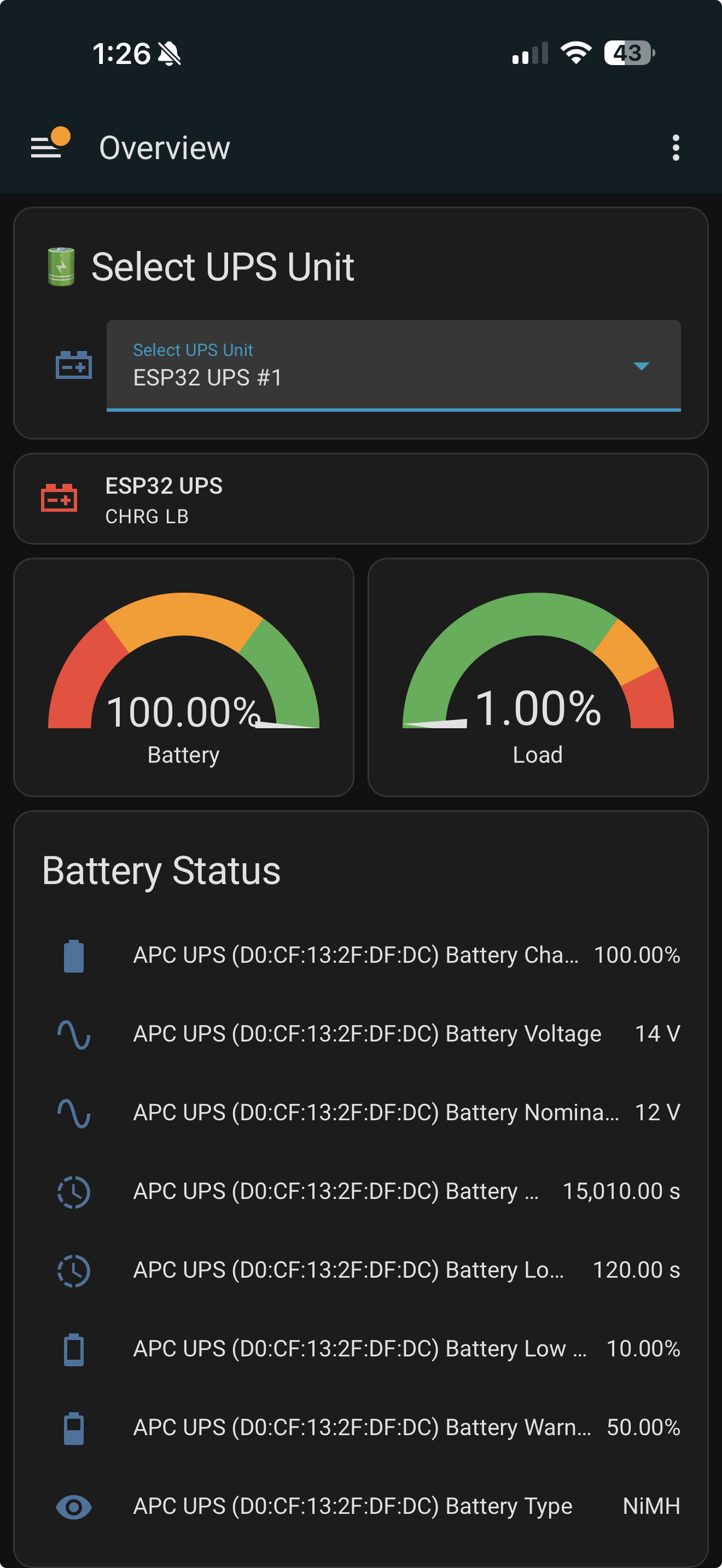
Recently I decided to try and get all of the UPS’ I have around the house connected into HA. I can’t take credit for any of the real work behind these but wanted to share the solutions I settled on.
I have 4 different “situations”:
1. UPS for my NAS
My NAS has NUT Server built in so that one is easy
2. UPS for my PC
My PC being a Windows doesn’t have a great native NUT Server option. For that I went with a docker project. It’s a bit multilayered as it still uses PowerPanel (snmp) but has been solid.
GitHub - tigattack/nut-docker: Docker image for Network UPS Tools
docker-compose.yaml
services:
  nut:
    image: ghcr.io/tigattack/nut-upsd:latest
    container_name: nut
    restart: unless-stopped
    volumes:
      - ./config:/etc/nut
    ports:
      - 3493:3493
Inside the config folder is ups.conf, upsd.conf, and upsd.users
ups.conf
[ups]
  driver =snmp-ups
  port = 192.168.1.178
  desc = "CyberPower 1500"
  pollinterval = 10
upsd.conf
# =======================================================================
STATEPATH /var/run/nut

# Tell upsd where to look for the driver state sockets
# for the docker image, this must be /var/run/nut

# =======================================================================
LISTEN 0.0.0.0 3493
LISTEN :: 3493
upsd.users
[haUser]
    password = Bg4sUesLt2sJk1
    actions = SET
    instcmds = ALL
You will need to use wsl (on windows) to run chmod and chown for these
chmod 0440 ups.conf upsd.conf upsd.users
chown 100:101 ups.conf upsd.conf upsd.users
3. UPS for my Router and Nodes
I am using Asuswrt-Merlin on my main router and 4 mesh nodes.
With the units having USB ports, they can run NUT Server.
There was already a great guide on SNBForums that I tweaked a bit as described here: Entware - Asus Merlin Entware NUT Server | Page 2 | SNBForums
4. UPS for my TVs and other “remote” devices
This is the one I am most excited about.
Came across a great project: bullshit/esphome-components
Ordered a knockoff 3 pack of ESP32-S3-WROOM-1 off Amazon: https://tinyurl.com/2aufosae
Ordered some 1ft usb B to usb C cables: https://tinyurl.com/2chzarxf
Already had some short usb power cables. Some of my UPS’s have usb A or C while others just a normal wall plug adapter. Just make sure it’s plugged into something battery driven.
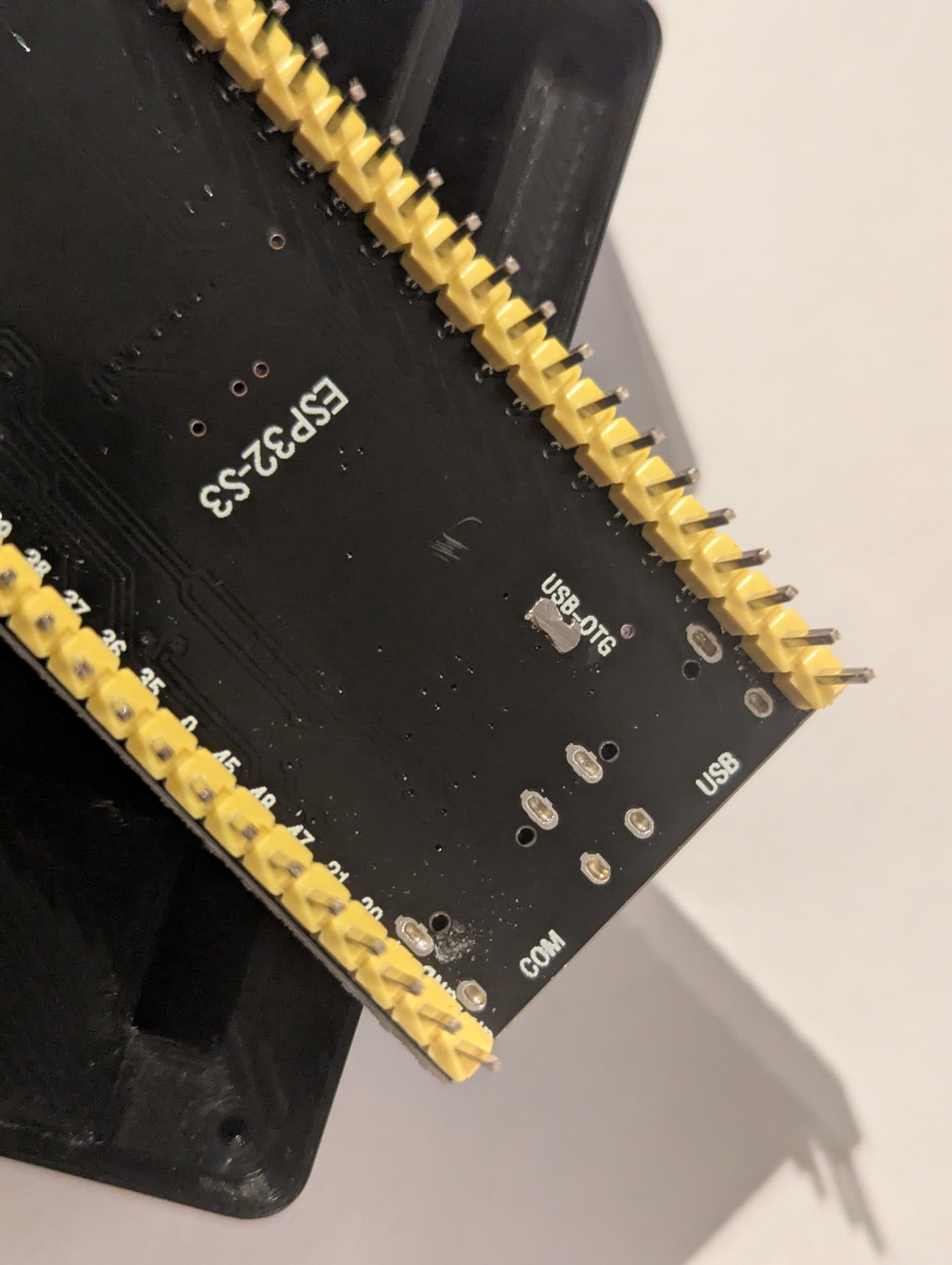
I wasn’t having much luck with it seeing the UPS and had put it on hold until someone told me I needed to solder the USB OTG jumper on the back:
Modified and printed a case:
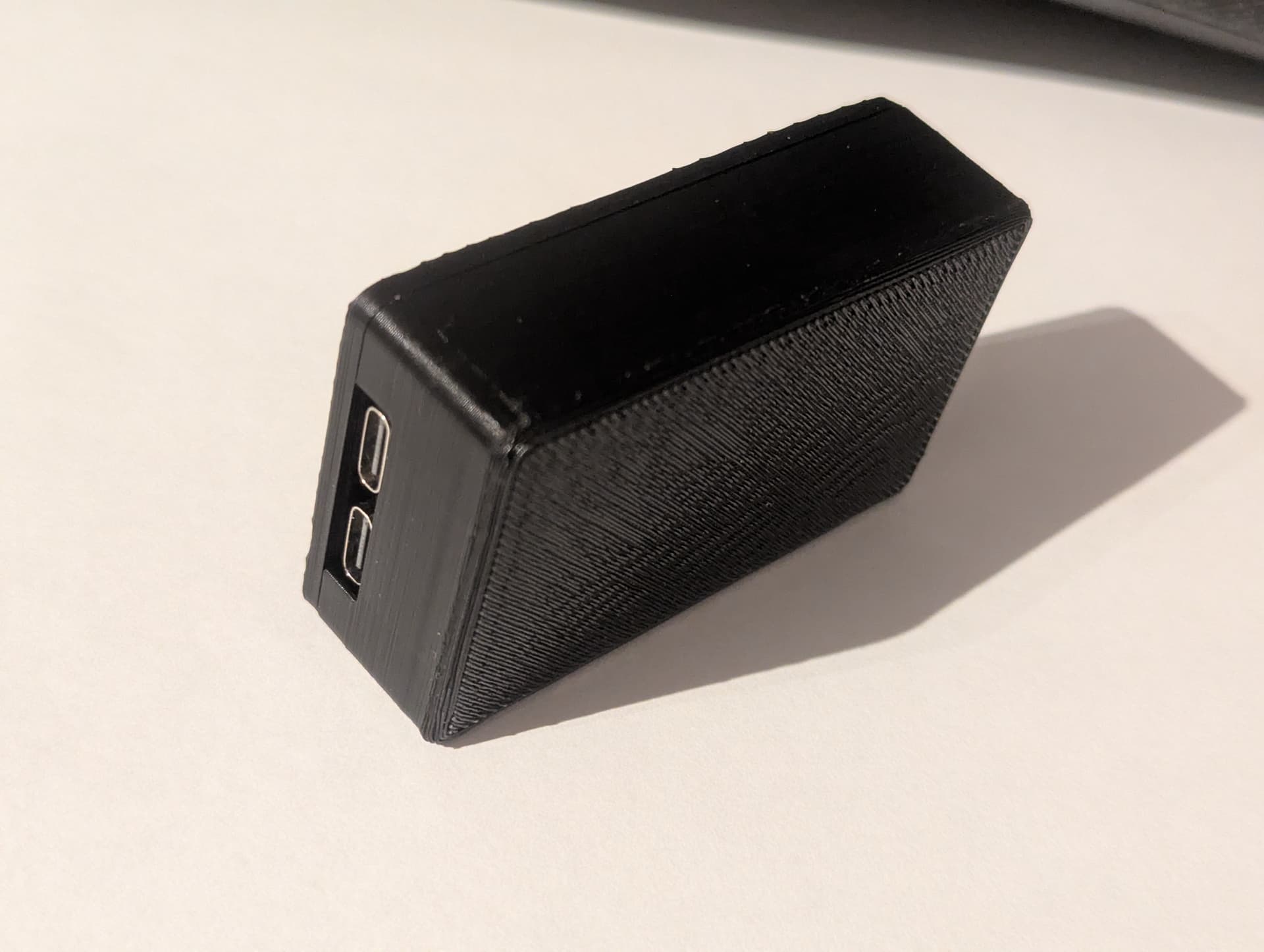
Put some velcro 3m strips to them and stuck them on the top or side of the UPS’. I do have one really old Cyberpower that it doesn’t recognize but newer Cyperpowers and APC units it reads.
My yaml:
esphome:
  name: ${name}
  name_add_mac_suffix: false
  friendly_name: ${friendly_name}


substitutions:
  name: "study-desk-ups"
  friendly_name: Study Desk UPS


packages:
  remote_package:
    url: https://github.com/bullshit/esphome-components
    ref: main
    files: ['configs/essential_sensors.yaml', 'configs/extended_sensors.yaml']
    refresh: 1s

external_components:
  - source: github://bullshit/esphome-components
    components: [ ups_hid, nut_server ]

esp32:
  board: esp32-s3-devkitc-1
  framework:
    type: esp-idf

ups_hid:
  id: ups_monitor
  protocol: auto
  update_interval: 10s

nut_server:
  ups_hid_id: ups_monitor
  ups_name: ${name}
  username: "haUser"
  password: "BgJf4icLt2sJk1"

# Enable logging
#logger:
#  logs:
#     nut_server: DEBUG
#     ups_hid: DEBUG

# Enable Home Assistant API
api:

ota:
  - platform: esphome

wifi:
  ssid: !secret wifi_ssid
  password: !secret wifi_password
  domain: !secret wifi_dns_domain

button:

sensor:

number:
Now I can see and monitor them in HA using the NUT integration.
I’ve setup a biweekly short battery test for those that support it.