Hi, I have just purchased yet another Smart switch for my Room. I wanted one that would accept single click, turn on, double click, turn on at 25%, long click to turn off and a dial to dial up and down the brightness.
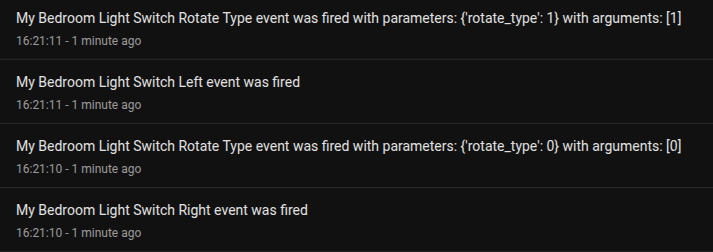
I bought a Moes smart scene button and registered it with HA. I then pressed it once and got an even, then twice and finally a long click. Then I rotated the dial. I got left and Right event fired. Each triggered an event.
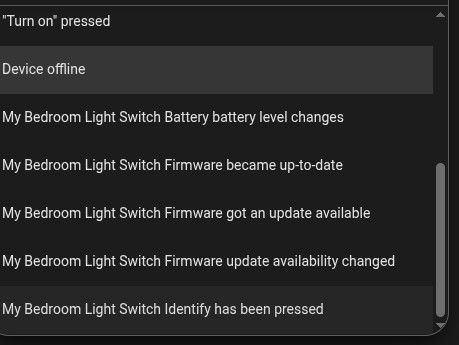
They don't line up. I'm guessing it is something propitiatory designed to make you buy their hubs. If so Zigbee should get them to remove their mark from them. So far I have tried three different smart switches from three diffeerent suppliers and although each one has a single press, double press and long hold they don't show them.
I tried putting actions against the events offered but only a couple worked. The rest did nothing.
As HA sees them and recognises them how can I add those events into the system so I can use them? There must be a way.
Device triggers are limited by the what the integration knows about the device type. Tuya-based devices like those sold by "Moes" often reuse device type IDs which can lead to Device triggers with inaccurate or incomplete trigger events... or, sometimes, just mismatched naming.
Also, make sure to do a search for your devices in the Blueprints Exchange. Since this is a common issues with these type of Zigbee button devices, most of them will have Blueprints to help users create automations or scripts without having to investigate Events themselves.