Has anyone else discovered this yet? I just wrote a very complex 2000+ line ESPHome application for prototyping a commercial product with a dozen sensors, ADC chips, TOF sensors, a ili9341 display, 7 motors & 12 SSD relays & multiple PID controllers. This normally would have taken me months as I’m not a professional programmer. I did it in a week.
This is very different than ChatGPT or other online coding resources because it’s written using the VSCODE base (which most of us already use and know) and the logic and functionality is embedded in the editor. So it is context aware of everything in your program as you type, meaning it sits along side you predicting what you will do next. Pressing TAB and the predicted code appears. It’s quite shocking just how well this 1 feature works.
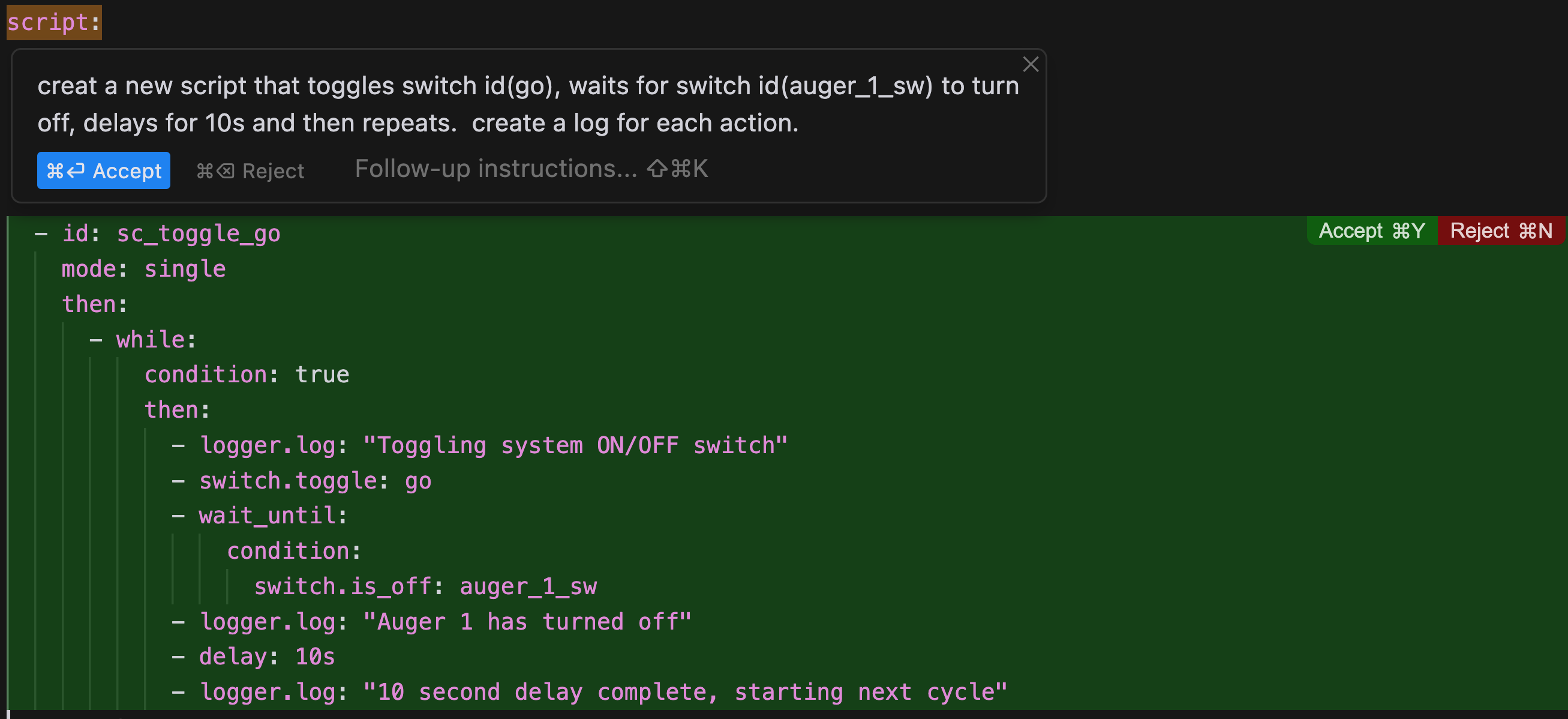
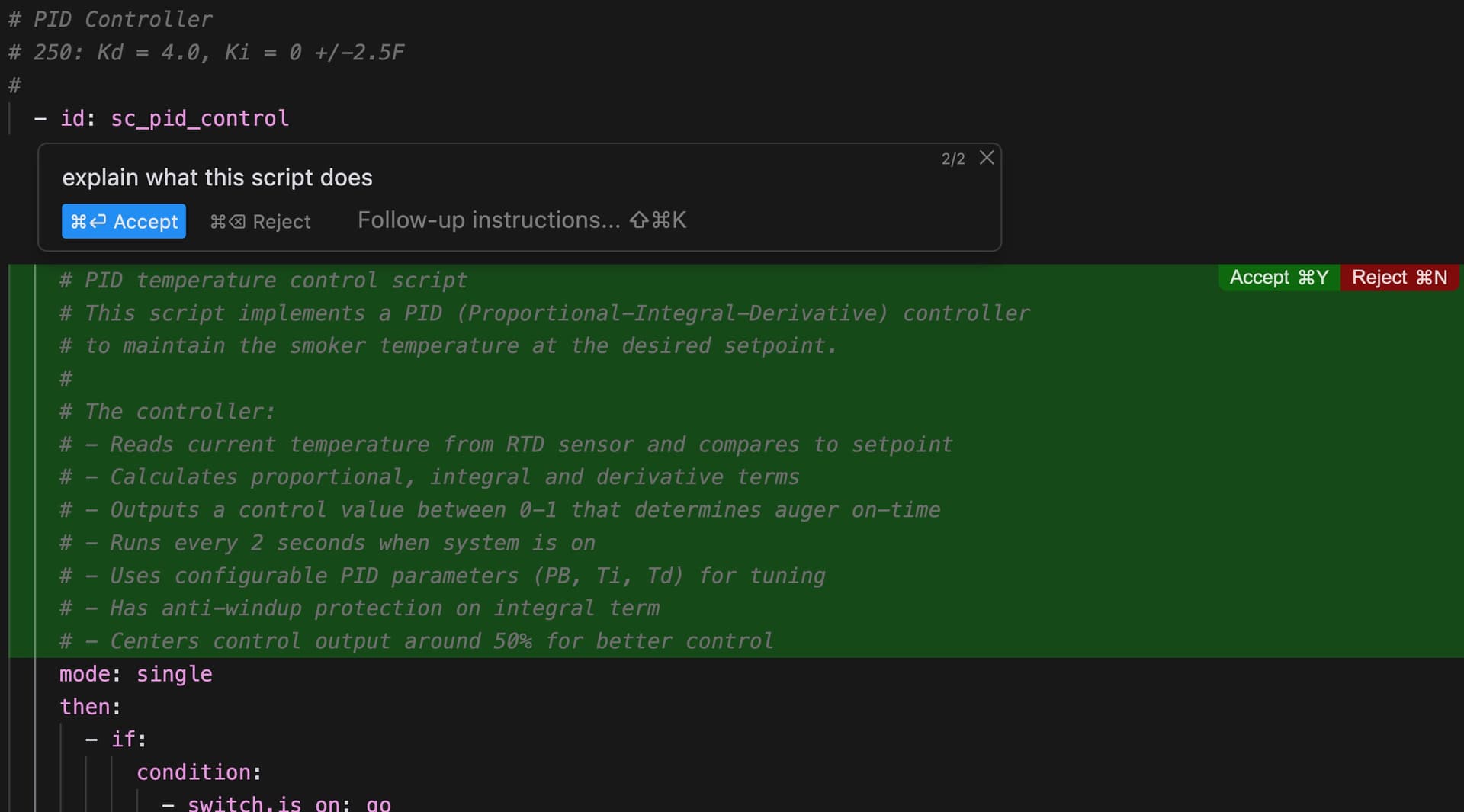
90%+ of it was written by Cursor using the AI function. You type “Create an ESPHome project using 5 switches to control motors with SSD relays”. Boom, ALL of the ESPHome code is formatted and written for you.
“Write a PID controller to control motor_1 with on time limits of 30s, minimum on time of 5s and off time limits of 50s”. Magically 50 lines of PID controller code appears and controls the motor.
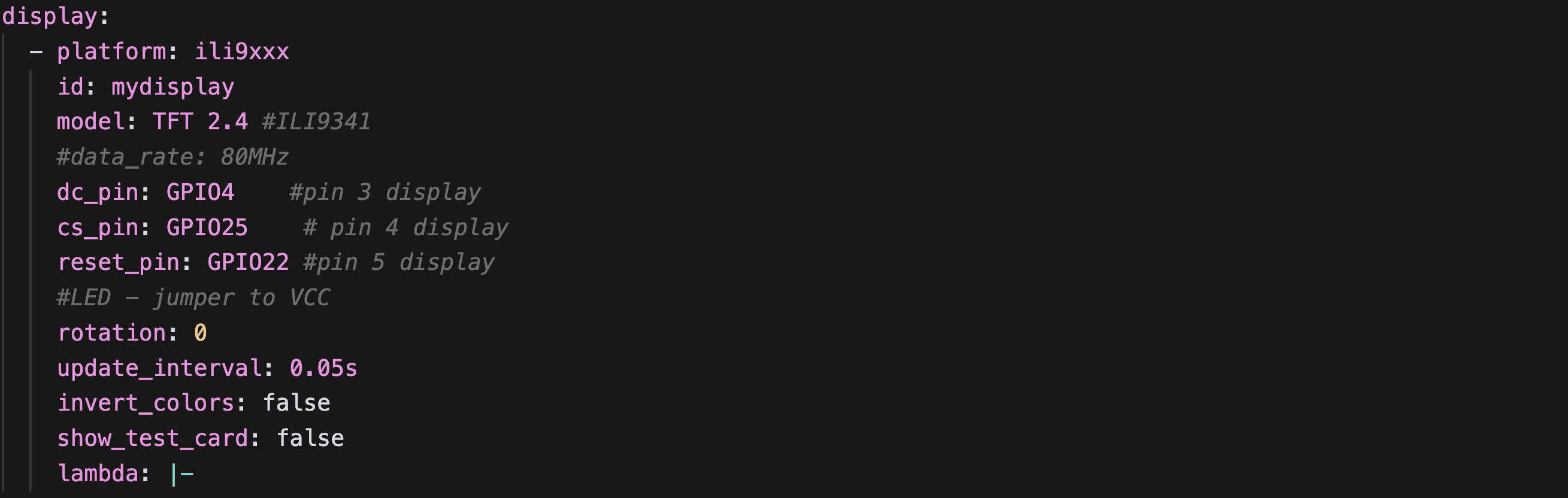
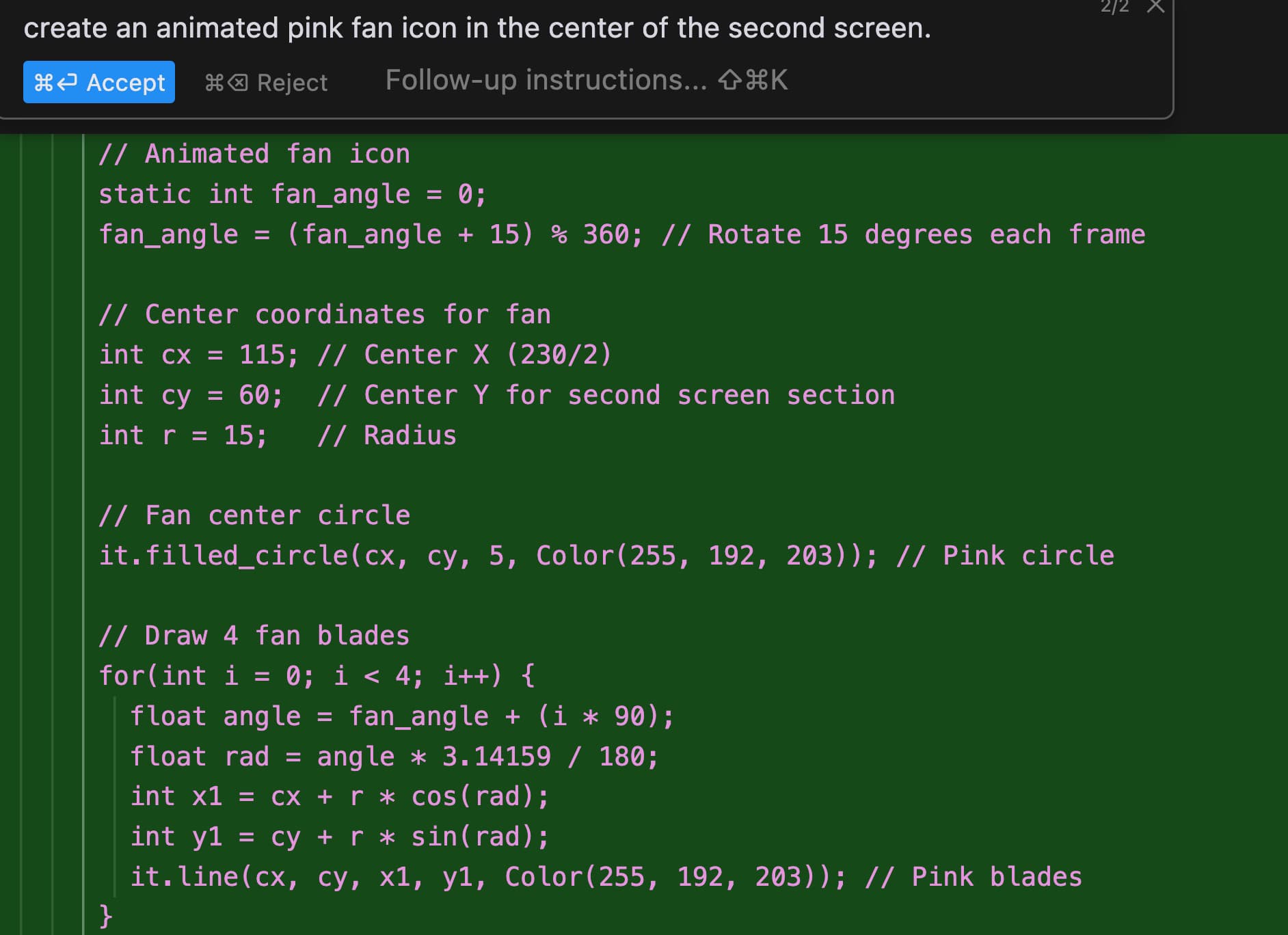
“Create a display using component ili9341 with display type “TFT 4R”. Create animations of each motor. White when off, slow, animated green when on. Start drawing at x=5 and y=5.”
Boom. Code written. Tell it to move groups of objects around. Tedious & complex LVGL display coding just became trivial.
Now Modify some ESP32 PIN numbers to suit.
Compile and upload. 98%+ of the time it compiles without errors.
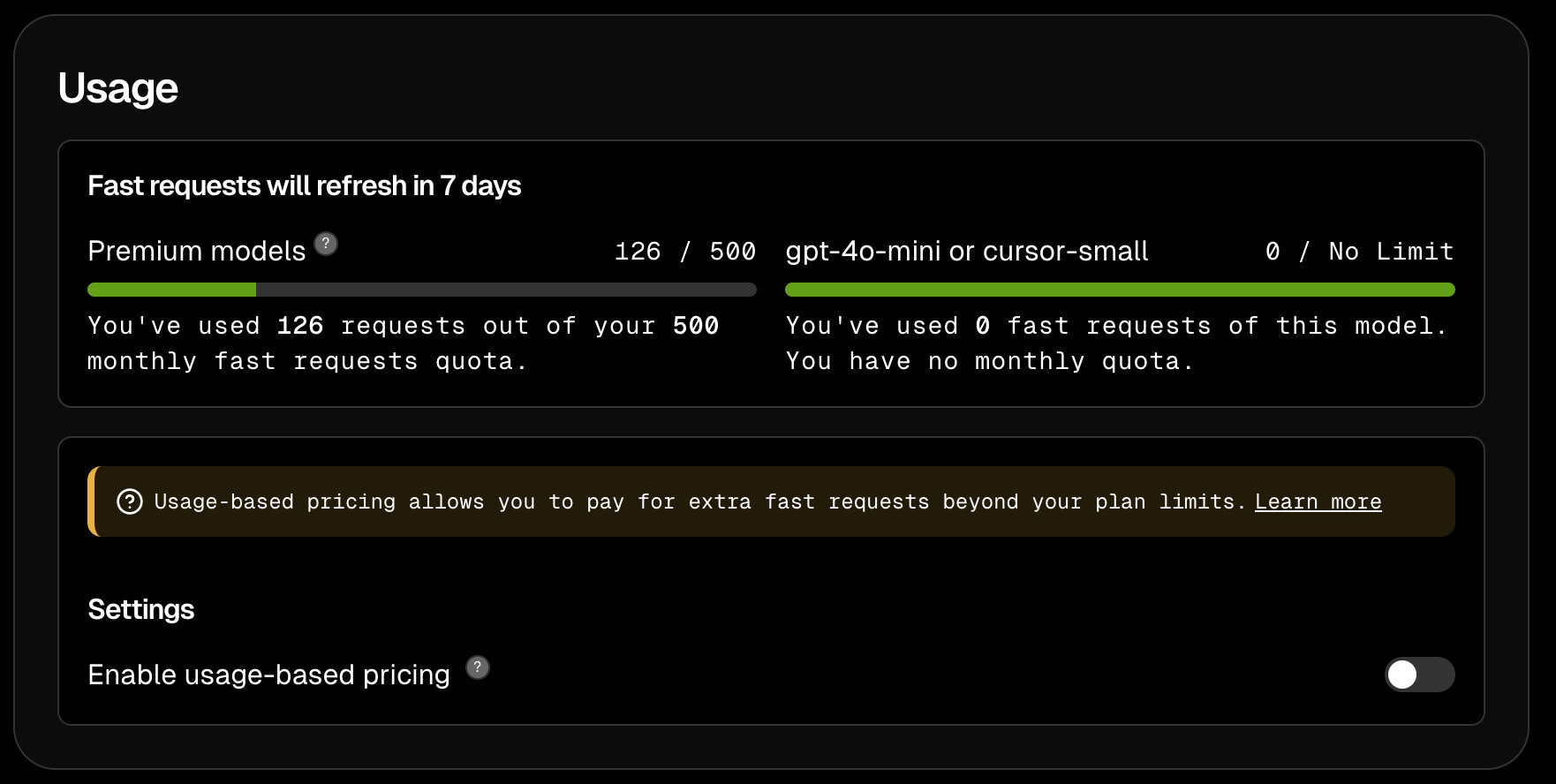
I’m literally blown away. This is a game changer. It’s free to try and then you become addicted. I paid the $200 annual fee. The TAB function is quite amazing and worth the $200 alone. Never before have I been so impressed with a piece of “intelligent” software.
I am in no way affiliated with Cursor. Watch the Lex Friedman interview with the Cursor team for a deep dive. Fascinating! There are lots of YouTube videos to help get you going.
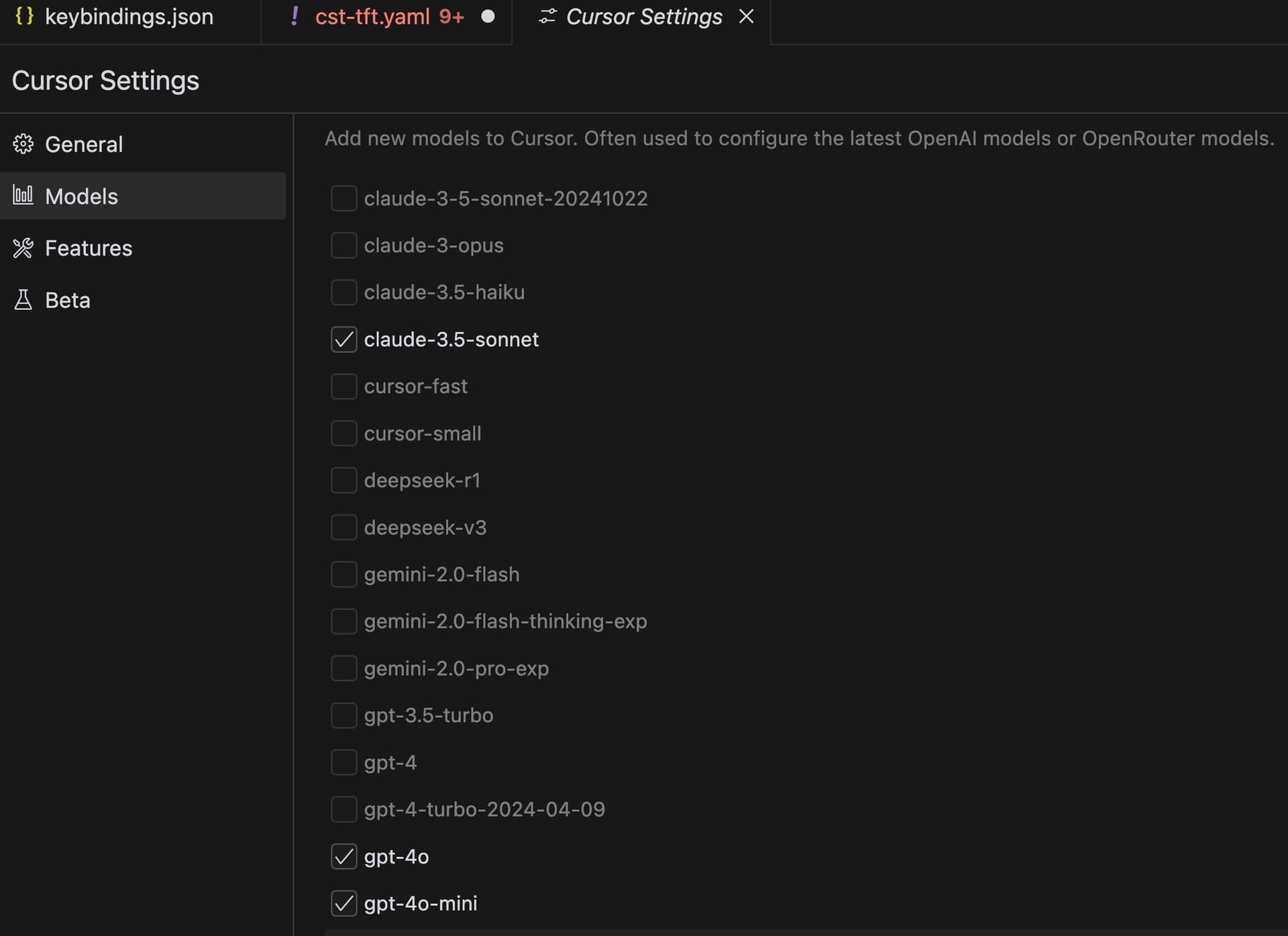
I tried Cursor AI after having tried ChatGPT, Deepseek R1 and Clause 3.5 and the only one that was half decent was Claude but then I tried Cursor and I agree, it is way better than all the other models I’ve tried so far.
My problem is that I don’t want to use an internet connected AI. I liked Deepseek because I could run it locally (I have enough resources to run a sizeable one - 14B Q8_0 Distilled is memory serves) and I was never really happy with the output. Needed multiple prompts to get something right.
Any AIs other than Deepseek that can run locally and are code focussed?
I experimented with it for Android development, and it is just not good for Gradle/java/kotlin projects in general – but that’s more an artifact of VS Code being not good. I can still use Composer to talk with it about the codebase and it still knows how to do the things I’m asking it to do, but the IDE doesn’t function well. For Android, I’m still holding out for better IntelliJ agents, because VS Code is just not good with those projects.
I did have a lot of back and forth with Gemini about this device I was working on, and it was pretty good at understanding the datasheet PDF I gave it, but not having deep awareness of the local codebase, including the rest of the ESPHome codebase in order to adhere to ESPHome style and standards, is a big disadvantage there, and it’s really just acting as a rubber duckie, with the added benefit of being to e.g. tell me how the hex bytes I print in my logs translate into the bitmaps documented in the datasheet.
I was just about to get back to a component that I was working on for a device that has incomplete support, and the thought crossed my mind to try it in Cursor this time instead of VS Code. Glad to hear that it worked well for you.
Interesting. I’m just working on some code for an ESPHOME project. What were the pre-requisites you installed on Cursor AI to enable you to write/debug the code?
No prerequisites. I installed it on my Mac and Ubuntu systems easily. I also did this write up on ESPHome configuration with VSCode/Cursor. I need to update it slightly as I figured out how to launch the whole thing with one hot key CTRL-R while in the editor. This speeds up the process immensely.
I really wish there was a debugger for ESPHome in VSCode that let you cycle through the code, set breakpoints and watch variables change like there is in all other languages. Perhaps there is a way to do that and I just haven’t discovered it yet.
Great - thanks for this. I’ve already got it up and running and it’s helped a lot in debugging some code for my Cheap Yellow Display that I’m building on ESPHOME in Home Assistant.
Can’t quite get my heads around how good it is at just talking straighforward text prompts and converting it into useable - working - code.
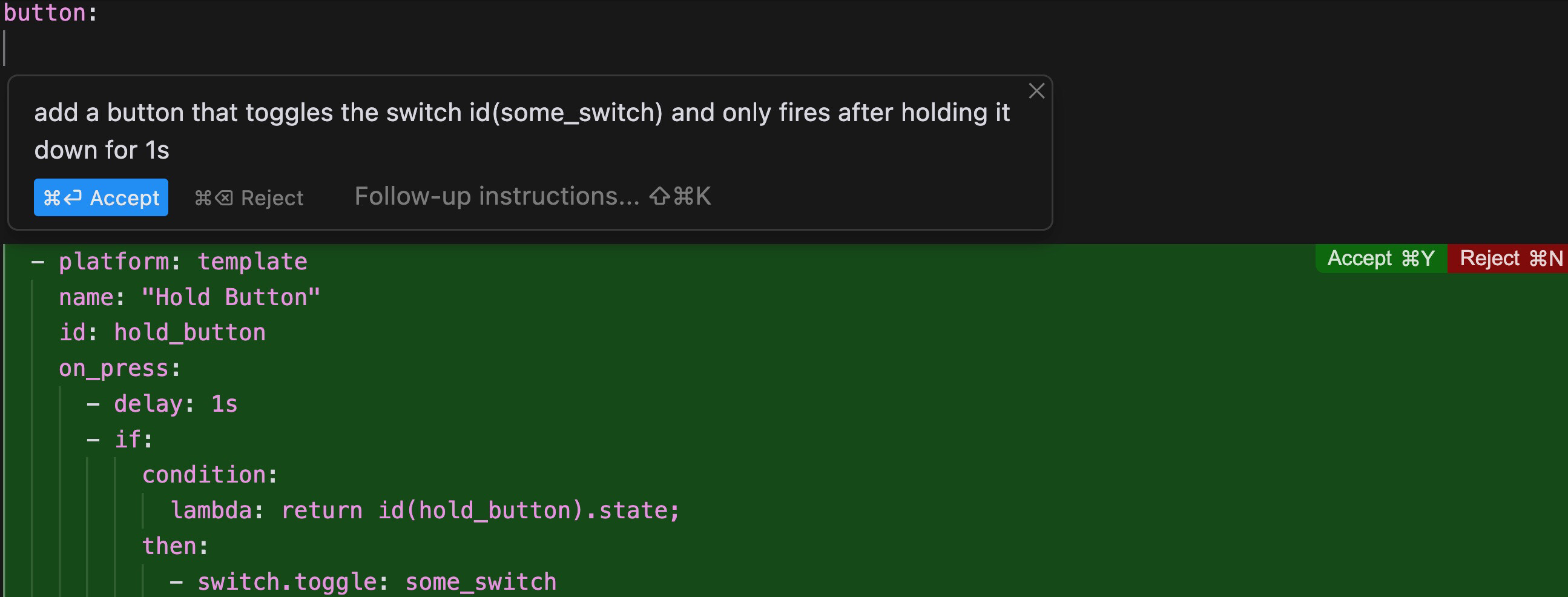
its crazy good at it. I place my cursor in the spot I want, say the button: section, then press option-K (or control-K on linux) and the inline prompt appears type “add a button that toggles the switch id(some_switch) and only fires after holding it down for 1s”
@jazzmonger thanks for sharing! I’ve been using cursor AI a bit too as I’m quite a newbie when it comes to YAML, esphome etc. I did have a bit of annoying hair pulling out with getting it to code configuration for my downlights but I also was overcomplicating it and for some reason delving way too far down hz and flicker and frequency - lol.
Do you connect it directly to home assistant so it can make changes, or mirror your environment so it’s got the latest data and then mimic it’s changes? I’ve been doing everything very manually which is getting a bit tiring! But equally I don’t think it’s great if I let it fully loose even though it asks permission for things.