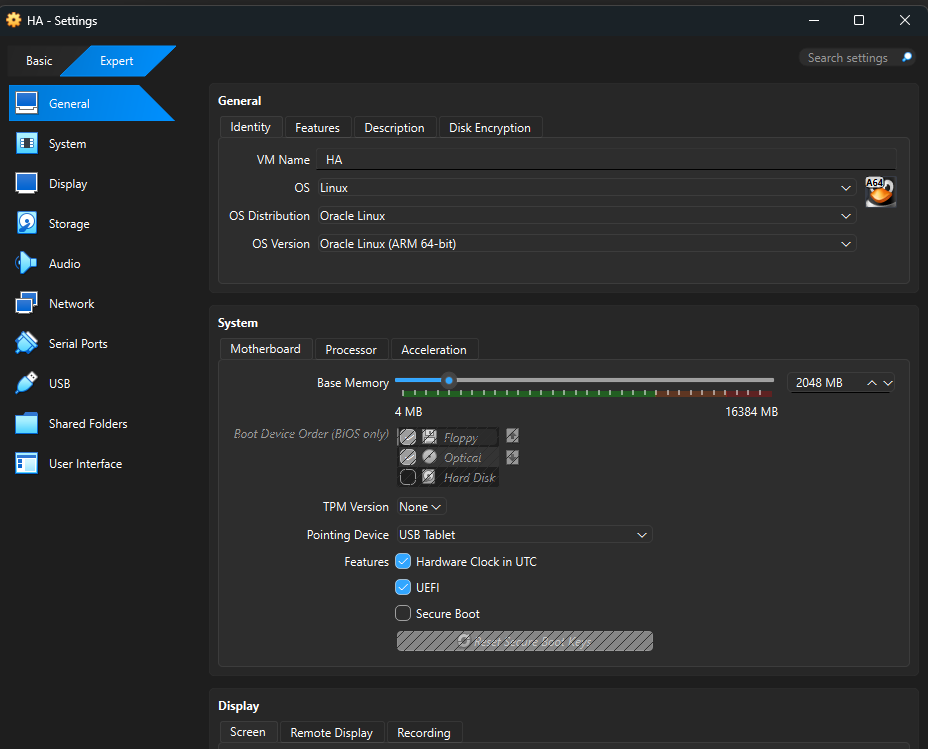
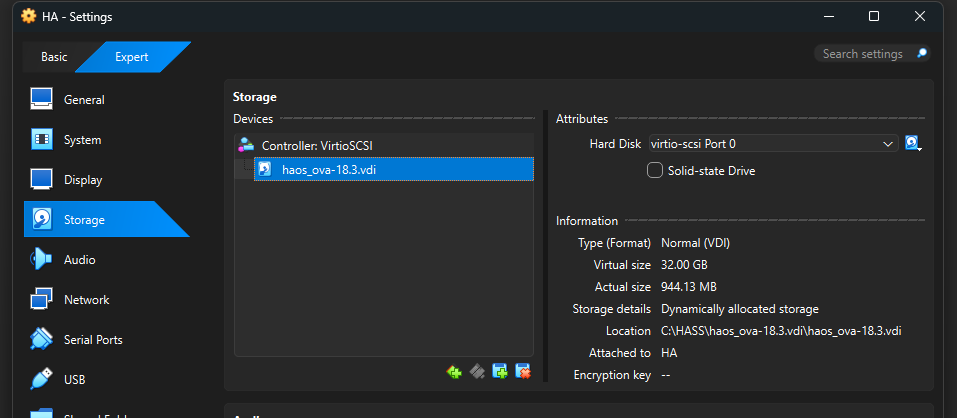
Which guide did you follow to install VB , And Your VM ?
Beside Arh’s “requirements” you should also disabled everything related to Windows Hyper-V also ( Not that i particular think this is your issue !)
But, in Windows Apps, “Turn Windows features on or off” menu, Make sure Hyper-V and other “Windows Hypervisor/Virtual Mashine Platform/” is disabled
Reason, Running both means BOTH want to take control over your Hardware, And Windows-Wins … Making VirtualBox running slower etc. (i.e prevent a VB-VM from booting)
In your bios , it should be , Intel VT-x or AMD-V" enabled