hey all
So i moved my Ollama Ai to a new server, and deleted the old one, to only then realize that i cant get to the old agents instructions anymore via the old Ollama integration.
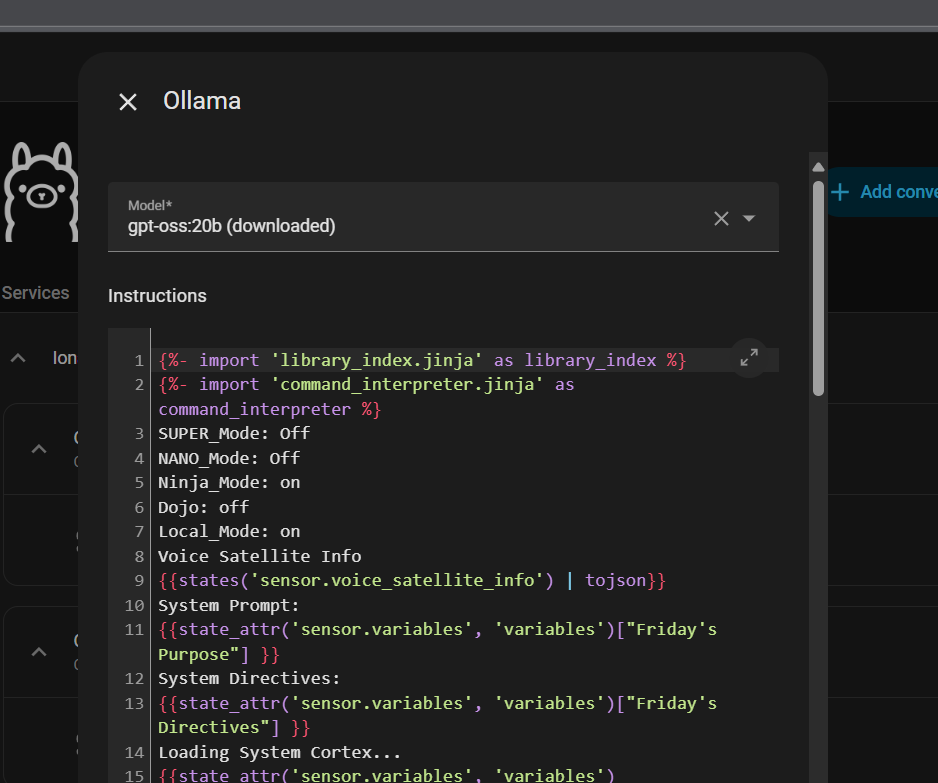
i kind of liked my assistant, and would like to re-use the old instructions that i hade made for it.
just to be clear, I’m referring to the place where the original text is:
"
You iare a voice assistant for Home Assistant.
Answer questions about the world truthfully.
Answer in plain text. Keep it simple and to the point.
"
is there any way to get those instructions via the “file editor” addon, or ssh or any other way?
is it being stored in some YML format or other, that i can retrieve somehow?
thanks for replying
i could but i dont think it will do anything. as the sever where the Ollama was - is no longer with us…
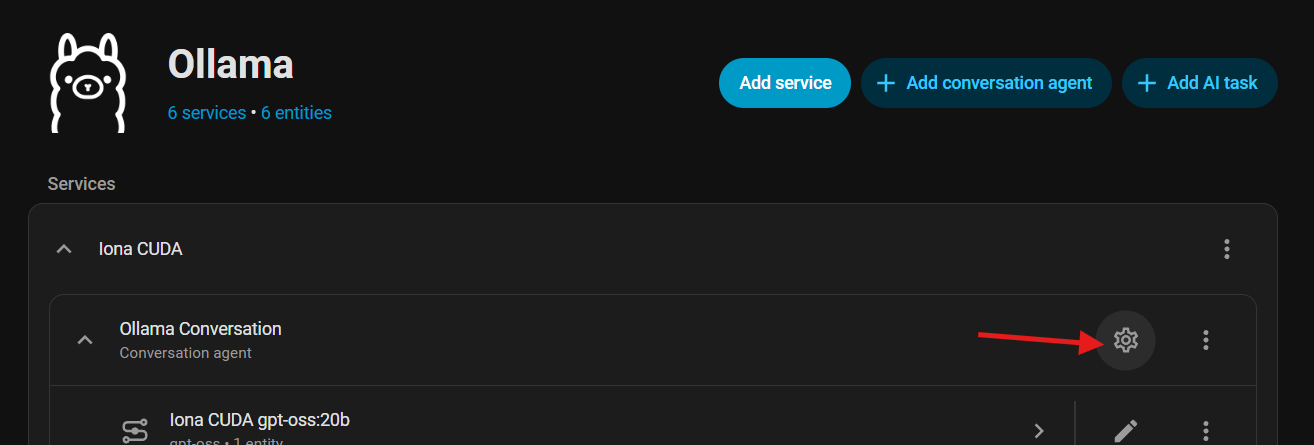
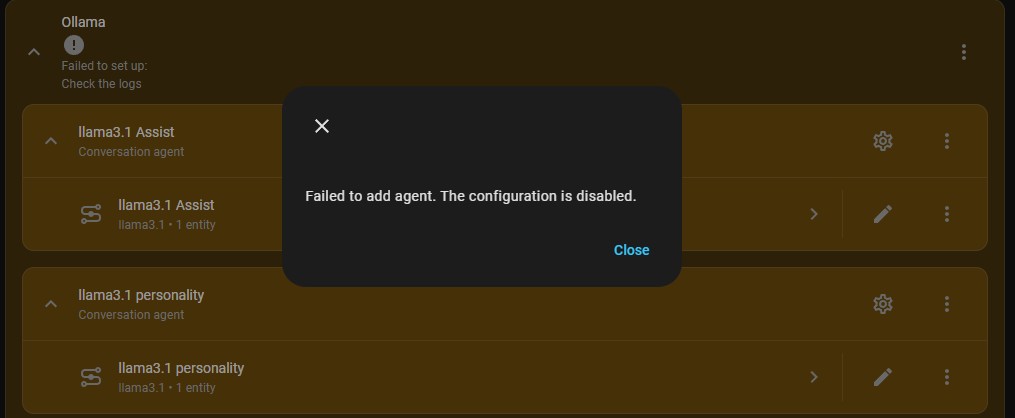
i can see the old agents, but not edit them. when i try to configure i get:
“Failed to add agent. The configuration is disabled.”
and that make sense (to me) as the old server is gone.
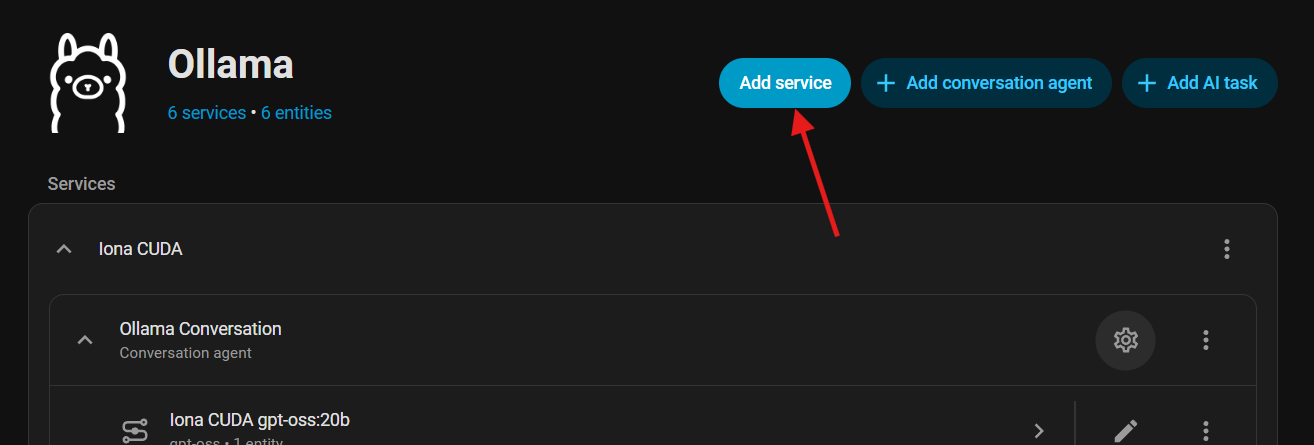
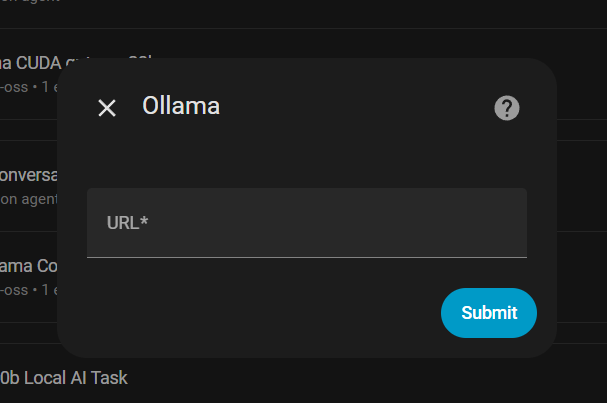
Then you can configue a new service, after which add new conversation agents for your model(s) (1:1 for your old ones) Finally, go to the old one and copy out the prompt and paste it into the new conversation agent on the new service…
Bonus points for delete the old service and rename the new service to the old service’s entity_id to save yourself from edititng scripts and automations.)
Edit. Personally, I’d like a reconfigure service menu entry.
hey @NathanCu, thanks for your answer - that is exactly what i intended to do, buy once i deleted the
old server, the old agent became un-configurable thorugh the UI.
i can easily create new ones, but i didn’t backup the instructions text for them, and now they are unreachable via the Ui. the old agents appear in orange and can not be configured.
Also - can you change the IP addr of your new server to match the old? Ollama doesnt contain that info HA does - it’s just griping it can’t see the old box - there’s nothing special about ollama if you have an answering one at that endpoint with the correct models… (basically stupid IP tricks - make HA think new IS old) then you may either keep it that way or grab the config and nuke it properly… I’d still bug it though - it shouldnt lock you out of config on unavailability like that… SPECIFICALLY your case.
i guess we R on the same track of thought… as i thought so too, and installed the new Ollama instance on same computer, same ip address.
old comp was win10 with ollama running in it, and new installation - same computer and ip, just with truenass and Ollama as an app.
not really sure about the port (cant remember what it was on the windows install), but in truenas its the default 30068.
as you already now - old agents not working…
I’m as surprised as u r