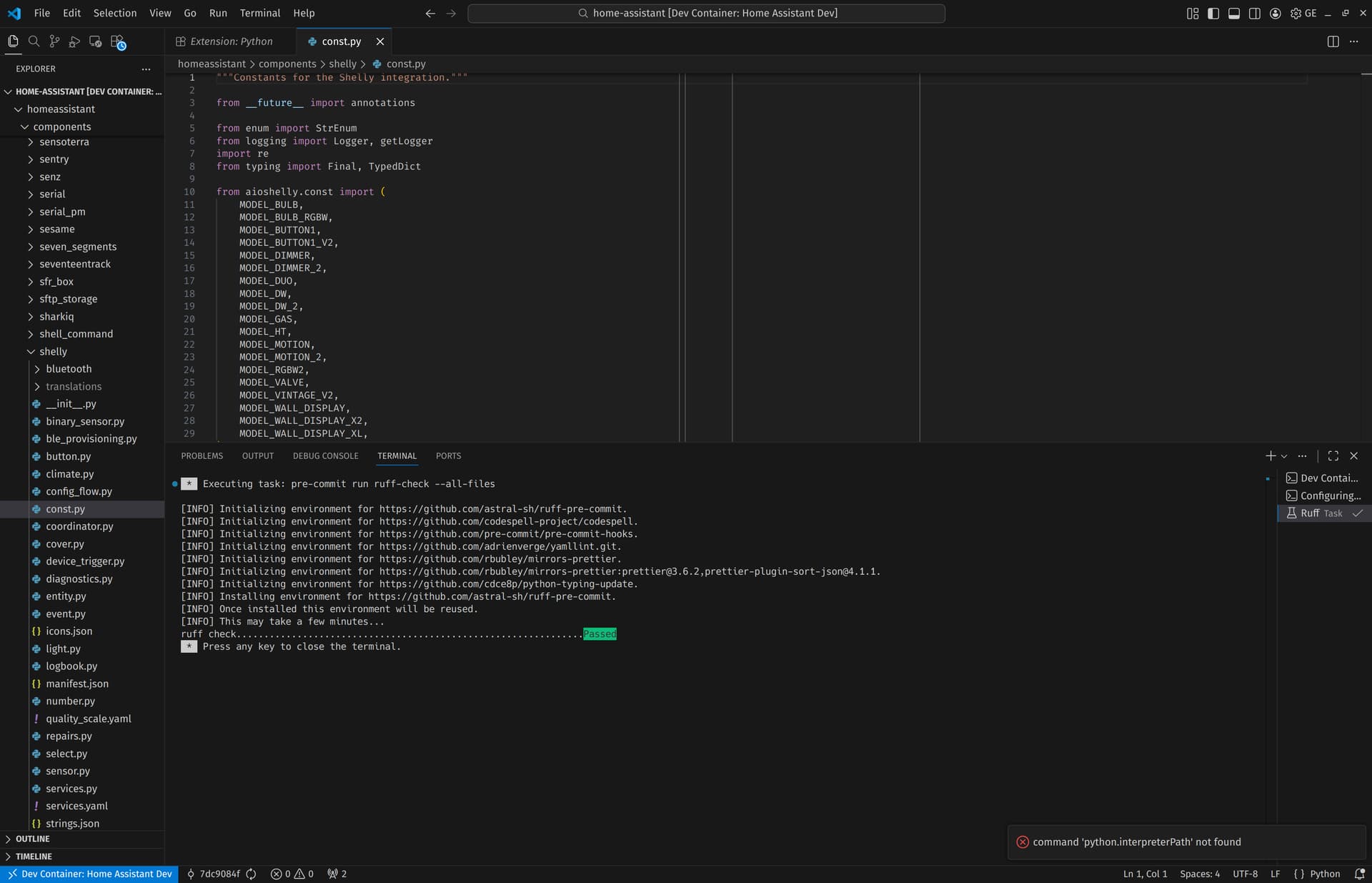
I’m trying to perform the minimal tests to open a PR (these steps: Set up development environment | Home Assistant Developer Docs), but I’m stuck at this in VS Code. The dev container builds, shows a success in the terminal output
🌎 Generated translation files for all integrations
Done. Press any key to close the terminal.
VS Code has reopened in the container and I can run pre-commit tasks like Ruff just fine. However, I cannot run regular tasks like starting Home Assistant itself, it shows a snackbar with the text command 'python.interpreterPath' not found.
What am I doing wrong?
I’m on Arch Linux, nothing much special otherwise. On the dev branch with current head 7dc9084f06fd0306ff83d9efa3171b73c28fb5c7.