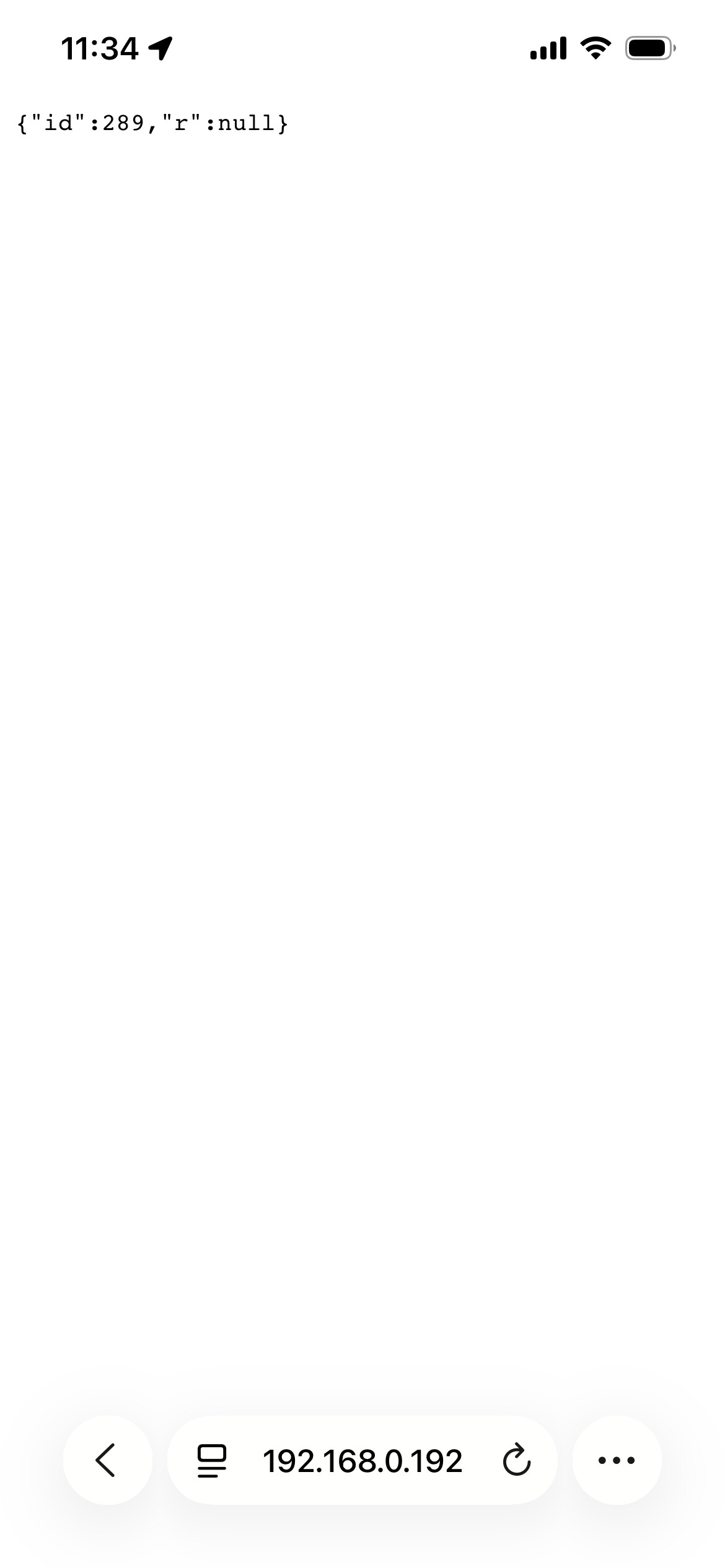
So I I reverted back to 3.2.4 beta.1 and while charging I sent http://192.168.0.192/api/command?action=stop
Here’s the result:
No worries at all try Release v3.2.4-beta.3 — Pulsar Plus Stop + Lock (corrected) · botts7/esp32-wallbox · GitHub
Three fixes:
- Stop - back to par=0 for your Pulsar Plus (my first guess was right). The Stop button will now do what the raw par=0 command does.
- Lock in Home Assistant - the lock entity was only read once at connect, so it froze. It now refreshes every poll and tracks lock/unlock live.
- Lock on the gateway web dashboard - it wasn’t updating over the live connection; now it does.
Flash it and give Stop + both lock displays a final check - if they’re all good, I’ll roll this into a stable release. Thanks again for sticking with it.
Hi @botts
I updated to 3.2.4b3
Lock and unlock state is now correctly displayed in the webui and in homeassistant.
But still can’t Stop charging from webui (or HA), just like in beta1. Command sent but wallbox doesn’t stop charging.
I reconfirmed that charging stops when i use http://192.168.0.192/api/command?action=bapi&met=w_cha&par=0
just to be sure i selected pulsar plus again and rebooted the GW but it didn’t help.
what else can i do?
Great news that lock is fully fixed now! For Stop - it’s genuinely puzzling: the button and the raw w_cha par=0 go through the same dispatch, so either the button is computing a different parameter, or an “already-stopped” guard is skipping it. Rather than keep guessing, I’ve added logging that prints the exact decision.
Diagnostic build: Release v3.2.4-beta.4 — Stop diagnostics · botts7/esp32-wallbox · GitHub (no USB needed)
- Flash it.
- While the car is actively charging, press Stop (web UI or HA).
- Open http://192.168.0.192/logs and copy the line that starts with [CMD] stop: (and any [CMD] … SKIPPED line if present).
That one line tells me exactly what the button sends (par=0 vs par=2) and why - then I can fix it precisely instead of guessing again. Thanks for your patience with this one.
hi @botts
sorry, my logs don’t have any lines with [CMD].
do i need to turn on logging somewhere?
I have already updated to 3.2.4b4
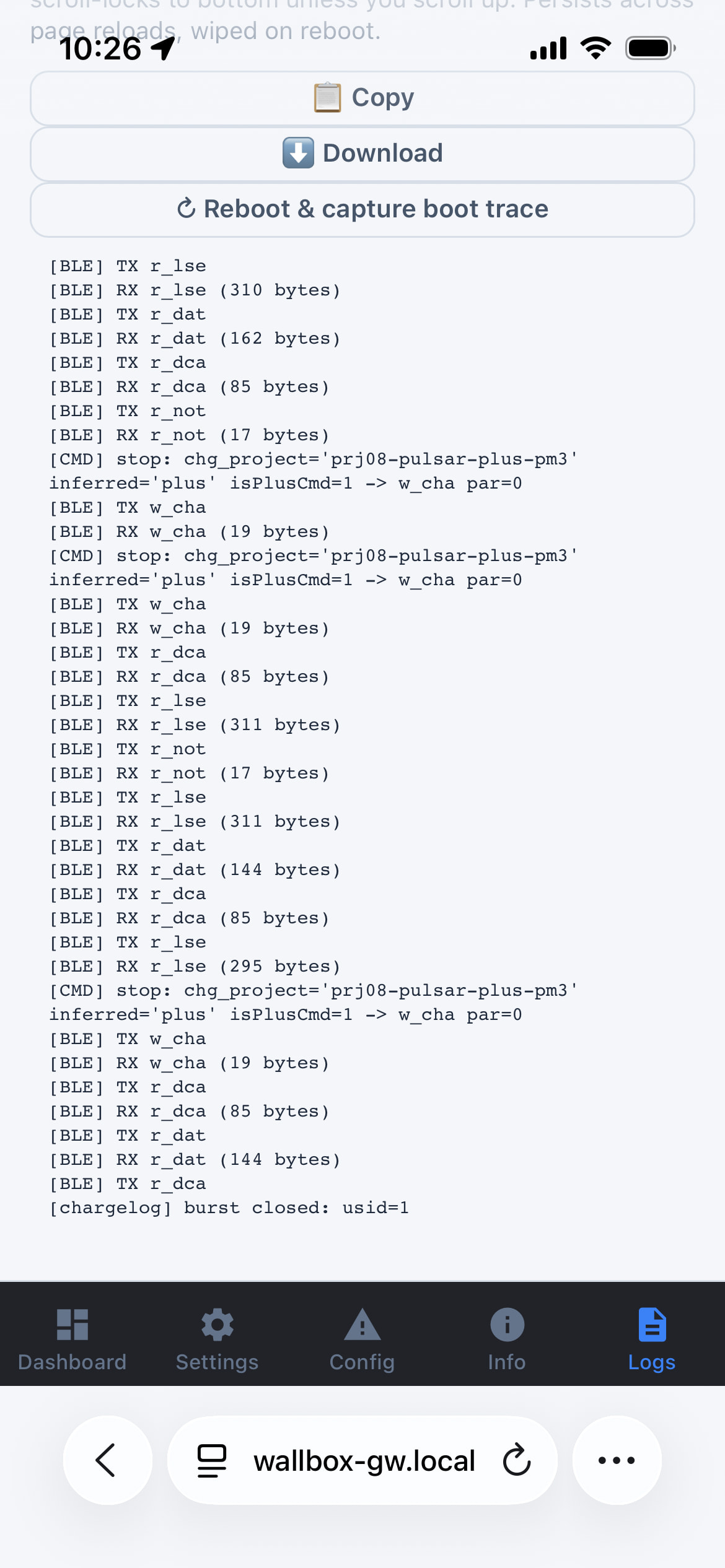
My logs look like this:

Found it - and apologies for the runaround. The gateway has two copies of the command handler (a legacy one and the live one), and every fix I sent was landing in the wrong copy. The live handler was still sending the Max stop value (par=2) to your Plus - which is also why no [CMD] line showed in your logs (the logging went to the wrong file too). Your “no [CMD] lines” observation is exactly what exposed it.
Fixed in the right place now:
Release v3.2.4-beta.5 — Pulsar Plus Stop (the real fix) · botts7/esp32-wallbox · GitHub
Flash it and try Stop - it should finally stop charging (now sends par=0 like the raw command). If you want to confirm, http://192.168.0.192/logs should now show a [CMD] stop: … par=0 line right when you press it. Thanks for the testing.
Glad the Stop and lock are both working on the charger side now!
I’ve just shipped the last piece you spotted - the HA integration not updating the lock/unlock state when you change it from the web UI. That’s fixed in integration v0.31.1 (just released).
What was happening: the Lock switch in HA was inferring lock state from the charger’s status code, which only reflected a lock while the charger was otherwise idle - so a lock/unlock done from the gateway web UI (or the Wallbox app) wouldn’t show up in HA. It now reads the gateway’s direct lock state, refreshed every poll on firmware 3.2.4+. Lock or unlock from anywhere - web UI, Wallbox app, or the charger itself — and HA reflects it within one poll cycle.
I tested it end-to-end here: locked from the web UI → the HA Lock switch flipped to on; unlocked → back to off.
To get it:
-
Make sure you’re on firmware 3.2.4 (you already are).
-
In HACS → Wallbox BLE Gateway → update to 0.31.1. If it doesn’t appear yet, hit the ⋮ menu → Redownload (HACS can take a little while to see a new release).
-
Restart Home Assistant.
Give it a try and let me know it all lines up on your end. Thanks again for the detailed reports and screenshots - they made this one much easier to pin down.
Yes, Stop is fixed for my pulsar plus.
Lock and Unlock state now correctly updated in HA.
You’re a Rockstar!
I feel like I’m asking a question that I should have been able to find in the documentation or this thread, but I failed. So here I am asking. '-)
Is the functionality to have one ESP32 talk to two Pulsar Plus devices available yet? I’m installing two of them in my garage (along with an energy meter) and am starting to figure out what I need to do local control. I have at least a half a dozen ESP32-S3s laying around (side effect of experimenting), so doing two of them isn’t a big deal, but I’d rather do one if I can.
One ESP32 talks to one charger. The firmware holds a single persistent BLE connection to a single Pulsar, so for two Pulsar Plus you’d run two ESP32s, one paired to each. Since you’ve already got more S3s, that’s the easy path.
The good news is the Home Assistant side is built for exactly this: both the add-on and the integration support multiple gateways from one HA. You add each ESP32 as its own gateway, the add-on has a switcher to flip between them, and the integration creates a separate device per charger, so nothing collides or duplicates. Two chargers, two ESP32s, one HA Instance.
On power sharing between the two: Wallbox’s Dynamic Power Sharing is a charger-side feature (needs the two grouped). The gateway does expose a switch to read/toggle it, that’s brand new (shipped this week) and I’ve only been able to verify it’s non-destructive on a single charger. The actual two-charger behaviour hasn’t been tested in the wild yet (I only have one Pulsar here). If you’re up for it, your setup is exactly what’d let us confirm it works end-to-end, happy to dig in with you once you’re running.
One ESP32 > two chargers over BLE proabably isn’t something I’ll chase myself, it’s a chunky change (two simultaneous BLE connections + per-charger state), and honestly two cheap ESP32s is simpler and more robust, if one flakes it only takes its own charger down, not both.
I’ll keep that in mind. The electrician isn’t scheduled to come until the end of September (one of the downsides in living in rural Virginia - good tradespeople are hard to find and tend to be very busy), Once I have them both installed and have the ESP32’s all setup, I’ll check back and see if you still need someone to sort that with you.