I have been using this great addon for a long time now, thanks a lot!
But I have a problem with my own code. Perhaps one of you experts can help me here!
My situation is as follows: I have 2 sources (one for the main garbage and the second one for the paper garbage). Now I want to build an entity that gives me the information when the next collection will take place.That works perfect for the first entity “Restmüll Tonne”. But the value of the “Papier Tonne” is always unknown. In the Calendar is every value stored correctly. Do you have any advice for debugging or maybe already see my error?
Ever since i got this integration a year ago… its the only one where my Icons disappear. I have to sometimes do a clear cache reload of the browser or reboot HA… anyone else have this issue?
@Armagedoon In the YAML configuration you need to set source_index in the sensor config to 1 so it will check the source at index 1 (second source) it defaults to 0 (first source) so it works for your first sensor but not for your second one.
The issues with ICS_v1 should be fixed in the current release. There wehre some other dependency issues regarding the python packages icalendar and icalevents. icalevents finally pushed a release making it compatible with icalendar = 6.x.x again. So these issue should hopefully be resolved with a simple restart.
I’m giving this a try and already succeeded to get the data into the local HA calendar through the webcal.
All the data comes from 1 source.
I was making the mistake to mix GUI for the configuration & yaml for the sensors but then I found out you cannot mix them.
I have the general sensor for the calendar which is OK.
It seems obvious to create separate sensors for each type of collection but when I create the first sensor, it has all the details from each type of collection in it’s attributes.
Is this how it should work?
Good morning,
I created an issue in regards to a new source and I provided the needed code in a PR. Now I just wanted to ask if I need to contact somebody for a review of my PR or if the will be reviewed if somebody finds some time? I am just not sure about the process in this project.
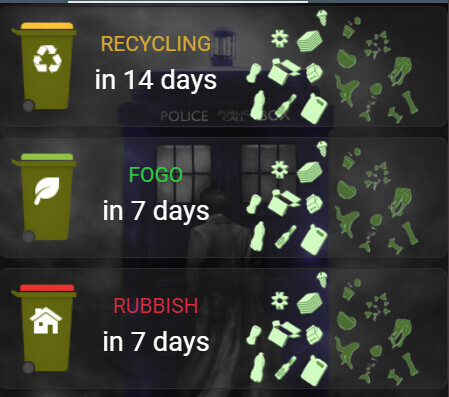
Can someone help me? I don’t want to do anything complicated, but I just can’t seem to get it to work. Maybe I’m thinking complicated. I just want to display an icon (trash can) on the dashboard and underneath it it should say when it should be emptied (in days, or today, tomorrow). The icon should always have the color of which trash can should be emptied next. The others should not be displayed, just one at a time, so that it stays compact on the dashboard.
First of all, I would like to say that this is a great integration.
I have a problem with the MPO Kraków provider in Poland for a few days.
There is this entry in the logs:
fetch failed for source MPO Kraków: Traceback (most recent call last): File “/config/custom_components/waste_collection_schedule/waste_collection_schedule/source_shell.py”, line 158, in fetch entries: Iterable[Collection] = self._source.fetch() ~~~~~~~~~~~~~~~~~~^^ File “/config/custom_components/waste_collection_schedule/waste_collection_schedule/source/mpo_krakow_pl.py”, line 261, in fetch numbers = fetch_numbers(self.street_name) File “/config/custom_components/waste_collection_schedule/waste_collection_schedule/source/mpo_krakow_pl.py”, line 91, in fetch_numbers if item[“id”] != “0” and item[“name”].strip() != “-Brak-” ~~~~^^^^^^ TypeError: string indices must be integers, not ‘str’
I tried to remove and add the integration again, but then this error occurs:
The source returned an invalid response: “string indices must be integers, not ‘str’”. Please check the provided arguments and try again.
I enter everything as during the first installation, which worked fine.
Could someone help me with this?
I want to add a new service provider for garbage collection schedule but can’t seem to find ical or the information required to create dedicated source?
My current manual configuration only populates the calendar 6 months in advanced and I have to keep reloading the source with a new start date to update my calendar
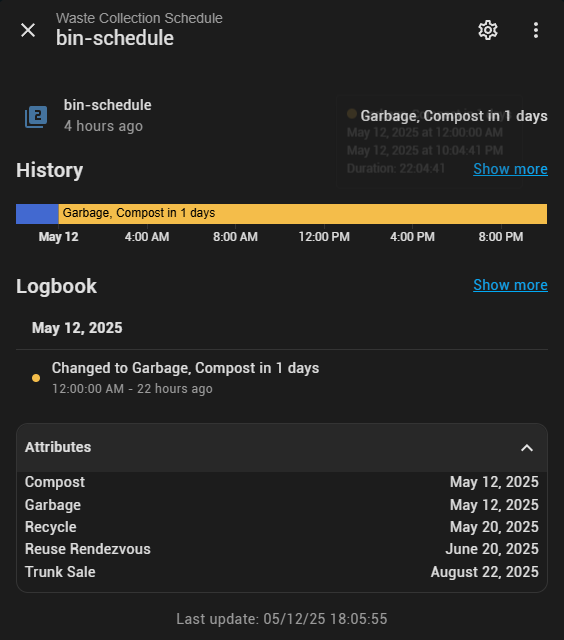
Hey everyone, I’ve struggling with getting this to work and kinda at my wits end with AI. I want to get a notification every hour until I dismiss the notification, I get it to check the date and start sending the notification 6 hours the day before the bin schedule. Theres a bin schedule for compost+garbage, and compost+recycling. The later works as expected, but not the former (compost+garbage)
alias: Waste Collection Notifications v2 - BETA
description: Unified automation for waste collection notifications and action handling
triggers:
  - hours: /1
    trigger: time_pattern
  - event_type: mobile_app_notification_action
    trigger: event
    id: button
actions:
  - data:
      message: >-
        Automation triggered by: {{ trigger.platform }}, event data: {{
        trigger.event.data if trigger.event is defined else 'No event data' }}
      level: info
    alias: Log trigger details for debugging
    action: system_log.write
  - choose:
      - conditions:
          - condition: trigger
            id:
              - button
        sequence:
          - data:
              message: Bins marked as ready
              level: info
            action: system_log.write
          - target:
              entity_id: input_boolean.garbage_compost_done
            action: input_boolean.turn_on
            data: {}
          - target:
              entity_id: input_boolean.recycle_compost_done
            action: input_boolean.turn_on
            data: {}
          - data:
              message: ✅ Bins have been taken out 🎉
              data:
                tag: waste_completion
                color: "#00CC00"
                channel: Waste Collection
                importance: high
            action: notify.mobile_app_jmurphone_15
          - action: script.turn_on
            metadata: {}
            data: {}
            target:
              entity_id: script.reset_inovelli_leds
    default:
      - data:
          message: Running hourly check for waste collections
          level: info
        action: system_log.write
      - variables:
          garbage_date: "{{ state_attr('sensor.bin_schedule', 'Garbage') }}"
          compost_date: "{{ state_attr('sensor.bin_schedule', 'Compost') }}"
          recycle_date: "{{ state_attr('sensor.bin_schedule', 'Recycle') }}"
          garbage_hours: |-
            {% if garbage_date %}
              {{ ((as_timestamp(strptime(garbage_date, '%Y-%m-%d')) - as_timestamp(now())) / 3600) | round(2) }}
            {% else %}
              {{ 999 }}
            {% endif %}
          compost_hours: |-
            {% if compost_date %}
              {{ ((as_timestamp(strptime(compost_date, '%Y-%m-%d')) - as_timestamp(now())) / 3600) | round(2) }}
            {% else %}
              {{ 999 }}
            {% endif %}
          recycle_hours: |-
            {% if recycle_date %}
              {{ ((as_timestamp(strptime(recycle_date, '%Y-%m-%d')) - as_timestamp(now())) / 3600) | round(2) }}
            {% else %}
              {{ 999 }}
            {% endif %}
      - if:
          - condition: and
            conditions:
              - condition: template
                value_template: |-
                  {{ garbage_hours > 0 and garbage_hours <= 6 and
                     compost_hours > 0 and compost_hours <= 6 }}
              - condition: state
                entity_id: input_boolean.garbage_compost_done
                state: "off"
        then:
          - data:
              title: Waste Collection Alert
              message: >-
                🗑️🍃 Garbage and Compost collection in {{ [garbage_hours,
                compost_hours] | min | round }} hours! Please prepare your bins.
            enabled: false
            action: notify.notify
          - data:
              message: 🗑️🍃 Garbage and Compost Day Tomorrow - Prepare Bins
              data:
                tag: waste_garbage_compost
                color: "#FF6600"
                channel: Waste Collection
                importance: high
                actions:
                  - action: MARK_AS_DONE
                    title: Bins Are Ready
                    icon: mdi:check
            action: notify.mobile_app_jmurphone_15
          - action: notify.mobile_app_iphone
            data:
              data:
                tag: waste_garbage_compost
                color: "#FF6600"
                channel: Waste Collection
                importance: high
                actions:
                  - action: MARK_AS_DONE
                    title: Bins Are Ready
                    icon: mdi:check
              message: 🗑️🍃 Garbage and Compost Day Tomorrow - Prepare Bins
          - target:
              entity_id: script.garbage_notify
            action: script.turn_on
            data: {}
        alias: Check for Garbage and Compost Day
      - alias: Check for Recycling and Compost Day
        if:
          - condition: and
            conditions:
              - condition: template
                value_template: |-
                  {{ compost_hours > 0 and compost_hours <= 6 and
                     recycle_hours > 0 and recycle_hours <= 6 }}
              - condition: state
                entity_id: input_boolean.recycle_compost_done
                state: "off"
        then:
          - data:
              title: Waste Collection Alert
              message: >-
                ♻️🍃 Recycling and Compost collection in {{ [compost_hours,
                recycle_hours] | min | round }} hours! Please prepare your bins.
            enabled: false
            action: notify.notify
          - data:
              message: ♻️🍃 Recycling and Compost Day Tomorrow - Prepare Bins
              data:
                tag: waste_recycle_compost
                color: "#009966"
                channel: Waste Collection
                importance: high
                actions:
                  - action: MARK_AS_DONE
                    title: Bins Are Ready
                    icon: mdi:check
            action: notify.mobile_app_jmurphone_15
          - action: notify.mobile_apps_iphone
            data:
              data:
                tag: waste_recycle_compost
                color: "#009966"
                channel: Waste Collection
                importance: high
                actions:
                  - action: MARK_AS_DONE
                    title: Bins Are Ready
                    icon: mdi:check
              message: ♻️🍃 Recycling and Compost Day Tomorrow - Prepare Bins
          - target:
              entity_id: script.recycle_notify
            action: script.turn_on
            data: {}
      - if:
          - condition: template
            value_template: "{{ garbage_hours < 0 or compost_hours < 0 }}"
        then:
          - target:
              entity_id: input_boolean.garbage_compost_done
            action: input_boolean.turn_off
            data: {}
      - if:
          - condition: template
            value_template: "{{ recycle_hours < 0 or compost_hours < 0 }}"
        then:
          - target:
              entity_id: input_boolean.recycle_compost_done
            action: input_boolean.turn_off
            data: {}
Hi, just found your question about “german weekdays” and try to adapt that for my sensors. Unfortunately i get a wrong day: if it has to be “Mittwoch (wednesday) like in the sensors states the template shows me “Donnerstag (thursday)”. I use the template snippet {{wochentag[int(value.date.strftime(”%w"))]}}. Any ideas what can change the value to the rigt day as shown in the sensor? Or do i forget some part of the value snippet?
The %w format numbers week days starting from Sunday. My German is a bit rusty, but it looks like the wochentag list in that previous snippet started at Monday which would explain the off-by-one error. Try moving Sunday to be the first entry in the list.
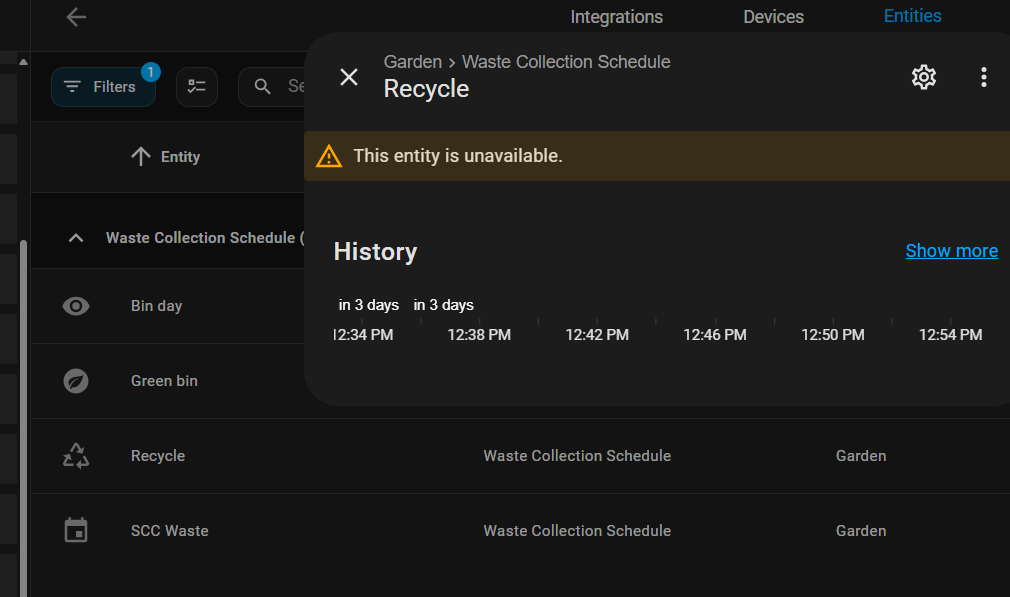
Hi, I’ve installed this integration from HACS. I’ve got sensors/entities with information but they are listed as ‘unavailable’ which means I can’t use the sensors when adding cards.
Hi,
Thanks for such an awesome integration. It has been working solidly for me but it seems like Wiltshire council (UK) has changed the location of their waste collection schedule. I’ve tried to remediate myself but I couldn’t get it to work.
Any advice from anyone?
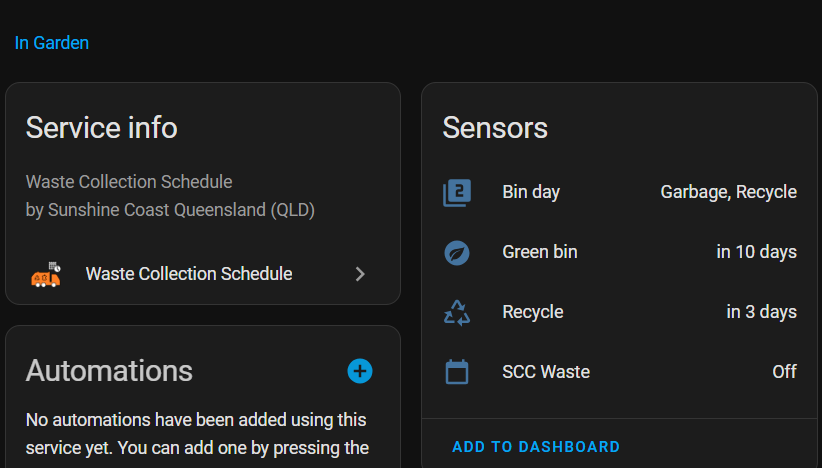
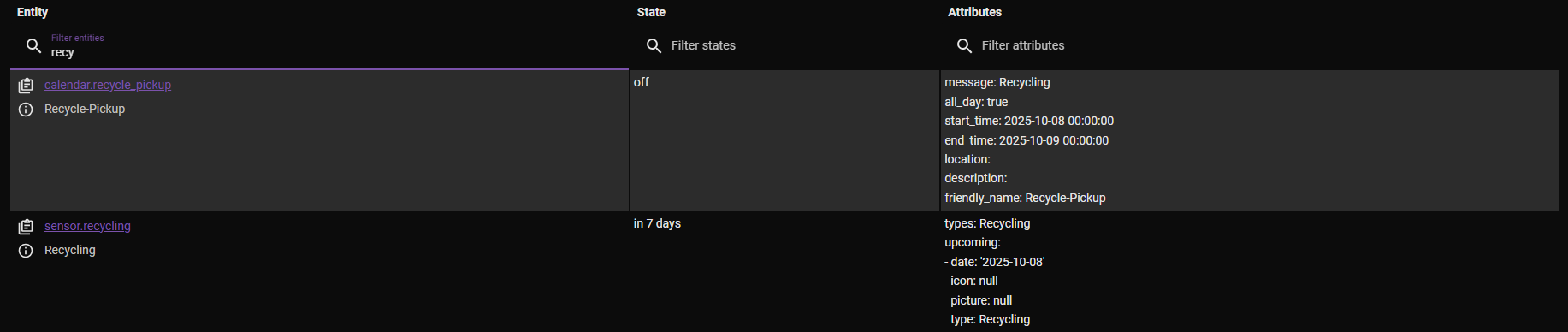
The new GUI setup for a Generic Sensor is the most unintuitive menu I have ever seen. You think you are doing the right thing and then you end up with extra calendar entities calendar.rubbish_1 calendar.rubbish_2. A rubbish calendar even turned up in my recycling static source. The source calendars are empty and just a real pain when editing dashboards with choosing the right similar named entity.
Also the current YAML config examples on the repository do not match what you actually need.
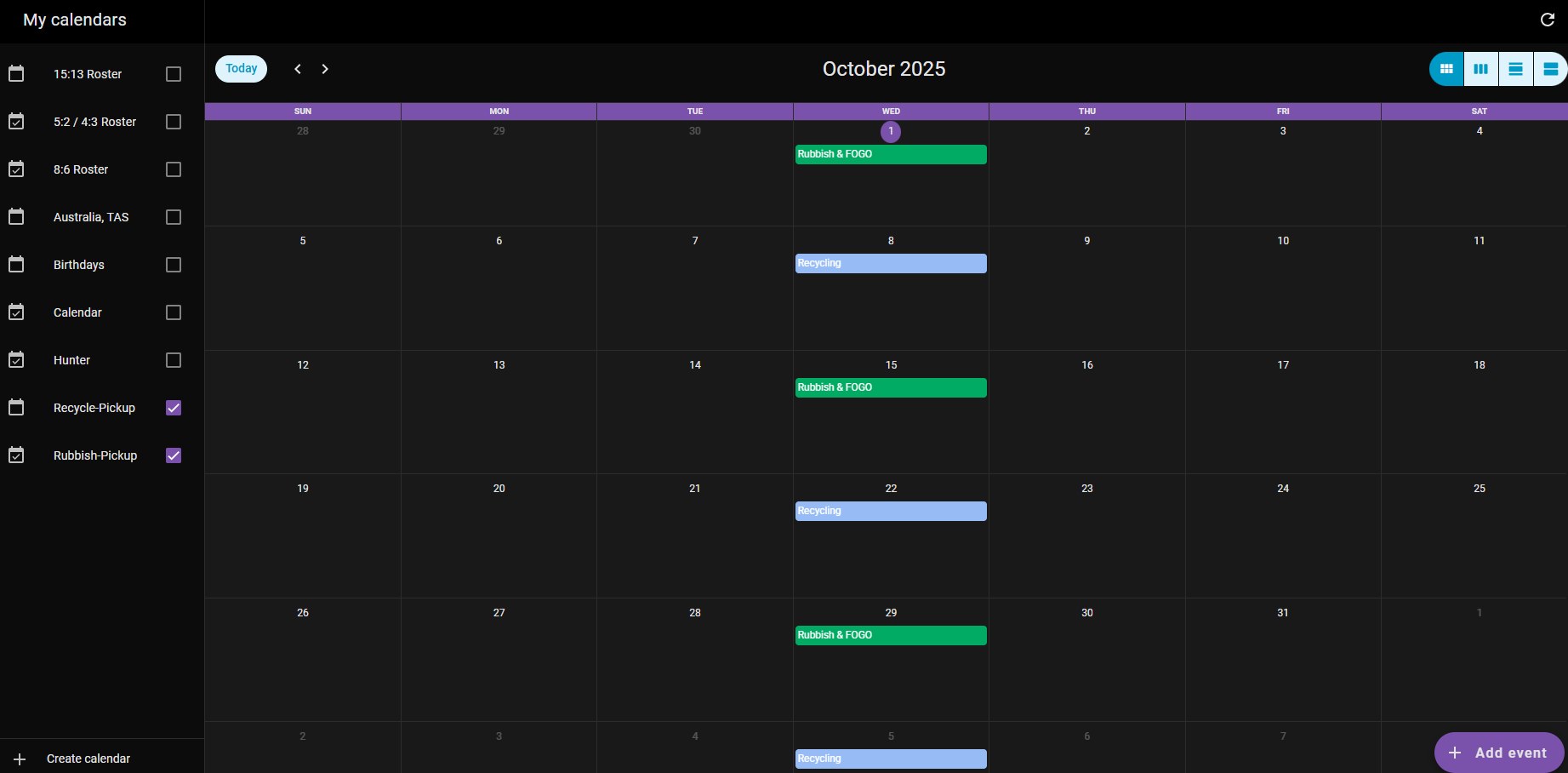
After a day of struggles I finally got my waste collection calendars and sensors up and going again, with just YAML.
For those who do not have an online source available like myself here is how to get to 1 Calendar and 1 Sensor per source like myself.
Delete anything you setup in the GUI via >Settings, >Devices & Integrations, >Waste Collection Schedule.
Create the below in your ‘/config/configuration.yaml’ file.
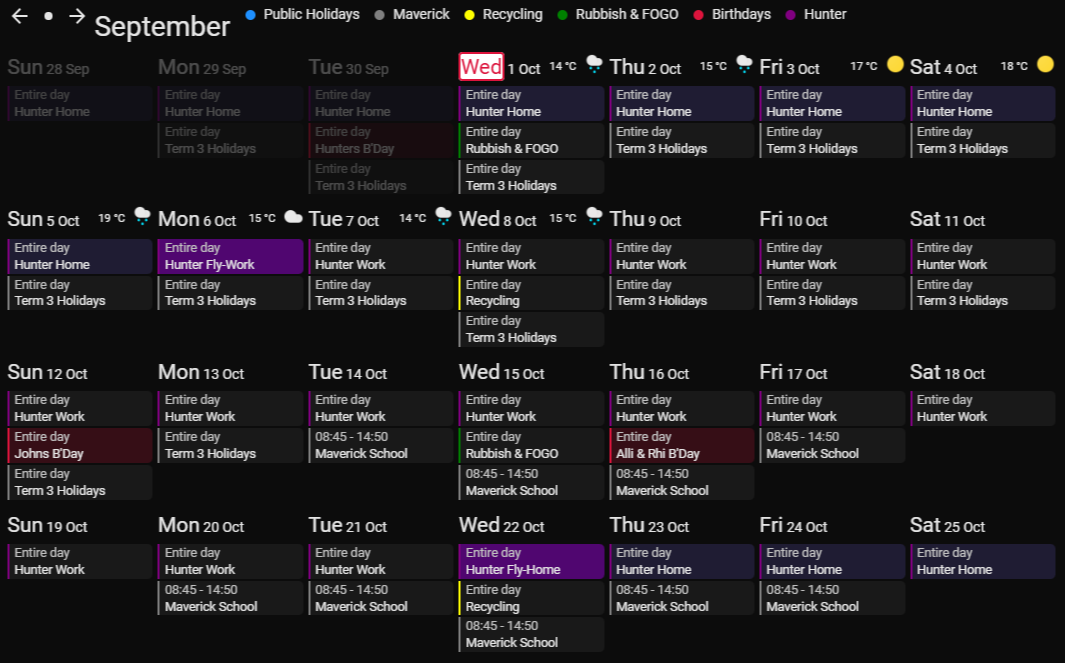
Below example is fortnightly collections, Rubbish & FOGO alternate Recycling
Make sure you have ISO correct dates 2025-10-01 YYYY-MM-DD and not 2025-10-1
If you only put start: date in the calendar occurrences will only go 8 months or so in advance, place a until: date in to extend this period.