Water Flow Rate Units

Hey team!

I recently purchased and received a Hydrific Droplet. (https://shop.hydrificwater.com).

They added local MQTT HA support (or any other platform that supports MQTT) which got me excited enough to pull the trigger.

The water flow rate is reported in l/m which I changed to g/m, and looks like this in developer tools:

unit_of_measurement: gal/min
device_class: volume_flow_rate
icon: mdi:water-circle
friendly_name: Droplet Flow Rate

That is all well and good and appears to function as I’d expect.

I created an integral like this:

  - platform: integration
    source: sensor.droplet_flow_rate
    name: "Total Water Usage"
    round: 2
    method: trapezoidal

in an effort to see total water usage.

I also wrapped it in a utility_meter like this:

utility_meter:
  daily_water_usage:
    source: sensor.total_water_usage
    cycle: daily

What I am having trouble figuring out, is the units for both of these are being reported as:

state_class: total
source: sensor.droplet_flow_rate
unit_of_measurement: gal/minh
icon: mdi:chart-histogram
friendly_name: Total Water Usage

for total water usage, and:

state_class: total_increasing
status: collecting
last_period: 0
last_valid_state: 11.28
last_reset: 2025-07-17T13:26:39.395012+00:00
next_reset: 2025-07-18T00:00:00-07:00
unit_of_measurement: gal/minh
friendly_name: daily_water_usage

For the daily utility sensor.

I would have expected both to simply report “gallons”.

I’m fairly confident it’s me doing something stupid, and hoping someone can set me straight.

Cheers!
Matt

Change your integral time unit to minutes instead of hours, which I believe is the default.

Also, you’re probably going to want left sum instead of the default trapezoidal. Frequent threads related to this issue.

1 Like

Thank you sir. Will try that shortly. Appreciate the help.

Worked perfectly.

Thank you again.

Matt

Thanks for posting this. Does this setup allow you to use the water usage on the Energy dashboard?

@Automated_House great idea! I just checked. Yes, it does!

I needed to add this and then restart HA:

homeassistant:
  customize:
    sensor.total_water_usage:
      device_class: "water"
      unit_of_measurement: gal

sensor:
  - platform: integration
    source: sensor.droplet_flow_rate
    name: "Total Water Usage"
    round: 2
    unit_time: min
    method: left

Then it worked!

2 Likes

Perfect! Got mine working too.

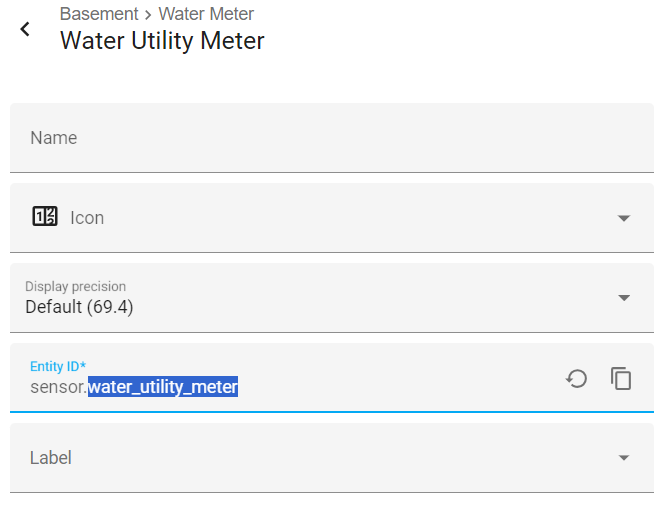
For others that find this and are adverse to YAML like me, here’s how I did it.

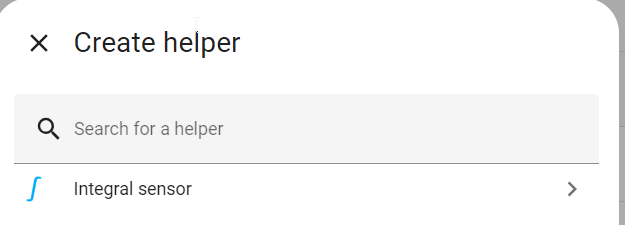
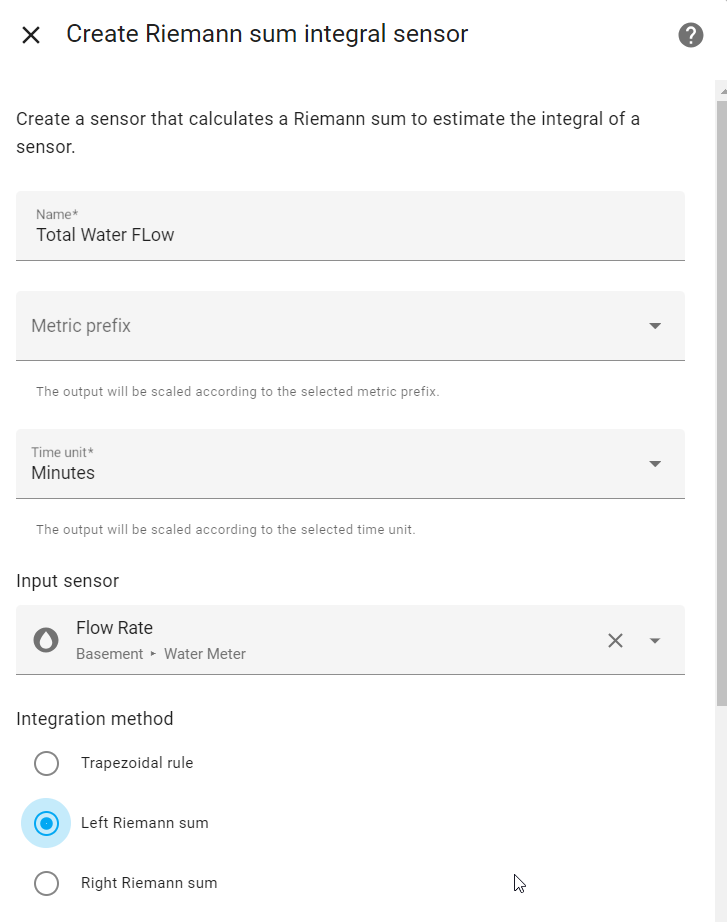
  1. Create helper to convert/sum the Droplet flow in gal/min to gallons. Use the Integral Sensor option. Set time unit to minutes and choose Left Riemann sum option

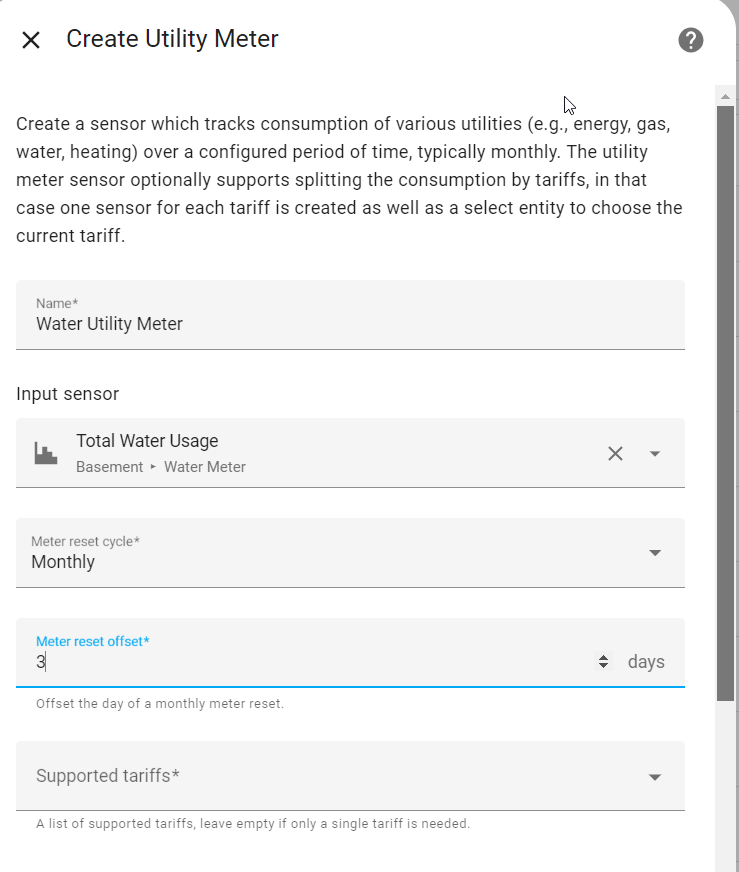
  1. Create Utility Meter Helper. Choose the integral sensor from step 1 as the input sensor. I have it reset on the same day as my water bill.

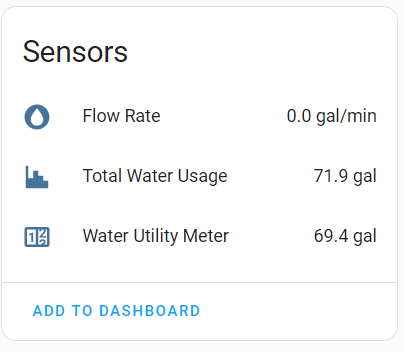
You should now have 3 entities under your Droplet device

Problem is neither of the new helpers show in the Energy dashboard as an option because its looking for entities with device class = water.

  1. now a tiny bit of YAML is needed. Use the file editor add-on to find your configuration.yaml file. Add this tiny bit of code. Make sure the sensor.XYZ part matches the entity ID for the water utility created in step 2.
homeassistant:
    customize:
        sensor.water_utility_meter:
            device_class: "water"

  1. restart Home Assistant and edit the energy dashboard
2 Likes

You can just reload " Locations & Customizations" under Developer Tools and not have to restart Home Assistant.

3 Likes

good to know. Thanks!

1 Like

@Automated_House Thank you for this.

1 Like