Hello, I’m new to the forum but I’ve been running Home Assistant for years.
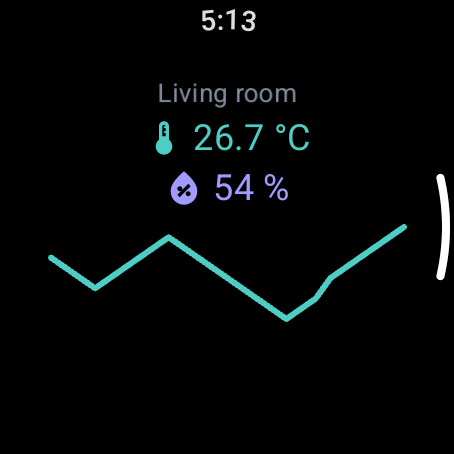
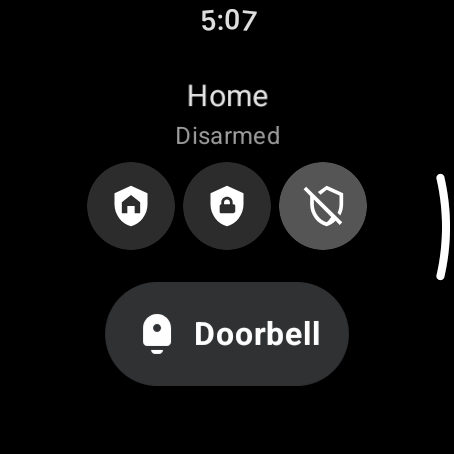
I built WearDash because I wanted to run my home from my watch. Check the living room sensors, drive the fan, arm the alarm, without using my phone.
The Home Assistant companion was not working for me: my instance sits behind my own CA, Wear OS gives apps no way to trust a custom certificate, and everything I tried failed the handshake. So I wrote an app that carries its own trust, and it ended up polished enough to share.
It’s a standalone Wear OS app, nothing runs on the phone. You describe your dashboard in a YAML file and the watch renders it as swipeable screens, tiles and watch face complications. It talks to your HA directly on your network, and it’s not limited to HA: any REST API works as a source. Some of my screens pull from Open-Meteo and CoinGecko next to my HA entities using the same YAML file.
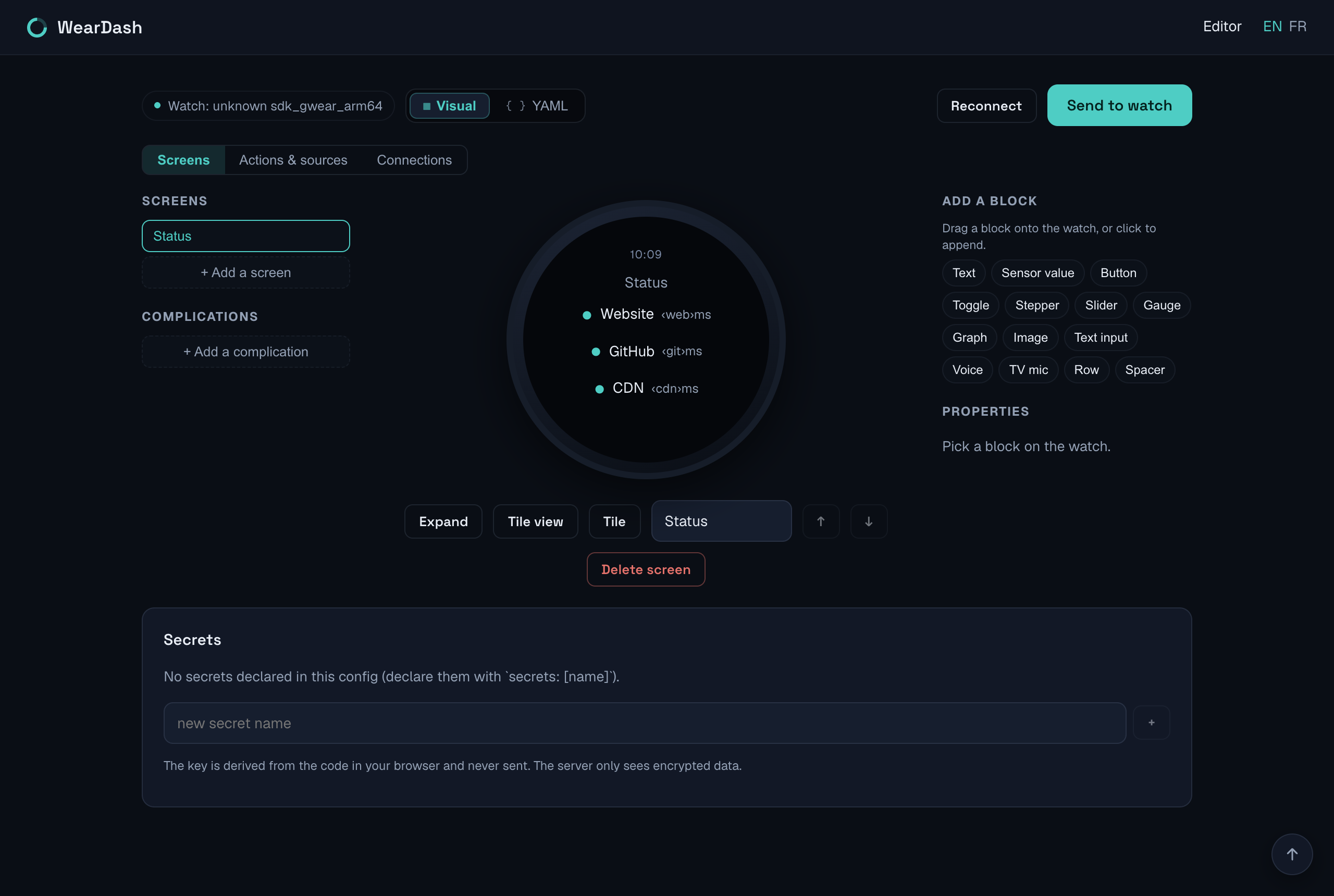
I also built a wysiwyg editor in the browser. You drag blocks onto a live watch preview, pair with a code shown on the watch, hit send. The watch keeps the config, my server stores nothing.
You declare your Home Assistant connector once, sources and actions stay short:
connectors:
  ha: { type: home_assistant, url: "https://ha.example.com:8123" }

secrets: [ha_token] # entered once on the watch, never stored on my servers

sources:
  fan: { entity: fan.living_room, refresh: 30 }
  temp: { entity: sensor.living_room_temperature, refresh: 120 }
  co2: { entity: sensor.living_room_co2, refresh: 120 }

actions:
  guard_home:
    type: ha
    service: select.select_option
    data: { entity_id: select.house_guard_mode, option: Home }
    then_refresh: [guard]
Buttons can react to state:
- {
    type: button,
    label: "Home",
    icon: shield-home,
    action: guard_home,
    color: "{{ guard.state == 'Home' ? '#2e7d32' : '#2c2c2c' }}",
  }
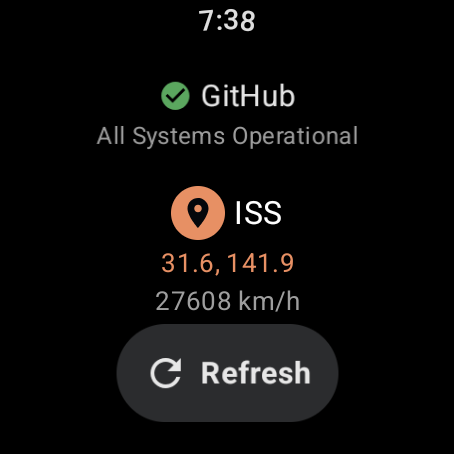
You can try the app without Home Assistant. There’s a public demo config on open APIs, no account or token: install the app, Settings → Config URL, paste https://weardash.app/c/demo. You get five screens with live data (weather, air quality, GitHub status + ISS, Bitcoin, ECB rates). If you only want to try the editor without a watch, there is a demo with example configs, including HA here: weardash.app/demo
In terms of security:
- your tokens never reach my servers. Pairing derives a key from a short-lived code shown on the watch, and the config and secrets travel encrypted end to end. The relay can’t read them.
- TLS is handled per host: custom CA, pinning on first connection (like SSH), client certificates from a .p12. Nothing is ever trusted globally.
- the editor and relay are open source (AGPL) and self-host in one container:
github.com/weardash/selfhost. If my server disappears, the app keeps working!
There’s also a native Android TV connector (the Remote v2 protocol, pairs directly with the TV), so you get a d-pad and voice search without going through HA.
Play Store: WearDash.
Free tier is one screen and one tile with no limit on what you put in them. Premium unlocks the rest, one-time $6.99, no subscription!
Curious what you’d want to write in the YAML that it can’t do today, the format is still easy to change. I built this for myself and use it daily, but I’ve only tested it on my own Galaxy Watch and the emulator, so reports from other watches are welcome. I can also add presets to the wysiwyg editor