I have set up a set of three automations based on the built-in time_pattern.
(The goal is to take a series of snapshots, build a timelapse video with ffmpeg, then upload it to a different computer on my network. These are three different automations that should run at different times.)
Each automation has a different “minutes” time parameter, i.e. /10, /49, /24 minutes.
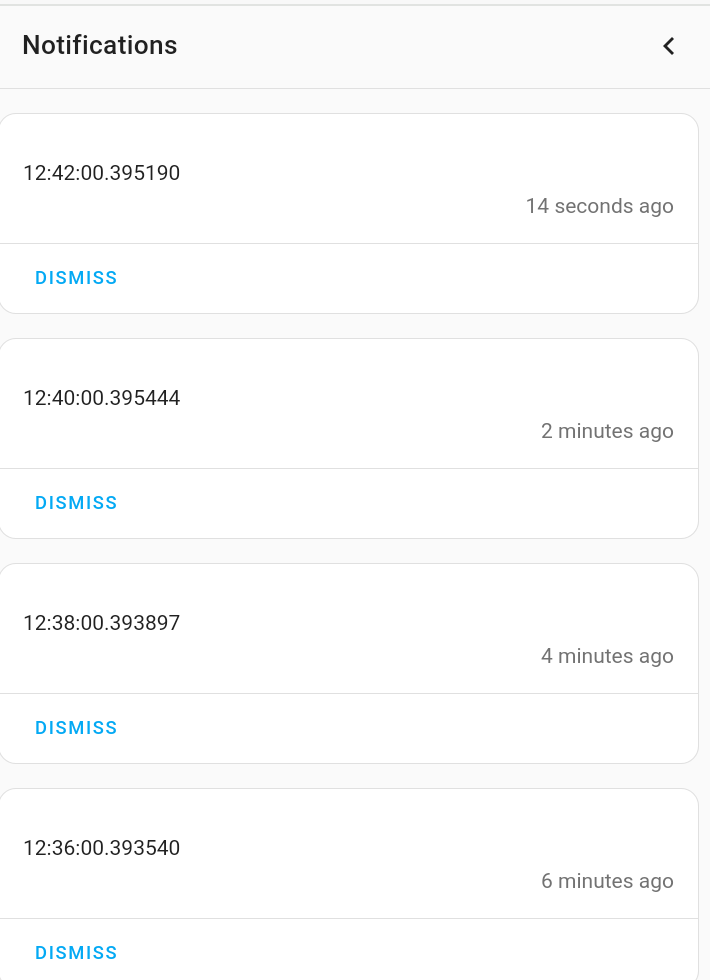
These trigger properly, except on every exact hour, ALL THREE automations trigger for some reason. For example, at 2:00pm, the /10 trigger runs, as it should, but also the /49 and /24 minute automations run, even if they had just been run a few minutes earlier.
The description seems incorrect.
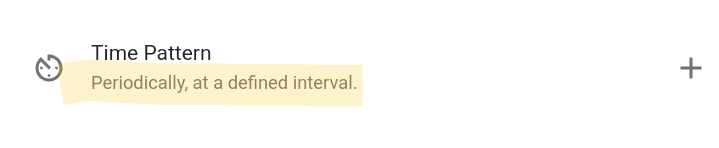
The trigger is labeled “periodically, at a defined interval”
It should be labeled “at specific times on the clock” or something?
Anyway, this is confusing.
How would one express “every 49 minutes” in the parameters? (maybe not possible?)
Maybe there should be another operator for “at a defined interval”, like “+49”
no. the idea would be to turn it into a template trigger and use his code as the teamplate.
however although the logic is correct, i don’t believe it works in practicality. it would presume that homeassistant evaluates that template at least once per second. i think in cases like this where it can’t determine the trigger entity, it evaluates once per minute.
someone with better knowledge of the guts of homeassistant should correct me if i’m mistaken.
if it only actualy poles once a minute then although it’s logically correct, it may not work. if it checks on minute granularity you might modify it something like this:
{{ now() | as_timestamp | int %2940 < 60 }}
or but that’s risky because it then counts on checking once per minute.
another alternative is to use your time template and do /1… to force it to check once per minute and only once per minute. then use my template (i wouldn’t use ==0 because that gives no leeway for latency) as a template condition.
what i’d really do in this case is just use a timer.
However, the addition of a forward slash isn’t shown in the UI and is only described in the documentation where it explains the “divisible by” aspect of its behavior. For example, given /10, it will trigger at 0, 10, 20, 30, 40, and 50 minutes. Given /49 it will trigger at 0 and 49 minutes.
Based on that behavior, intervals such as 1, 2, 3, 4, 5, 6, 10, 12, 15, 20, 30, and 60 minutes will occur the way you assumed it would work because they are factors of 60.
49 isn’t a factor of 60 so a Time Pattern Trigger isn’t suitable. You would need to use a Template Trigger to compute the interval.
The template trigger seems like an unreliable workaround really, based on these comments. (latency, etc.) But I appreciate these ideas.
IMO, the original time_pattern trigger would best handle this, since it already has 1 second latency.
Adding an additional operator, e.g. “+49” makes the most sense to me (i.e. “when triggered, add 49 seconds to the next trigger target”) Or perhaps even better, “%49” for modulo 49.
I hope this enhancement comes along in the future.
Given that you want an interval of 49 minutes (not 49 seconds), a Template Trigger is suitable because if its template employs now() it will be evaluated every minute on the minute.
As a HA newbie, this also helps introduce me to templates and a little about Jinga2 expressions.
After drilling into the documentation, I was able to parse out and understand your template expression.
If one wanted to do something like this at less than 1 minute resolution (e.g. every 30 seconds) there still does not seem to be a way, is there?
(and maybe there shouldn’t be.)
This would work, until it doesn’t. Literally. If the automation is not triggered for some reason (HA reboot at the expected time), then the trigger won’t fire again because the 0:49 has past.