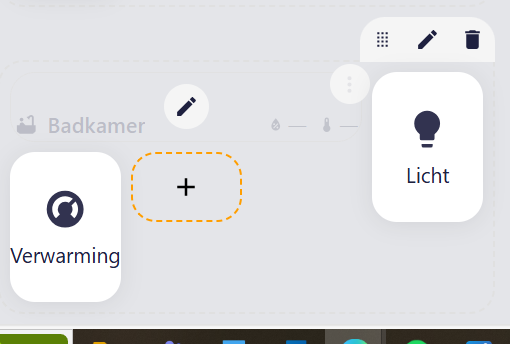
I have a question concerning the with of sections and the buttons below.
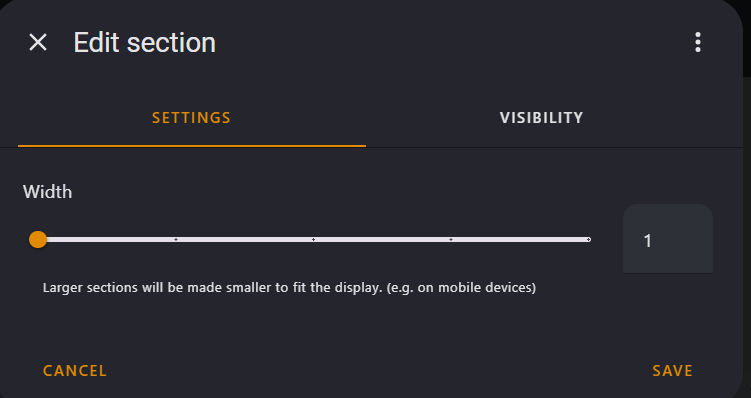
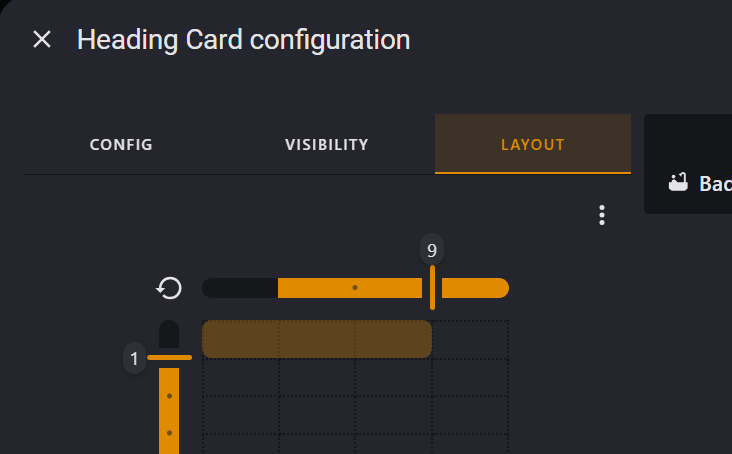
See print screens below. I’ve set the section witdth to 1. My Heading Card configuration to lay out 9, because I will only 2 or 3 buttons.
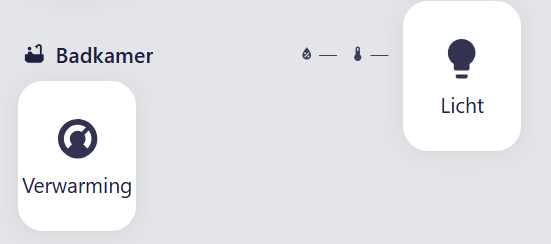
I’m thinking the buttons will stay inside the same lay out of the heading card. But one of the buttons goed besides the heading
So i get the following:
What is the measurement of width 1 in the section view
When I place it to 12, It is ok. But to wide in my opinion.
Post a simplified code of your section (only THIS section) & a picture made in MS Paint or similar of what you want to achieve.
Find below the YAML code for this section:
type: grid
cards:
  - type: heading
    heading: Badkamer
    heading_style: title
    badges:
      - type: entity
        entity: sensor.switchbot_badkamer_humidity
      - type: entity
        show_state: true
        show_icon: true
        entity: sensor.switchbot_badkamer_temp
    icon: mdi:bathtub
    grid_options:
      columns: 9
      rows: 1
  - show_name: true
    show_icon: true
    type: button
    tap_action:
      action: toggle
    entity: light.licht_badkamer
    grid_options:
      columns: 3
      rows: 2
    name: Licht
  - show_name: true
    show_icon: true
    type: button
    tap_action:
      action: toggle
    entity: climate.verwarming
    grid_options:
      columns: 3
      rows: 2
column_span: 1
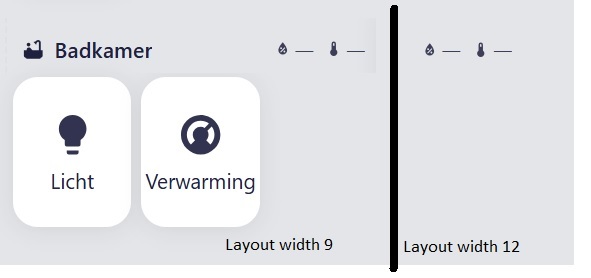
Also below a image in MS paint, with the difference of width 9 and 12 in de layout of the heading card.
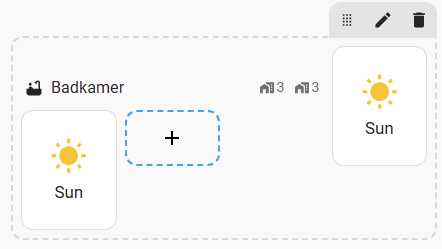
When I place it in width 12 the buttons stay nice below the heading card. When i place it in 9 it moves a button to the right side of the heading card.
Like so:
I think I’ve what you said
OK, but I am still not getting what you want.
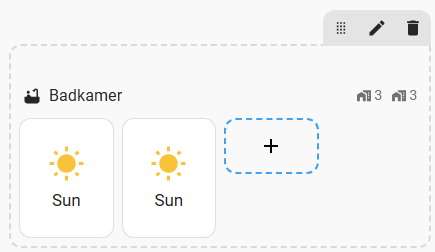
This is a current layout:
If the heading card has “columns=12 (or full)”:
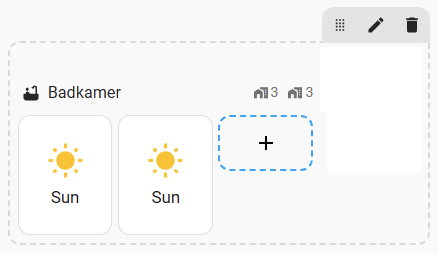
If you want to leave the right area unoccupied (MS Paint picture):
then it is not possible NOW - but soon be possible (hopefully) with some “spacing” card (currently developed).
simplified code of the section
      - type: grid
        cards:
          - type: heading
            heading: Badkamer
            heading_style: title
            badges:
              - type: entity
                entity: zone.home
              - type: entity
                entity: zone.home
            icon: mdi:bathtub
            grid_options:
              columns: 9
              rows: 1
          - type: button
            entity: sun.sun
            grid_options:
              columns: 3
              rows: 2
          - type: button
            entity: sun.sun
            grid_options:
              columns: 3
              rows: 2
        column_span: 1
Indeed,
What I want is indeed to have last option. Where you can set the header card being the width of the section. Or following the width of the placed cards.
As I said - “columns=full”.
Placed where?