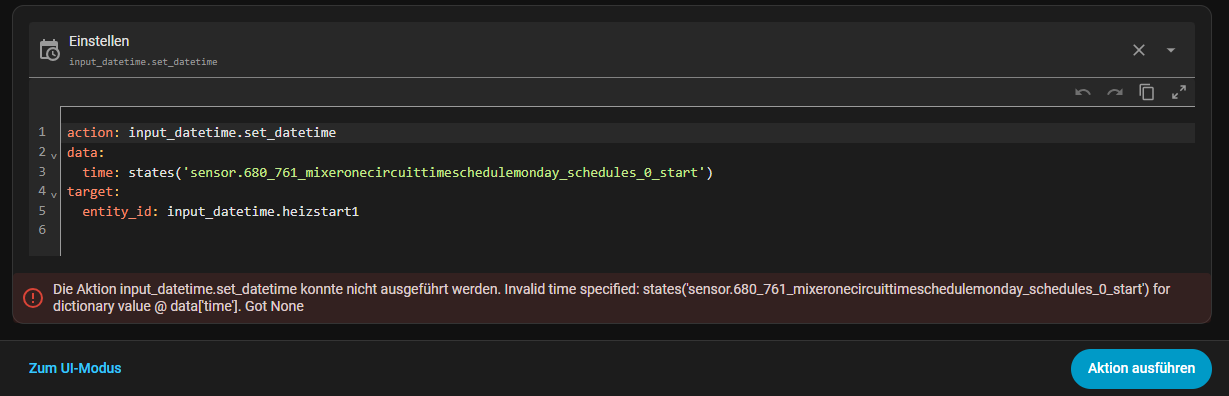
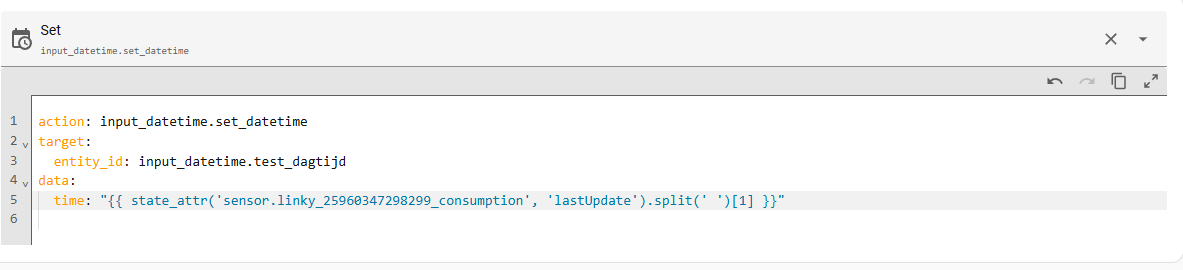
I’ve tried a lot of things in the meantime, but without success. What am I trying to achieve?
I have a time value that I read as a string from a heat pump. The format is “08:00.”
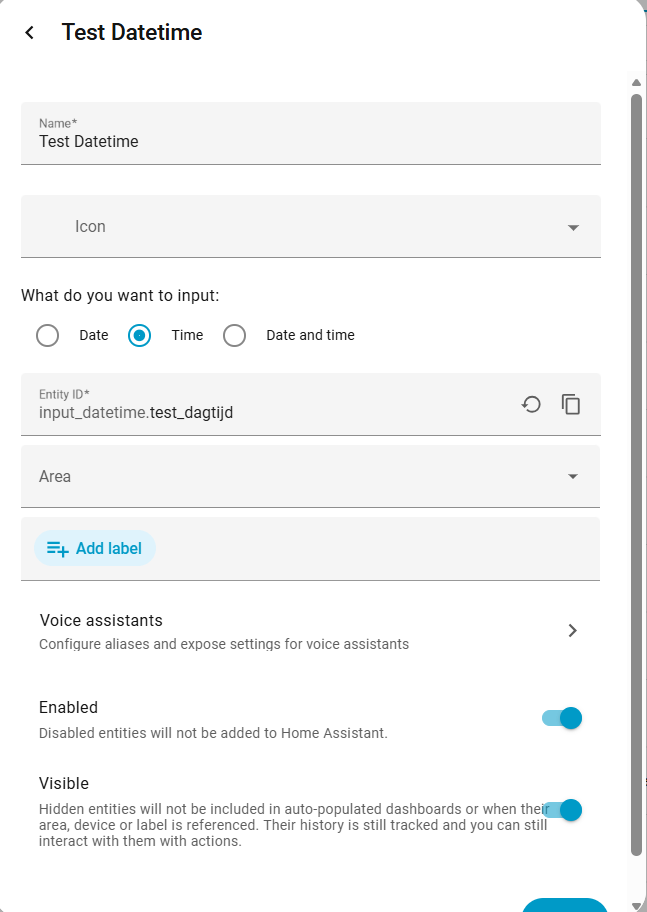
I want to write this time to a time helper “input_datetime.heizstart1,” but unfortunately, I can’t get it to work.
Not exactly sure where you are stuck but I assume you created the input_datetime helper?
If so then the ‘action’’ (see link) shows you how to update it
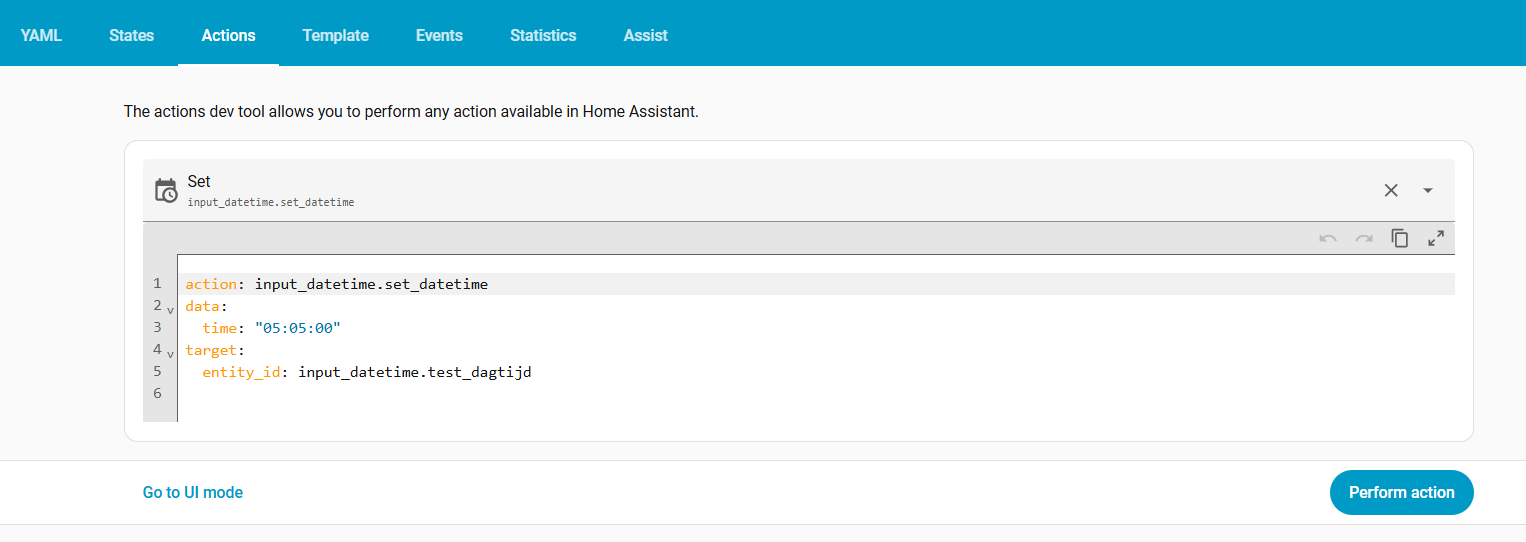
You need to provide the correct format e.g. if you only want the time then it needs to be “HH:MM:SS” (as per the link)
I suggest that you use the action to test it out.
It looks like you are trying to create a Script, but you have not included the configuration variable sequence (or parallel) or a list of actions… both of which are required for scripts:
Instead you have dropped in a Jinja template without using any recognized YAML structure.
The way you set a value to an input datetime, is to use the action input_datetime.set_datetime:
Lower down in the Examples section you will find examples for how to set up actions for each of the different varieties of Input Datetime entities i.e. date, time, date & time.
Use the template session and verify what the “states(…)” shows, it needs to be in the proper format … as per the documentation. Try hard-coded date (or time or datetime) first to understand that part before using a template. And a template needs to be in “{{ … }}”
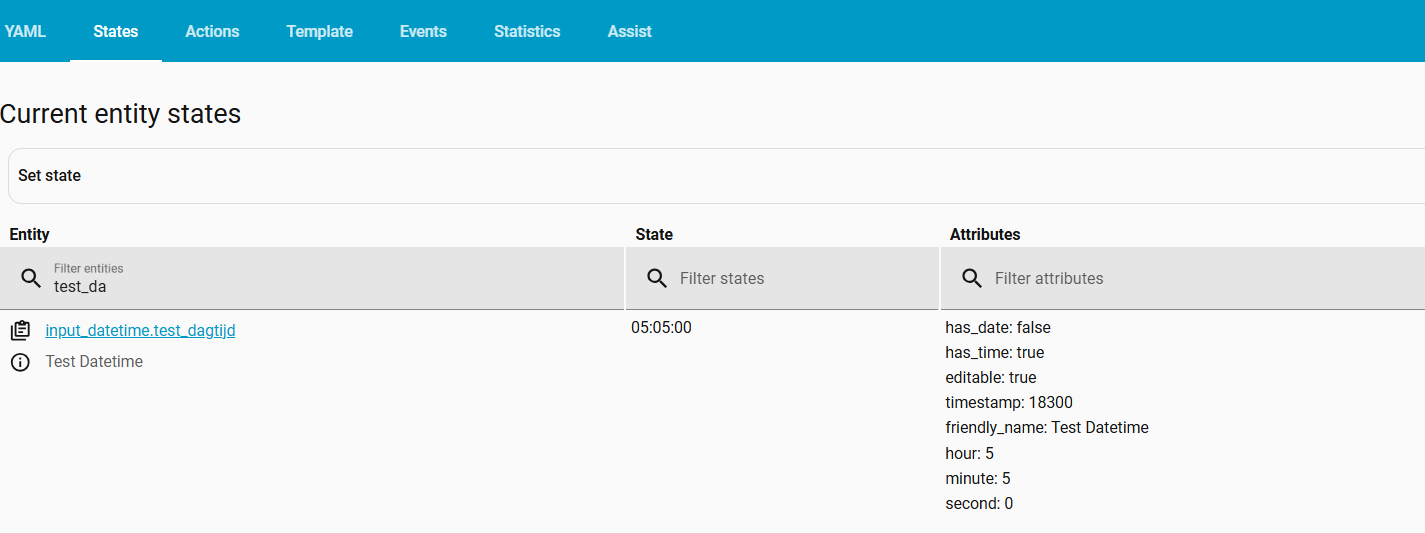
When I assign a string under time: "01:01:00", it works.
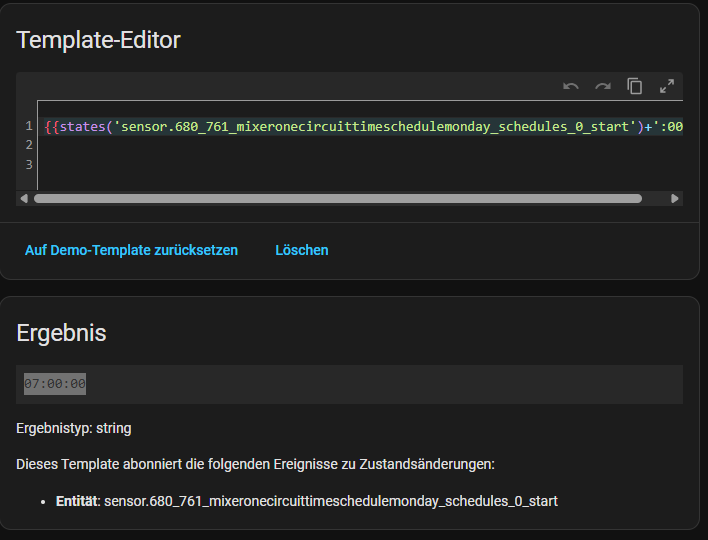
In the template, {{states(‘sensor.680_761_mixeronecircuittimeschedulemonday_schedules_0_start’)+‘:00’}} returns the result “07:00:00”, which is also correct.
HA is really great an super flexible … which comes with some (quite some) challenges. Until now, HA and underlying config allows me to control anything I like…not always without (more than above complex) code. It is one system that could rule-them-all