WTH: Why is managing Zigbee2MQTT entities in Home Assistant so unnecessarily painful?

Every time I add a new Zigbee device through Zigbee2MQTT, I have to go through the same frustrating process.

There are three issues that really should be addressed.

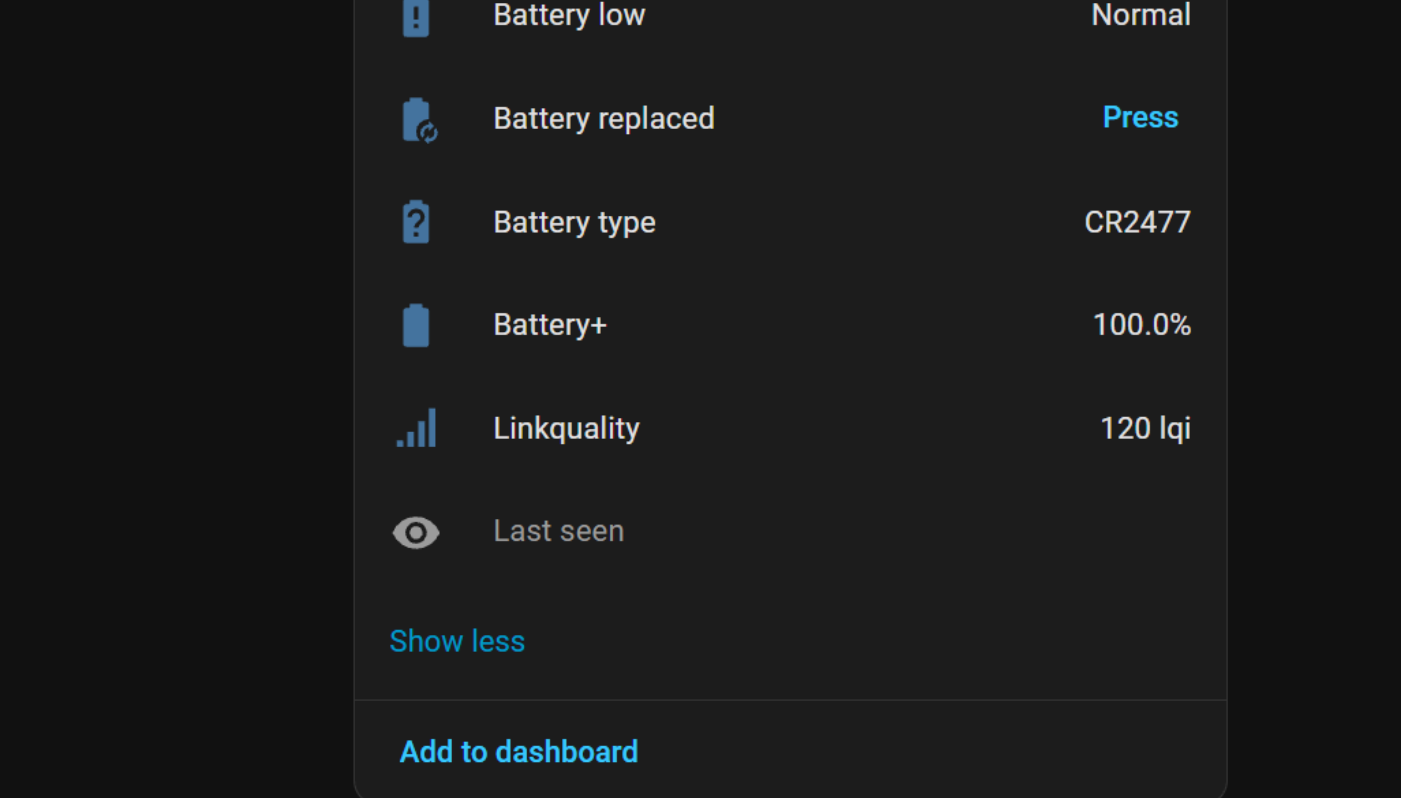
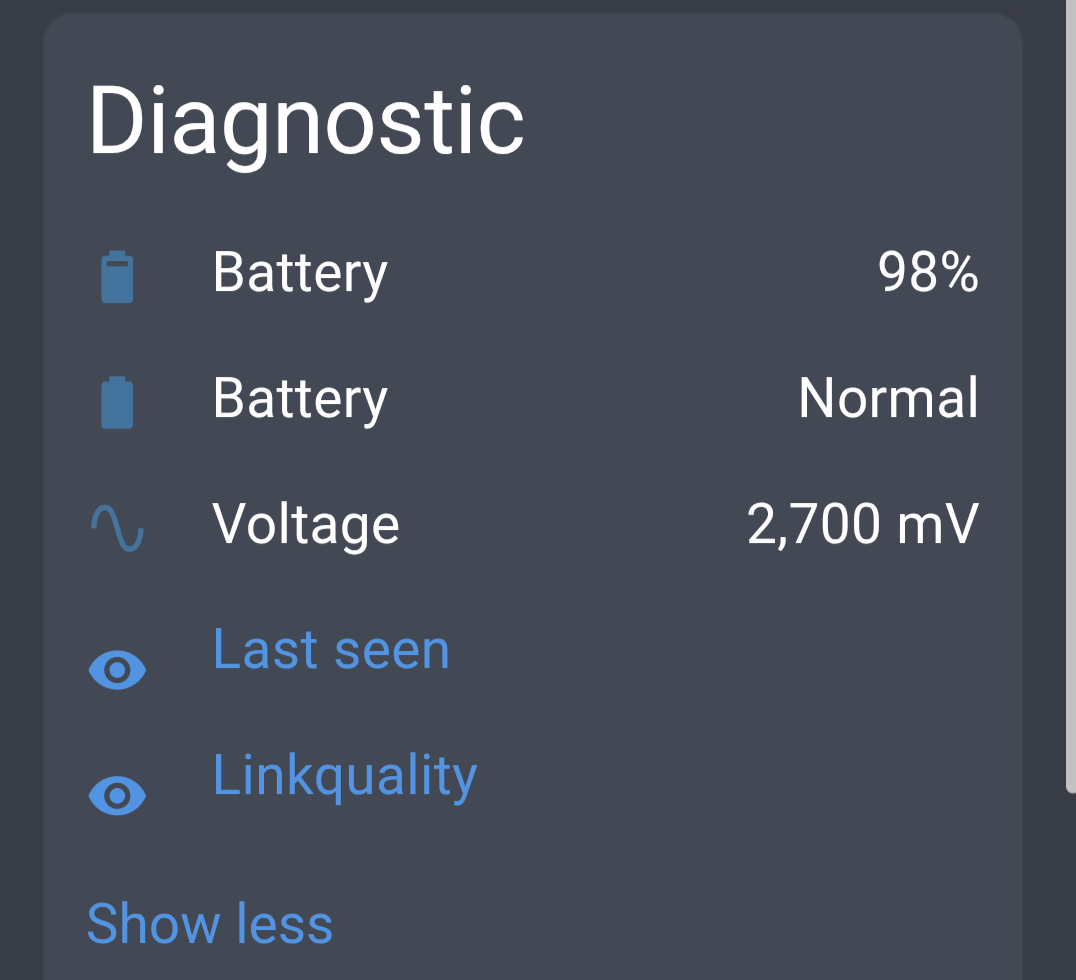
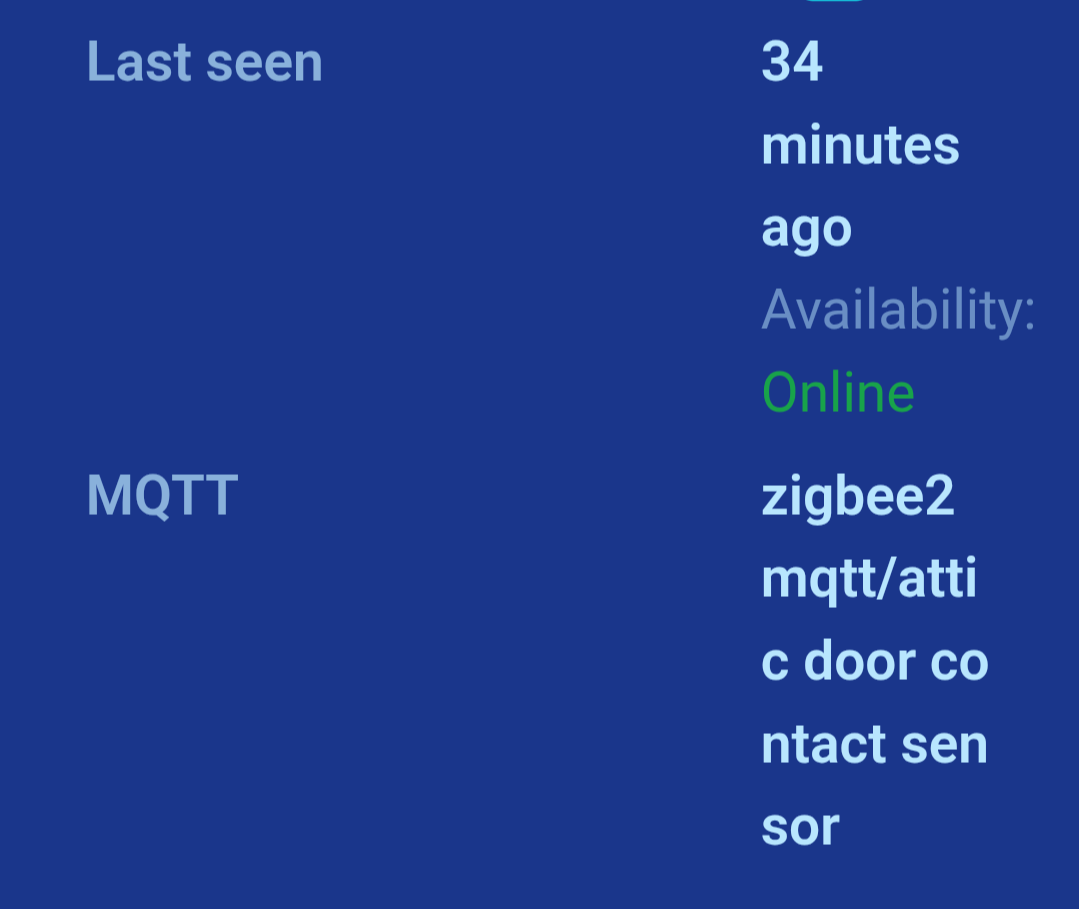
1. Why are Link Quality and Last Seen entities disabled by default?

Every time I add a device, I have to manually enable the Link Quality and Last Seen entities.

Why are these disabled in the first place?

I appreciate that some devices expose a large number of entities, many of which may never be used. However, in my opinion, Link Quality and Last Seen are pretty fundamental diagnostic entities for anything beyond a basic Zigbee setup.

Why can’t we configure which entities should be enabled or disabled by default?

Ideally, there should be a system-wide configuration option that allows users to define their preferred defaults, rather than having to repeat the same process for every new device.

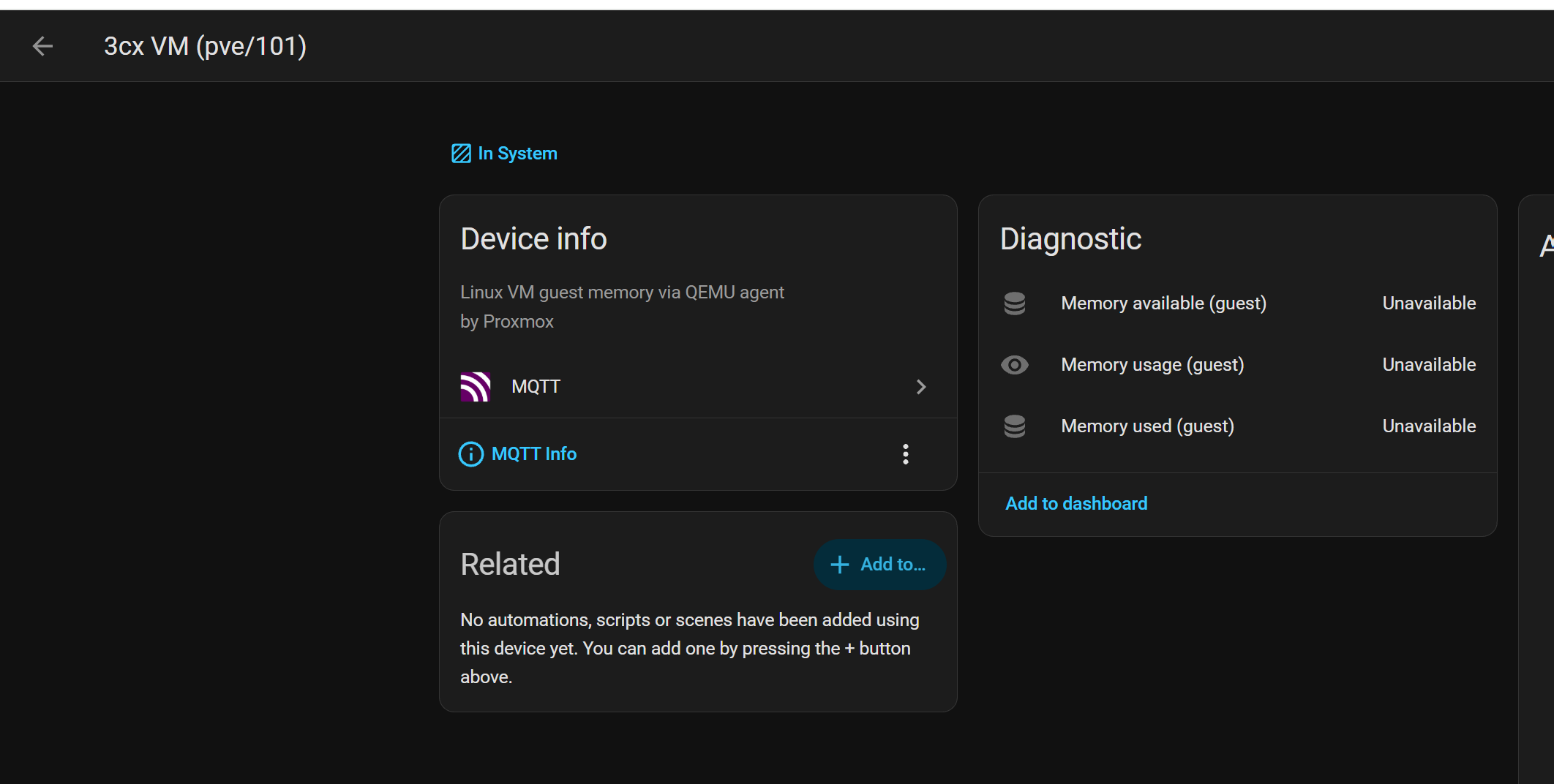
2. Why does enabling a single entity cause the entire MQTT integration to reload?

This is probably the most frustrating issue.

When I enable a previously disabled entity, Home Assistant appears to reload every device in the MQTT integration.

On my system, which has a large number of devices, it takes approximately 4–5 minutes for everything to return to normal.

All this disruption simply because I’ve enabled one entity!

I can’t understand why enabling an entity on one device should affect every other device in the integration.

Surely it should be possible to enable an entity without disrupting the entire MQTT integration?

3. Why doesn’t renaming a device update its disabled entities?

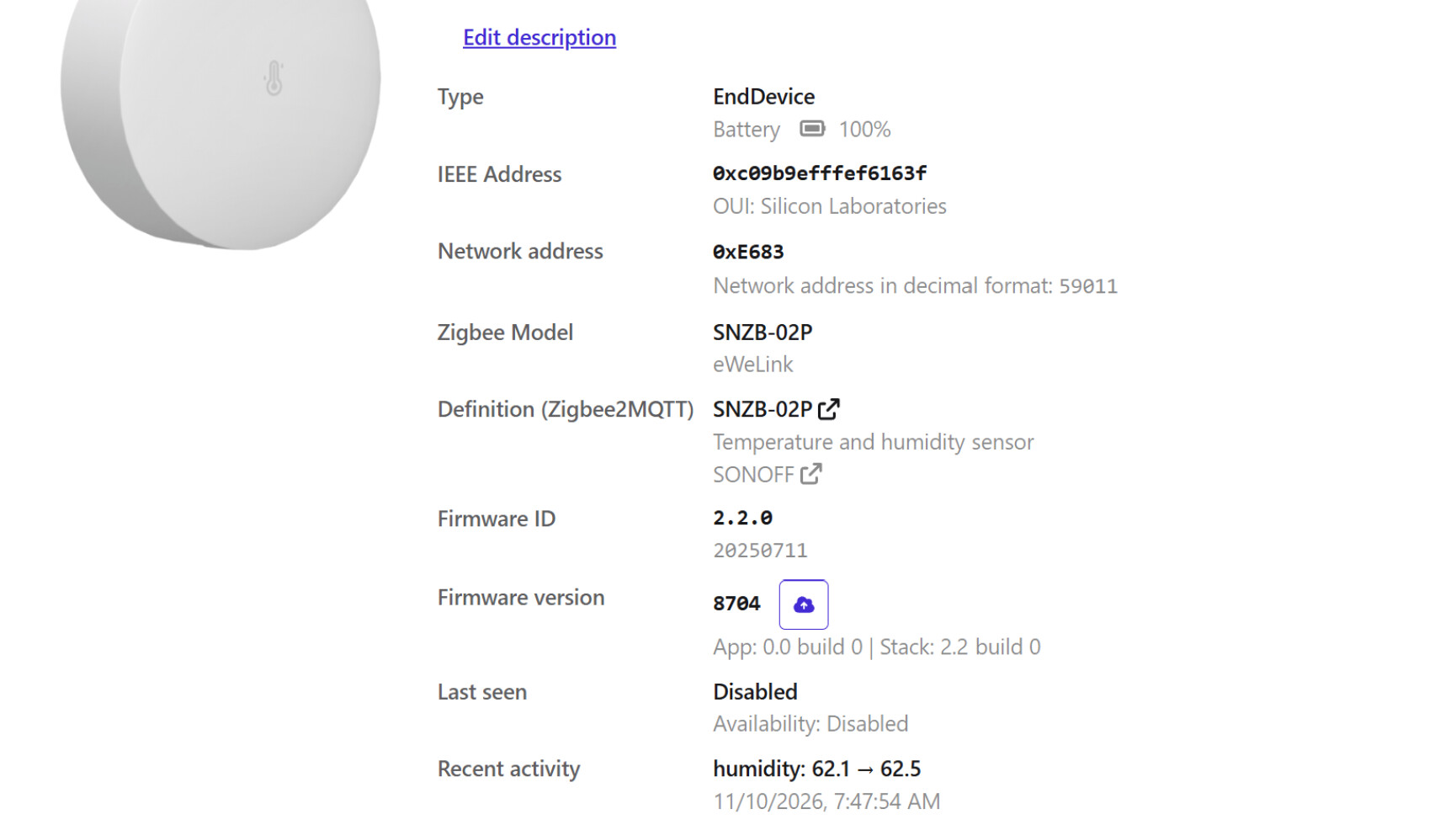
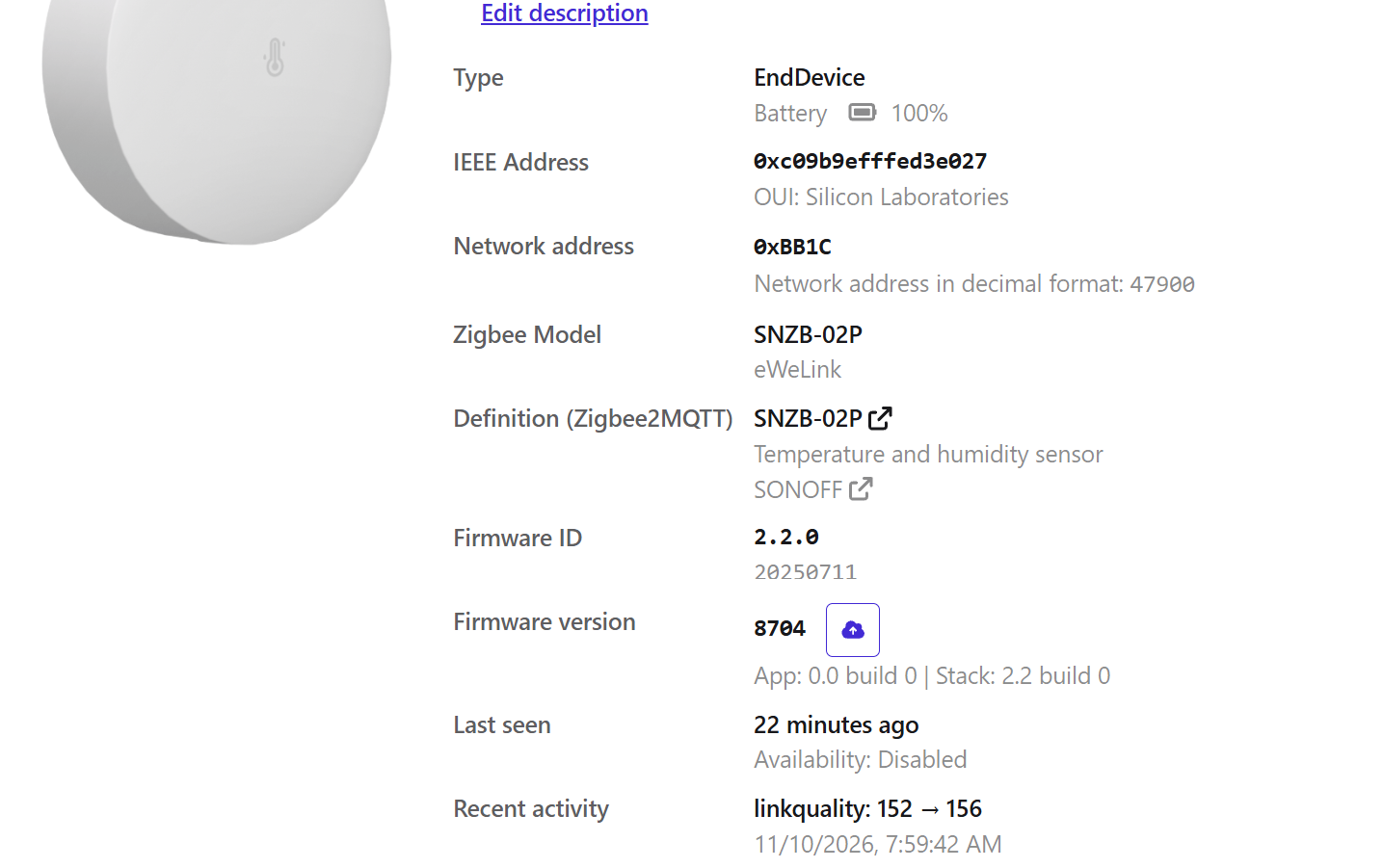
When a new device is added through Zigbee2MQTT, it initially appears with an IEEE address as its name, something like:

0xc09b9efffef6430e

Naturally, I want to rename it to something meaningful, such as:

shed_temperature_humidity_sensor

I’ve found that I need to do this in Zigbee2MQTT because Home Assistant’s Recreate Entity IDs functionality doesn’t always work correctly in this situation.

But here’s the next problem: disabled entities don’t get renamed!

So I end up with entities such as:

sensor.0xc09b9efffef6430e_linkquality

instead of:

sensor.shed_temperature_humidity_sensor_linkquality

I then have to manually restore the entity IDs to get everything consistent.

Why aren’t disabled entities included when entity IDs are recreated or renamed?

What I’d like to see

  • A configurable default for which entities are automatically enabled when new devices are discovered.

  • Enabling or disabling an entity should not cause unrelated MQTT devices to become temporarily unavailable.

  • Renaming devices or recreating entity IDs should include disabled entities, not just enabled ones.

I have a fairly large Home Assistant installation, and these issues become increasingly frustrating as the number of devices grows.

None of these should require so much manual intervention.

Surely there must be a better way!
Since the WTH is about Home Assistant controlled software, and Z2M is not a Home Assistant Controlled Software, this is out of scope completely…

Also opening z2m, enabling looking for a new hardware, plugging the hardware in and/or enabling discovery with a button, then clicking the rename button is something I have been able to handle kn my end. Anything you are talking about is the same no matter the adoption method I think.

As said above, HA does not maintain Z2M or the Z2M app. So things like this should be reported to the Z2M devs, not here.

I’m a little confused as to why you considered this out of scope.

I appreciate that Zigbee2MQTT is a third-party application, but the issues concern Home Assistant’s own functionality. I understand this is a bit of a gray area.

  1. Enabling/disabling entities is managed through Home Assistant’s entity registry. I understand that Zigbee2MQTT can specify which entities are disabled by default, but allowing users to configure their own preferred defaults is a reasonable Home Assistant feature request?

  2. Enabling a single MQTT entity causes other MQTT devices to become temporarily unavailable for 4–5 minutes. This happens entirely within Home Assistant when I enable an entity. Isn’t this an an MQTT integration issue?

  3. Recreate Entity IDs is a Home Assistant function. The fact that it doesn’t correctly handle disabled entities seems directly relevant to Home Assistant, regardless of which integration created those entities.

I’m happy to separate these into individual WTH posts if necessary, but really don’t understand how the second and third issues could be considered out of scope.

If you think some of this is HA related, then consider this one from the pinned post…

Last availability is easy, just update your configuration file

As for enabling disabled entities my guess is it’s restarting the Z2M. App (docker container).and depending on the number of Zigbee devices directly reflects the amount of time it takes to restart. Just manually restart it and look at the logs to get a rough idea of time to restart. If it’s roughly the same as enabling a disabled entity than that’s probably what’s happening.

Which Home Assistant version are you running? Is it by chance extremely old?

I see the exact same symptoms as the OP when enabling Z2M entities that are disabled by default - it’s not just entities supplied by Z2M that go unavailable, but all my MQTT devices/entities. So I think your guess is wide of the mark. If anything is restarting/reloading, it’s the MQTT integration.

And to answer Artur’s question - this is on HA 2026.11.0.

But really, this seems to be an issue with the MQTT integration, and not Z2M specifically. Although to be honest I have no data points on enabling entities supplied by e.g. my Valetudo robot vacuums. I’ve never bothered to investigate and just assumed it was one of those things.

I am on 2026.10.4!

I do not believe the issue is in Zigbee2MQTT!

Just to prove, I have a few devices where I needed enable the entities. Checked, in Zigbee2MQTT the devices/entities are showing normally and in the HA showing as unavailable!

@reste_narquois raises a good point about other MQTT entities. Just enabled another entity (Zigbee2MQTT device) and checked a non Zigbee2MQTT device .

So, I am guessing the issue is in the MQTT integration.

Having now confirmed that this issue is not specific to Zigbee2MQTT.

Reading, this behaviour is explicitly documented in the Home Assistant MQTT integration documentation:

If a disabled entity is enabled and added after 30 seconds, the MQTT integration will be reloaded and will cause all discovered MQTT entities to be unloaded. When MQTT starts up, all existing MQTT devices, entities, tags, and device triggers, will be unavailable until a discovery message is received and processed. A device or service that exposes the MQTT discovery should subscribe to the Birth message and use this as a trigger to send the discovery payload. To avoid high IO loads on the MQTT broker, adding some random delay in sending the discovery payload is recommended.

So this is clearly Home Assistant MQTT integration behaviour, not a Zigbee2MQTT issue.

On my installation, that means 4–5 minutes of disruption across unrelated devices simply because I’ve enabled a single entity.

Maybe the topic should have read: WTH: Why is it necessary to unload every MQTT entity just to enable one? Surely this should be handled without disrupting unrelated devices?

Thanks.

That’s one less entity I need to enable, so that it is Z2M!

I was too quick to reply to this. Unfortunately, it doesn’t solve the problem, in fact it supports my original post!

If you have last_seen: disable (or not in the Z2M configuration file) you get

and the entity does not appear in HA.

If you enable with with something like last_seen: ISO_8601 you get

The entity now appears in HA, but is disabled

You are right, looking at my conf again it has

last_seen: ISO_8601

Per the docs what I posted is for battery powered devices. The above only covers non battery devices. Adding the below to the end of Z2M configuration makes battery powered devices report availability. They only “check in” every 24 hours though unless triggered somehow.

availability:
enabled: true