Hello,
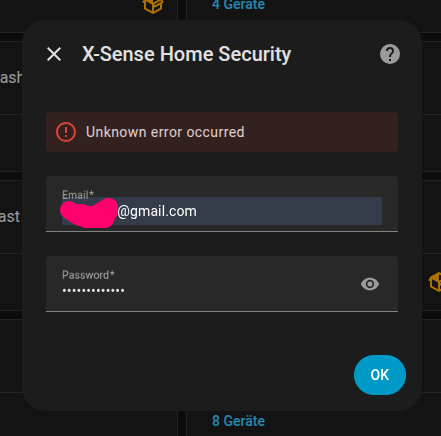
I have the same issue as @freedoc35 with the XP0A-MR sensor that even though I created a second account the log-in attempt to HA ends up with “Unknown error”. Has there been any solution for that in the meantime?
Thanks!
Best regards
Tobias
Hello,
I have the same issue as @freedoc35 with the XP0A-MR sensor that even though I created a second account the log-in attempt to HA ends up with “Unknown error”. Has there been any solution for that in the meantime?
Thanks!
Best regards
Tobias
Yes, I tested it just to be certain. I’ll simply change the sensor type… Thanks!
I tried it and they seem to work.
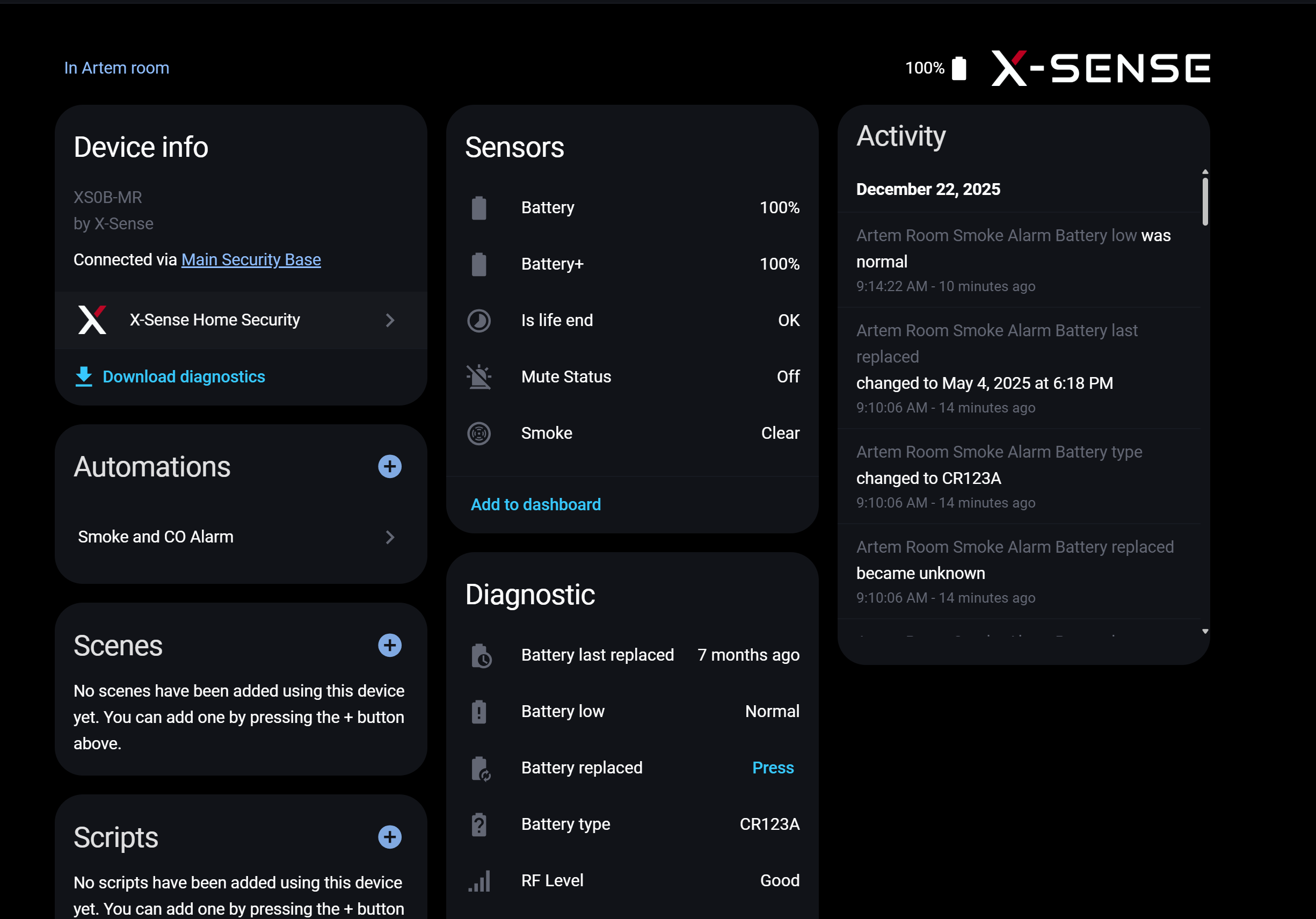
hello, i’ve installed 7 XS0B-MR and the basic station sbs50. the integration, thanks for it, found them. but i’ll miss the configuration button in the xsob-mr smoke detectors in home assistant > push for a test alarm. will it come or it is possible? i would use this also as home security for the night 
It looks like Amazon pulled all the x-sense smoke/CO alarms off the site stating safety issues.
https://www.reddit.com/r/smarthome/s/ua7MkmjOw4
This is very concerning as I just went fully in on 10+ X-sense detectors after replacing my Nest Protect’s with a known “reputable brand” (First Alert’s SC5) and having multiple false alarms from multiple devices from those SC5 devices.
You can still buy the XS0B on Amazon in Germany. It also has a TÜV certification here. Bought it 2 weeks ago.
Hey everyone!
I think i need your help…
I have bought a X-Sense system a while ago and tried to add it to my home assistant instance without success…
What happens…
I tried to debug the problem and started the home assistant dev container but the problem did not show up and everything works… 
So i enabled debugging on my live system.
After some hustle i could pin it down to the call “await session.login(email, password)” in validate_input. This one takes ages to return…
Interesstingly it doesn’t throw an exception…
I have changed to code to this:
    breakpoint()

    session = xsense.AsyncXSense()
    try:
        await session.init()
        await session.login(email, password)
    except xsense.exceptions.AuthFailed as ex:
        raise InvalidAuth(f"Login failed: {str(ex)}") from ex
    except Exception as e:
        _LOGGER.error(f"Got exception {e}")
    if not session.access_token:
        raise InvalidAuth
But none of the Exception handlers is called…
I have no clue what to do… Any ideas?
Did you create a separate X-Sense user account for the HA integration? You can apparently only be logged in in one place at a time with an account.
yes, i did… even a third and i made sure to log out. As said, it works in the Home Assistant dev Enviroment
Hello, I am french, so sorry for my bad english.
I tried to installed the last version of X-sense Security Integration in my Home assistant … and after a lot of try… the sale issue when I want to launch the integration : “500 Internal Server Error Server got itself in trouble”
I see on the logs this error :
Enregistreur: homeassistant.util.package
Source: util/package.py:159
S’est produit pour la première fois: 14:55:58 (6 occurrences)
Dernier enregistrement: 14:56:00
Thanks for posting this @Stephenjsh !
@Jarnsen, maybe your contact Sophie from Marketing can comment on this.
I bought my 2 X-Sense SC07-WX on Amazon (DE) in January 2025. No certification for Germany/EU, except for a CE logo.
I asked Prüfung und Zertifizierung von Rauchmeldern | DE | TÜV Rheinland today what the certification on the product should look like.
just for information, I tried to install an old version. And it is ok with the version V1.0.14…
so i do not know why for versions 15 to 18 I cannot launch the integration and blocked with the message “500 Internal Server Error Server got itself in trouble”
if you have an idea  thanks to help me
Hi, can you see with the version 1.0.15 the temperature in HA please?
thanks
Update on my previous post.
I had called X-Sense’s 0800 number (2 days ago on Saturday; could not leave a message), and they called me back this morning.
You can find all certificates of conformance scrolling down on the homepage going here: EU Declaration of Conformity
My SC07-WX has this certificate: https://cdn.shopify.com/s/files/1/0115/9223/7122/files/EU_DoC-SC07-WX.pdf
So I am happy with their prompt response and the result.
@Stephenjsh @Jarnsen fyi
Are you using TestFlight to join the X-Sense beta?
I joined it in the Google Play App store
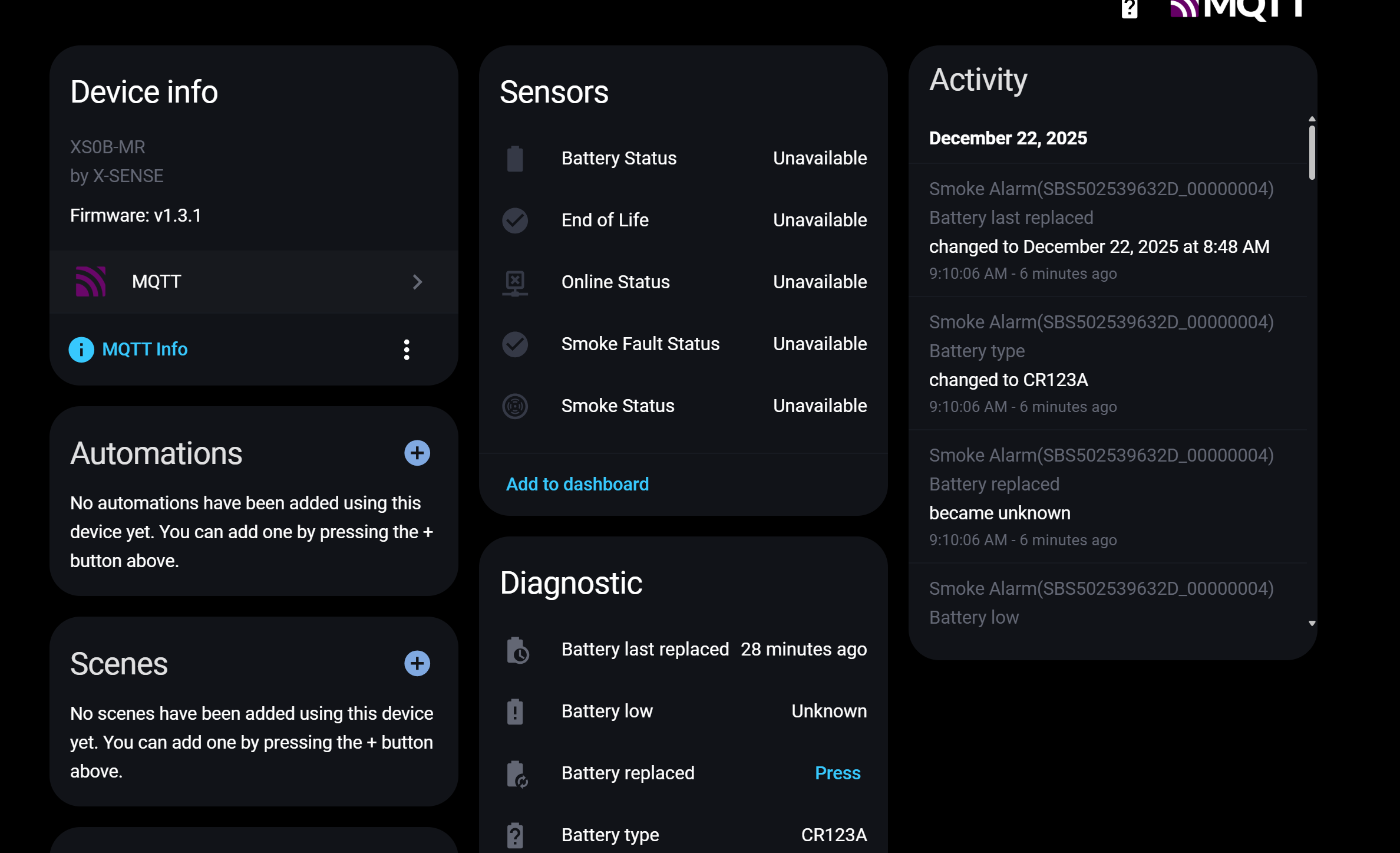
I also join Beta program on the Google App store. Mine is show everything Unavailable. Do we have to disable X-sense integration ( one created by @Jarnsen ) ?