Okay, local hub has arrived. Came FedEx and inside was a really plain box, not fancy packaging but honestly that went right in the trash. Manual is no different than the public PDF.
Overall notes
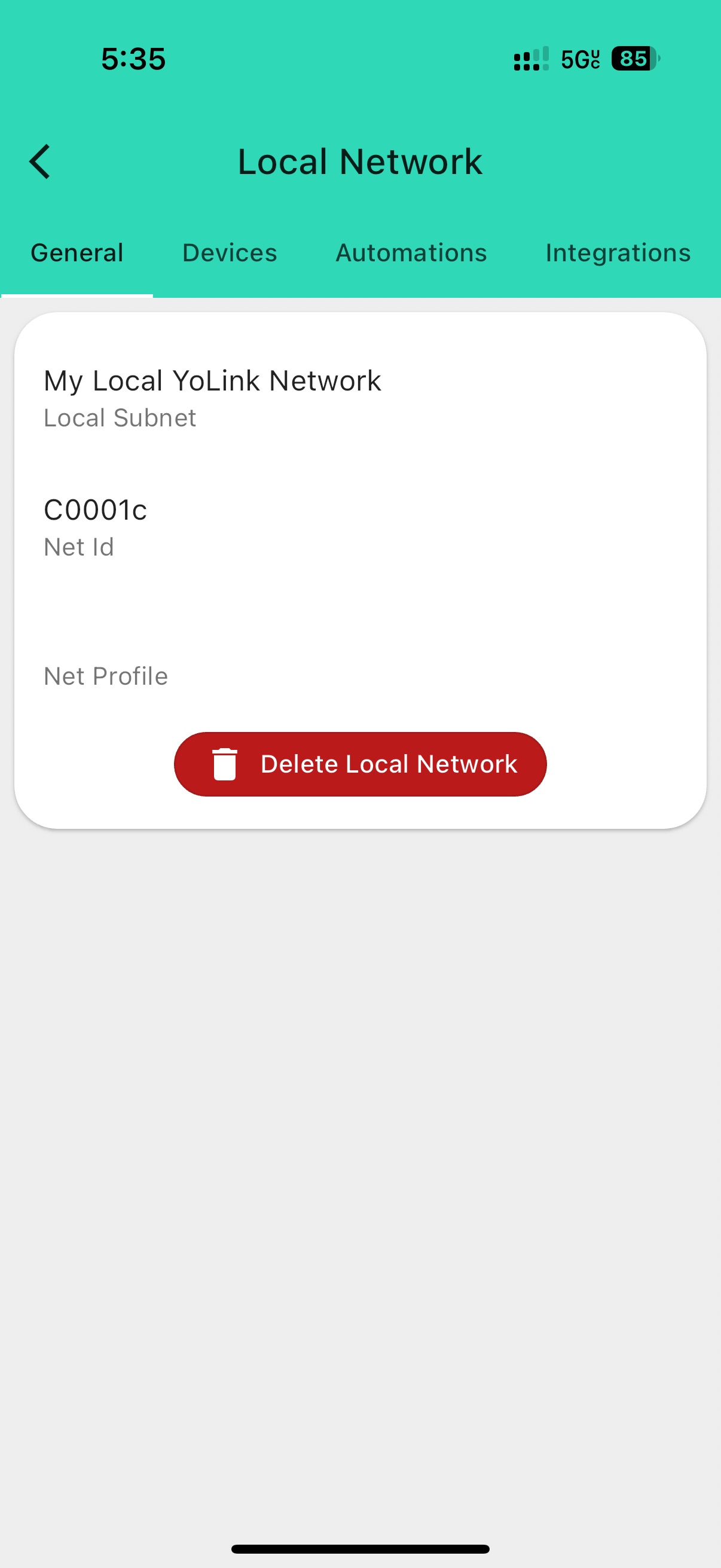
Local Network (aka Subnet) vs Cloud
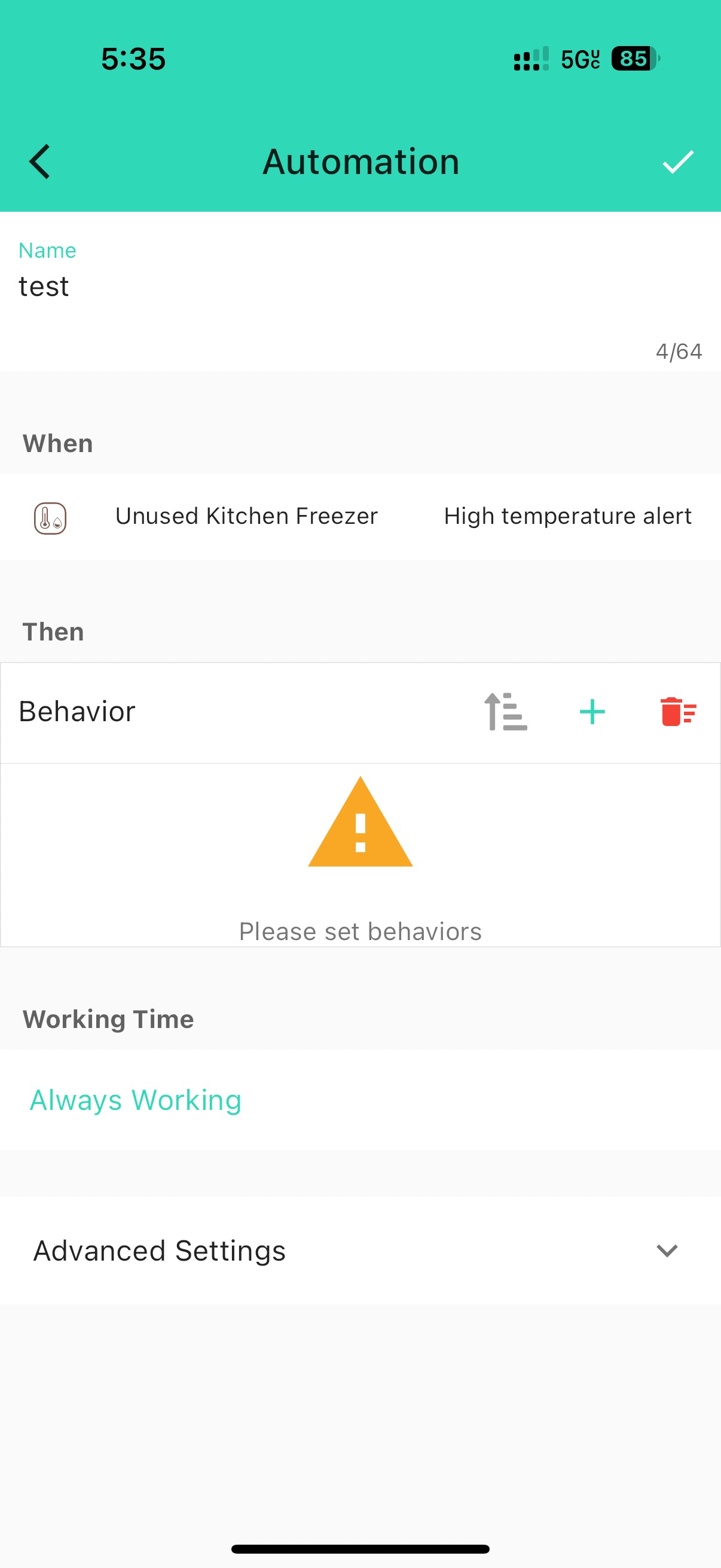
- Not called a Subnet like the docs show
- Only one local network can be created currently, but it sure feels like they may support multiple perhaps via multiple hubs. Obviously not something I can test nor do I know why you would want that in a home installation at least.
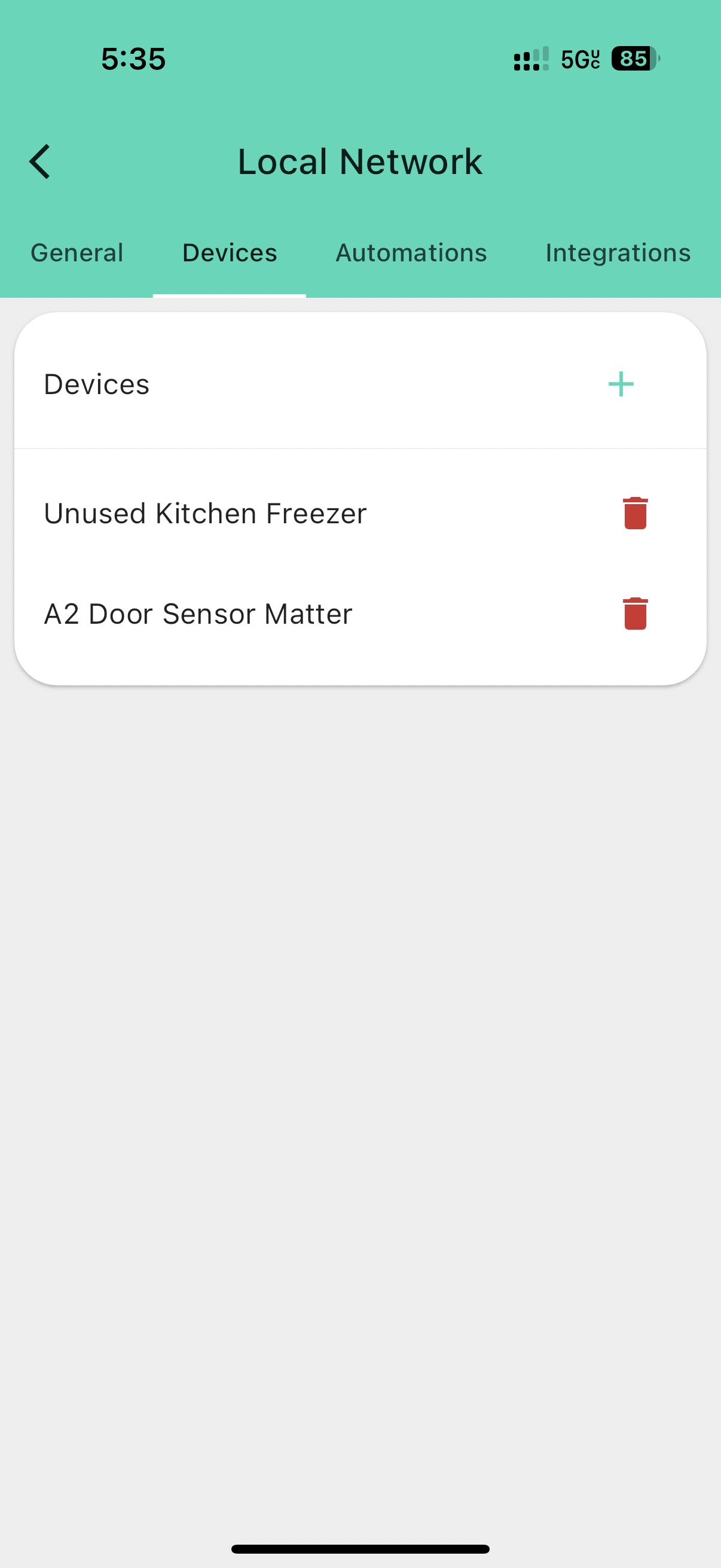
- Devices are either cloud or local and that modality is half-baked and enforced. Cloud devices are moved to local after selecting them from a local network and pressing SET/Power on the device.
- Once devices are “moved” or linked to the local network, they no longer report status updates (temp, open/close) to the cloud and the main YoLink interface on the app. In the main interface, the devices show as online though (signal strength, etc), not as offline. Interesting. I’ll have to experiment what works and doesn’t on the UI.
 Update: Devices show as offline the next day
 - No idea if firmware upgrades can be done once local, will ask YoLink
Update: Firmware version shows as “Unknown” now per above - Sad to see there isn’t a hybrid approach where cloud can also report updates, but I’ll take local over nothing! At least I can migrate devices one-by-one to ease the transition. Devices REALLY need an indicator that they are locally managed. App can also hide some of this to at least give data from the local hub if possible.
Integrations (Matter and API)
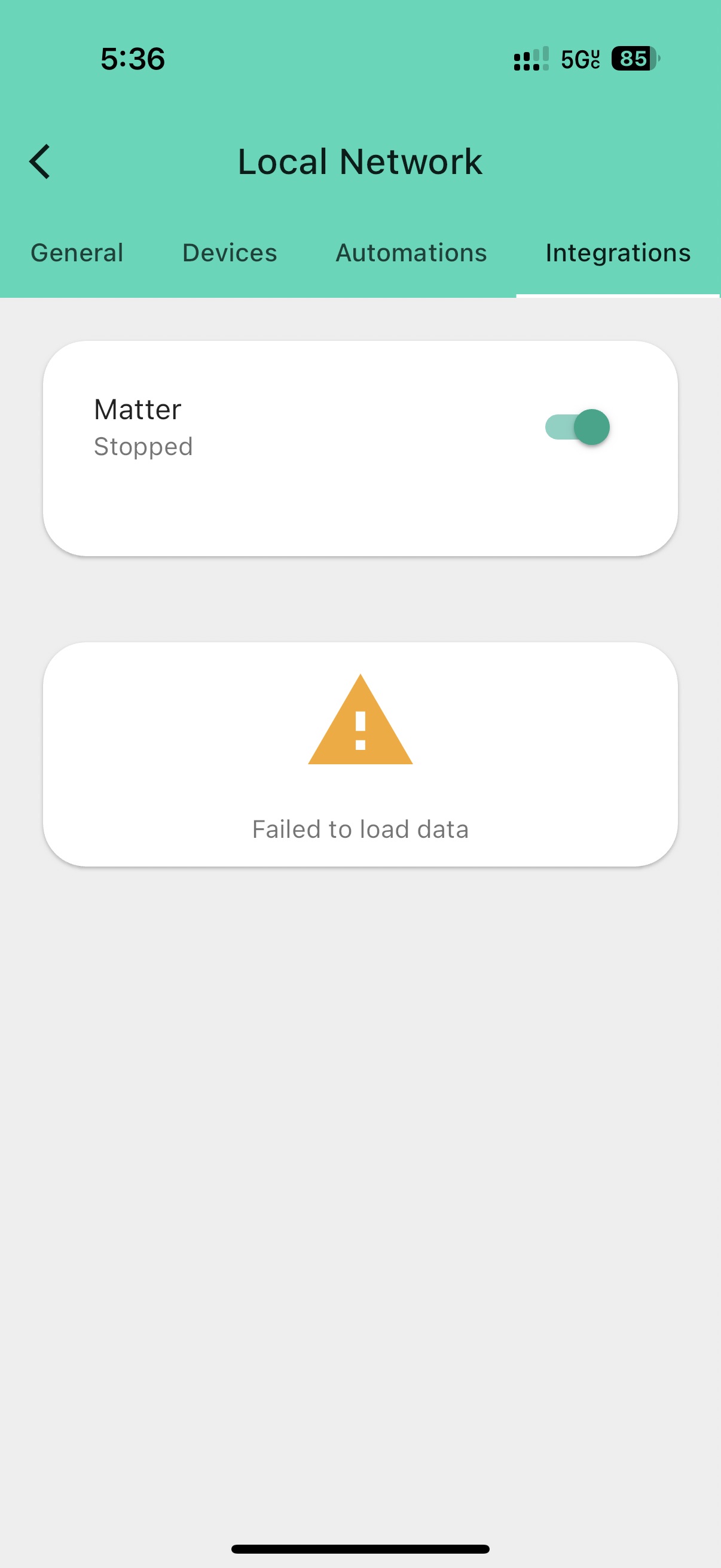
- Matter is visible, but broken. Will report to YoLink. Tried to reboot, check on and off, force restart app, different networks to no avail.
- API section is missing. I’ll nmap the device later when back on my home network out of curiosity, though. Asking them for an API spec.
- Unknown device capabilities, will test door, motion, leak, temp/humidity sensors when I can. I also have SpeakerHubs, garage control and a few others (I’ve lost track). May clearly behave differently on Matter vs API.
Local Automations
- Possible it seems, I’ll link a SpeakerHub to this. They use the cloud to generate voice, so… this will be interesting to see how that works!
- Not sure if I have any other devices that have actions, no sirens, etc… hmm. I’ll double check.
- To be honest, with local I’ll do this in HA and never here unless it’s life/safety/damage critical like a water leak sensor and valve, so very limited use cases for me.
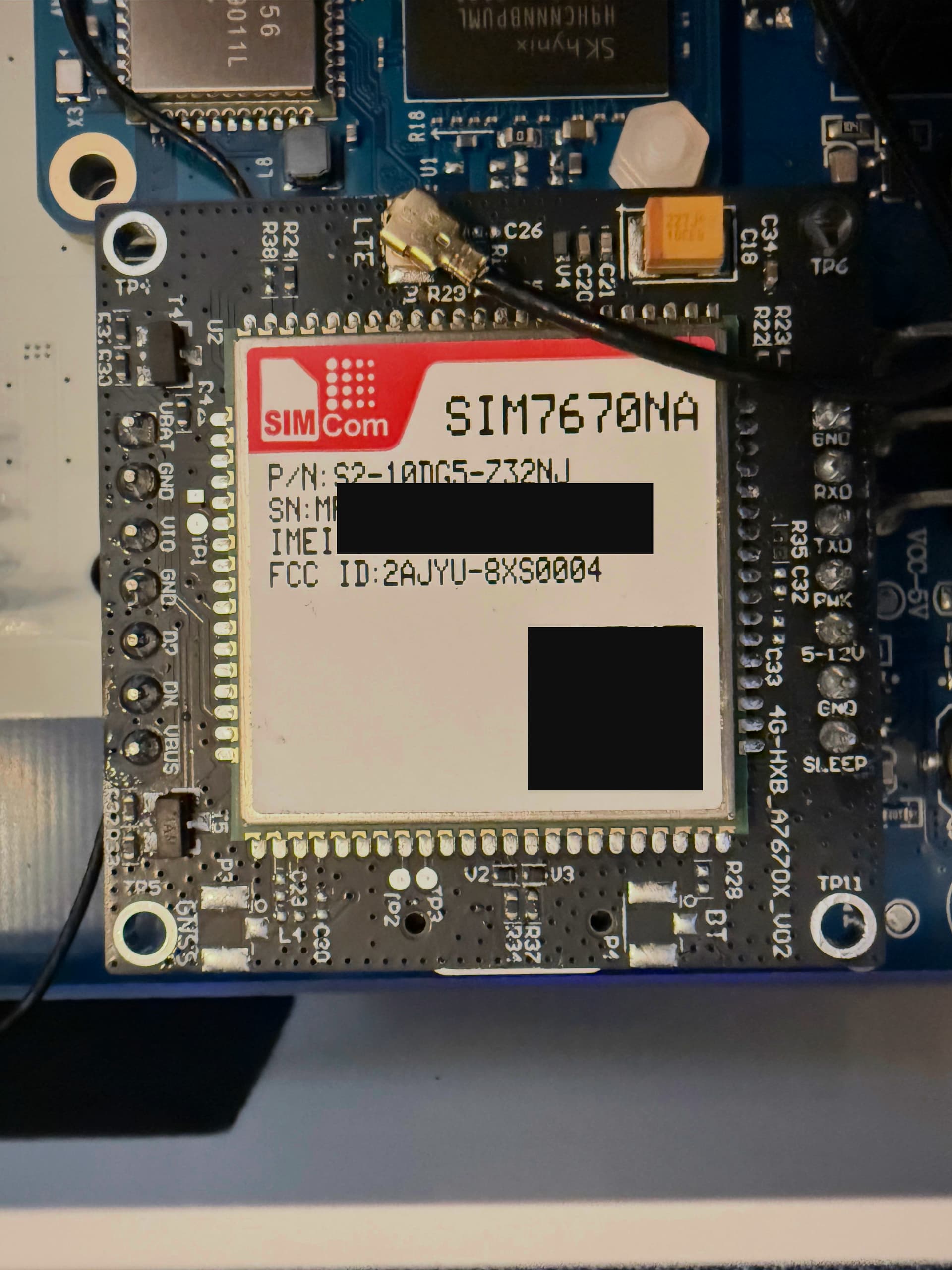
Cellular
- It disappeared! I was there when I first linked the device. I have a Pro Hub 3 and maybe that caused it to hide it.
*I canceled cellular on the Pro Hub 3 and then removed it, but cellular has not popped back up yet. Will report to YoLink.
Images
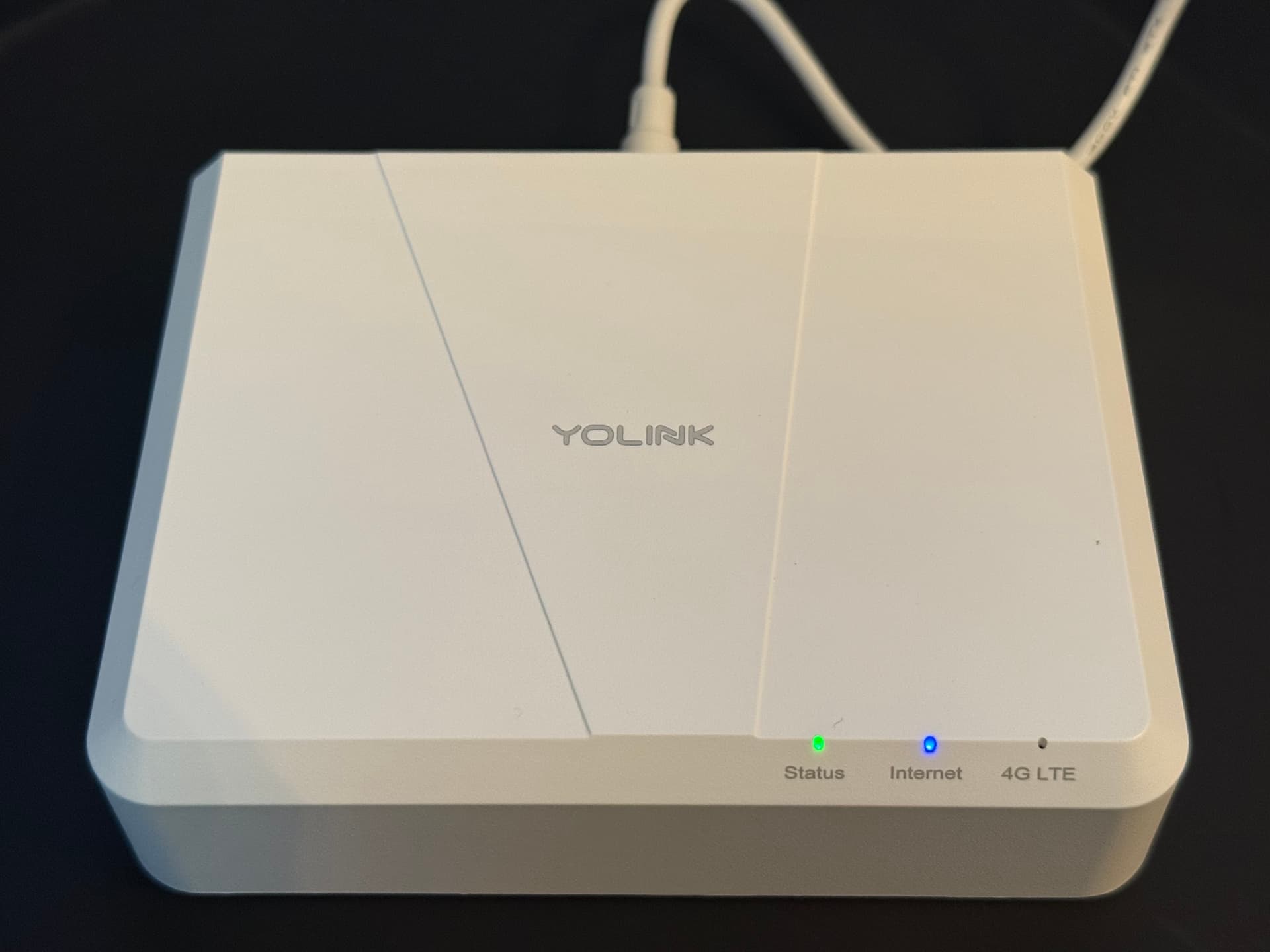
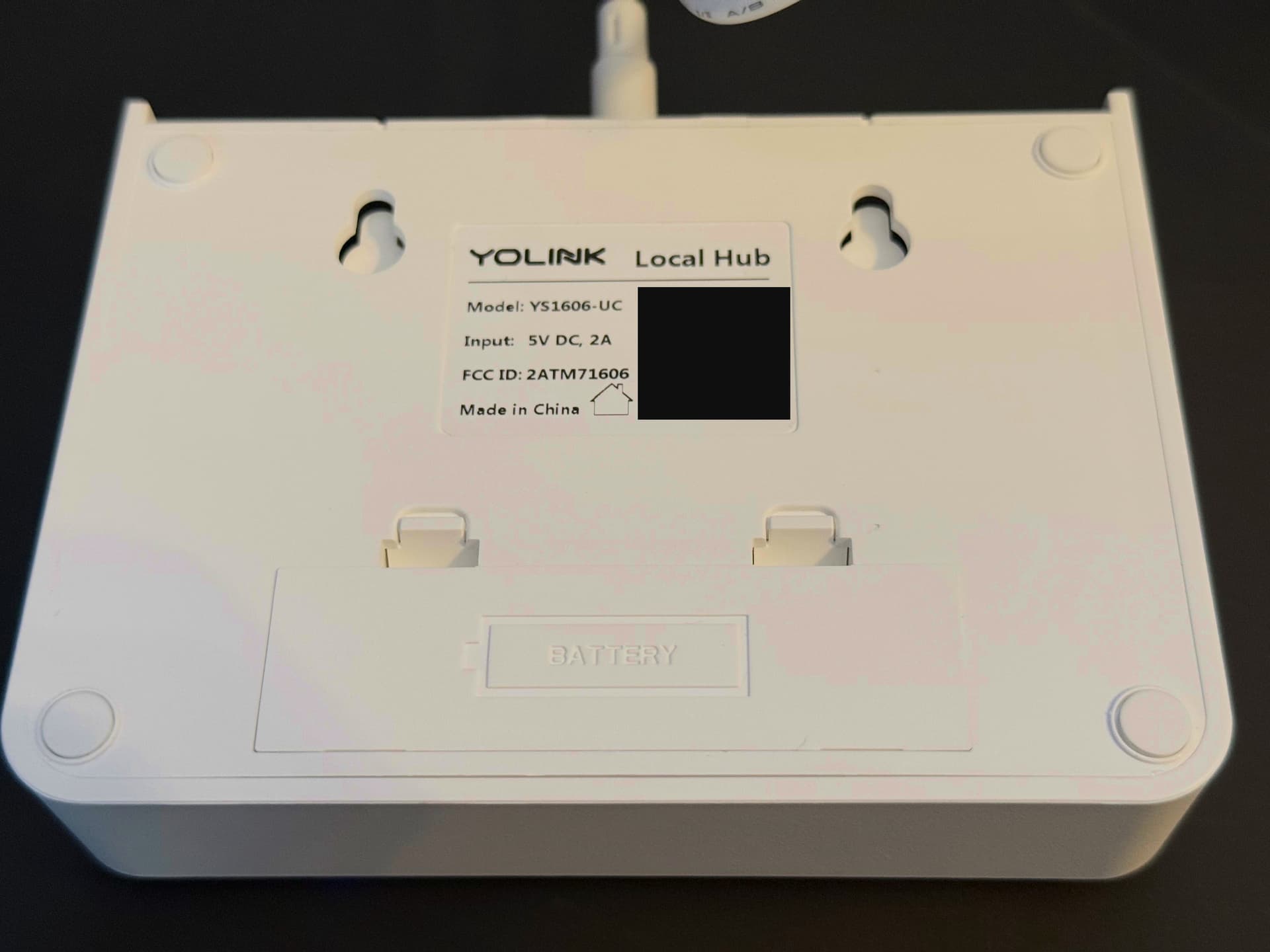
External
Nothing really to note that is special.

Internal
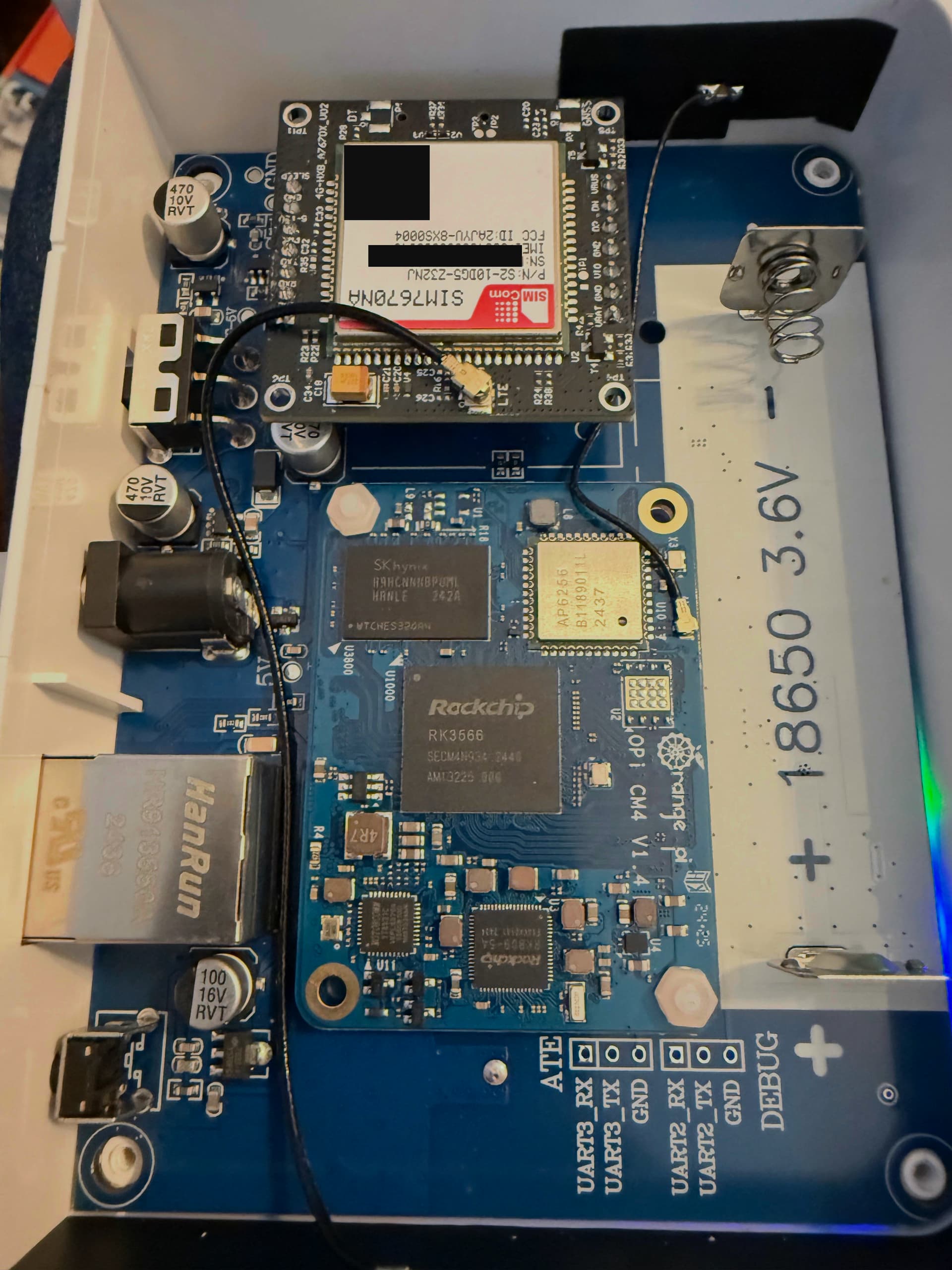
Highlights:
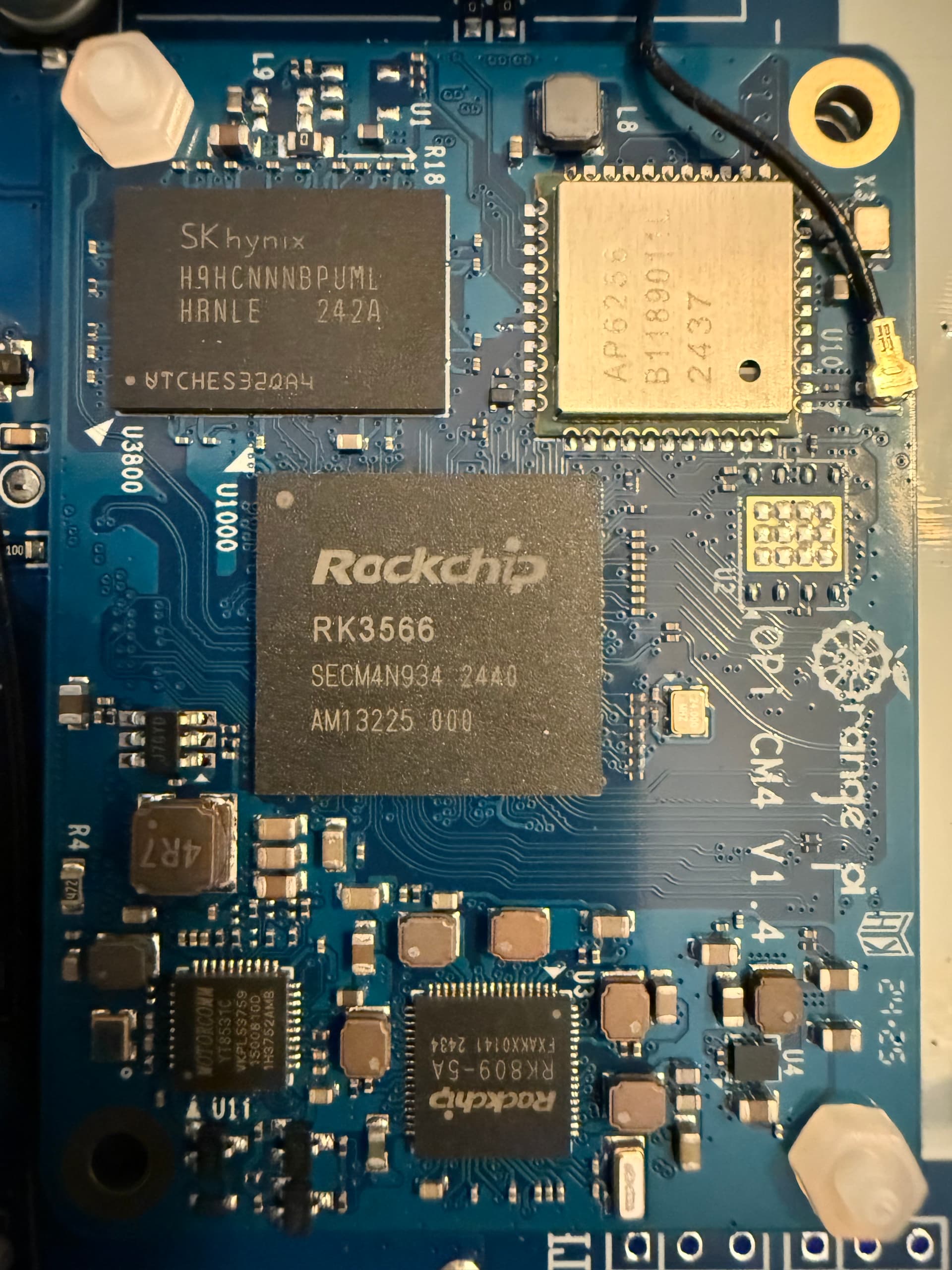
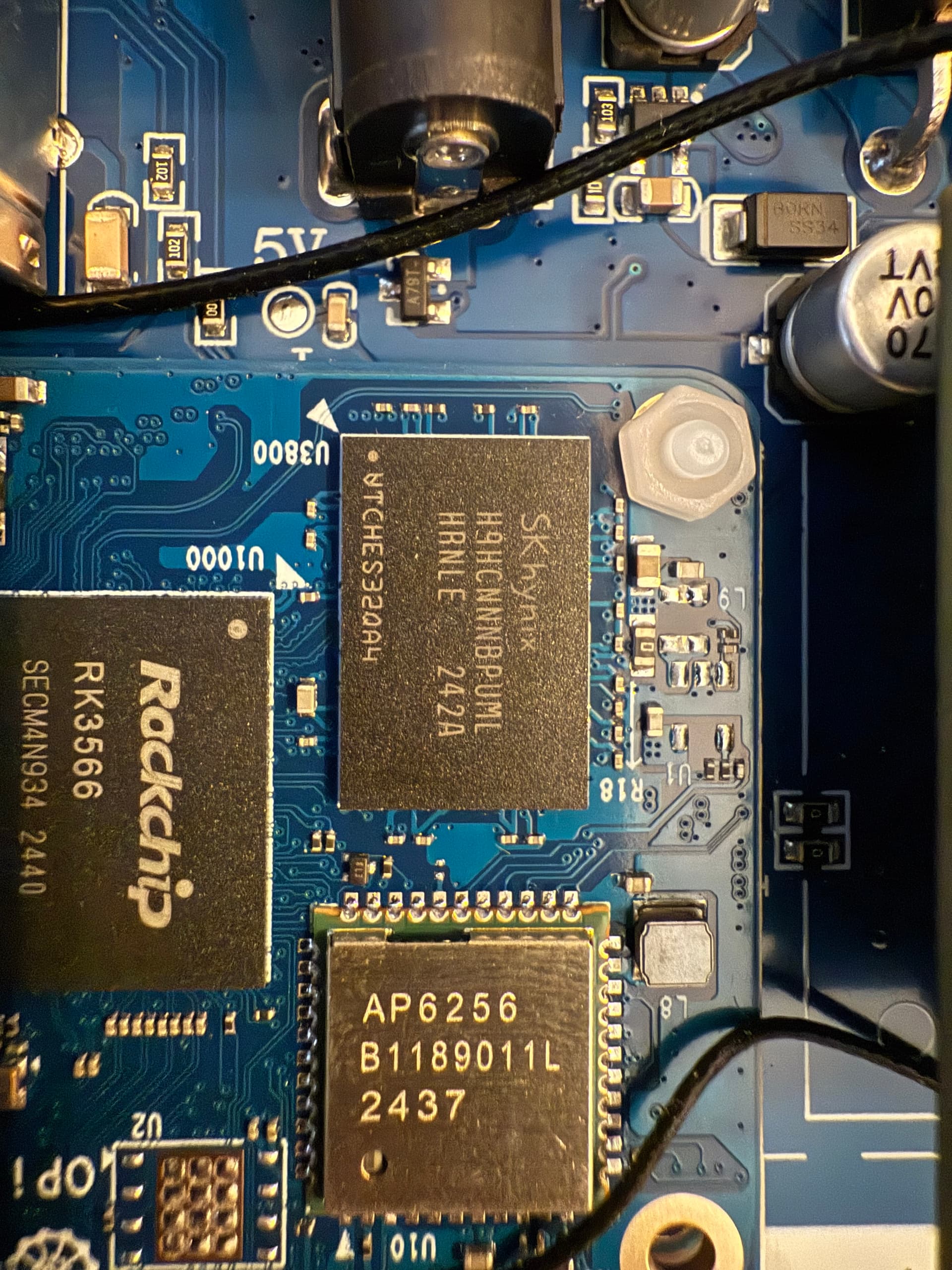
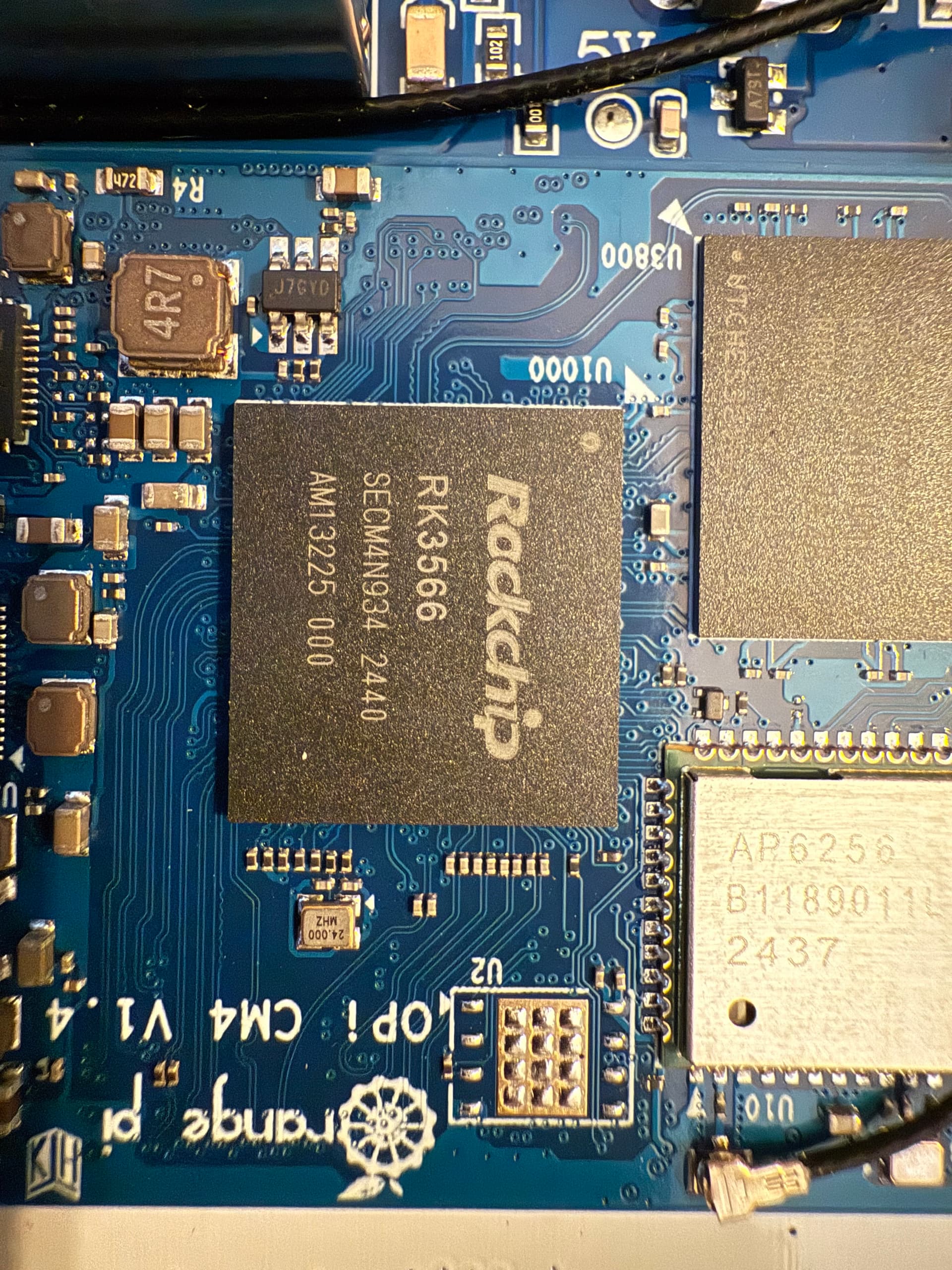
- RK3566! It’s a quad-core ARM Cortex-A55 SoC, probably at 1.8GHz but didn’t check
- This does not match the manual that says: MT7628 router-on-a-chip includes embedded high-performance CPU
- AP6256 is WiFi, a Broadcom 802.11ac/a/b/g/n WiFi module.
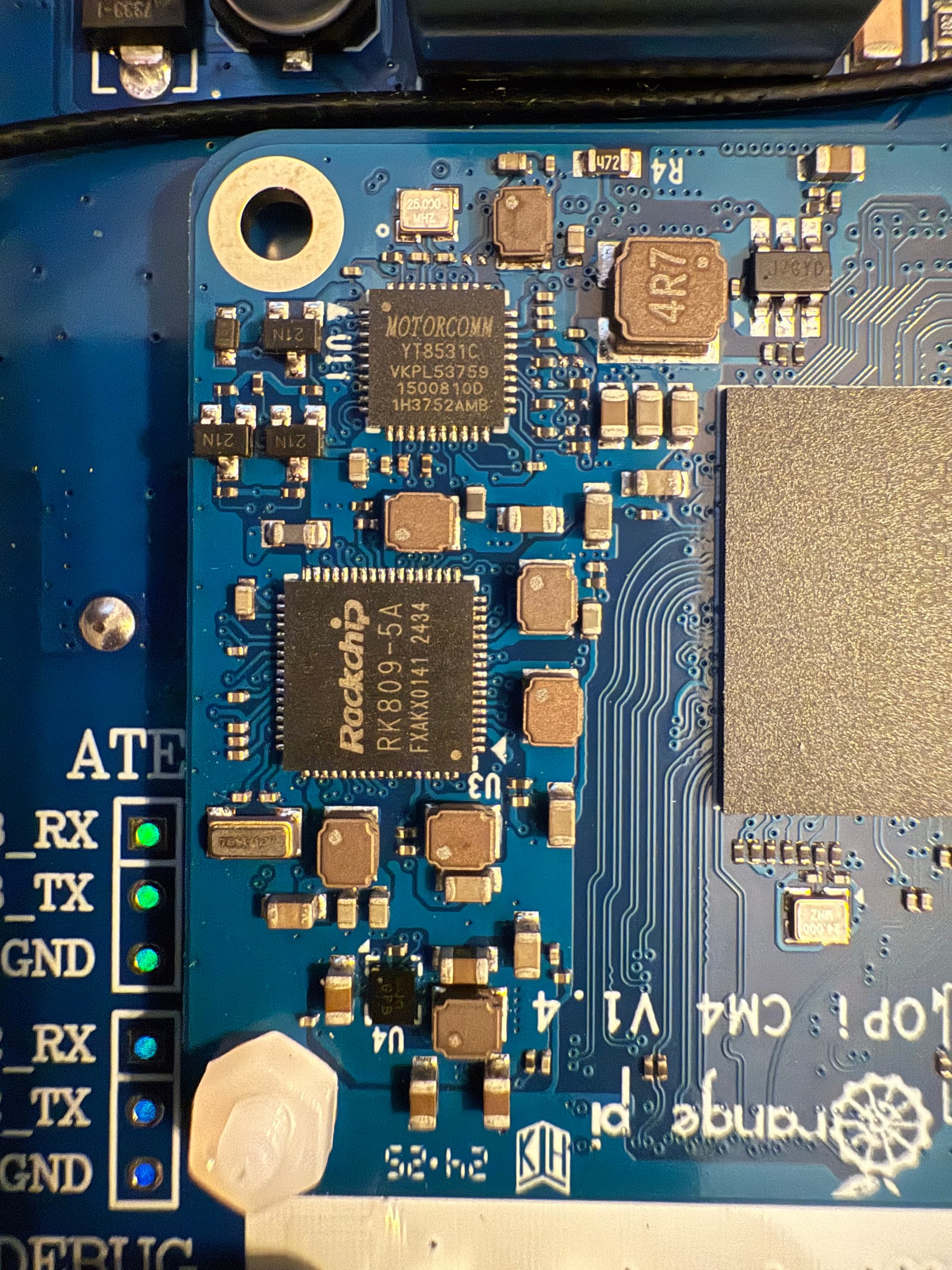
- RK809-5A is power management
- Motorcomm YT8531C is the Ethernet transceiver
- UART ports
- Two daughterboards, and I ran out of time to take it apart this evening. Will locate the LoRA chip, etc later but I think this gets the primary things out there, namely the CPU