I just finished migrating zwave to JS UI and everything is working. Instruction say to add/remove devices from JS UI but I’m not finding where to do that. The integration-add device is still there and appears to be working.
Hello dannieboiz,
In the addon. Log into the application in the addon.
1 Like
And then once in the add-on, click on the blue circle in the lower right corner…
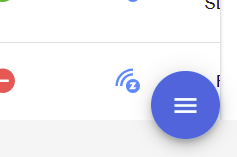
… and then on the “infinity” icon…

… which starts the steps to include a new device
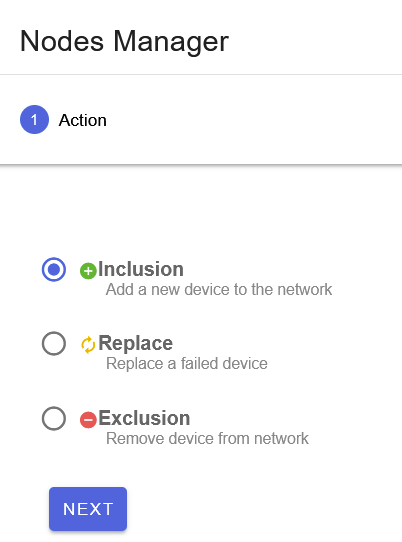
1 Like
Take a look at using Smart Start (Provisioning Entries) to add devices. I like using Smart Start because I can exclude a device and then have it re-included automatically w/o having to look at the DSK again. It’s also how you can select long range, too.
Plus, I feel it’s a bit of a last-resort backup. I have all of my devices listed there.
I can copy-n-paste between my iPhone and my Mac, so I scan the QR with my phone then paste it into the Provisioning Entries. I then edit the device and add name and location. You can scan directly if you have HA running with SSL, If I remember correctly.
Go to the Smart Start page in ZUI, lower right menu button and select the Scan icon. I then click on “Text” as I paste in the scanned QR code value:

The edit action is on the far right of the device listing.