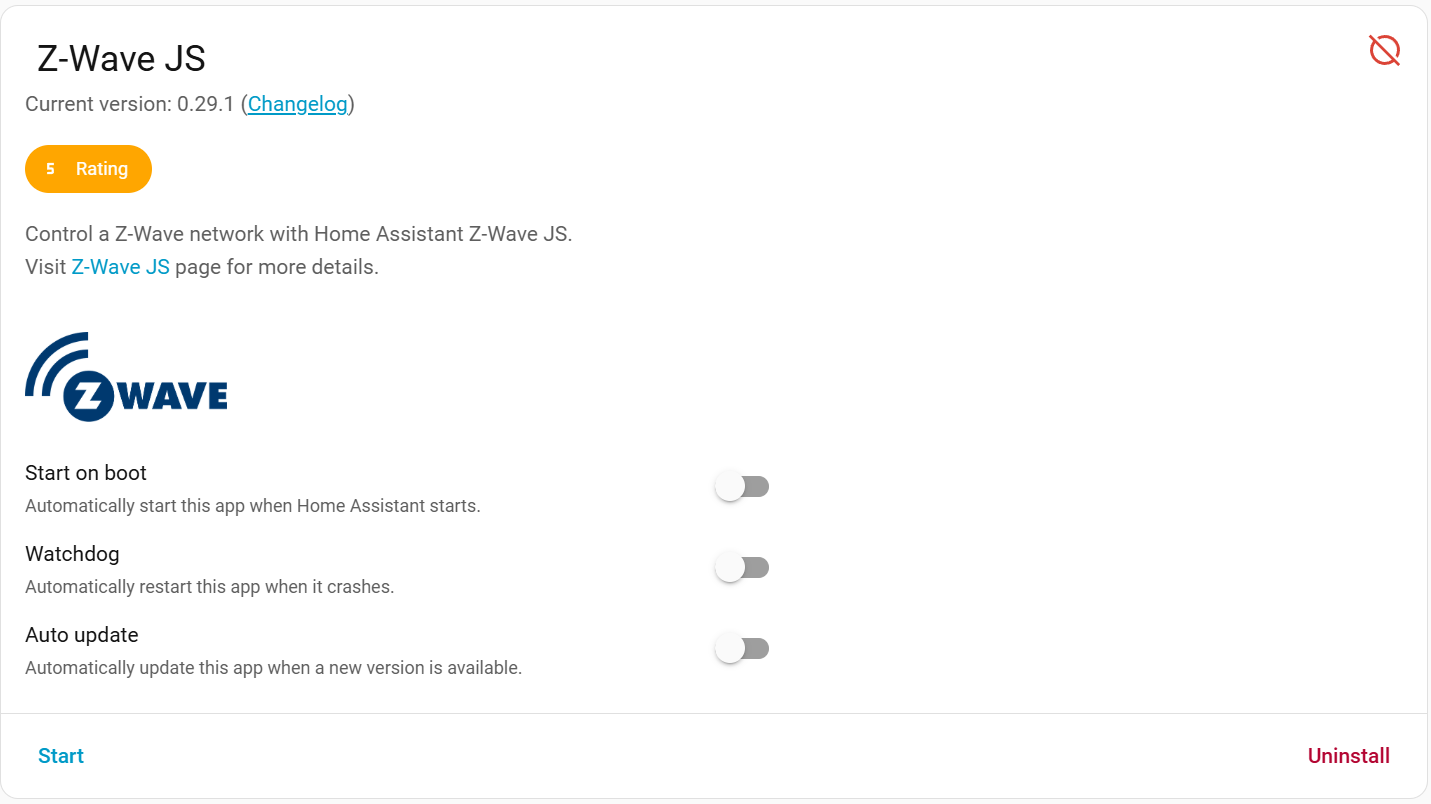
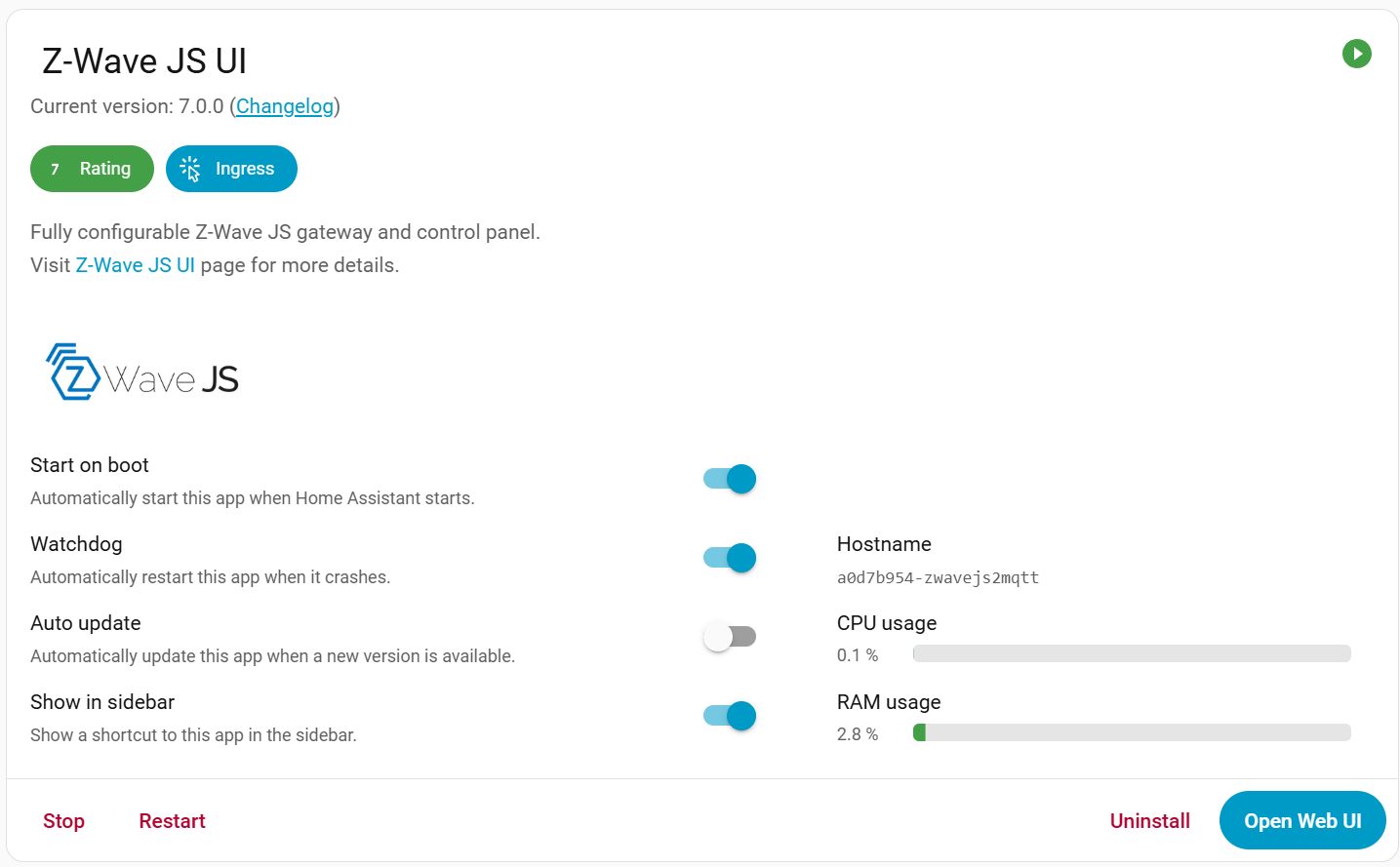
Hello all! I am a newcomer to HA but have smart home experience back to the X10 days. I recently migrated dozens of zigbee, z-wave and WiFi devices from Smartthings to HA on a Pi5, 8GB with an NVME. With a few exceptions everything is working as expected. I did choose to install Z-wave JS UI over the built in Z-Wave JS as most of what i read said i’d have advanced features. I still have the HA Z-wave JS installed, but it has never been started. I have a couple of questions I was wondering if anyone could answer.
Question #1: Recently a Z-wave JS update showed up in settings from 0.29.1 to 1.0.0. However, i don’t know which Z-wave setup this will update, the Z-wave JS UI or Z-Wave JS. Can anyone tell me if i need to perform this update and which version it is updating?
Question #2: In another area, I am showing that I am running Z-wave JS UI version 7.0.0. The naming conventions are very confusing. Does this include z-wave JS 1.0.0 or is this version reference just the UI part?
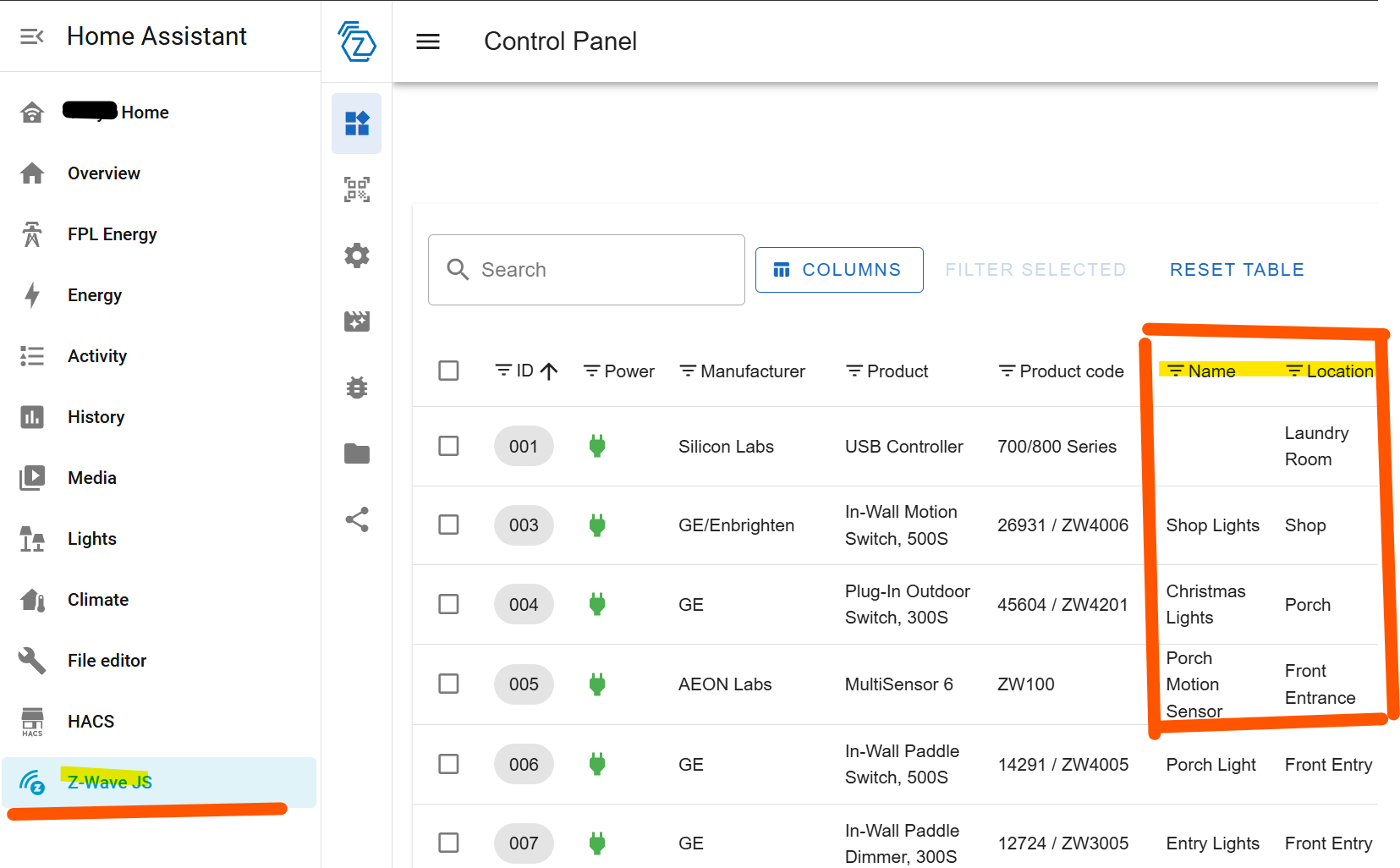
Question #3: When i add a Z-wave device, I get the normal inclusion page and I add it accordingly. When i click on Z Wave JS in the side panel, I see the device appear as “Node XX”. It shows the manufacturer and device model, but the device name and location never update from the inclusion page and I have to manually update them in the UI - see image. Is this normal behavior?
I have restarted the system many times during my installs and everything seems to work. I just need to fully understand what i am dealing with so i know how to manage this in the future.
Go to the Z-Wave integration settings and check the Server URL, it will indicate whichever app you are using. Uninstall the one you are not actually using.
The update to Z-Wave JS app v1.0.0 means the core app now includes Z-Wave JS UI. This duplicates the functionality provided by the community Z-Wave JS UI app, so they are essentially identical now.
Freshcoast, thank you for your reply. Both apps are not running at the same time, and never have been. I didn’t realize that HA had the original ZW JS app preinstalled when I installed the ZW JS UI app. I can tell you that everything is working correctly except the naming thing and I don’t want to break anything after installing so many devices. Changing the name from NodeXX to the actual device name is not the end of the world, but it seems strange behavior. I am going to provide four images below and perhaps you can advise on my next action, if any. Thank you in advance!
Ok, that’s good, the core app is not running nor managed by HA.
For now this upgrade does not affect you. You can delete the core Z-Wave JS app if you want. In the future you will want to migrate, or I expect you will be required to (a guide will be provided). Today though, nothing changes for you.
As for this question, currently naming only goes in one direction. If you change a device name in HA, it will not propagate to Z-Wave JS UI. For that reason I recommended always performing inclusion within Z-Wave JS UI so you can name it first. In that case, the name will propagate to Home Assistant.
Removing the core Z-Wave JS app is fine, it’s not being used. Leaving it is fine too, but it just causes confusion. Of course, if you want to uninstall it but are worried, make a backup first.
I am in this same situation. Trying to migrate from Zwave JS UI (6.1.2) to Zwave JS (1.1.2). When I do, I lose all of my node names and locations and all of my dashboard entity cards break. I’ve tried exporting nodes.json from ZUI community add-on, stopping the add-on, starting the Core Zwave JS add-on, then going into the web ui and importing the nodes.json file, but no luck.
Even though my json file appears to have all the data needed, the result is still blanks for the names and location fields in the web ui, and broken dashboard entities references.